Video meetings
Bring your team and AI agents into the same call. Share your screen, align on next steps, and keep decisions moving in real time.
Team member

AI agent
Flow Agent
Notes, summaries, and next steps live
5:54


 AI
AI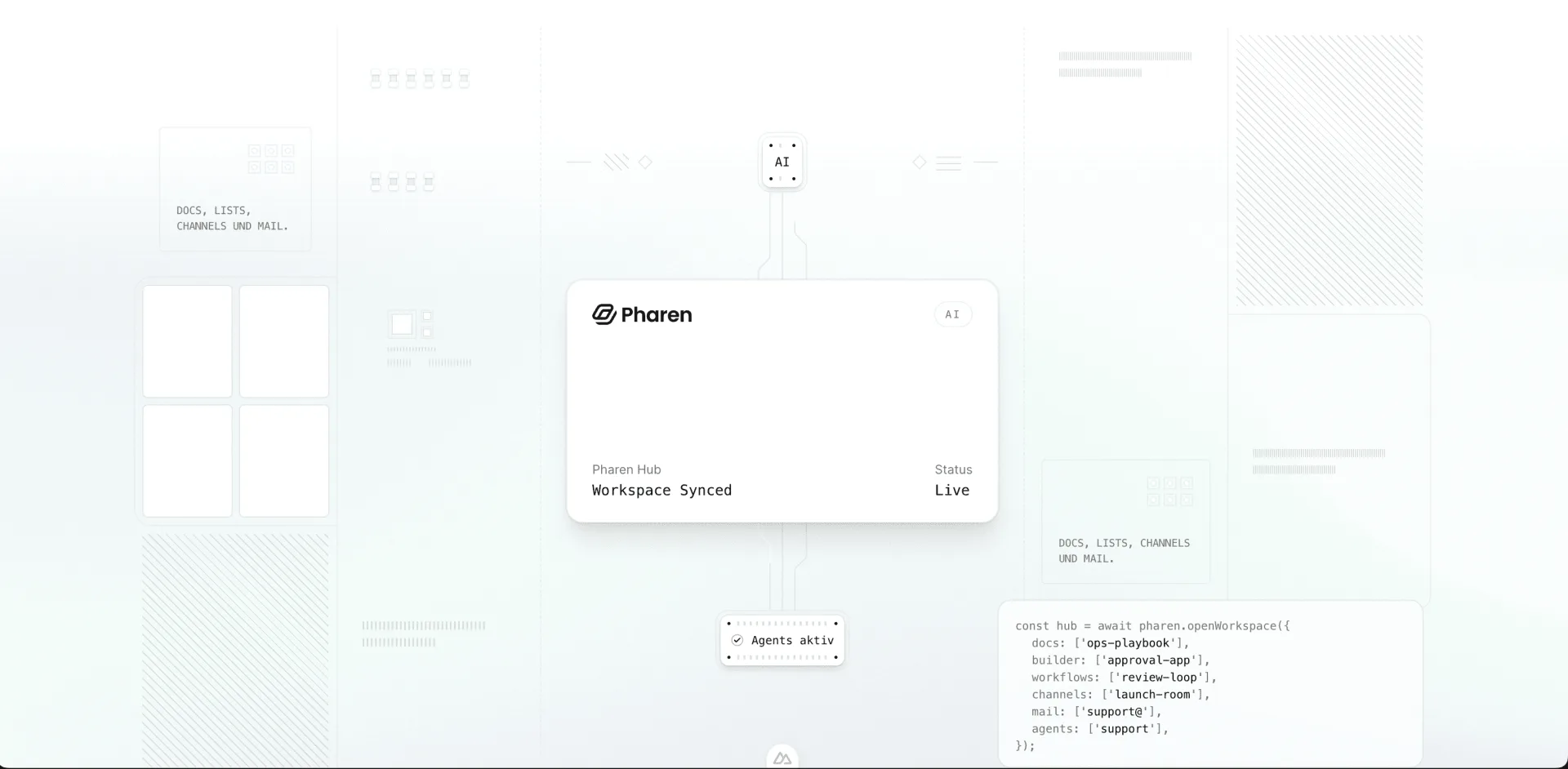
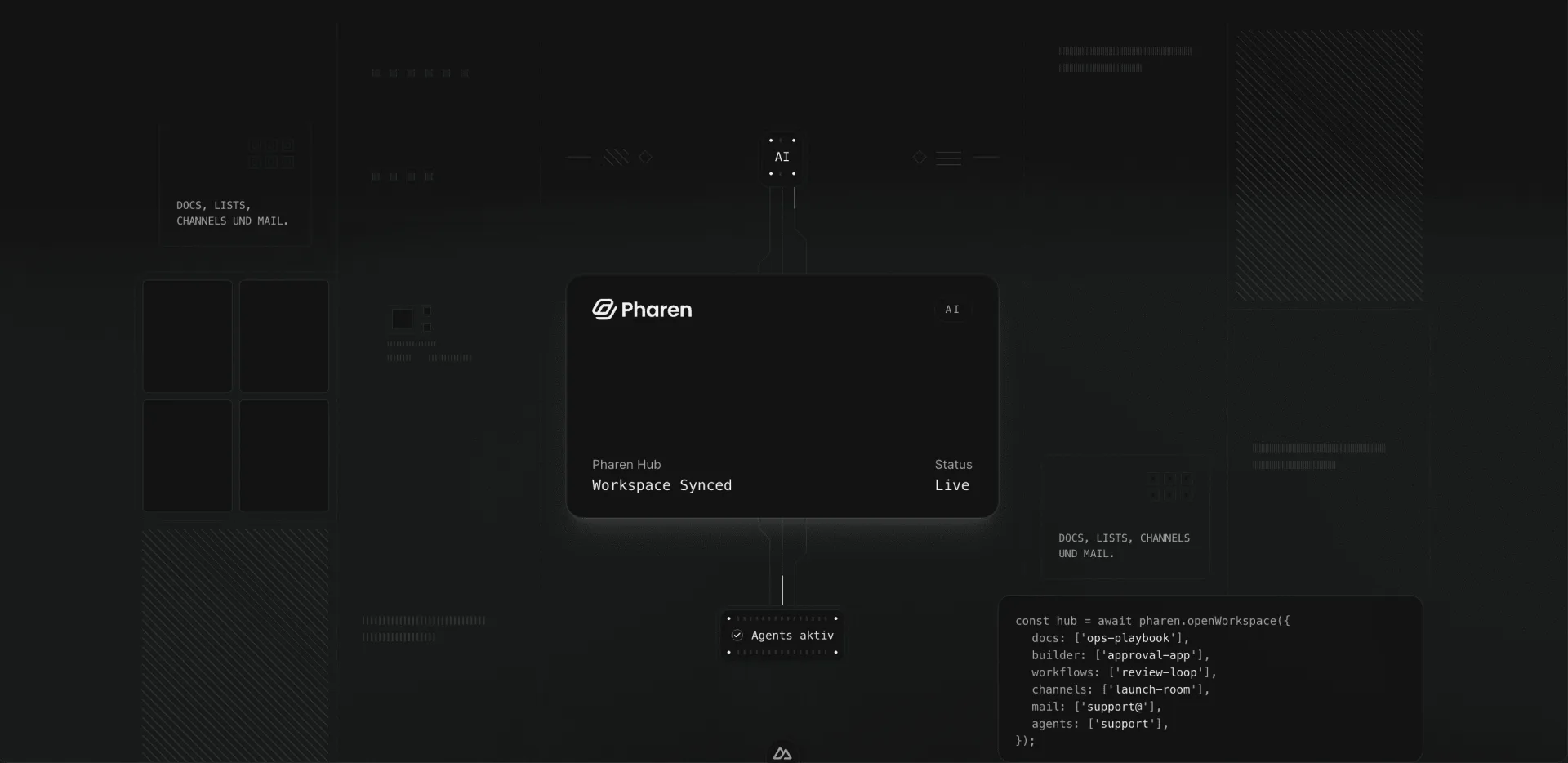
How the Hub works
AI. Chat, agents, and the App Builder connect assistance and execution in one shared operating context.
Data. Docs and lists keep knowledge, tasks, and source data in one place.
Functions. Workflows and mail connect approvals, automation, and communication in one continuous flow.
Web App. The web app is the central surface for control, collaboration, and transparency.
Mobile App. The mobile app keeps approvals, updates, and decisions moving even when the team is away from the desk.
Bring your team and AI agents closer with built-in video calls, team chat, flexible lists, and smart scheduling so humans and agents can plan, coordinate, and move work forward in one place.
Bring your team and AI agents into the same call. Share your screen, align on next steps, and keep decisions moving in real time.
Keep conversations in context. Chat in threads, react with emoji, and keep every update tied directly to the work.

Store your data once and open it in different views. Switch between list, Kanban, and calendar layouts without losing context.


Schedule meetings directly in Pharen Hub. Share the agenda, invite the right people, and keep RSVPs in one place.

Configure the controls your organization actually needs: granular permissions, budget guardrails, approved AI models and providers, and stronger account security from day one.
Define who can access which workspace areas, require stronger sign-in policies, and set clear guardrails for spend and AI usage across your teams.
Control access by team, workspace area, and responsibility so each person sees only what they need.
Set spending limits and approval rules for teams, workspaces, or AI-heavy processes before costs drift.
Choose which models and providers are allowed so teams work only with approved AI infrastructure.
Protect logins with two-factor authentication and stronger access rules for internal and external users.
Beyond collaboration and governance, Pharen Hub helps teams write faster, coordinate across locations, and turn goals into clear execution plans.
Put AI and agents to work inside the workspace. Use agents with custom code and skills so they can work across the Hub with the right tools and context.
Coordinate specialized agents in one workspace. Route context, ownership, and next steps through a shared operating layer.
Turn goals into coordinated next steps. Plan delivery with priorities, owners, and progress that stays visible to the whole team.