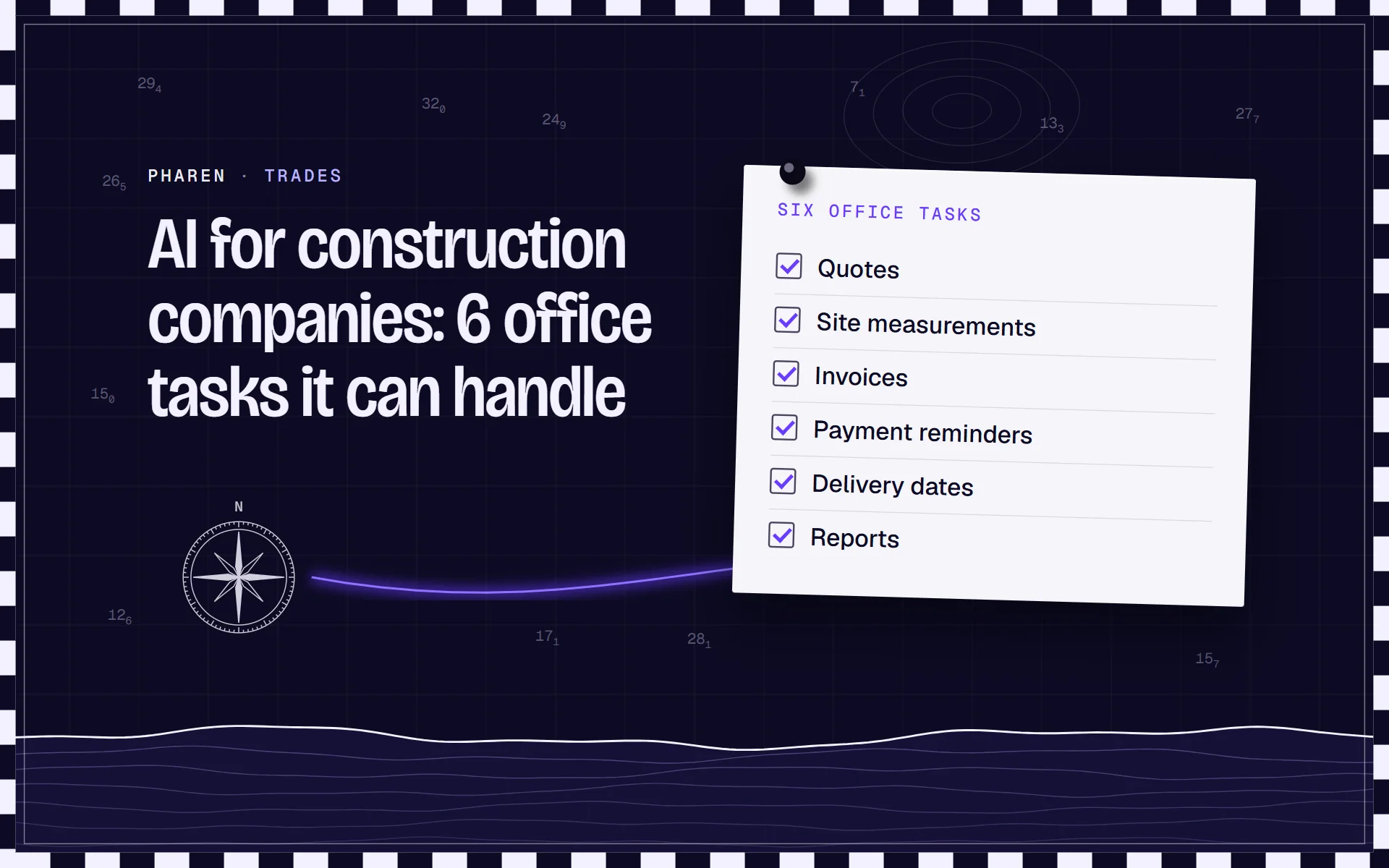
AI for construction companies pays off in the office first: in quotes, measurement lists, incoming invoices, payment reminders, delivery dates and site reports, wherever the same task comes up dozens of times a month. A roofing company in Saxony saves about 12 hours and €1,500 a month on incoming invoices alone, while the work on the roof is still done by hand.
The examples apply to roofers, electricians, plumbers, joiners and other skilled trades businesses, which Germany groups together as Handwerk. The German Confederation of Skilled Crafts (ZDH) counted 1,038,126 such businesses at the end of 2025 and estimates their turnover for 2025 at about €783 billion. In a survey of 504 of them by Bitkom, Germany’s digital industry association, only 4% used AI in 2025 and another 9% were planning to.
72% of the businesses in that survey said they were too busy to deal with digitalisation, and 59% thought it only paid off for larger businesses. Much of that busy work is desk work after hours, and that is where AI helps most easily.
What is AI for construction companies?
Search for AI in construction and you find drones, robots and cameras that spot damage on a roof. Those rarely fit a business that sends three vans out in the morning and sorts invoices in the evening. By AI we mean language models that read texts, PDFs, photos and voice messages, pull out what matters and write drafts. Workflows add to that: they pass work on, send reminders and run checks according to fixed rules.
The place where this kind of AI works reliably today is the office. A task suits it if it passes the following test.
How to spot a suitable office task
- It comes up often. Ten times a month is the minimum, a hundred times is better.
- It arrives messy. As a PDF, email, photo or voice message, in a different layout every time.
- The goal fits in one sentence. For example, every invoice gets its job site and goes for approval.
- A person can check the result quickly. A draft that takes longer to check than to write helps nobody.
If you want help finding these tasks in your own business, our AI opportunity analysis collects them with the people who do the work. In half a day it ranks them by effort and benefit.
In a special survey by the ZDH in 2023 with more than 10,000 participating businesses, 74% said their bureaucratic workload had grown over the previous five years. 54% named record-keeping and documentation duties as a heavy burden.
Which office tasks can AI take over?
These six tasks come from the daily work of a trades office. For each one, AI prepares and a person decides.
Quotes from the enquiry and earlier quotes
In a trades business, a quote is often put together in the evening from three things: the enquiry, the price list and a similar quote from last year. Finding them takes longer than the calculation.
An agent can take over that part. It reads the enquiry, whether it arrives as an email, a web form or a transcribed voice message, picks matching items from your earlier quotes and sets up a draft with items, quantities and text. If something is missing, such as the roof area or the tile the customer wants, it drafts a follow-up question to the customer. Costing, price and sending stay with the master craftsman (Meister) who runs the business.
A language model does not know your purchase prices and must not invent any. Prices come from your price list or your costing software, and the AI only fills them in. We have no case with measured figures for trades quotes yet, so we give no numbers here. How enquiries arrive and get routed before a quote is written is covered in our post on AI lead management.
Site measurements from a voice message
The measuring itself stays manual. In German trades this is the Aufmaß, the measured quantities a business bills by, and a photo of a roof does not replace a folding rule. Estimating lengths from pictures is too imprecise for billing, and every error comes straight off the margin.
AI helps with the step after that. Whoever is on the scaffold speaks the measurements into a voice message or photographs the note. In the office, that becomes an ordered measurement list with items, units and quantities, ready for the quote or invoice. The AI flags uncertain values, such as an illegible figure, for a follow-up question.
A calculation rule does more here than any model. A workflow works out areas from length times width, deductions for openings and allowances for offcuts exactly by formula.
Incoming invoices at Hobeck
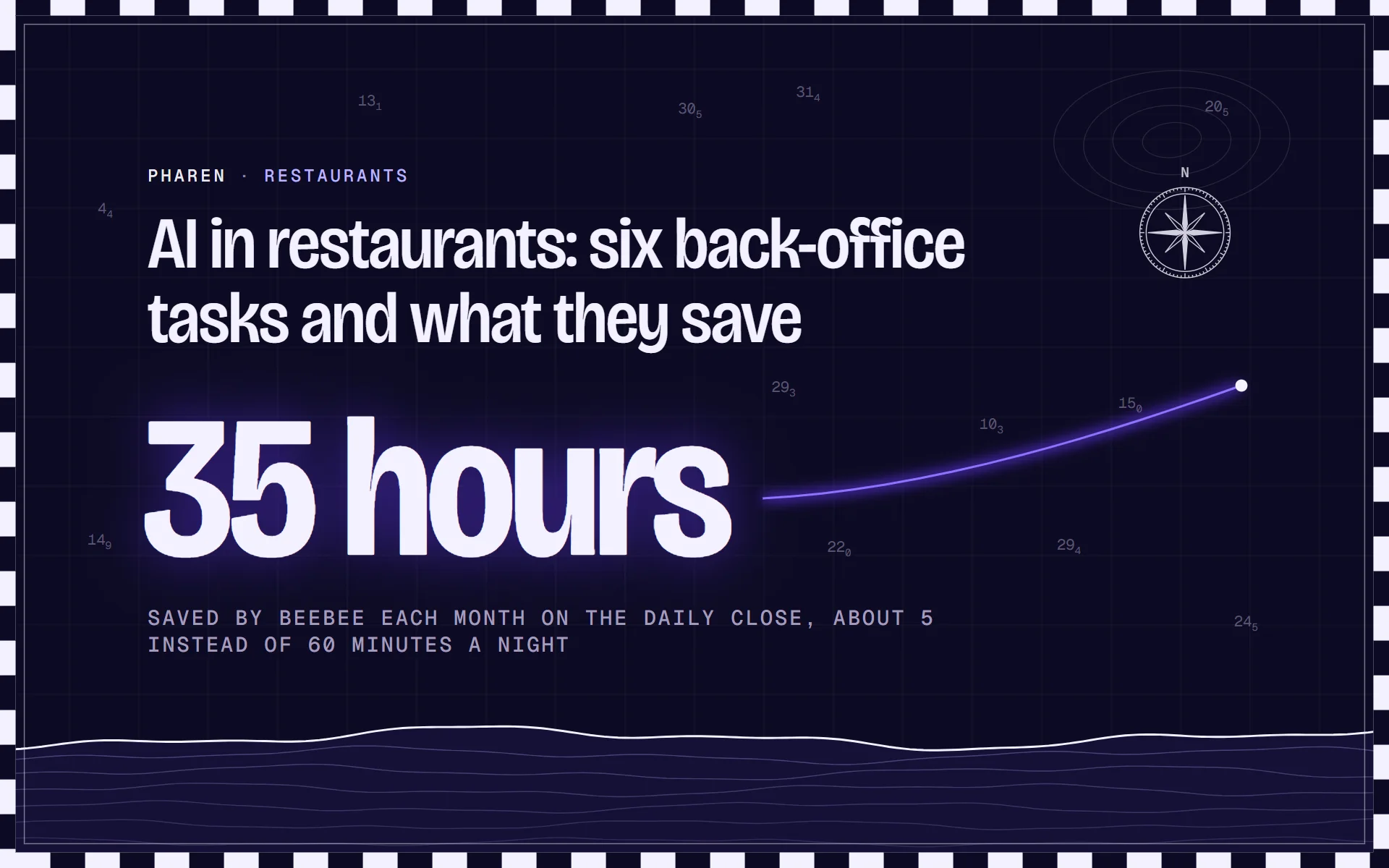
Hans Hobeck u. Söhne Dachbau GmbH, a roofing company in Belgern, receives about 160 invoices a month for materials, tools and vehicles. Someone used to type in the supplier, invoice number, amounts and due date and find the job site from the delivery note or order. That took about 5 minutes per invoice, more than 13 hours a month.
Today an agent team reads every invoice, fills in 8 fields and suggests the job site. Check rules stop invoices with missing details and about 4 possible duplicates a month. Above a set amount, management approves, and only then does the data go to DATEV, the German accounting software. What remains per invoice is under 30 seconds.
That saves about 12 hours a month. At €39.60, the cost of an hour of labour in German construction in 2025 according to the Federal Statistical Office (Destatis), that is about €475. Because invoices are now approved after 1 to 2 days instead of often more than 7, Hobeck also takes about €1,000 a month in early payment discounts (Skonto). The whole process and the calculation are in our post on automating incoming invoices and in the Hobeck case study.
Payment reminders in the right tone
Overdue invoices cost a trades business real money, because nobody likes chasing them. The customer is a neighbour, the property manager brings the next job, and the reminder gets put off.
Whether an invoice is overdue follows from its due date, and a workflow checks that every morning by rule. AI helps with the tone. For each overdue invoice it drafts a reminder that suits the customer relationship, different for a regular customer than for a property developer, and attaches the invoice and earlier correspondence.
A person sends it after checking that no payment is on its way and no complaint is open. When each reminder stage applies and which fees you may charge, you decide with your tax adviser or lawyer, and the AI only applies that rule.
Delivery dates from the inbox
The delivery date for the tiles usually sits somewhere in the inbox, in an order confirmation or delivery notice, often as a PDF. An agent can read these emails, pull out delivery date, quantity and job site and compare them with the planned start on site. If a delivery date falls after the start, it alerts whoever plans the week.
Planning itself stays with people. Who goes to which site depends on the weather, on the experience of the crew and on the customer who can only do Thursday after all. A model cannot weigh that. It can turn twenty supplier emails into one list with the three problems at the top.
Site reports from photos and voice notes
Nobody in the trades likes writing site reports, acceptance records or defect notices, yet they are needed, at the latest in a dispute over a claim for extra work. AI helps well here because the raw material already exists: photos on the phone and a voice message on the drive home.
From those, AI produces a report with date, job site, work done, materials used and open points. Pharen Hub has a module called Clips for this. You record audio or your screen, the AI writes a transcript with speakers, summarises it and turns the transcript into a task list. The site manager reads the report, adds to it and approves it.
Photos from a site sometimes show people, number plates or neighbouring properties. Settle beforehand where recordings and reports are stored and who may see them.
Where does AI help, and where is a fixed rule enough?
| Task | AI prepares | Person decides | Is AI needed? |
|---|---|---|---|
| Quotes | Draft from enquiry and earlier quotes | Costing, price, sending | Yes, for reading and writing |
| Site measurements | List from voice message or note | Measuring and checking | Yes, for reading |
| Incoming invoices | 8 fields and job site | Approval | Yes, for reading |
| Payment reminders | Draft in the right tone | Checking and sending | Only for the text |
| Delivery dates | Dates and quantities from emails | Weekly planning | Yes, for reading |
| Site reports | Report from photos and voice | Reading and approval | Yes |
Checking due dates, calculating areas and sending reminders are jobs that fixed rules do better than any model. AI pays off wherever something has to be read, understood or written.
What does it add up to for a roofer with twelve people?
Here is a worked example with open assumptions. A roofing business with twelve people handles 100 incoming invoices, 25 quotes, 60 site reports and 20 payment reminders a month. We assume AI saves about 4.5 minutes per invoice, 15 minutes per quote, 5 minutes per report and 5 minutes per reminder.
| Task | Per month | Minutes saved each | Minutes saved |
|---|---|---|---|
| Incoming invoices | 100 | 4.5 | 450 |
| Quotes | 25 | 15 | 375 |
| Site reports | 60 | 5 | 300 |
| Payment reminders | 20 | 5 | 100 |
Together that is 1,225 minutes, a little over 20 hours a month. At €39.60 an hour it comes to about €810, plus any early payment discounts on invoices that you miss today.
On our side, the first agent costs from €1,999 once and support from €199 a month, plus VAT, plus the AI usage costs. Building all four processes at once costs more than one agent, so we recommend starting with the process that pays off on its own. Under these assumptions that is incoming invoices: 7.5 hours or about €300 of working time a month, plus discounts. Quotes follow once the first process runs.
Count your own tasks for a month and use this formula: number of tasks times minutes saved, divided by 60, times €39.60. Then set the result against the costs above.
How do you get started?
- Pick one process. The one that annoys you most and comes up most often. For most businesses that is incoming invoices or the inbox.
- Count for a month. How many tasks, how many minutes each, what gets left lying.
- Bring in the person who does it. They know where the exceptions are. At Hobeck it was the missing job site.
- Set approvals. Paying, sending a quote and replying to a customer stay with a person. The AI prepares.
- Keep your existing software. Hobeck still books with DATEV. An agent works on top of the programs you already use.
- Train the team. People who know what AI can do and where it gets things wrong check drafts faster and do not trust them blindly.
What are the limits, and when should you skip it?
The AI guesses where it should ask. A language model likes to fill gaps with plausible values. With prices, measurements and amounts that is dangerous. Good processes flag uncertain values and stop instead of filling them in silently.
Everything at once. Switching quotes, invoices, reminders and site reports over at the same time overwhelms any office. One process that runs cleanly convinces the team more than four half-finished ones.
Forgetting the job site. Many off-the-shelf programs have no field for a job site or job number. If your processes depend on it, check that before you buy.
Data without a plan. Customer data, photos and invoices do not belong in any random chat window. Decide beforehand where the data is processed. Pharen Hub can also run in your own cloud or on your own server.
When to skip it. A business with three people, 20 invoices a month and one quote a week rarely needs its own agent. The receipt recognition in your accounting software and an AI assistant that the team uses deliberately and with rules are enough there. Your own process pays off once a task takes up many hours a month.
Frequently asked questions about AI for construction companies
Which office tasks are best suited to AI in a construction company?
Tasks that come up often and arrive messy suit AI best: incoming invoices, enquiries and quote drafts, and site reports from photos and voice messages. Due dates and reminders are better handled by fixed rules, which need no language model.
How much does AI cost for a small construction business?
With us, the first agent costs from €1,999 once and support from €199 a month, plus VAT, plus the AI usage costs. Training for the team starts at €499 per session, plus VAT. Whether it pays off depends on how many hours the chosen process takes today.
Will AI replace office staff in a trades business?
In our projects it takes over typing, searching and chasing. Approvals, costing and contact with customers stay with people. At Hobeck, the office gained about 12 hours a month for other work.
Do we need our own IT people to use AI?
No. A service provider like us handles the build as part of implementation, and the team learns in a training session how to check drafts and use AI safely. If you have an IT service provider, we bring them in.
Can we keep our existing trade software?
In most cases, yes. An agent works on top of the programs you already use, at Hobeck on DATEV. How well the connection works depends on whether your software can take in and hand out data, and we check that beforehand.
Summary
AI for construction companies and other trades businesses pays off today in the office, wherever enquiries, invoices, reminders and reports are read and written dozens of times a month. The work on site stays manual, and in the office the owner still decides. Start with one process, count before and after, and build from there. If you want to know which process in your business pays off first, get in touch, and if your team wants to practise first, start with a training session.