

Incoming Invoice Process
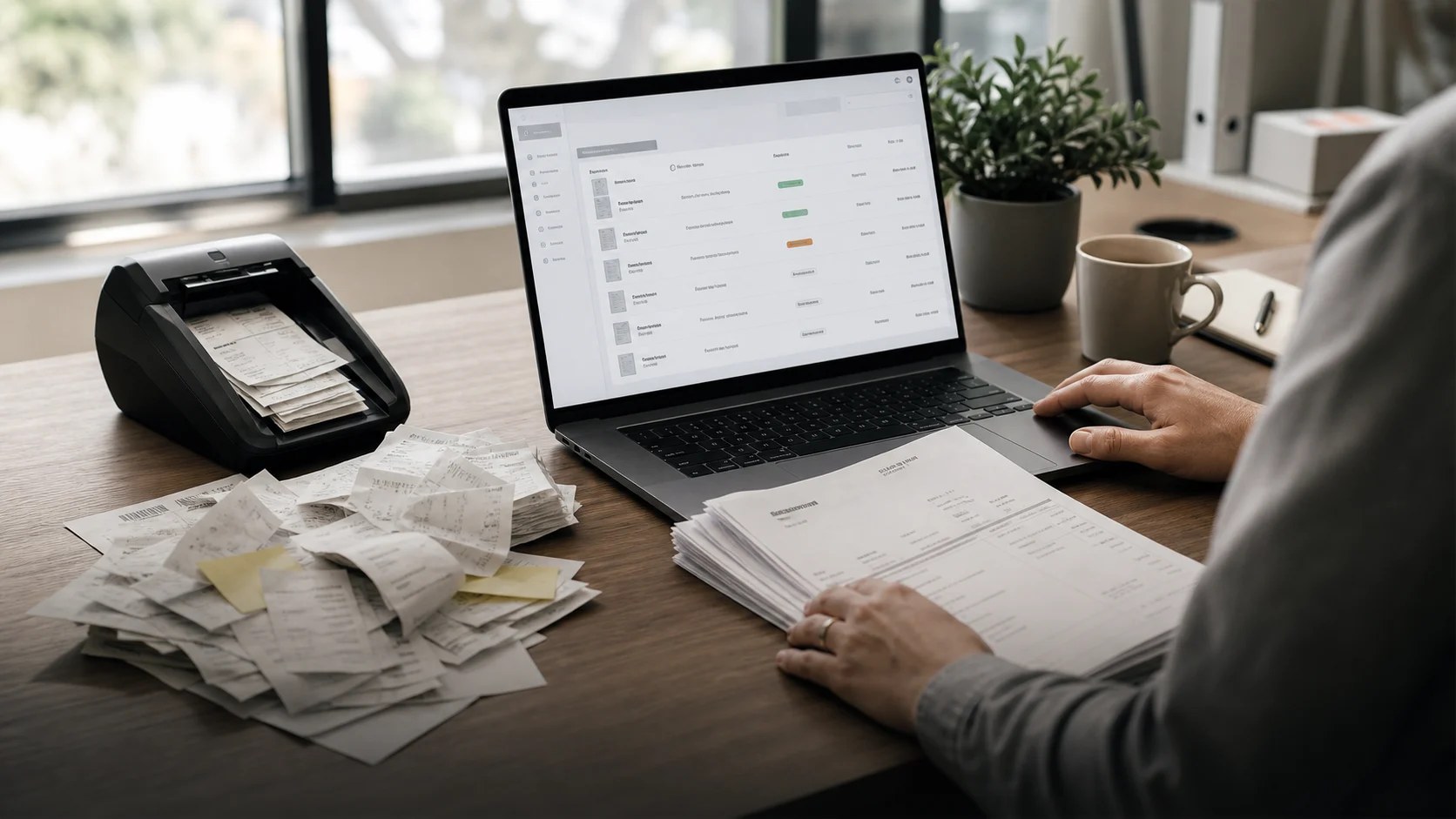
Invoices arrived through different channels: email attachments, uploads, forwarded messages and sometimes only after someone asked again. The actual process never lived in one place. An invoice could already be paid, still wait for approval or sit somewhere between an inbox and accounting.
The goal was not to introduce a heavy finance system. It needed to become a calm process the team could use every day: invoice comes in, data gets checked, the right person approves it, the decision is documented and the handoff is clean.
Before
The workflow depended too much on individual people. Whoever saw an invoice first had to know where it belonged. Questions lived in separate threads. When someone was away, context was often missing.
Common questions were:
- Is this invoice already in the system?
- Who needs to approve it?
- Is a cost center or purchase order missing?
- Has anyone already asked the supplier a question?
What changed
We shaped invoice intake as a small workflow. Every new invoice first lands in one place. Then the key information is prepared: supplier, amount, due date, owner and status.
Instead of searching through email, the team works from a list with clear states. Open, in review, waiting for approval, approved, handed off.
What we built
- one intake for email and uploads
- automatic capture of supplier, amount and due date
- checks for missing information
- approval with ownership, comments and history
- handoff to accounting or the tax adviser with the relevant context
- reminders when an invoice waits too long
Why it works day to day
The workflow does not make the decision for the team. It simply shows where each invoice stands and who needs to act next. Responsibility stays with people, but the search work disappears.
Every morning, the team can see what is open. Questions stay attached to the invoice. Approvals are traceable. And when someone later asks why something waited, the answer is no longer spread across three inboxes.
The workflow in detail
- An invoice arrives through the defined intake and receives a unique process ID.
- Supplier, amount, invoice date and due date are prepared and marked for review.
- Required fields, possible duplicates and missing assignments become visible.
- The responsible person reviews the record and either approves it or asks a question.
- The decision, comment and timestamp stay attached to the record.
- Only then is the invoice handed to accounting or the tax adviser.
Automatic capture is preparation, not an accounting or payment decision. Unclear values remain visible and require confirmation by a responsible person.
Measurement and limits
Operational improvement can be evaluated with indicators generated by the workflow itself:
- time from intake to first review
- time to approval
- number of overdue open invoices
- share of records with missing required information
- manual corrections after automatic capture
This case study deliberately avoids a generic time- or error-saving claim. Defensible figures require a defined baseline and a sufficiently long comparison period. Tax review, payment approval and accounting decisions remain with the responsible people and systems.
Result
A loose email process became a clear working area. Invoices arrive in a more structured way, approvals move faster and the handoff to accounting is less error-prone.