

Asset Management
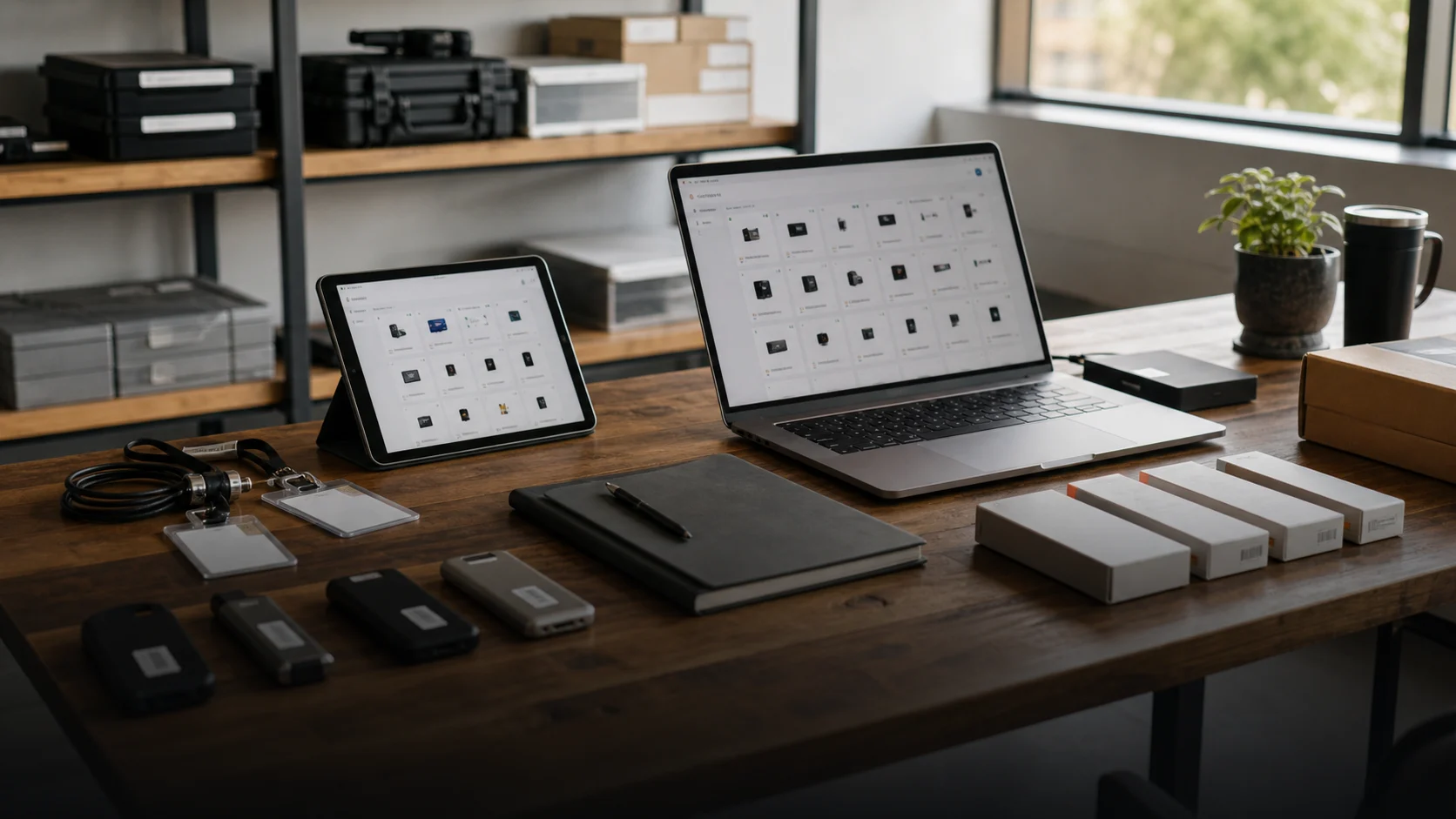
Asset management often sounds bigger than it feels day to day. Most of the time, the questions are simple: who has which device, what is still in the office, what needs to be ready for onboarding and what has to come back during offboarding?
Before, that information lived in several places. Part of it was in spreadsheets, part of it was in emails, and part of it lived in people’s heads. The inventory was not exactly wrong, but it was rarely current enough to trust.
Before
Devices were handed out, but not always documented right away. Accessories were tracked separately. Access and licenses had their own lists. Whenever someone joined or left, the team had to check multiple sources.
That cost time and made handovers more fragile than they needed to be.
What changed
We brought the information into a simple working structure. Every asset gets a status, an owner and a clear history. The focus was not maximum complexity. It was keeping the system usable every week.
A laptop, monitor, access right or license follows the same pattern: what is it, who is it assigned to, where is it and what needs to happen next?
What we built
- one list for devices, accessories and access
- status for available, assigned, broken or due back
- simple handovers with clear owners and dates
- onboarding and offboarding views
- prompts for missing information
- reporting for stock, open returns and unclear assignments
Why it works day to day
The system is intentionally not overloaded. It helps the team answer the most important questions quickly without reading a process document first.
For new employees, it is clear what needs to be prepared. For returns, the open items are visible. If a device is broken or needs replacement, the status stays part of the workflow.
How a handover works
- The team creates the asset with its type, serial number and current condition.
- Assignment records the responsible person, date and expected return.
- Accessories, access rights or licenses stay on the same record instead of disappearing into a second list.
- A role change or offboarding creates an open return with a clear owner.
- After return, the team checks the condition and marks the asset as available, under repair or retired.
The history stays attached to the record. That makes it possible to see when an assignment changed and which return still needs action.
Measurement and limits
The workflow can be evaluated without invented productivity claims by tracking a few operational indicators:
- assets without a responsible person
- overdue returns
- records without a serial number or condition
- time needed to prepare onboarding
- time until an offboarding return is complete
This case study does not publish customer-specific before-and-after figures. The value depends on assignments and returns actually being recorded. A system can expose missing maintenance, but automation cannot replace that discipline.
Result
Separate lists became one reliable overview. New people get what they need faster. Offboarding becomes cleaner. And the team spends less time asking where things are or who owns them.