AI process automation combines fixed rules with AI models that read and sort messy input such as PDFs, emails or notes, and a person approves wherever it counts. For a small or mid-sized business it pays off on workflows that happen often and cost minutes per case today. With us, a first agent starts at €1,999 one-off plus support from €199 a month, both plus VAT.
According to Bitkom (in German), Germany’s digital industry association, 57% of companies with 20 or more employees used AI in 2026, up from 36% a year earlier. Of the companies using AI, 72% use it in customer contact, for example to handle enquiries, and 25% in controlling and accounting. The survey does not show whether the AI sits inside a workflow or in a chat window where someone copies every result by hand.
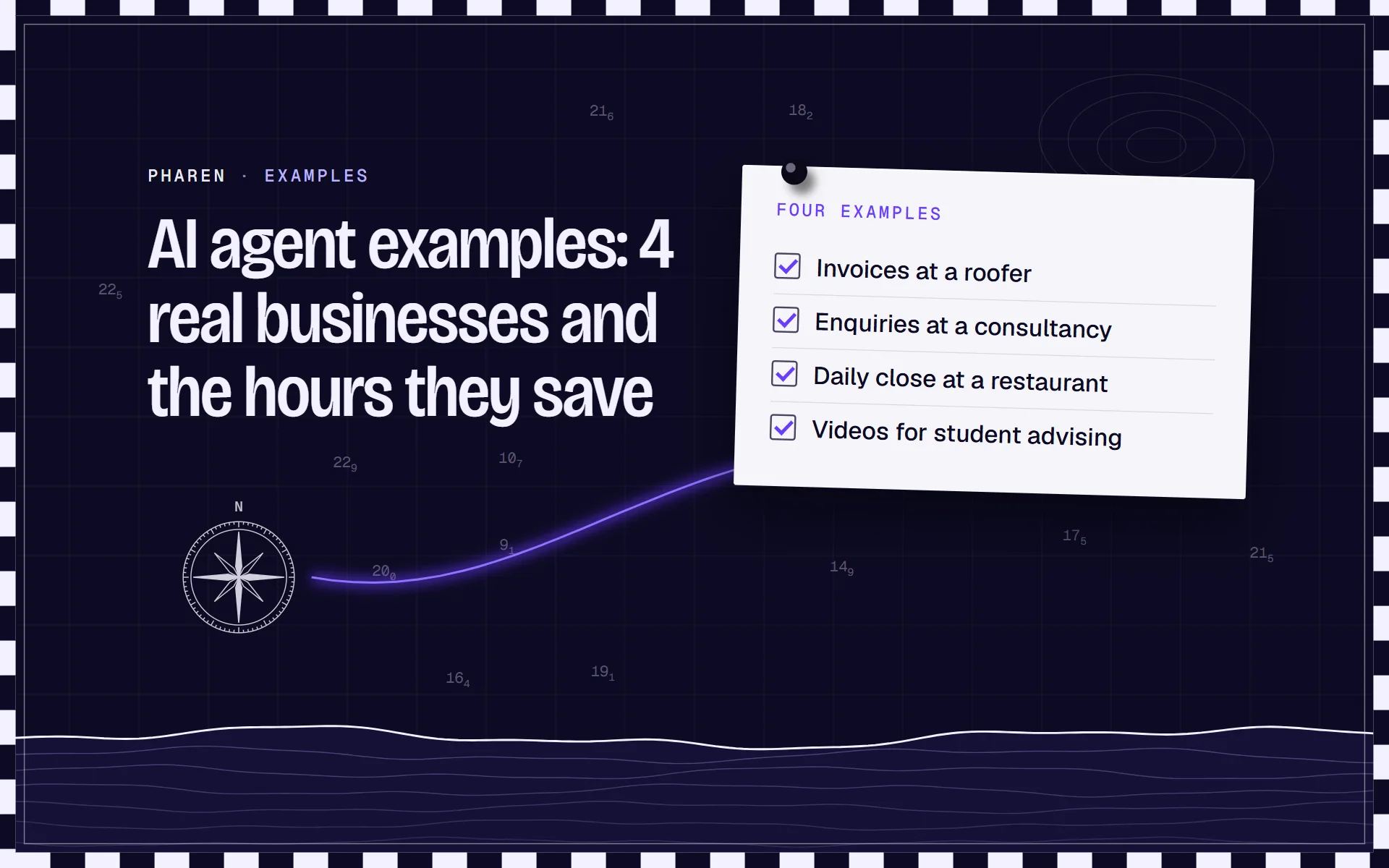
The figures in this post come from four workflows we built: incoming invoices at a roofing firm, enquiry routing at a consulting firm, the daily close at a restaurant and video preparation at a study abroad consultancy.
What is AI process automation?
A workflow follows rules that decide where a case goes next. If an amount is above a limit, it goes to management. If a required field is missing, the case stops. Software has done this for a long time, as long as the data arrives in fixed fields.
AI comes in where the input is messy: an invoice as a PDF, an enquiry as an email, notes from a phone call. A language model reads it, fills in fields and suggests a category. After that, rules take over again, and a person approves at the end.
AI process automation is the combination of three parts: rules that set the route, AI that reads and suggests, and approval by people wherever money moves or something reaches a customer. This is how it differs from its two neighbours:
| Approach | Strong at | Weak at | Example |
|---|---|---|---|
| Rules alone (classic automation) | data in fixed fields, clear if-then cases | PDFs with changing layouts, free text | combining till data every evening |
| AI process automation | messy input inside a fixed workflow | decisions without a clear rule or approval | reading, checking and approving invoices |
| AI in a chat window | single tasks, drafts, questions | recurring cases, handovers between programs | rewording an email |
A chat window is a good way to get to know AI. If someone uploads 40 invoices into it every day, though, they still type every result into the next program themselves.
What can AI process automation do?
In the workflows we build, the AI takes on four kinds of work. Each one ends with a suggestion that rules can check and a person can approve.
Read documents and fill in fields
Invoices, delivery notes, forms, enquiries. At the roofing firm Hobeck in Belgern, Saxony, an agent team reads around 160 invoices a month and fills in 8 fields, from supplier and invoice number to due date. It flags what it cannot recognise with certainty instead of guessing, and it needs no fixed template per supplier.
Sort and route
A consulting firm receives around 800 enquiries a month through 5 channels: the website form, email, referrals, LinkedIn and conversations. An agent sorts each enquiry by need, relevance and timing, and a fixed rule hands it to Team North, East, South or West by region. The search before each reply dropped from about 8 minutes to about 1, as the lead generation case study shows.
Write drafts
Replies, quotes, scripts. Jagrati Abroad, which supports Indian students who want to study in Germany, plans 30 videos a month. A workflow with 3 agents turns an idea into a shoot pack with script, shot list and caption in 23 seconds. Preparation per video fell from about 2 hours to about 20 minutes, according to the Jagrati Abroad case study.
Check and compare
The third agent at Jagrati Abroad checks every claim before the shoot. In a test, it removed all 3 unsupported claims planted in a draft, including a guaranteed admission. At Hobeck, validation rules hold back around 4 possible duplicates a month before anyone pays.
Does every step need AI?
No, and that keeps your costs down. The restaurant BeeBee in Ilmenau, Thuringia, reconciles its till, online shop and delivery platforms every evening, about 3,700 orders a month. The workflow maps the data to the same fields and checks delivery platform payouts and cancellation reasons against fixed rules. A language model plays almost no part.
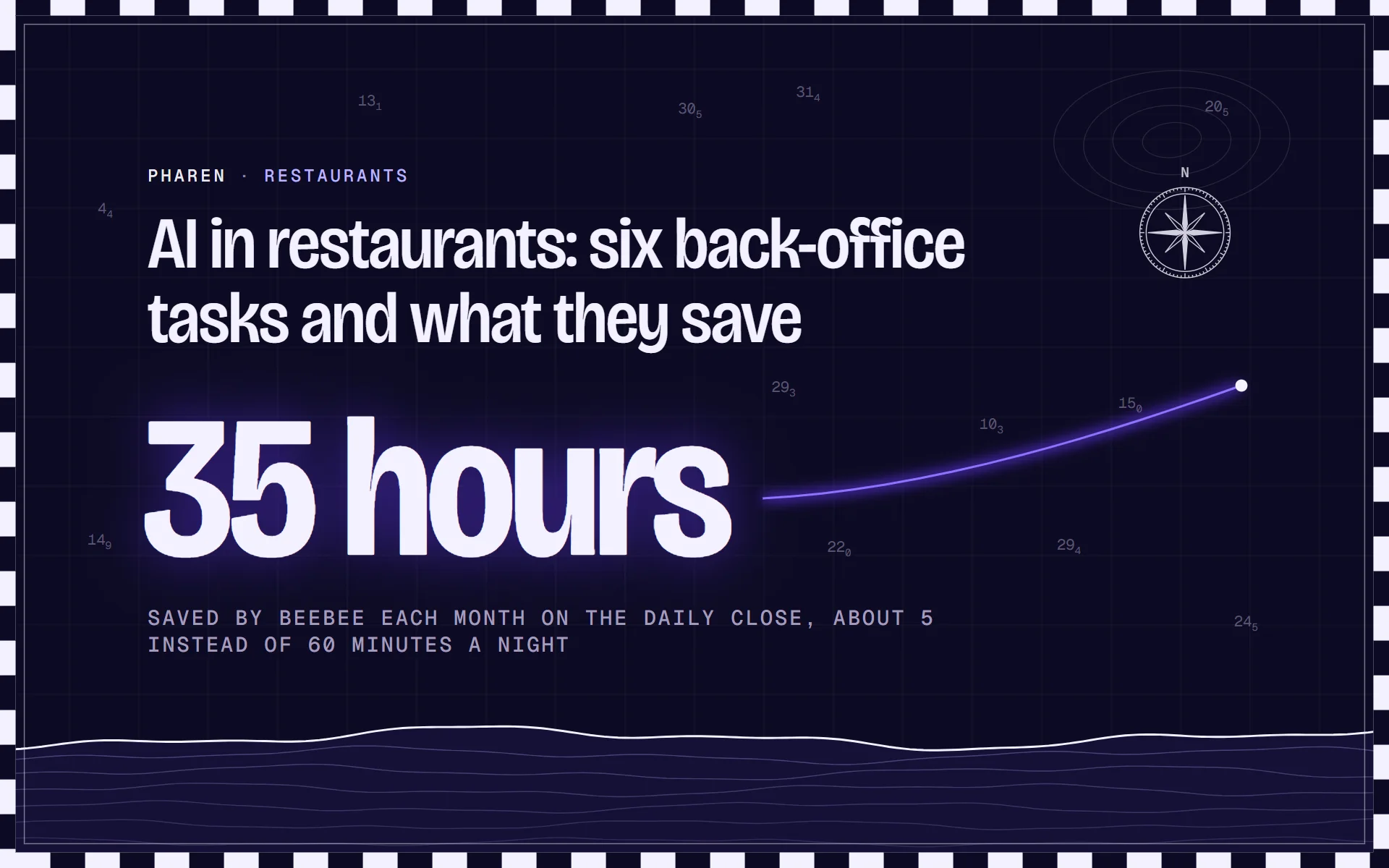
Even so, the reconciliation now takes about 5 minutes instead of 60, which saves about 35 hours a month. On most days, 0 to 3 exceptions are left for the team. The restaurant daily close case study shows how it is built. A provider who sells you a large AI project for a workflow like this is selling more than you need.
We use AI for every step where a person today has to read and understand something, and rules for every step where they only compare, calculate or forward. Every step without a language model is faster, cheaper and easier to check.
How is an automated workflow built?
The incoming invoice process at Hobeck shows the whole route. It runs in five steps:
- Capture the invoice. Every new invoice lands in one place, whether it arrives by email or as an upload.
- Read the details. An agent team reads 8 details and suggests the job site, for example from the delivery address or the job reference.
- Check the details. Rules stop the case if required fields are missing, a possible duplicate turns up or the cost centre is unclear. Nothing is filled in quietly.
- Get approval. The responsible person sees the document and the fields side by side. Above a set amount, management approves. If an approval stalls, the workflow sends a reminder.
- Hand over to DATEV. Only after approval do the document and data go to DATEV, the German accounting software, and from there to the tax adviser.
Per invoice, under 30 seconds of work remain instead of about 5 minutes. Because an approval now usually takes 1 to 2 days instead of often more than 7, Hobeck takes around €1,000 a month in early payment discounts (Skonto), as described in the Hobeck case study. The accounting software stayed the same.
How to build a single agent inside such a workflow, with instructions, tools and tests, is covered in how to build an AI agent. Which tool suits the workflow itself is the subject of our comparison n8n vs Make vs Zapier.
What does AI process automation cost?
The costs fall into three parts: the build, the running costs and your own time. Many quotes show only the first.
One-off: the build
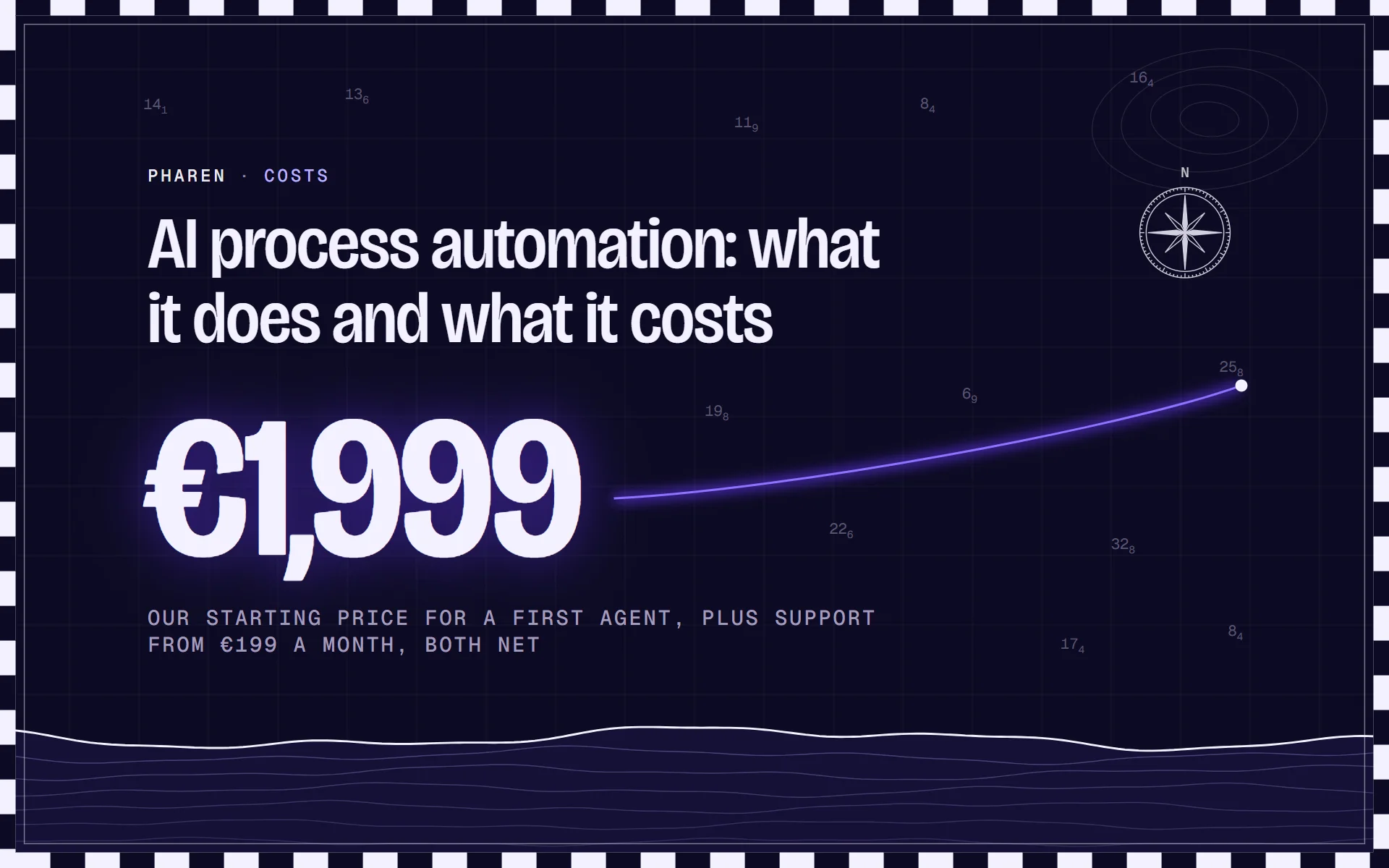
With us, a first AI agent starts at €1,999 one-off, plus VAT. The price depends on how many programs the workflow has to connect and how clean your data is today. An agent that reads emails and writes to a CRM is quicker to build than one that needs three programs and an approval with an amount rule. Our implementation page describes how we build, test and hand over.
The Bitkom survey also shows that data and integration are where the effort lies. Among AI users, 50% name data preparation as a large cost, 41% integration into existing systems and 51% infrastructure. Only 8% name tokens, the pure cost of using the models.
Running: support and models
Support starts at €199 a month, plus VAT. For that, we adjust the agent when a program or a process changes on your side. On top come the costs of the AI models, billed by usage. If the agent runs in Pharen Hub, we add 20% to the actual AI costs, plus the Hub plan. The fewer steps need a language model, the smaller this item stays.
Internal: your time
For the first workflow, we need the person who does the work today. They answer our questions and test with us on real cases. Plan a few hours across the test phase and include them in your calculation.
Worked example: when a workflow pays for itself
A wholesaler receives 300 supplier invoices a month. Each takes 4 minutes today and 30 seconds afterwards. Germany’s Federal Statistical Office (Destatis, in German) puts labour costs in trade for 2025 at €37.20 per hour worked.
- Time saved: 300 × 3.5 minutes = 1,050 minutes, or 17.5 hours a month
- Value: 17.5 × €37.20 = €651 a month
- Running costs: €199 support plus an assumed €50 for models and the Hub share = €249
- Net per month: €651 minus €249 = €402
- One-off: €1,999 build plus 10 internal hours at €37.20 = €2,371
- Payback: €2,371 ÷ €402 = just under 6 months
Early payment discounts, duplicates caught and faster approvals are not included here. At Hobeck, that extra benefit was worth about twice as much as the time saved. If your own calculation shows only a handful of hours, leave the workflow as it is.
What do the four workflows deliver?
This is the result of the four cases, each calculated with the labour cost per hour used in its case study:
| Workflow | Per case, before and after | Time saved per month | Value per month |
|---|---|---|---|
| Incoming invoices, roofing firm | about 5 minutes, now under 30 seconds | about 12 hours | about €1,500 including early payment discounts |
| Routing enquiries, consulting firm | about 8 minutes, now about 1 minute | over 90 hours | about €4,200 |
| Daily close, restaurant | about 60 minutes, now about 5 minutes | about 35 hours | about €1,400 including platform payout gaps |
| Preparing videos, study abroad consultancy | about 2 hours, now about 20 minutes | about 50 hours | about €2,250 |
The largest figure comes from the workflow with the most cases, the lead routing with 800 enquiries a month. At Hobeck, the early payment discounts bring in more than the hours saved.
Where are the limits, and what mistakes are common?
AI process automation runs within the limits you set for it. These are the mistakes we see most often.
Letting the AI decide where a person should approve
Language models sometimes get things wrong. That is why every step where money moves or something reaches a customer needs an approval first. At Hobeck, payment and bookkeeping stay with people.
Forgetting older software
According to Destatis (in German), 44% of companies that had considered AI in 2024 but did not use it named incompatibility with existing devices, software or systems as a reason. Find out early whether your accounting software, CRM or till system has an interface. If you have an IT team or a service provider, we agree data flows and access with them.
Automating a chaotic process
If nobody knows today who approves an invoice, the workflow will not know either. Clarify the process first, then automate it.
Too many workflows at once
Build one workflow, test it in daily work, then start the next. The second one goes faster because access, roles and rules are already in place.
When you need no AI at all
If your data already arrives clean in fixed fields, classic automation is often enough. If only a few cases come in each month, the build does not pay off. And where a decision affects people, for example job applications, the EU AI Act sets stricter rules that you should clarify before you start.
Frequently asked questions about AI process automation
What is the difference between RPA and AI process automation?
RPA (robotic process automation) clicks through programs by fixed rules, the way a person would, and needs fixed fields and screens that do not change. AI process automation can also read and sort messy input. In practice, good workflows combine both: rules where rules exist, AI where something has to be read.
Which processes are suitable for AI process automation?
Workflows that happen many times a week, cost minutes per case and start with PDFs, emails or free text. Typical examples are incoming invoices, routing enquiries, reply drafts, preparing quotes and the daily close. There should be a point where a person can approve before the decisive step.
How much does AI process automation cost?
With us, a first AI agent starts at €1,999 one-off and support at €199 a month, both plus VAT. On top come the AI model costs by usage and, if the agent runs in Pharen Hub, 20% on the AI costs plus the Hub plan. The price depends on how many programs are connected and how clean your data is.
How long does it take until a workflow runs?
That depends on the number of programs and the state of your data. The order is fixed: a 30 minute first call, the build, testing with your team on real cases and handover once the workflow runs reliably. After that, plan about 30 days of daily use to prove the benefit with your own numbers.
Do we have to replace our software?
Usually not. We build on the programs you already use. Hobeck kept DATEV, and the workflow hands invoices over to it only after approval.
Summary
AI process automation pays off where a lot of messy input passes through and a person today handles every case by hand. The AI reads, rules route and a person from your team approves. The four workflows above are worth between about €1,400 and €4,200 a month, and each of them keeps a human approval in place.
If you have a workflow that costs your team minutes on every case, get in touch. We will work out with you which steps need AI and which need only rules.