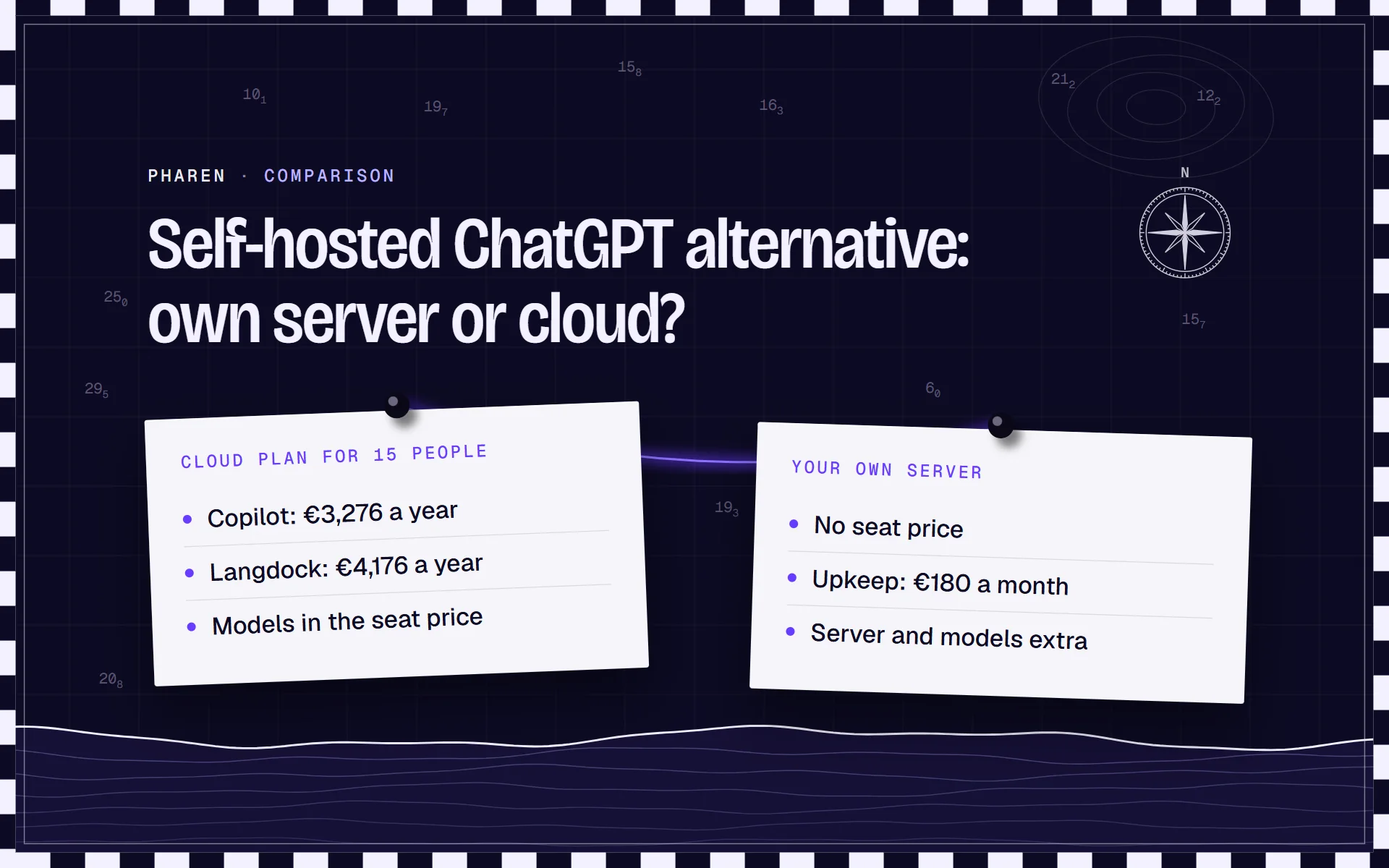
Cloud AI workspaces for teams cost between €18.20 and €39 per person and month plus VAT according to the providers’ price pages, and $20 to $25 at OpenAI (as of November 2026). A self-hosted ChatGPT alternative has no seat price, and you pay for operation, servers and model usage instead, with IT time alone at €180 a month in our example for 15 users. Five criteria decide which option fits: where the data sits, the contract, the models, roles and rights, and the cost per user.
We compare ChatGPT Business, Microsoft 365 Copilot, Langdock from Germany, Mistral from France and self-hosted workspaces such as Open WebUI. Pharen Hub is our own product, and we assess it by the same criteria, including where it does not fit.
What is a self-hosted ChatGPT alternative?
A self-hosted ChatGPT alternative is an AI workspace that runs on servers you control, in your own cloud account or in your own data centre. An AI workspace is the shared interface in which a team works with language models: a chat, shared projects and documents, custom assistants and an administration that decides who sees what. A private chat account differs from it, because each person works alone with their own settings.
Hosting involves a distinction that many comparisons skip. The workspace software can run on your server while the language model still computes via an interface at OpenAI, Anthropic, Google or Mistral. Or you run both yourself, including an open model on your own hardware.
For data protection this is the deciding point. A self-hosted workspace that calls a model in the USA still sends your inputs to the USA, only through your own server.
How do the providers compare?
All details come from the providers’ official pages as of November 2026, and prices exclude VAT. Check them again before you buy, because price pages change often.
| Offer | Standard seat per month | Self-hosting | Note |
|---|---|---|---|
| ChatGPT Business | $20 to $25 per person | no | at least 2 seats, OpenAI models only |
| Microsoft 365 Copilot Business | €18.20 per person | no | add-on to Microsoft 365 Business |
| Langdock Core | €23.20 to €29 per person | Enterprise, from 5,000 users | EU servers via Azure |
| Mistral Le Chat Team | $24.99 per person | Enterprise plan | check the training setting |
| Open WebUI | no seat price | yes, always | you run operation, updates and models |
| Pharen Hub | Hub plan plus AI usage | own cloud, own server or Kubernetes | GPT, Claude, Gemini or Mistral |
ChatGPT Business
According to OpenAI’s help article on ChatGPT Business, a standard seat costs $25 a month with monthly billing and $20 with annual billing, with at least 2 seats. OpenAI states that it does not train on workspace data, as its business plan page also says, and notes that prices can vary by country. Business was called Team until 29 August 2025, and Enterprise pricing is only available through sales.
ChatGPT is the tool most of your team already knows. You cannot host it yourself, and in the chat you only get OpenAI’s models.
Microsoft 365 Copilot
Microsoft 365 Copilot Business costs €18.20 per person and month as an add-on with an annual commitment (German price page). From 1 July to 31 December 2026 there is a promotional price of €15.60 for the first year, and the offer is aimed at companies that already have a Microsoft 365 Business plan.
Copilot is strongest when your files are already in SharePoint, Teams and Outlook. It then works directly with that data, which is why the sharing permissions there have to be right. Self-hosting is not offered.
Langdock
Langdock from Germany lists €23.20 per person and month for its Core plan with annual billing and €29 with monthly billing, and €31.20 and €39 for its Work plan. According to its security page, Langdock runs on Microsoft Azure with servers in the EU and does not use customer data for training. Running it in your own cloud or on your own servers is offered to enterprise customers from 5,000 users, and a dedicated single-tenant setup from 2,000.
Mistral Le Chat
Mistral from France offers its assistant Le Chat in the Team plan for $24.99 per person and month. For Enterprise, Mistral lists self-hosted, private cloud and on-premises deployment. The plan table lists model training for Team as opt-out, so check the setting when you set up the workspace.
Open WebUI
The best-known self-hosted candidate is Open WebUI, an interface you run on your own servers and connect to local models or to model interfaces. Check the Open WebUI licence first. Since version 0.6.6 from April 2025 a branding clause applies, and you may only remove the logo with at most 50 users in 30 days or with an enterprise licence. The developers state that it is not an OSI-approved open source licence.
Which five criteria should decide?
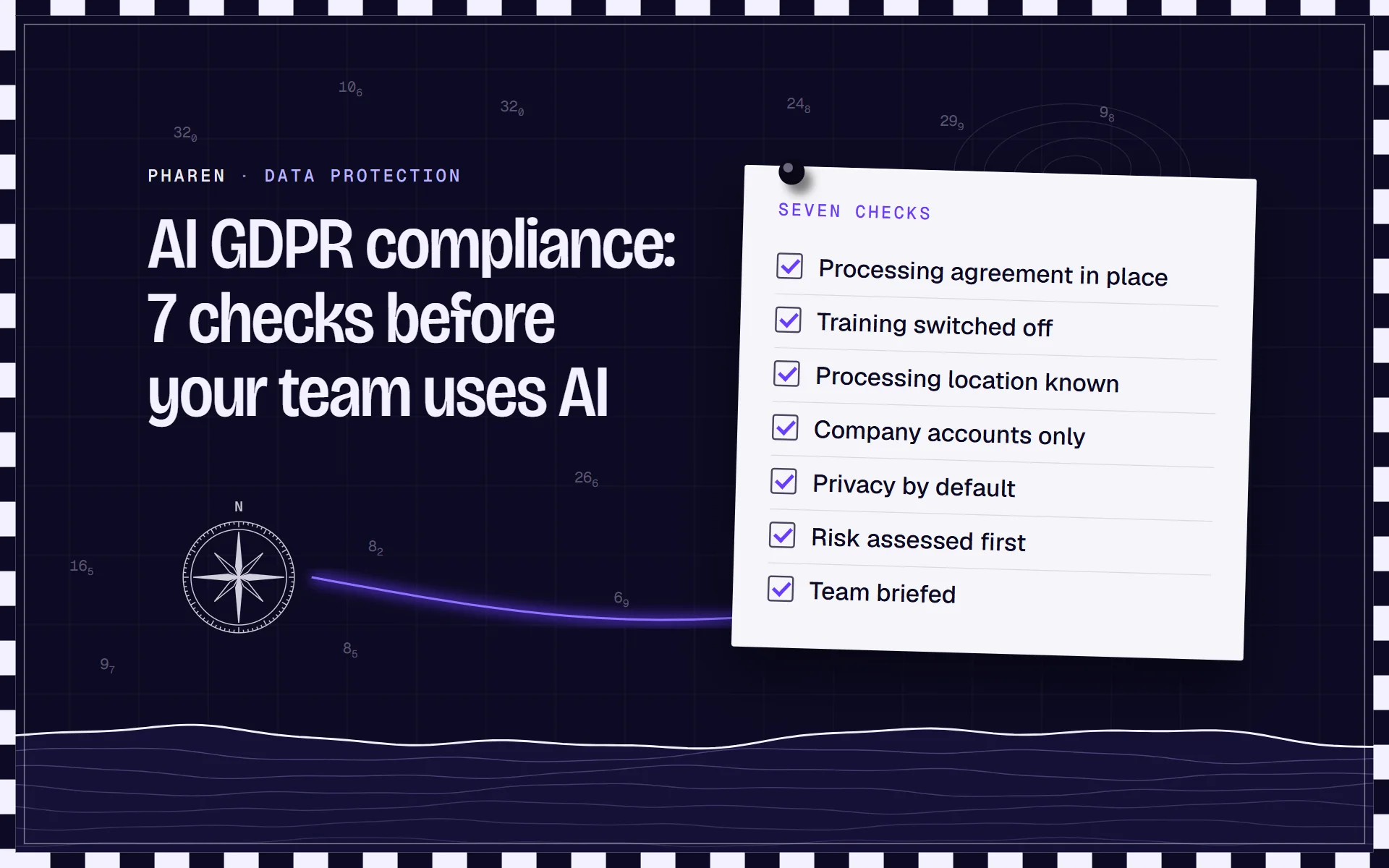
Clarify these five questions before you compare prices. They decide which offers belong on the list at all.
1. Data location
Where are your chats, files and assistants stored, and where does the model compute? These are two answers, and both belong in the contract. Many providers offer data storage in Europe only in their larger plans, so ask about the plan you intend to buy.
2. Data processing agreement and training
No customer data goes into the workspace without a data processing agreement under Article 28 GDPR (Auftragsverarbeitungsvertrag). The provider’s commitment that it does not train on your inputs matters just as much. Both should be in writing before the team uploads the first file.
3. Models
Some workspaces tie you to one model family, others let you choose. Choice helps, because models differ in how well they write, calculate or read code. Each additional model family adds another provider to your data protection review.
4. Roles and rights
A workspace for 15 people needs different rights from one for two. Accounting sees its projects, sales sees its own, and management decides who approves new assistants. Ask about single sign-on, roles and logs of who did what, and check which plan includes them.
5. Cost per user
Most cloud offers charge per seat and month, often with a discount for annual payment. Self-hosted software and some workspaces charge differently, for example by model usage. The two only become comparable once you convert both to one team size.
What does it cost for 15 users?
Take a company with 15 people who all get a seat. Assumptions: annual billing, standard seats, prices excluding VAT as above, and no currency conversion, because OpenAI bills in US dollars. You already have the Microsoft 365 base licence, otherwise it comes on top for Copilot.
| Offer | Calculation | Per month | Per year |
|---|---|---|---|
| ChatGPT Business | 15 × $20 | $300 | $3,600 |
| Copilot Business | 15 × €18.20 | €273 (€234 at the promotional price) | €3,276 |
| Langdock Core | 15 × €23.20 | €348 | €4,176 |
| Self-hosted, IT time only | 4 hours × €45.00 | €180 plus servers and models | €2,160 plus servers and models |
Between Copilot and Langdock the difference for 15 people is €900 a year. For self-hosted software without a seat price, we assume that someone from your IT needs 4 hours a month for updates and maintenance. At €45.00 per hour, the German average for 2025 according to Destatis, that is €180 a month. Servers and model costs come on top, and you have to calculate those for your own usage. With 15 people, self-hosting is therefore not automatically the cheapest option.
Pharen Hub is not in this table, because it is billed through a Hub plan plus the AI models by usage, which does not convert into a seat price without your usage figures. For small teams, the price rarely decides. Where your data sits and whether your IT has time to run a system of its own weigh more.
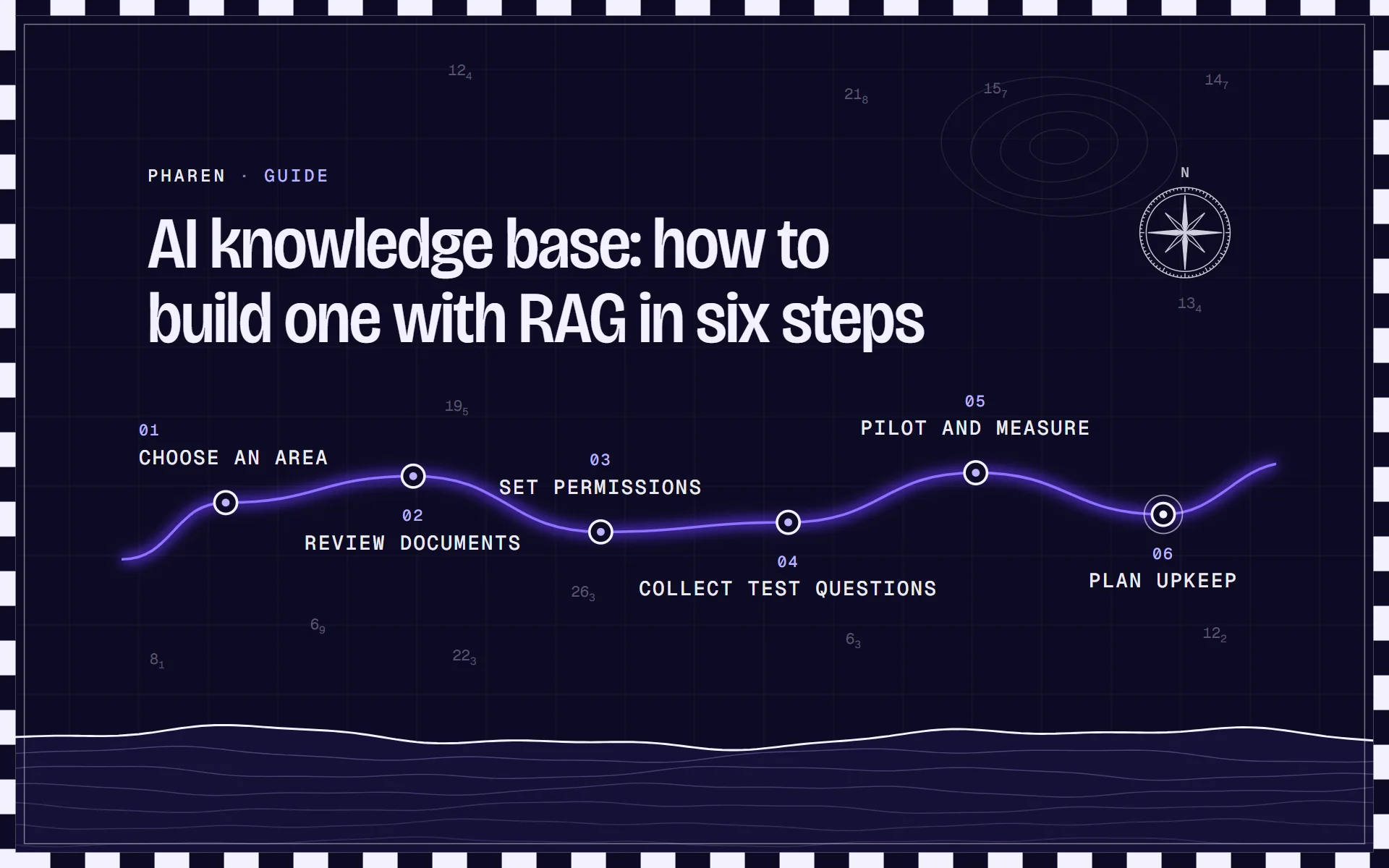
How do you choose a workspace in six steps?
- Classify your data. Decide which data goes into the workspace: public texts only, internal documents or customer data. That determines how strict the contract and data location have to be.
- Count your licences. If you have Microsoft 365 Business, Copilot is quickly added. We include this calculation in our strategy consulting, because licences you already pay for count too.
- Choose the models. Decide whether one model family is enough or whether you want a choice. Each additional family belongs in the data protection review.
- Set the roles. Write down which teams see which projects and who approves new assistants, and check whether the plan you want supports these roles.
- Run a pilot. Test two candidates with five people for four weeks on real tasks, using data from the first step. Our guide to AI use cases helps you pick the tasks, and the guide on how to implement AI in business describes the trial.
- Rules and training. Before everyone starts, write an AI policy and give an introduction that also covers Article 4 of the EU AI Act, as described in our post on AI training for employees.
Where does Pharen Hub fit?
Pharen Hub is our own platform, with chat, docs, tasks, mail, calendar and AI agents in one workspace. In the chat you choose between GPT, Claude, Gemini and Mistral, and nothing in your workspace goes into any training. Agents work inside the workspace, and anything critical they would do next waits until a person approves it.
We run the Hub for you on Hetzner Cloud in Germany, including updates, backups and maintenance. It can also run in your own cloud on Azure, AWS, Google Cloud or Hetzner, on your own server or in Kubernetes. We connect Microsoft 365, Google Workspace and MCP (Model Context Protocol, an open standard for connecting AI to other software), depending on your setup.
Our own service page states that a dedicated tool is usually the better fit if all you need is email, file storage or chat. If your whole company works in Microsoft 365 and you only want an assistant in Word and Outlook, Copilot is the shorter route. The Hub is worth it if you want chat, workflows and agents in one place and the choice of models or your own operation matters to you.
When is self-hosting the wrong choice?
Self-hosting alone does not make a workspace compliant with the GDPR. If your own server calls a model in the USA, the inputs still leave the EU, and you need a contract and rules for third-country transfers as with any cloud service. If you want to keep everything in-house, you need open models on your own hardware and have to expect differences in quality compared with the large models.
The second mistake is underestimating maintenance. With your own operation, updates, security patches, backups and user management are your job, including when the one person who knows the system is on holiday.
The third mistake is seats nobody uses. Do not book 15 seats if only eight people work with the tool regularly after the pilot. With seat prices, each unused seat quickly costs more than €200 a year.
Leave the topic aside if you are fewer than five people, process no sensitive data and everyone works well with a company account at a large provider. A business plan with a contract and the right settings is then enough.
Frequently asked questions about self-hosted ChatGPT alternatives
What is the best ChatGPT alternative for business?
There is no single best one. If you work in Microsoft 365, Copilot is the obvious candidate. If you want to choose models and use EU servers, providers such as Langdock or Mistral come into question, and if you want to run it yourself, you need a self-hostable workspace.
Is a self-hosted AI workspace GDPR-compliant?
Only if the whole data path is right. Software on your server helps as long as the model also runs in an environment for which you have settled the contract and the data location. If it calls a model in a third country, the same rules apply as for any cloud service.
Do we need a Microsoft 365 licence for Copilot?
Yes. According to Microsoft, Copilot Business is an add-on for companies that already have a Microsoft 365 Business plan (as of November 2026). Include the base licence in your calculation if you do not have it yet.
Can we use several models in one workspace?
In many workspaces, yes, while ChatGPT keeps you with OpenAI’s models. In Pharen Hub you choose between GPT, Claude, Gemini and Mistral. Each model provider then belongs in your data protection review.
How is Pharen Hub billed?
Pharen Hub is billed through a Hub plan plus the AI models, which are billed by usage. If we build an agent for you that runs in the Hub, we add 20 percent to the actual AI costs. A first agent starts at €1,999 paid once, plus VAT, as described under implementation.
Summary
A self-hosted ChatGPT alternative pays off when your data has to stay in-house and your IT has time to run it. For many teams, a cloud workspace with a contract, no training on your data and rights that fit your company is the better choice. For 15 people, Copilot and Langdock differ by €900 a year, while the route your data takes can matter more than that. If you want to know which workspace fits your data and licences, get in touch and we work it out with you.