


For outputs built from your workspace.
Pharen Studio
Studio turns requirements, data and knowledge into small apps, pages, documents and internal tools. The workspace provides the context.
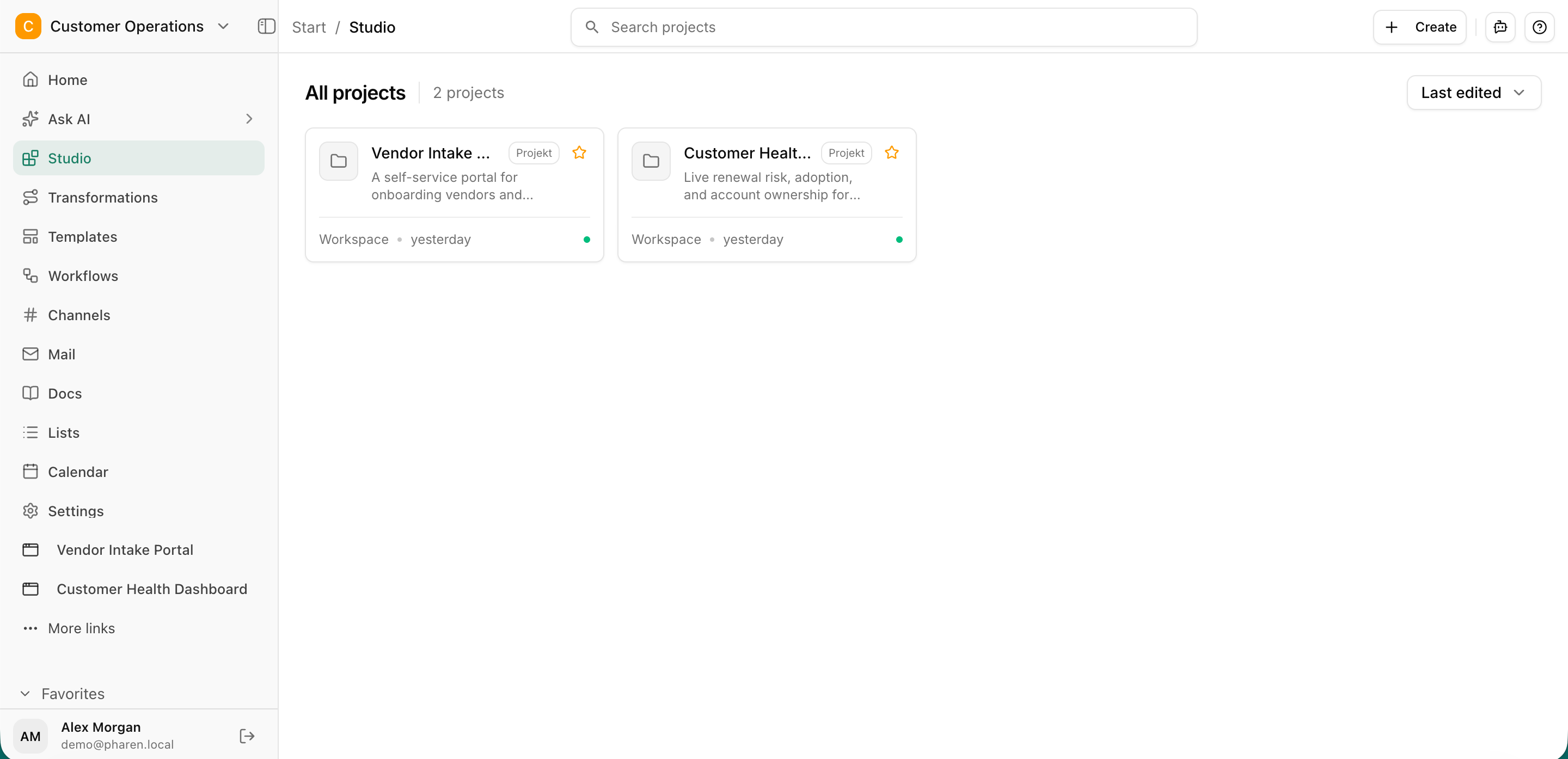
From sketch to published outcome.
The goal, users, sources and requirements are clarified before delivery. The result stays connected to the project and data it came from.
Sharpen the idea
Clarify the goal, users, content and intended outcome before Studio starts building.
Build with real context
Use existing knowledge, structured data and project decisions as a reliable foundation.
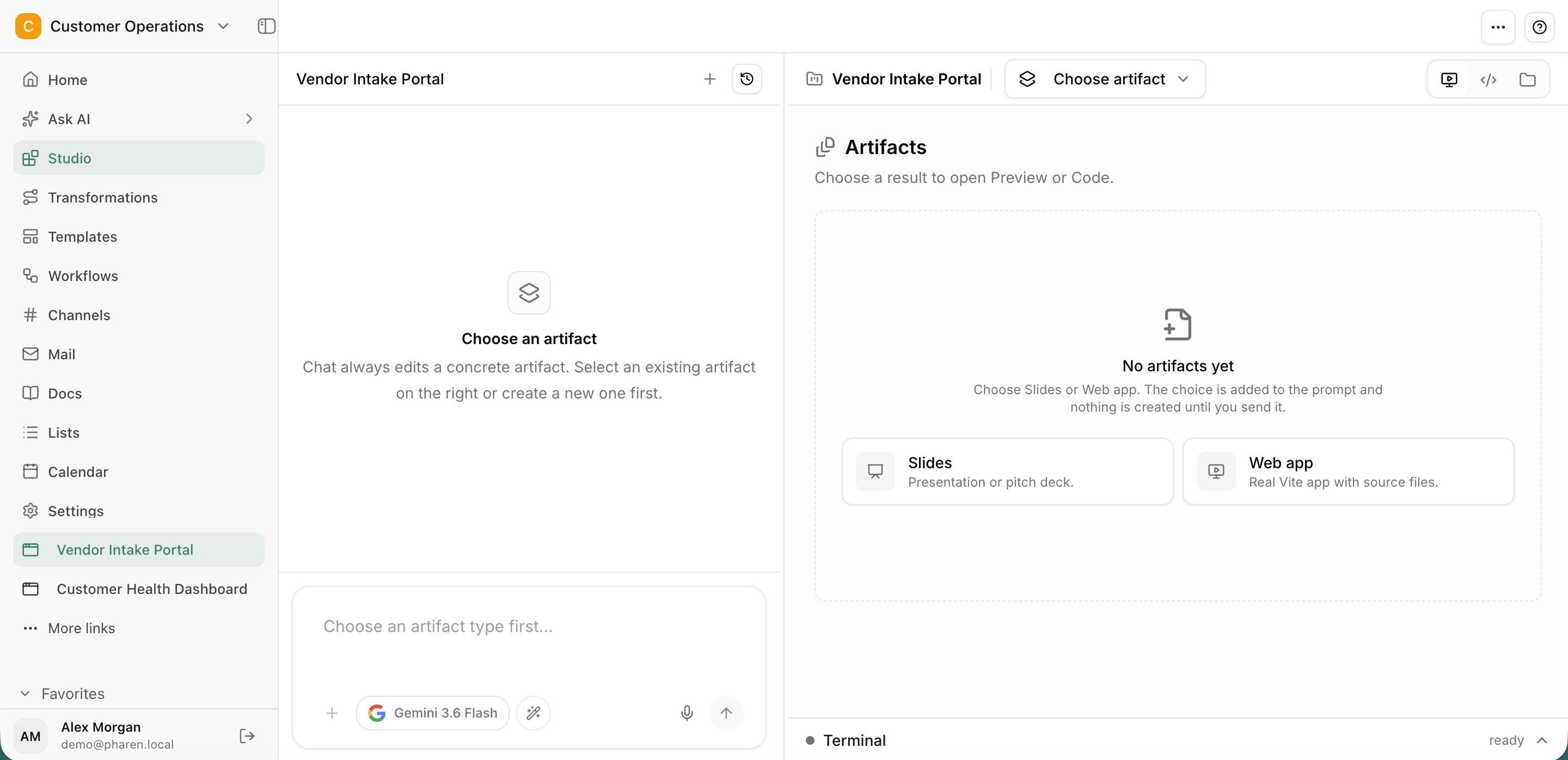
Publish and hand over
Make internal tools, pages and documents useful to the team and hand them straight into the next stage of work.
A clear goal and defined users
Approved data and workspace sources · Review before publishing and handoff
Studio does not start with an empty prompt.
The goal, users, sources and requirements are clarified before delivery. The result stays connected to the project and data it came from.
A good draft only helps once it becomes useful.
Ideas often stay in documents, decks or isolated AI chats. Delivery is still missing the requirements, real data and connection to everyday work.
Questions and answers
One workspace for your AI operations.
From team chat to approval, the work stays attached to the same item. Its status and next step stay visible.
Chat
Ask, write and review with your workspace context.
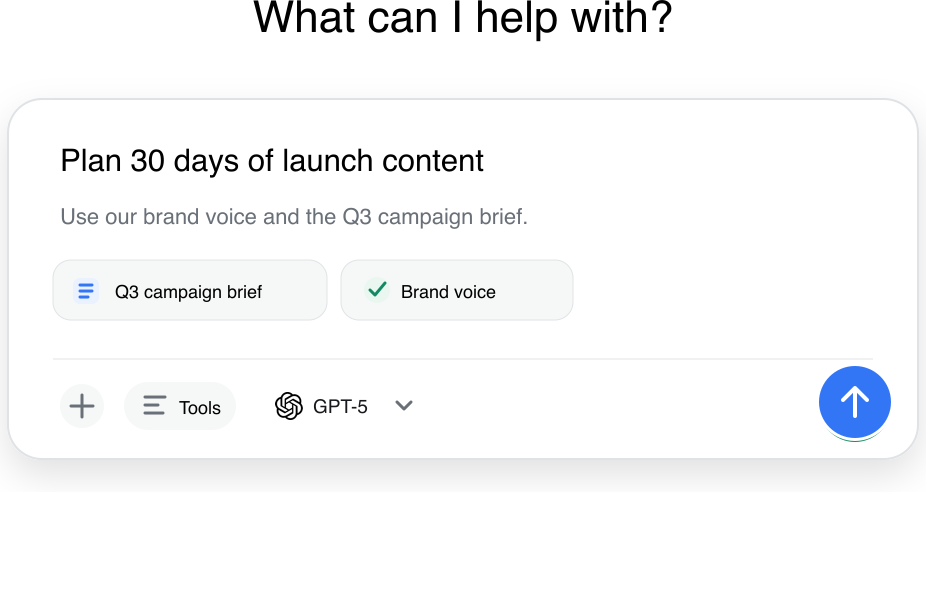
Workflows
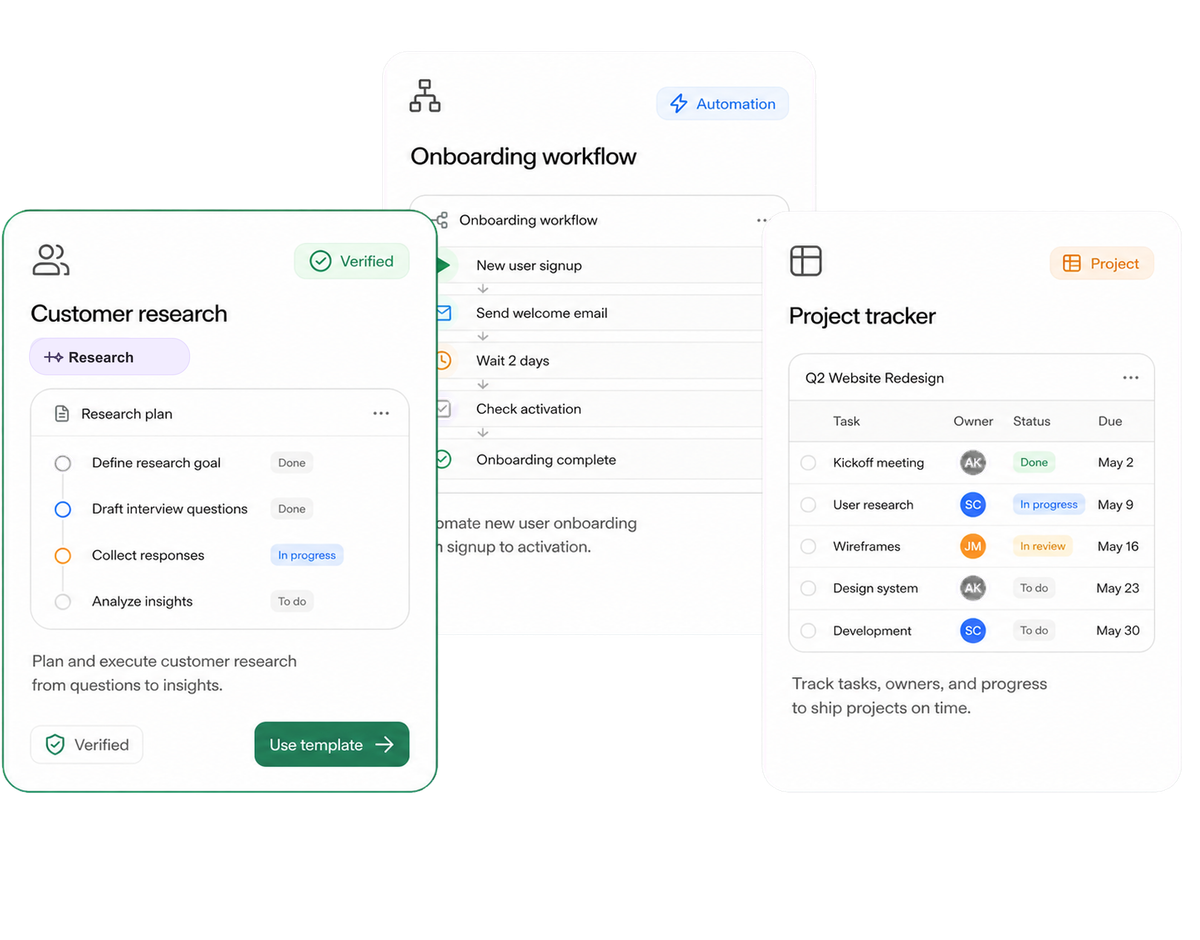
Run recurring processes with clear approval points.
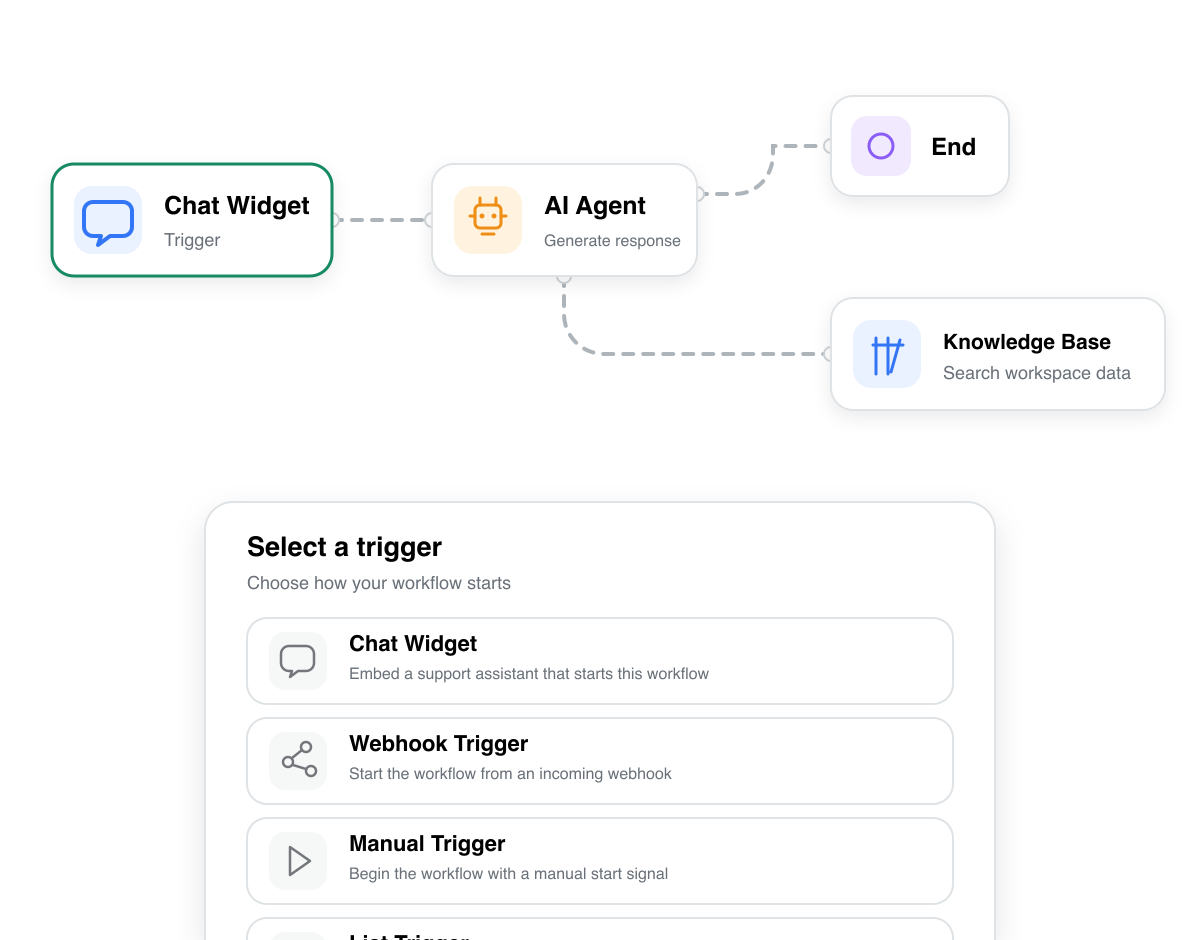
Agents
Delegate work with clear goals, sources and boundaries.
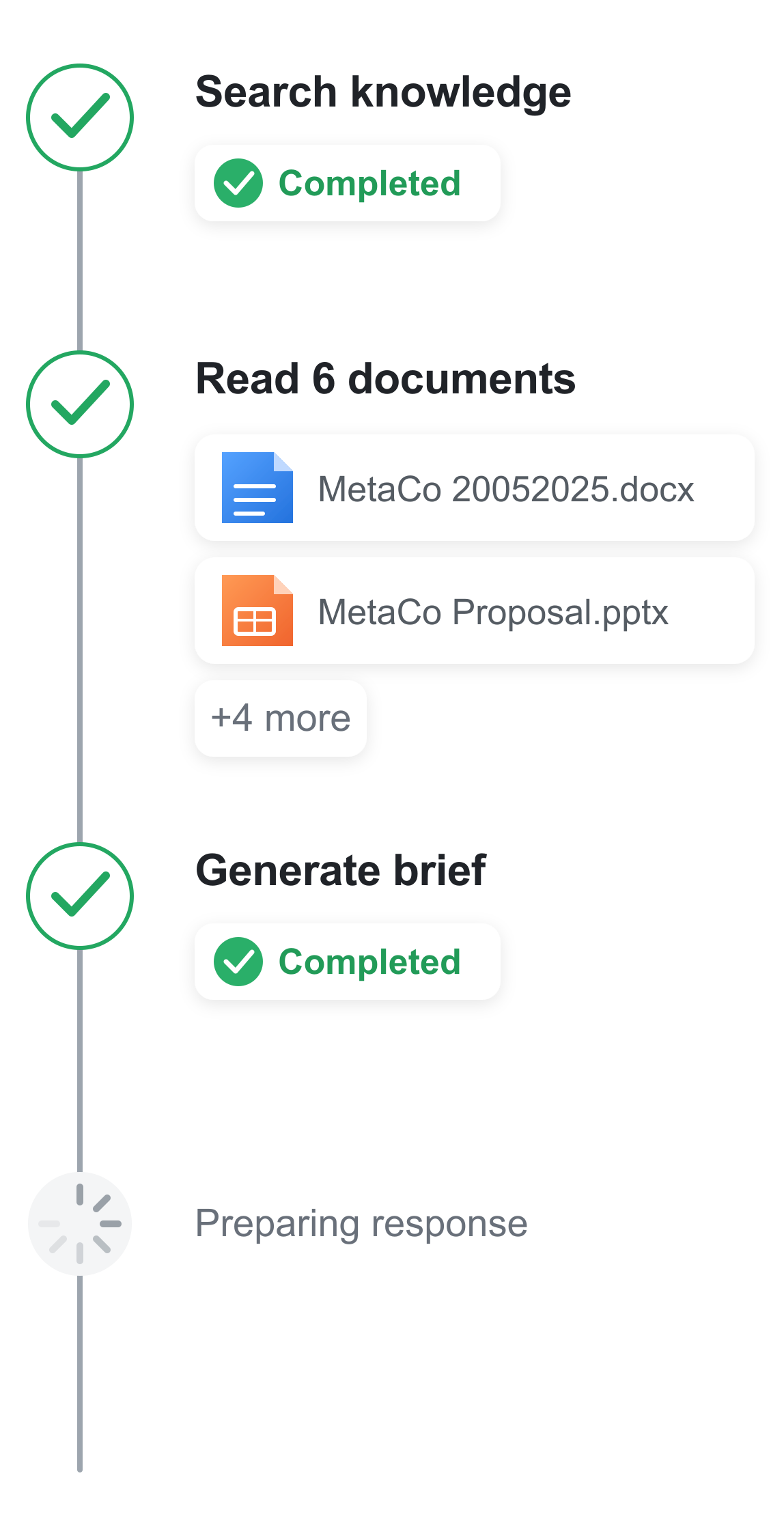
Projects
Bring goals, tasks, decisions and progress together.
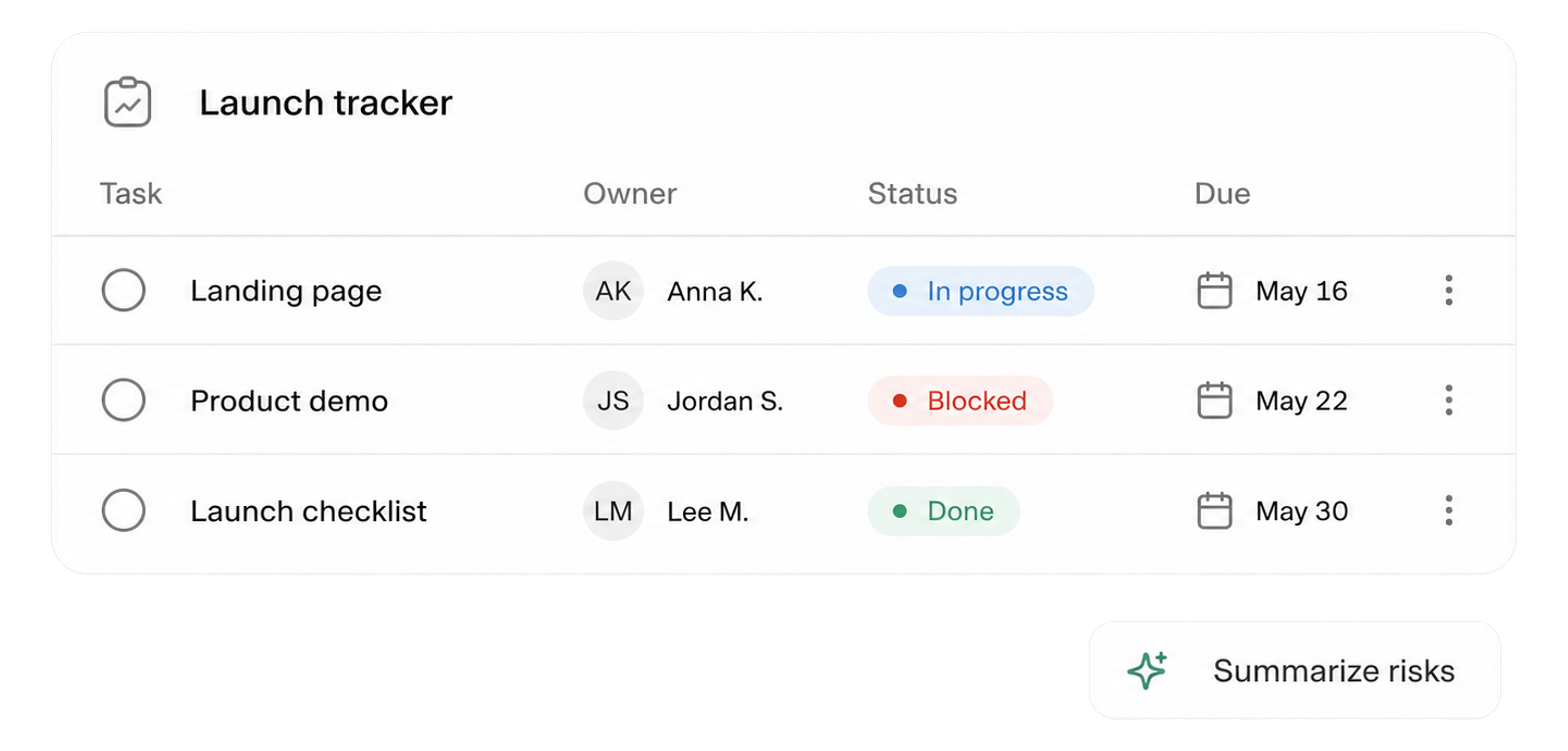
Lists
Organize operational data in flexible views.
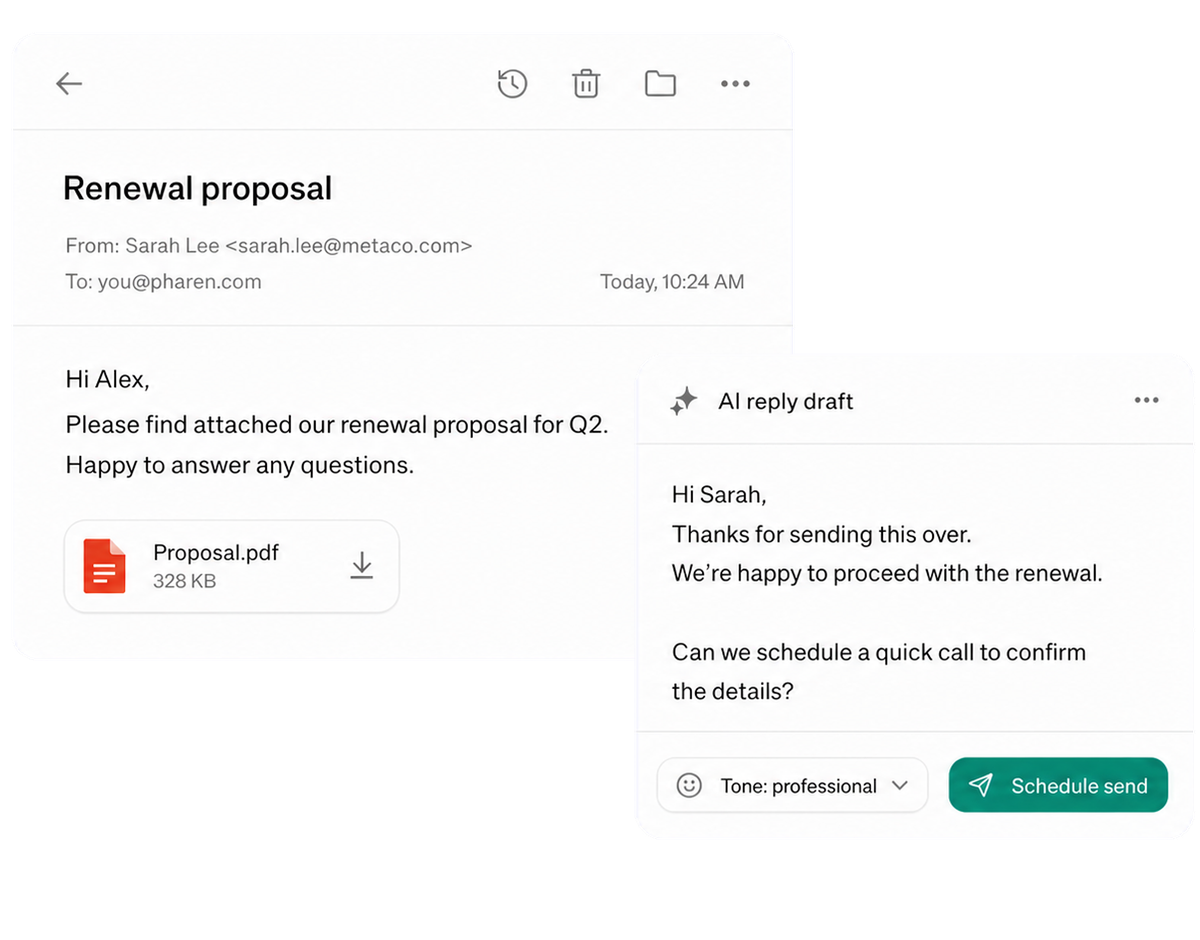
Connect messages directly with the work they belong to.
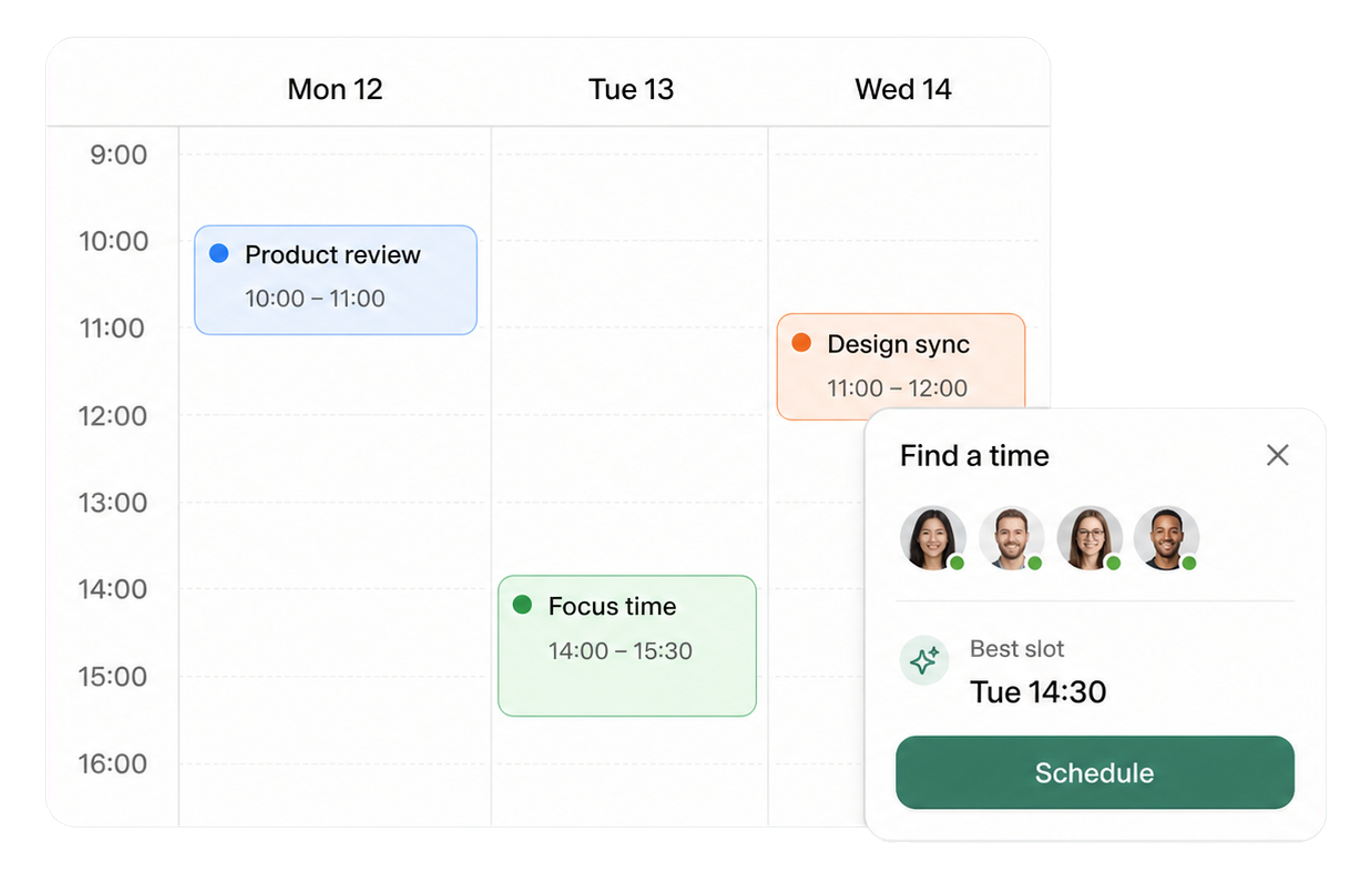
Calendar
Coordinate meetings, preparation and follow-ups.
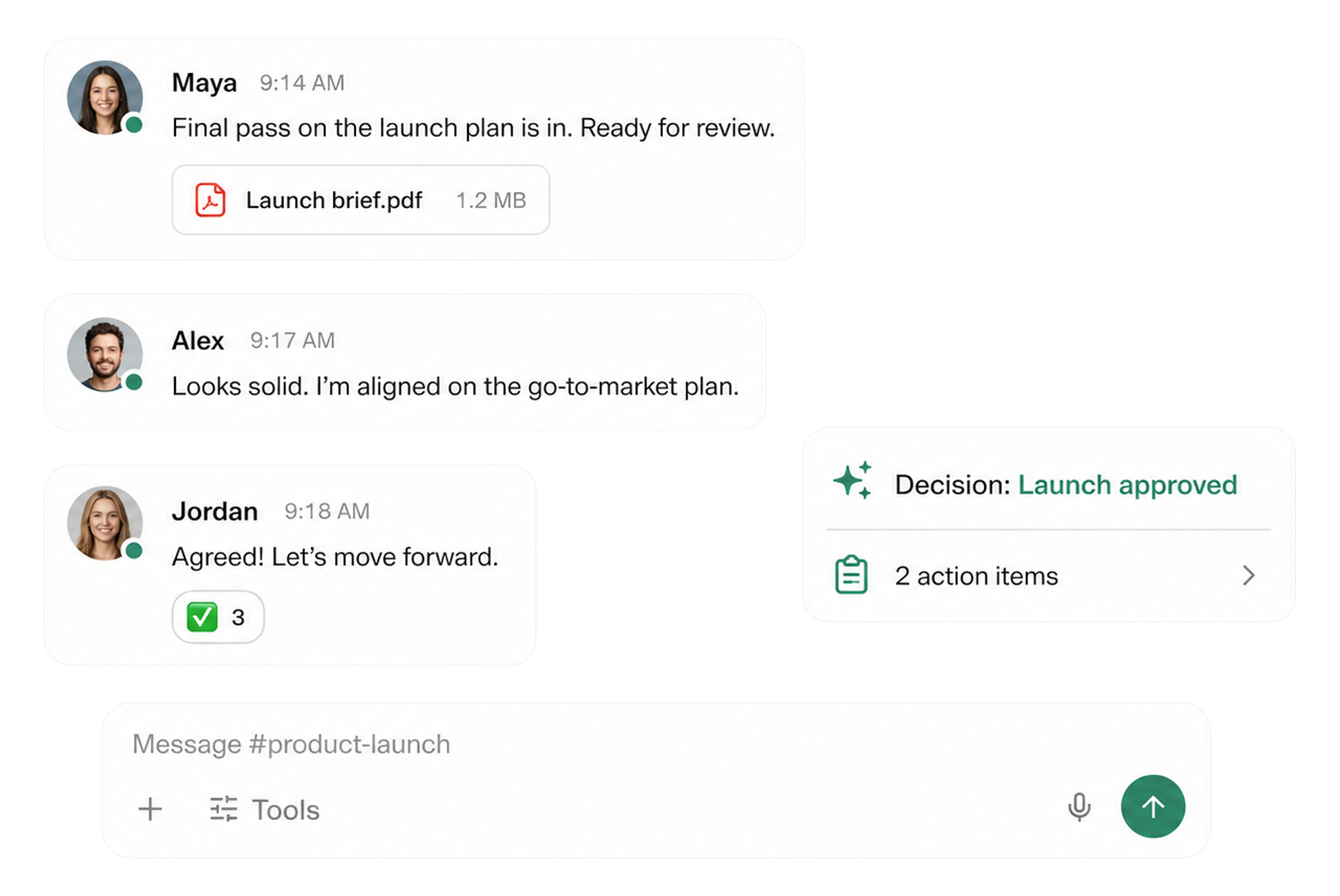
Meetings
Keep decisions and next steps attached to their context.

Channels
Keep team conversations close to projects and decisions.
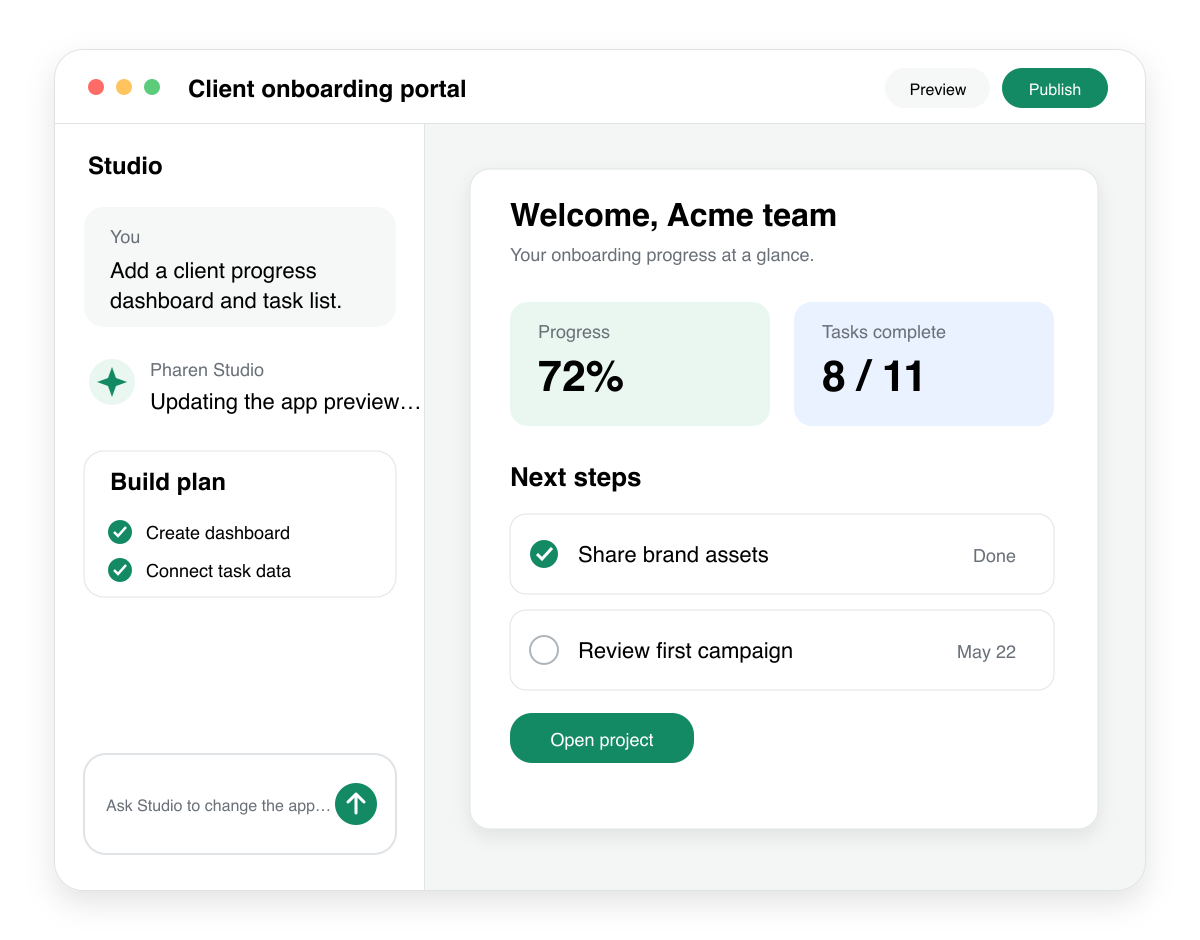
Studio
Build apps, tools, pages and prototypes in the workspace.
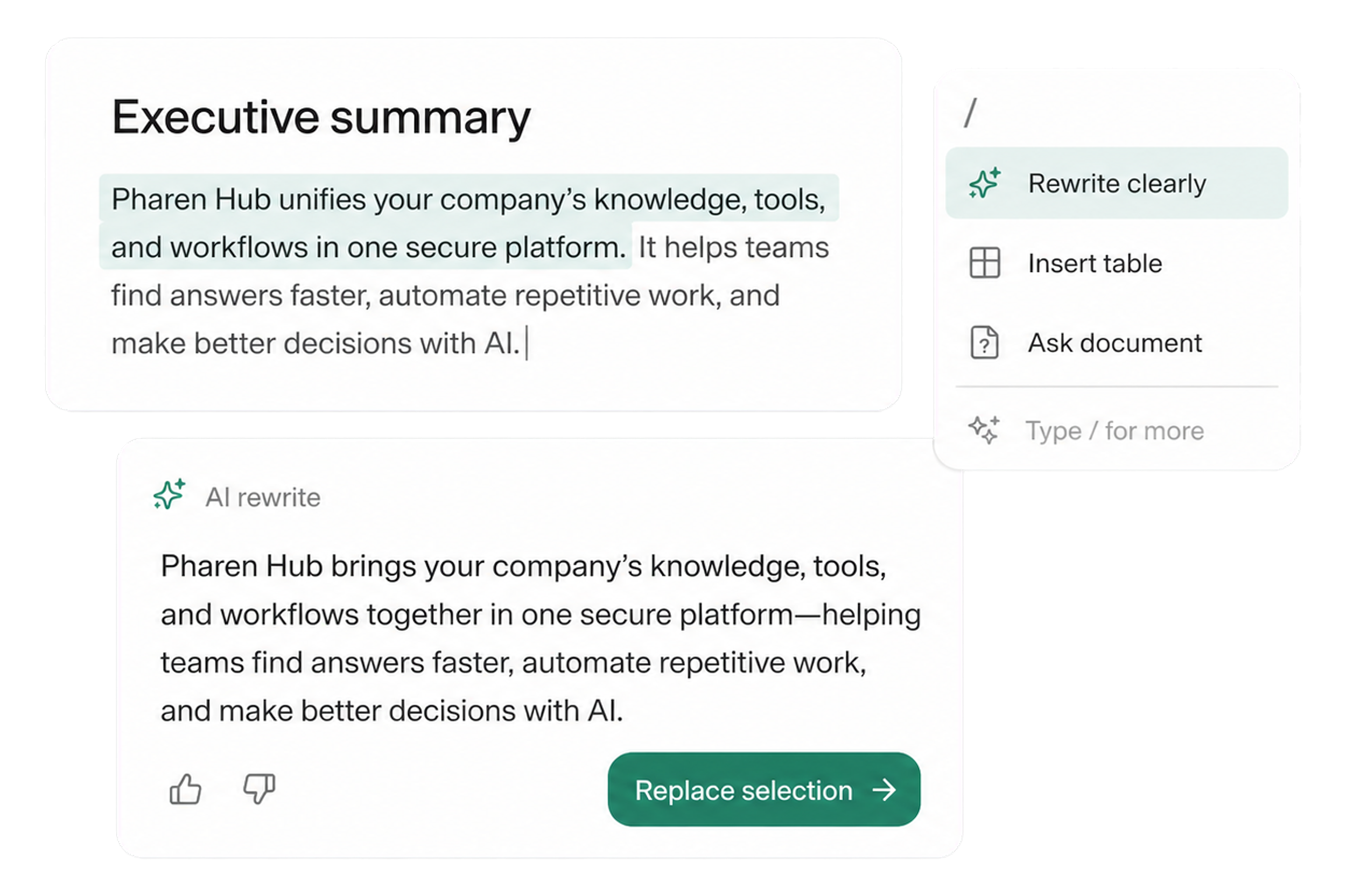
Docs
Create documents where knowledge and decisions already live.
Integrations
Connect existing systems and data with Pharen.
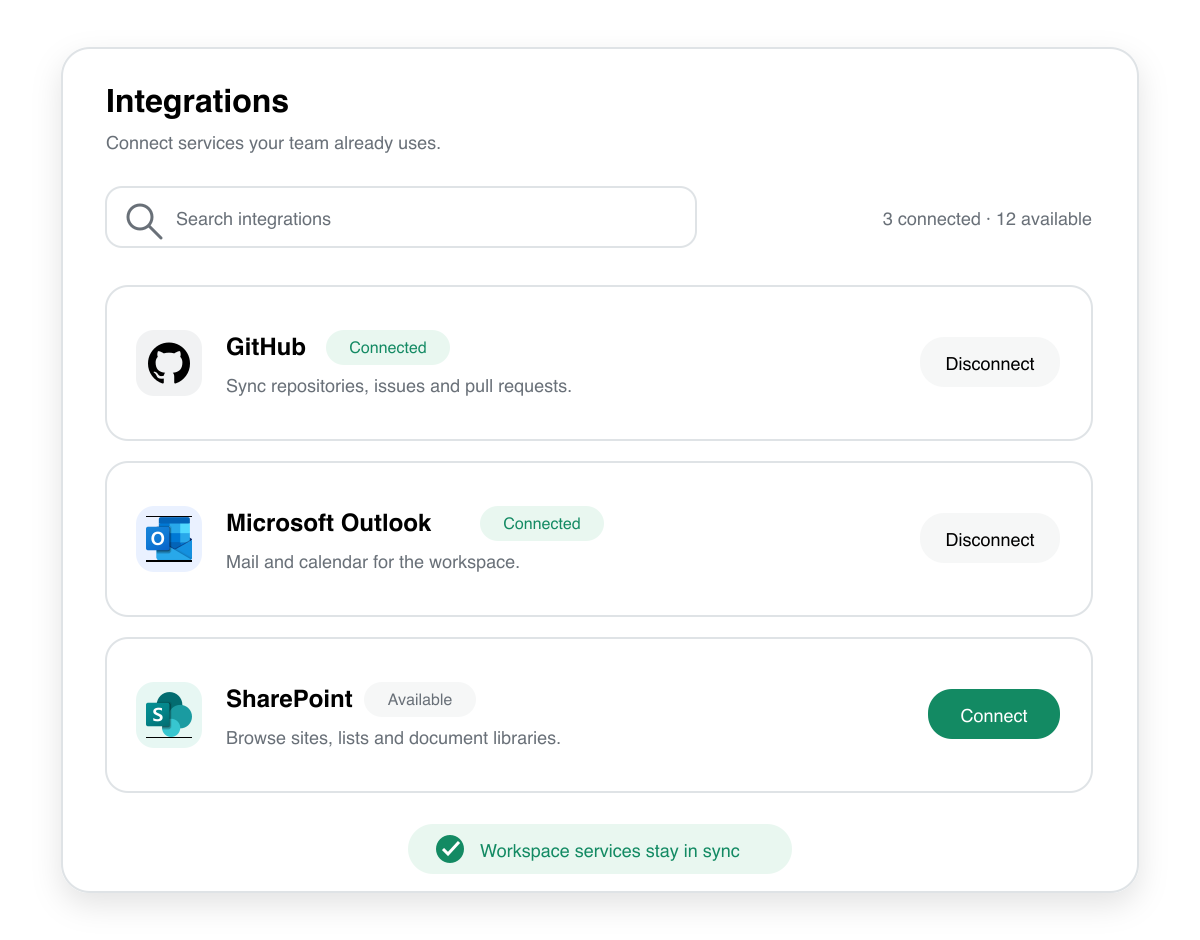
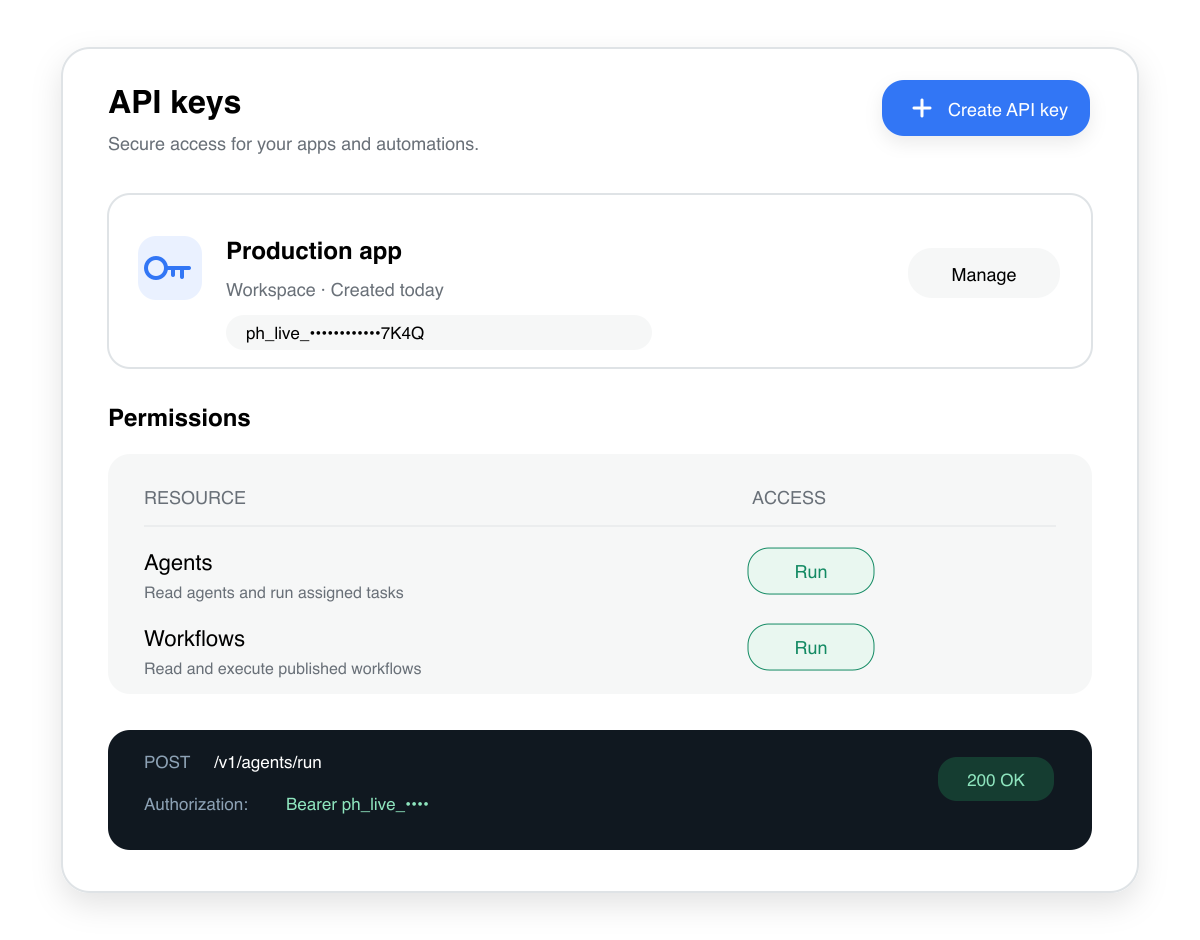
API
Bring data, actions and Agent runs into your own apps.
Current module: 1 / 13
Turn the next idea into a testable working version.
Bring an internal tool, page or process that currently only exists on paper. We will discuss the smallest useful pilot.