

For structured work.
Pharen Lists
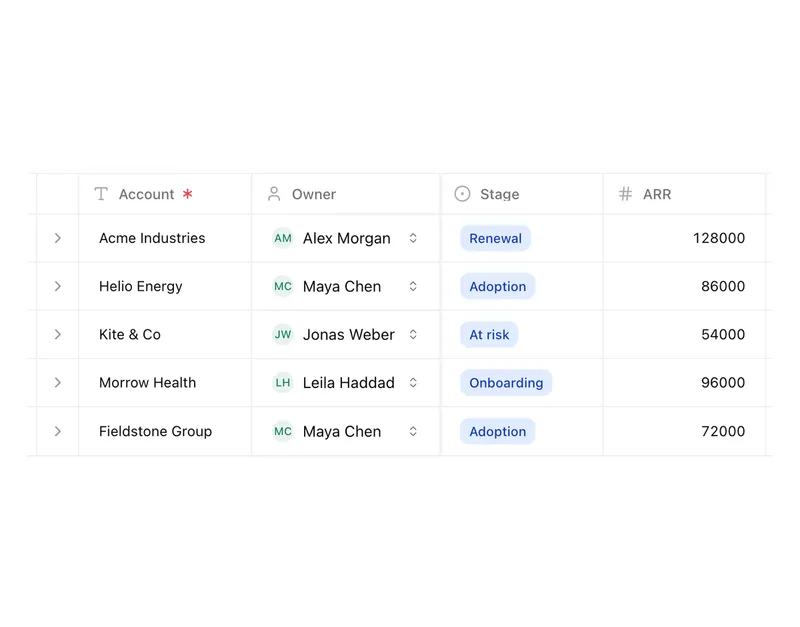
Lists gives customers, cases, assets and tasks the structure your process actually needs. Teams and Agents can then act on that data directly.
Pharen IT GmbH · Updated:
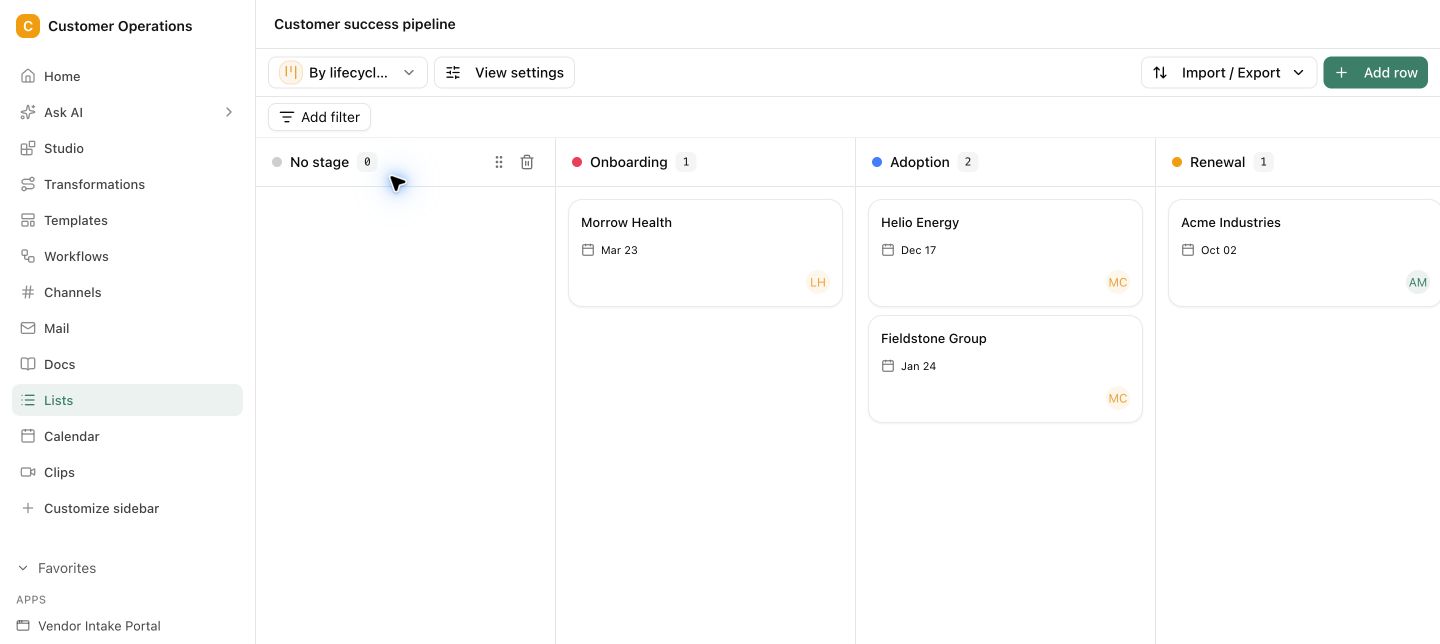
From unclear tables to clear processes.
Fields, relationships and views follow the way your process works. Each role sees the relevant work while the shared data state stays intact.
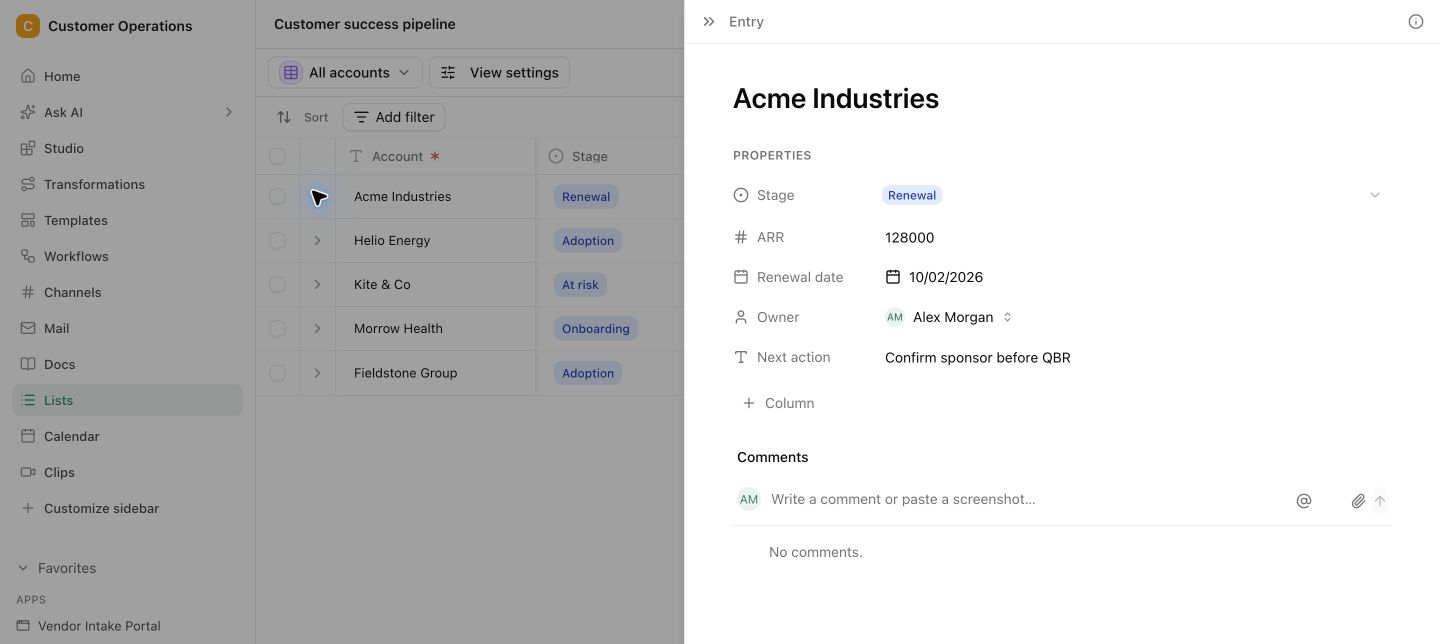
Define fields and statuses
Build the list around the case, with the fields, relationships and owners your team really needs.
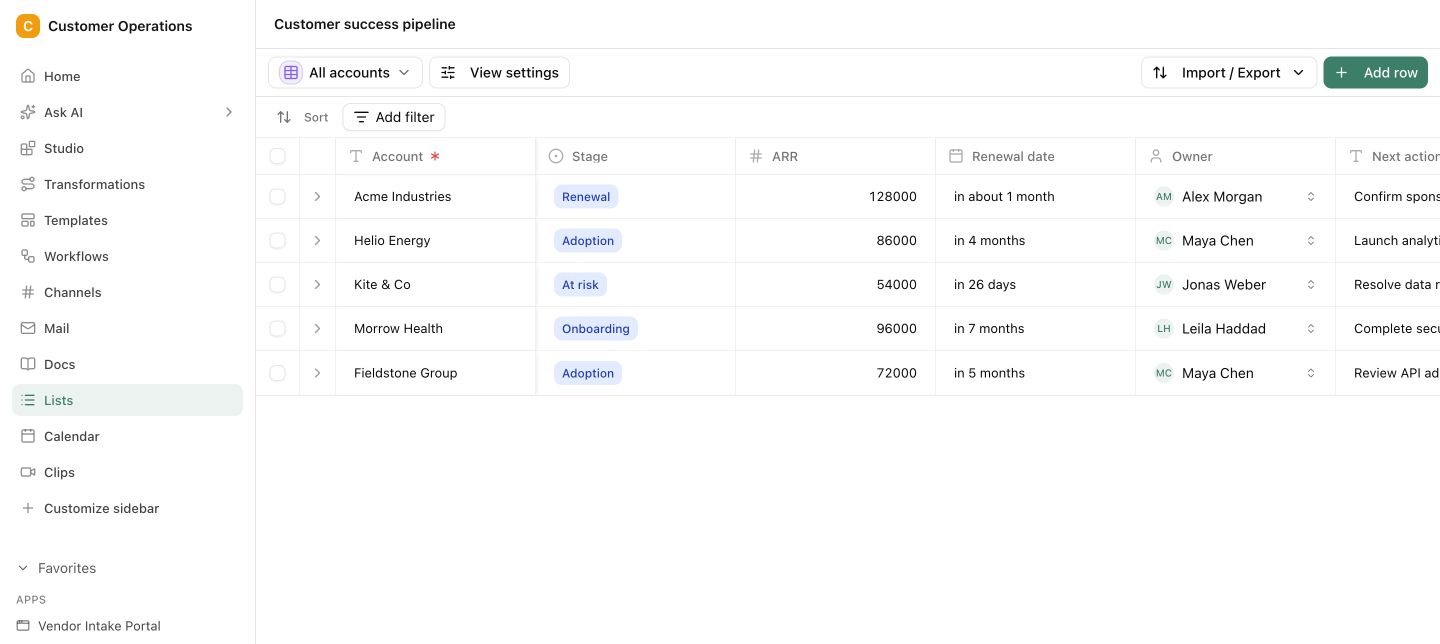
Build views for the work
Create views for roles and process stages so nobody has to search through irrelevant data.
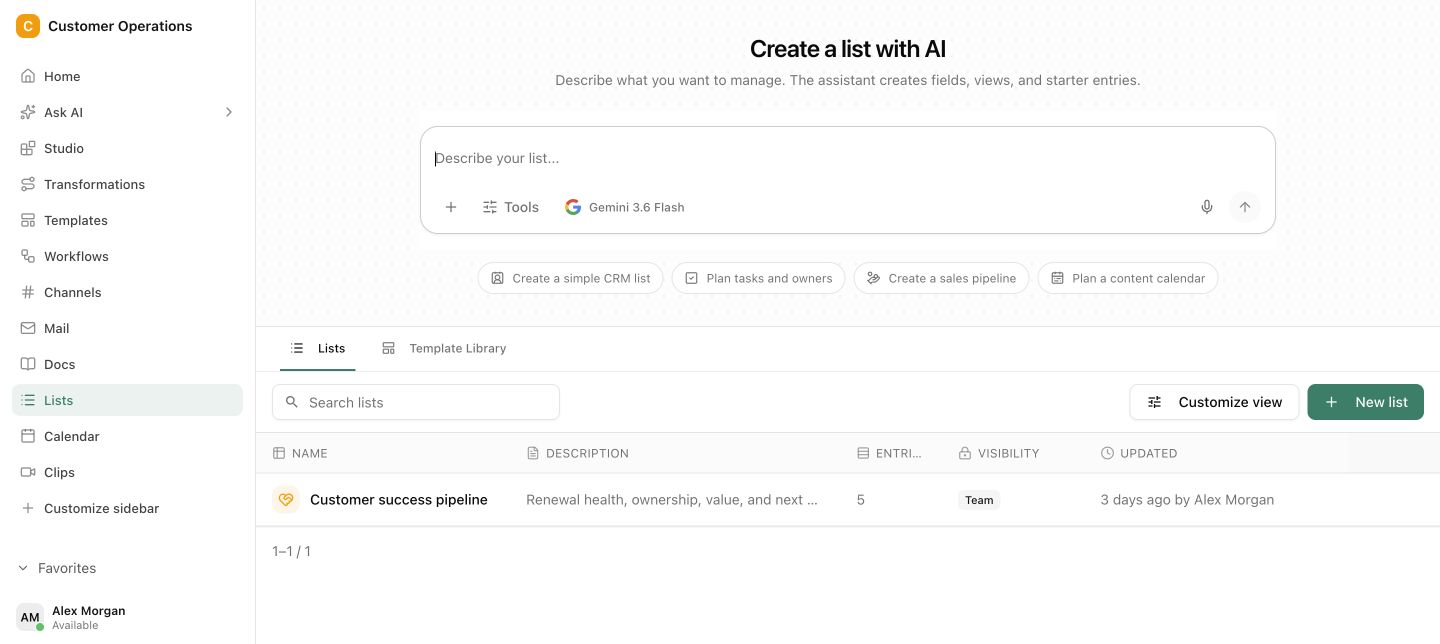
Trigger Agents and Workflows
Use records as context and triggers for automated or agentic work, with status keeping it traceable.
Clear fields, statuses and relationships
Views for roles and process stages · Traceable triggers for Workflows and Agents
Every record shows its status, relationships and next step.
Fields, relationships and views follow the way your process works. Each role sees the relevant work while the shared data state stays intact.
A spreadsheet stores values. It does not yet run the work.
As soon as several roles, statuses and handoffs are involved, side lists and follow-up questions appear. Nobody is certain which record is current or what should happen next.
Questions and answers
What a concrete workflow looks like
Onboarding tracker for new employees.
An IT service provider with 40 employees hires two or three people every month. Onboarding used to run through an Excel file that HR, IT and the team lead edited in turns. Regularly, a laptop or an account was missing on day one.
- HR creates a record in the Onboarding list with name, start date, team, work location and contract type.
- The data model contains linked fields: contact person in the team, required hardware from the asset list and a checklist of mandatory steps.
- Three saved views show each role only its part: IT sees hardware and accounts, the team lead sees induction, HR sees contract and deadlines.
- Once the start date is less than ten days away and an IT step is still open, the status change triggers a task for IT.
- An agent matches the hardware assignment against the asset list and reports when a device is still registered to another person.
- On the first working day the record shows all steps as done, or flags what is missing and who is responsible.
A table that everyone filtered differently becomes a record with ownership and a next step.
What belongs with it
Lists is the data foundation other modules work on. These connections turn a list into a running process.
Modules in Pharen Hub
External systems
- CRM and ERP Customer and order data from existing systems can be synchronised after a technical review.
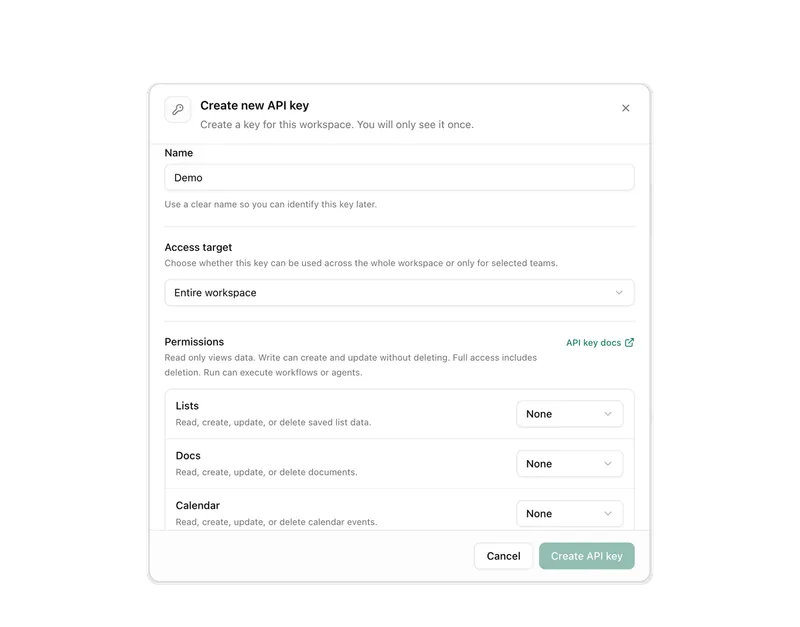
- REST API and webhooks Records can be read and created through the Pharen API so other applications use the same basis.
- File storage Documents from SharePoint, OneDrive or Google Workspace can be linked on the record.
Frequently asked questions
Is Lists a database or a spreadsheet?
A bit of both. Lists has fields, relations between records and views like a database, but it can be operated without development. The difference from a spreadsheet is that a record has status, ownership and triggers, so it can start work.
Can we bring in existing Excel files?
Yes, data from spreadsheets can be imported. The step before matters more: defining fields, statuses and relations so they match your process. A spreadsheet with 40 columns does not become a good process just because it has been imported.
Who is allowed to change records?
Permissions apply per list and follow the roles in the workspace. You can define who may create, edit or only read records. Changes remain traceable with person and timestamp, even when an agent or workflow triggered them.
When Lists is not enough
Lists structures data and triggers individual steps. If you want to automate an entire process across several systems, say from order intake in the ERP to the invoice, that is process automation, not a data model. Our guide explains how to set up such a process properly.
Guide to AI workflow automationThe AI platform for businesses, in 13 modules.
From team chat to approval, the work stays attached to the same item. Status and next step are visible at any time.
Chat
Answers from your docs, mail and projects, not from the open web.
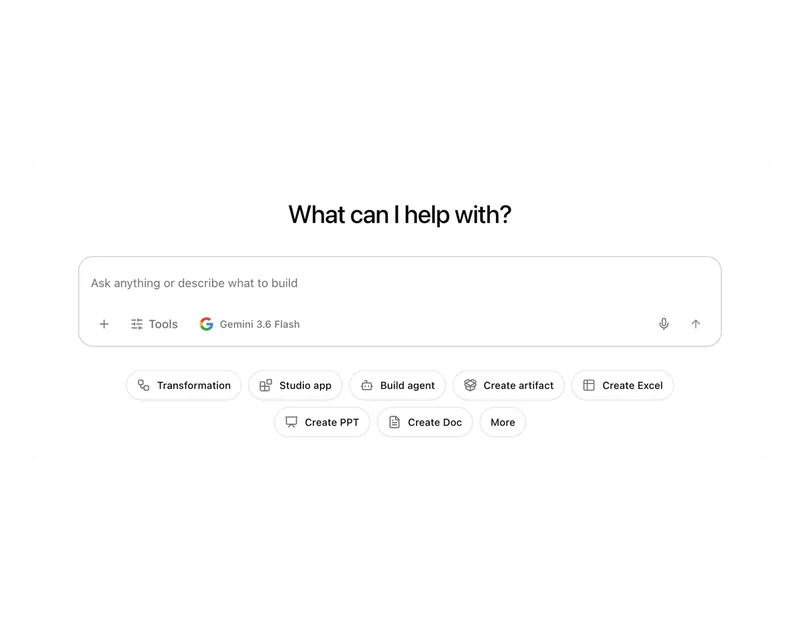
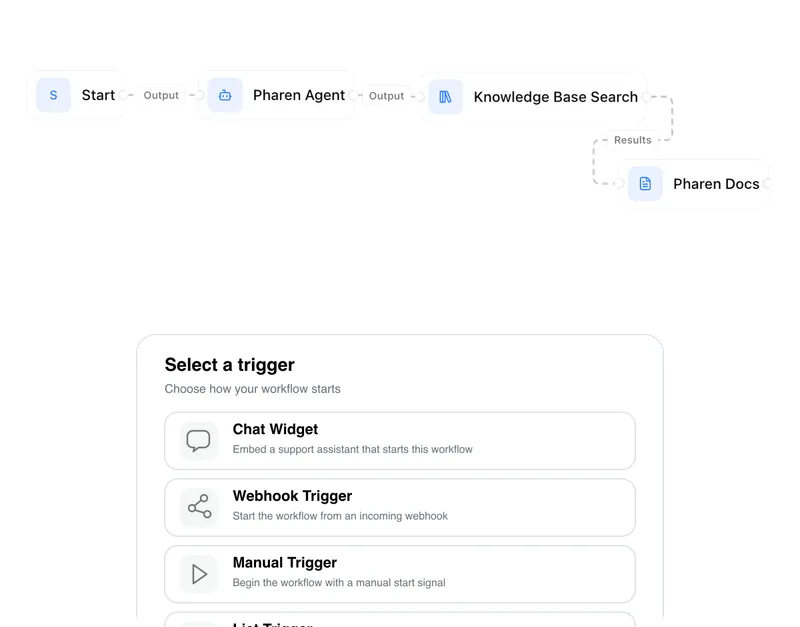
Workflows
Invoice review or onboarding: every step has an approval.
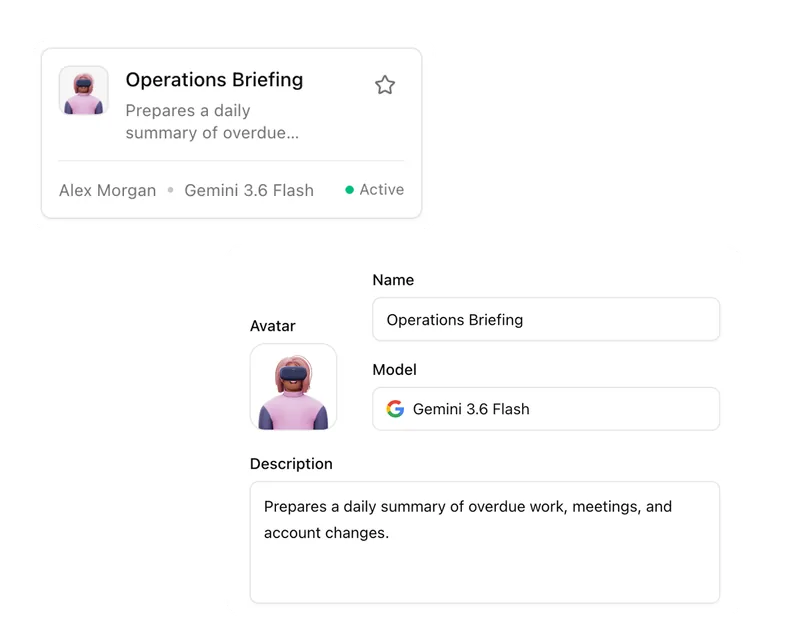
Agents
An agent researches, a person approves. You set the boundaries.
Projects
Bring goals, tasks, decisions and progress together.
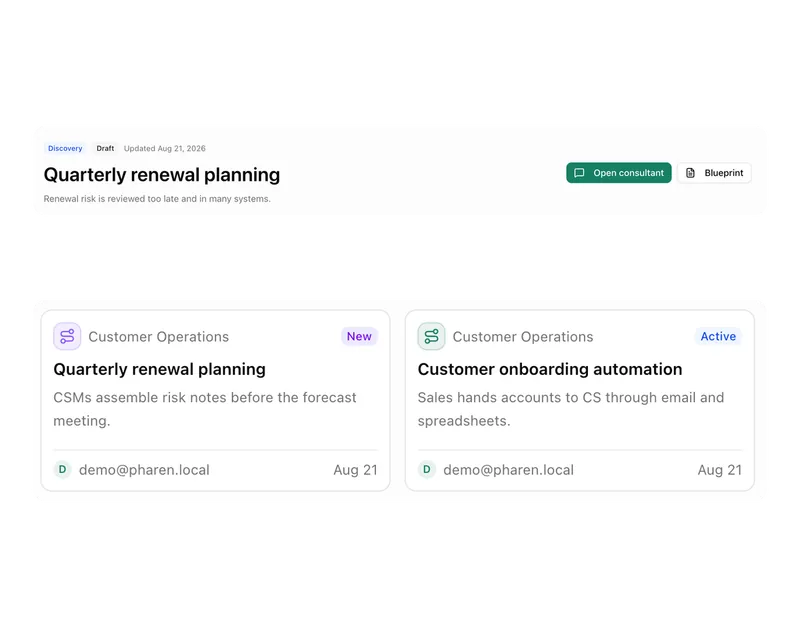
Lists
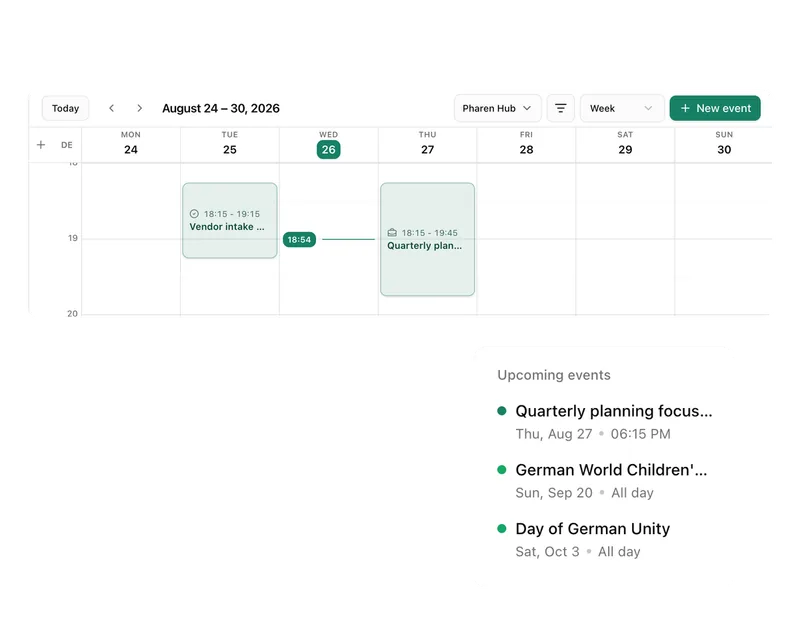
Orders, devices or applicants as a table, board or calendar.
Connect messages directly with the work they belong to.

Calendar
Coordinate meetings, preparation and follow-ups.
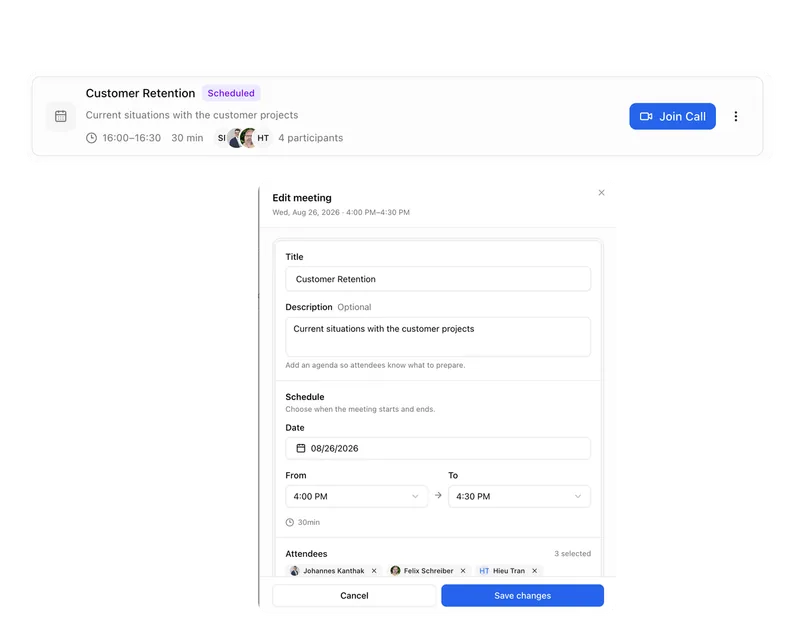
Meetings
Keep decisions and next steps attached to their context.
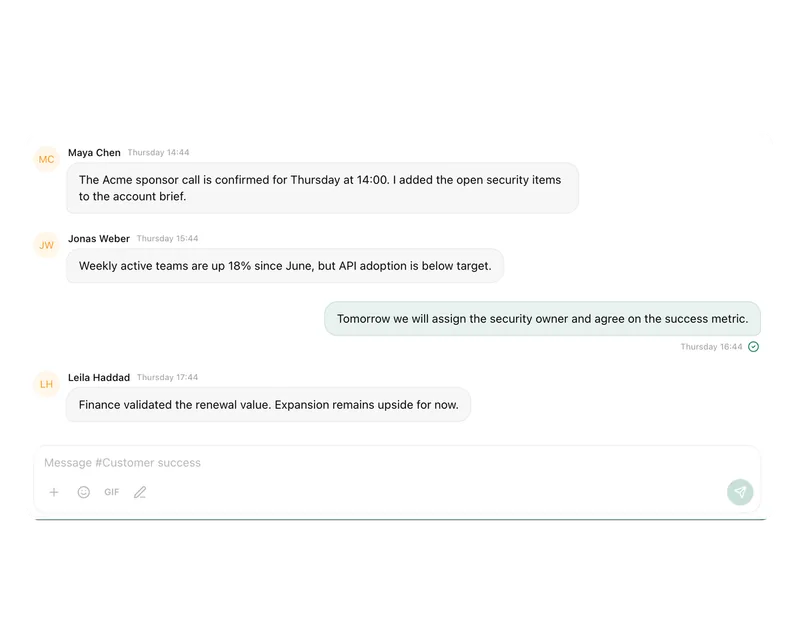
Channels
Keep team conversations close to projects and decisions.
Studio
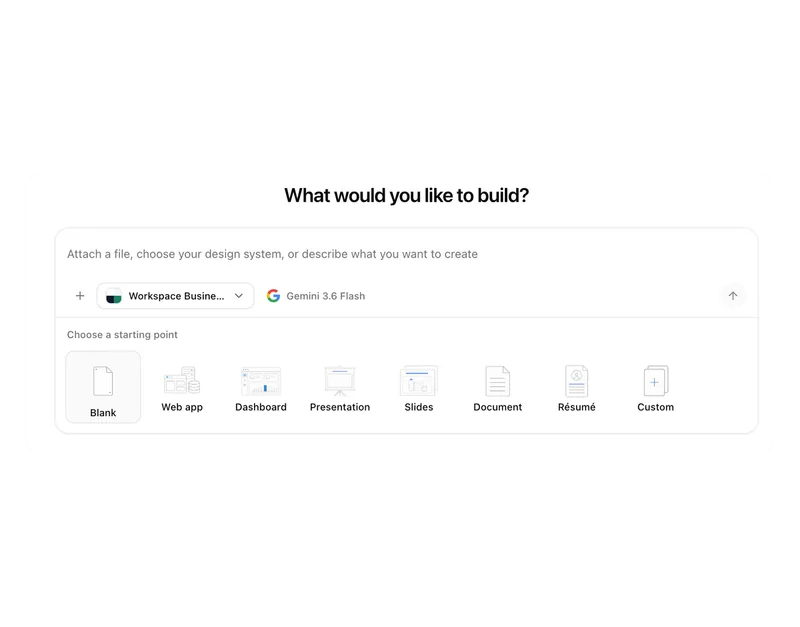
Build apps, tools, pages and prototypes in the workspace.
Docs
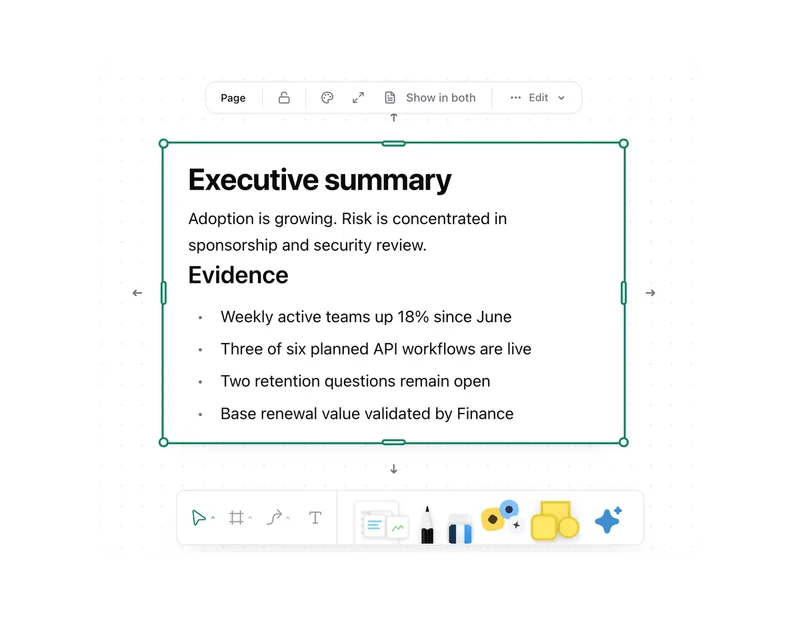
Create documents where knowledge and decisions already live.
Integrations
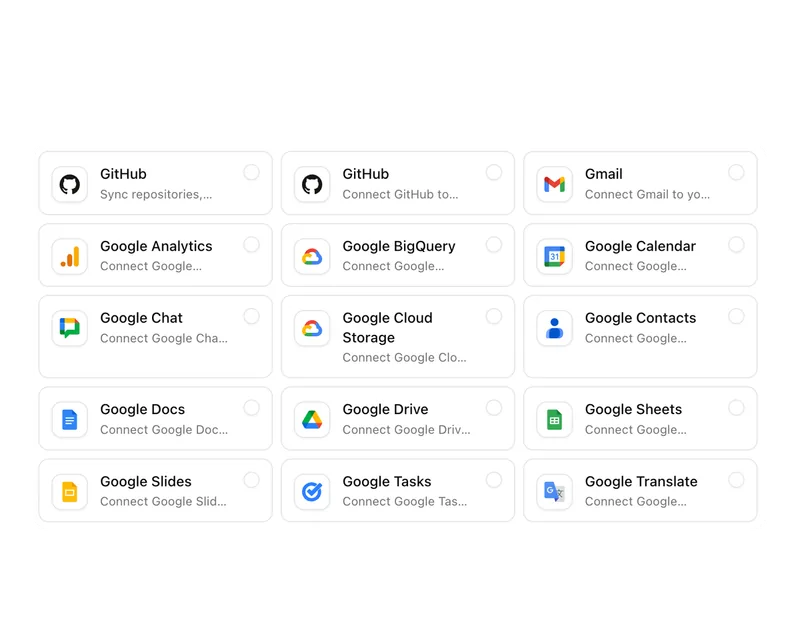
Connect existing systems and data with Pharen.
API
Bring data, actions and Agent runs into your own apps.
Current module: 1 / 13
Bring the spreadsheet that has already become a process.
We will look at your data, roles and handoffs and show how they can become one shared working foundation.