

The Agent knows what to complete and where its work has to stop.
For recurring tasks.
Pharen Agents
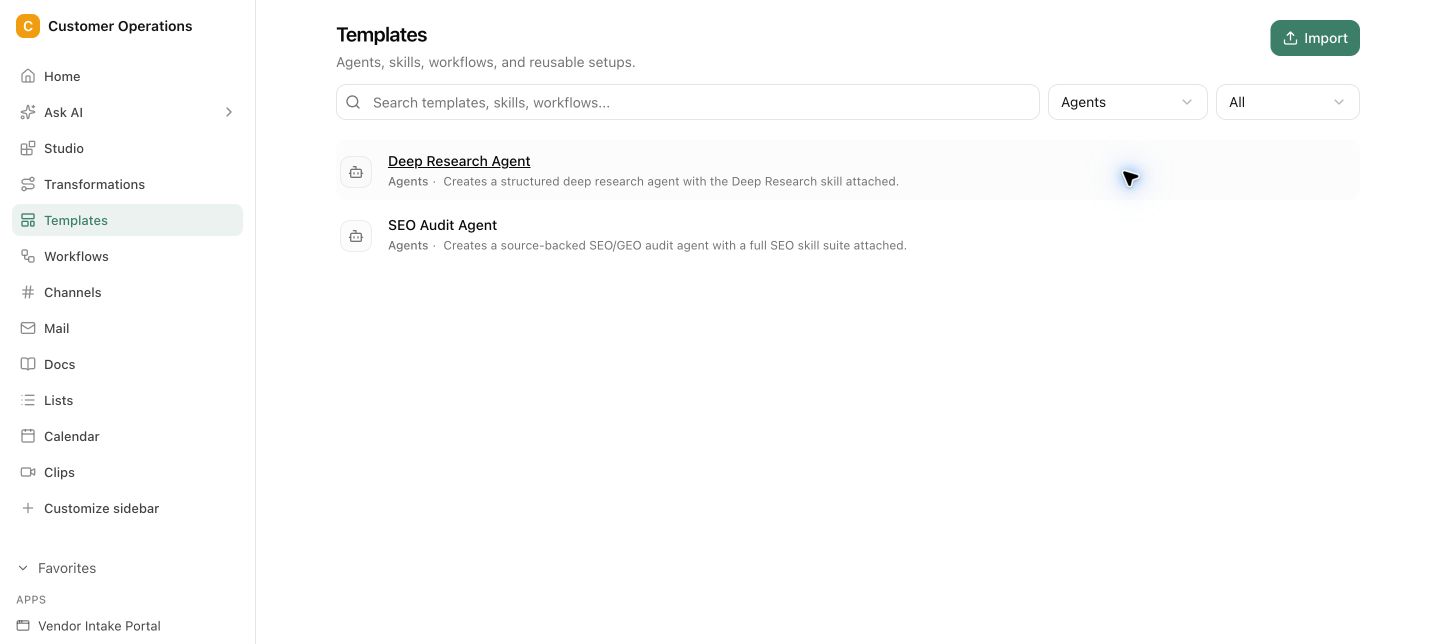
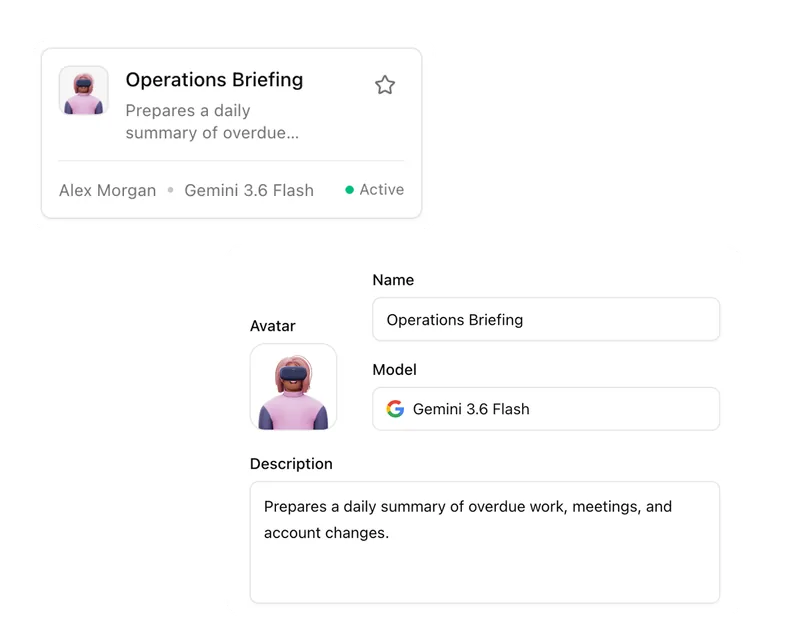
Pharen Agents are AI agents in Pharen Hub that work with projects, lists, documents and decisions from your workspace. Give an agent a task in a direct conversation or use it inside a workflow. For each step, your team sets the model, approved sources and permitted actions. Agents can research information, prepare briefings or check records against defined criteria. You follow the run and review its results and sources. Critical follow-up actions wait for human approval. The assignment makes clear what the agent may do, where it must stop and who decides what happens next.
Pharen IT GmbH · Updated:
Projects, lists, documents and decisions provide the working material.
Critical actions only continue after the right person has reviewed them.
Approval before critical follow-up actions
From assignment to approved action.
In the Agent and workflow, define the message, model, permitted actions and handoffs. Critical follow-up actions wait for your team.
Choose and test an Agent
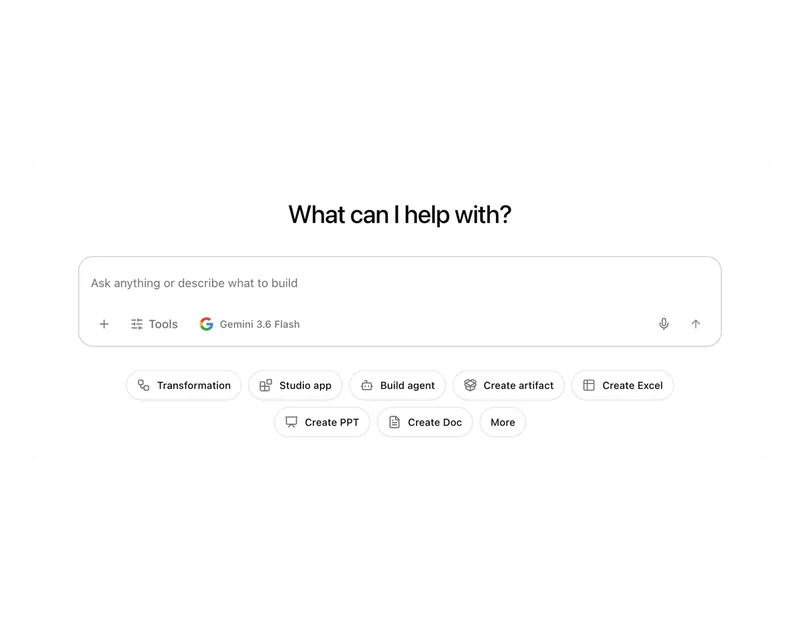
Open an Agent directly in the Hub and start with a suggested task or your own real assignment.
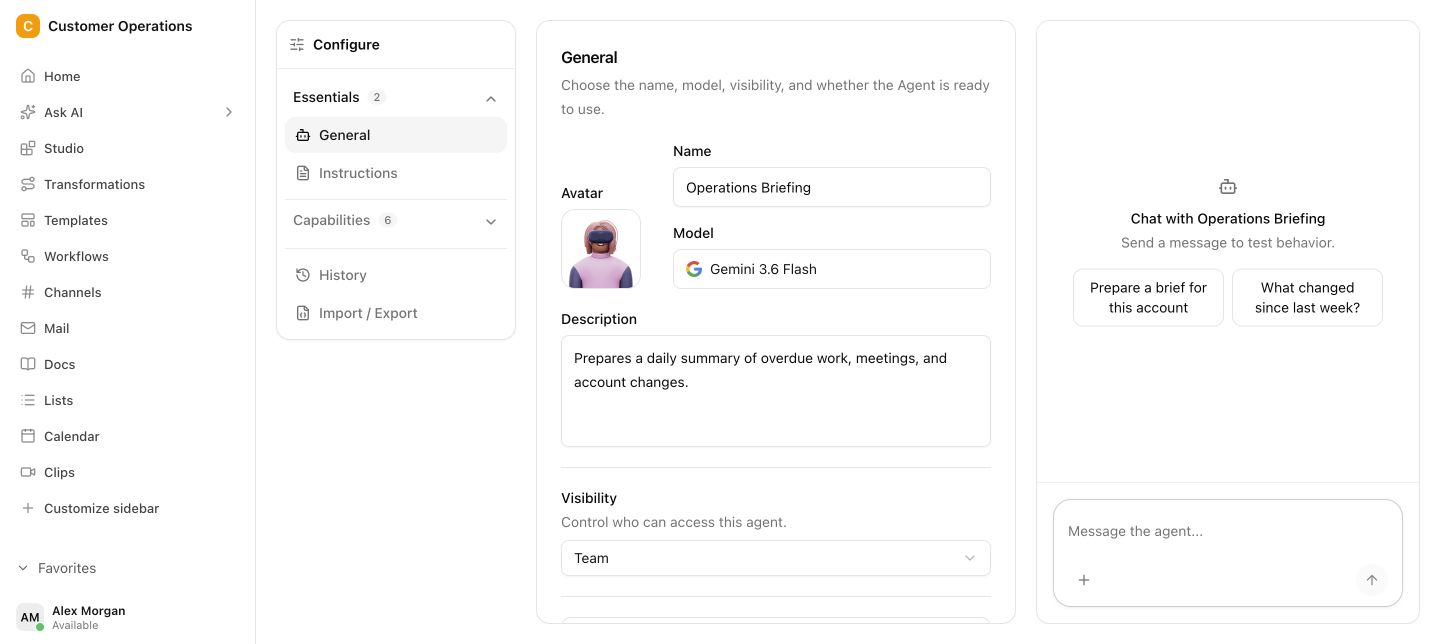
Give the task one-to-one
Describe what needs to be done in the direct Agent chat. The assignment stays visible beside the live test.
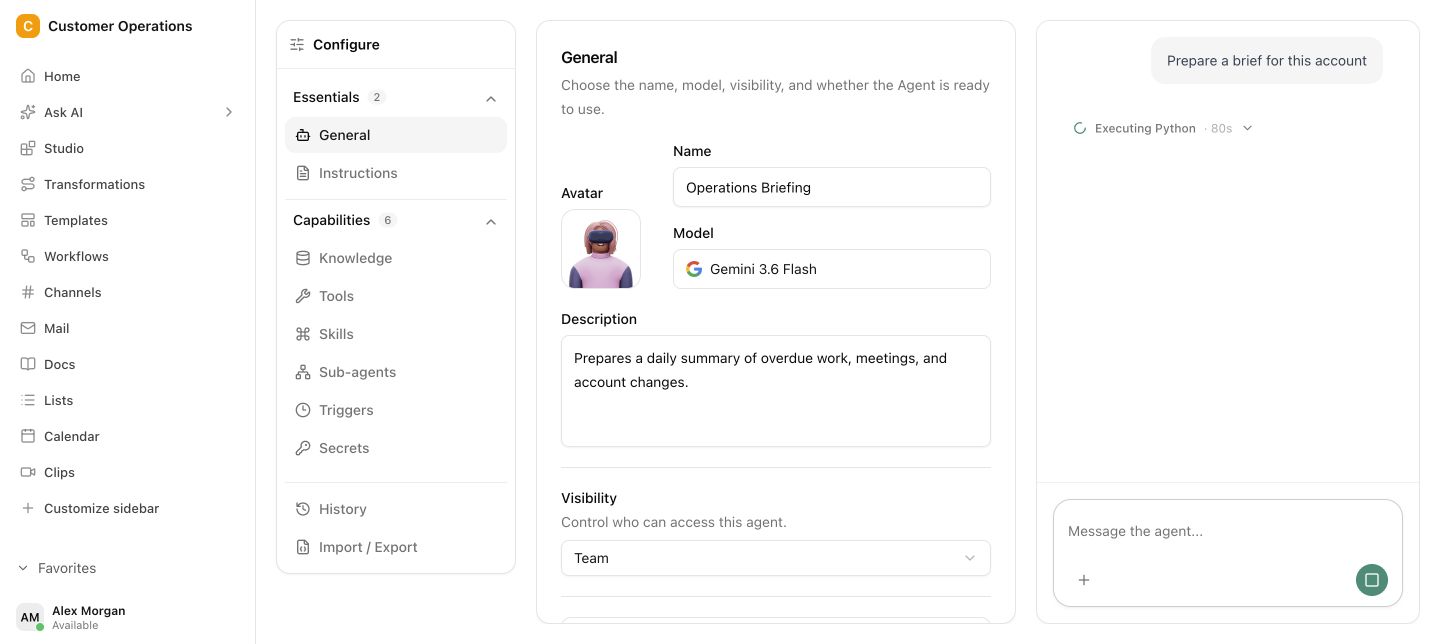
Follow the run live
See when the Agent is working, which assignment is running and when your team needs to review or take over.
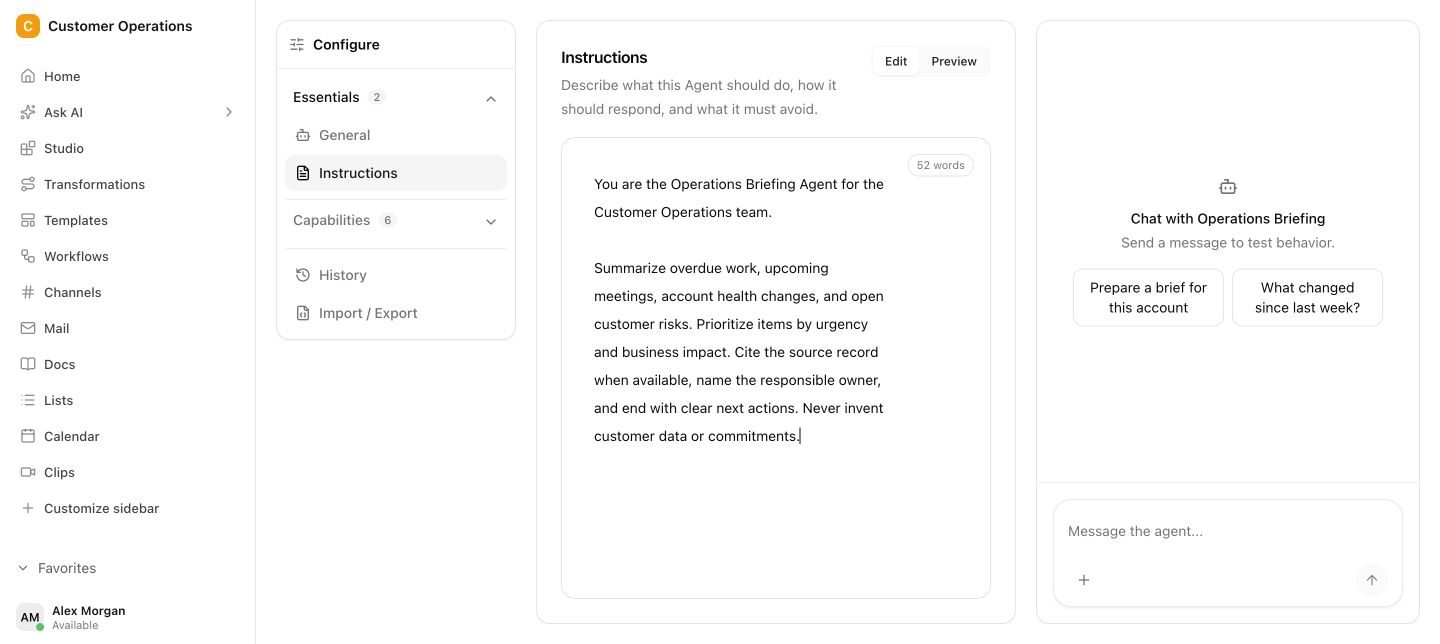
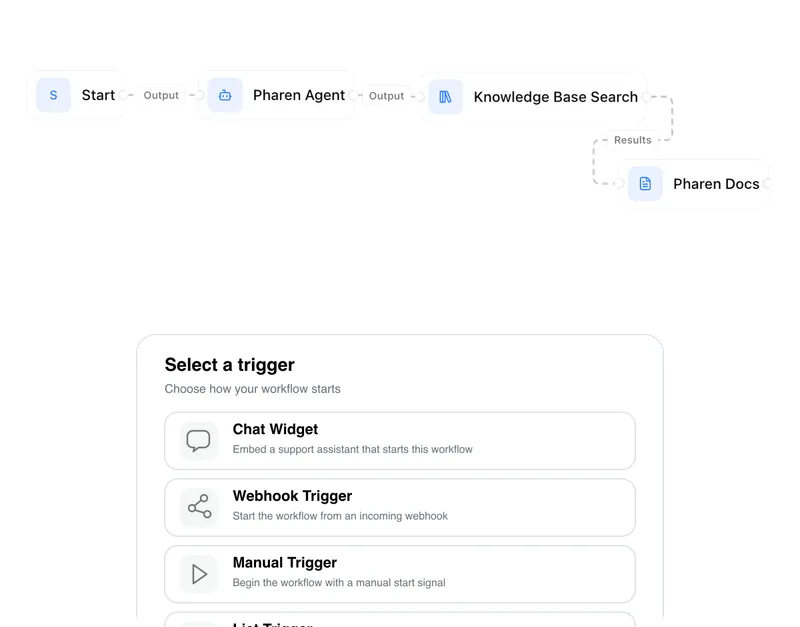
Use the Agent inside workflows
Set the message, model and permitted actions for each step · Approval before critical follow-up actions
An Agent only works inside the boundaries you give it.
In the Agent and workflow, define the message, model, permitted actions and handoffs. Critical follow-up actions wait for your team.
Delegation needs context.
An Agent can work quickly. But without a clear assignment, source material and limits, your team has to interpret every result from scratch. The time saved is lost in correction.
Questions and answers
What a concrete workflow looks like
Checking an incoming invoice, with approval by a person.
A trading company with three locations receives invoices daily through a central mailbox. Accounting wants to hand off the pre-check but never trigger a payment without human approval.
- A new invoice arrives in the connected mailbox. The workflow creates a case with a case number and hands it to the agent.
- The agent reads supplier, amount, invoice date and due date from the document and matches them against the supplier list in Lists.
- It checks mandatory fields and looks for duplicates. If the purchase order number is missing or a similar case exists, it flags the invoice for review.
- For amounts above the agreed limit the run stops. The responsible person sees the summary, the deviations found and the original document side by side.
- She approves or sends a query to the supplier. Decision, comment and timestamp stay on the case.
- Only after approval does the workflow hand the case to accounting or the tax advisor. The agent prepared, a person decided.
The flow mirrors our incoming invoice process use case: the agent handles reading, matching and flagging, the team keeps approval and responsibility. Every step remains documented and traceable.
What belongs with it
An agent rarely works alone. It is attached to a process, to data and to the systems the cases come from.
Modules in Pharen Hub
- Workflows Workflows give the agent its place in the process: which step runs before, who reviews after, when it stops.
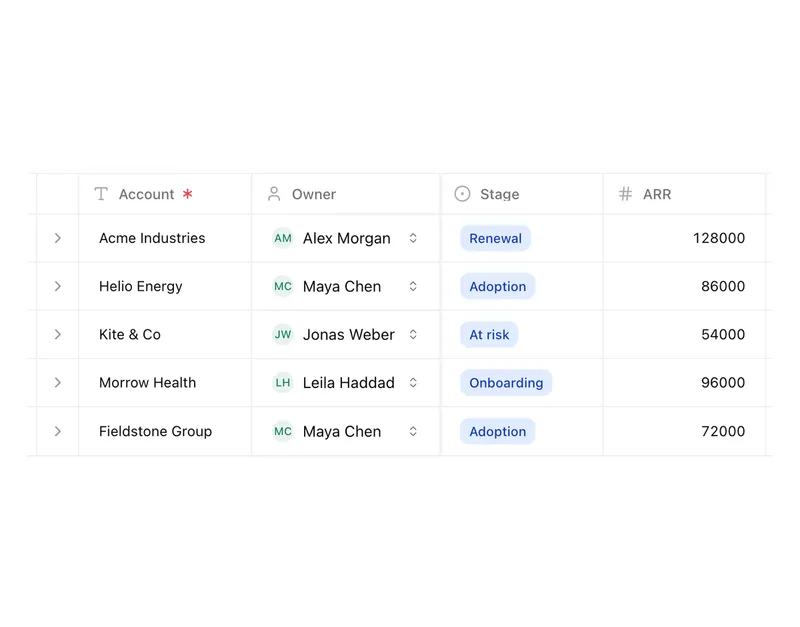
- Lists Lists provide the records an agent checks against and receive its result as a status change.
- Chat In the 1:1 chat you test an agent with a real assignment before it is built into a workflow.
External systems
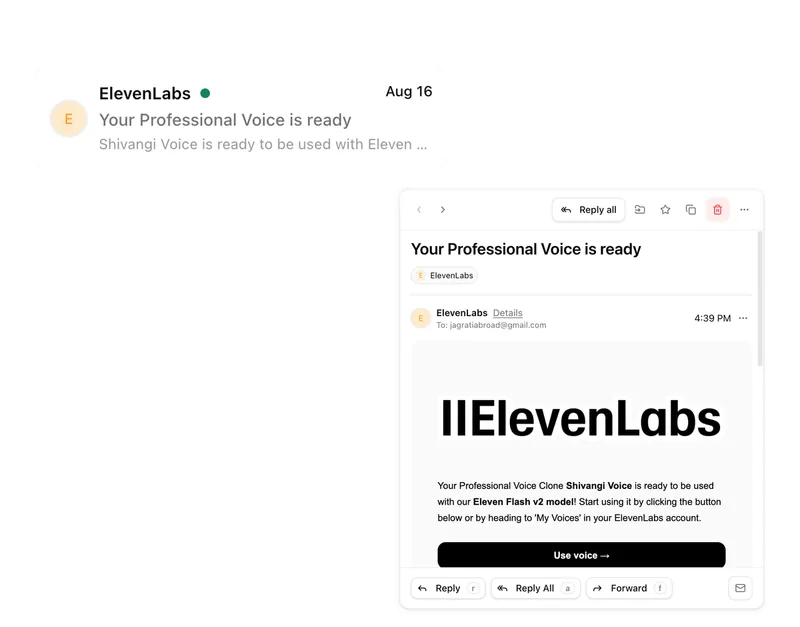
- Outlook, Gmail and IMAP Connected mailboxes are the most common inbox for cases an agent should prepare.
- CRM and ERP Master data from existing systems can serve as a matching source after a technical review.
- MCP server Through MCP an agent gets bounded access to tools and data sources outside the workspace.
Frequently asked questions
Can an agent transfer money or send emails without approval?
Only if you explicitly allow it. Permitted actions are defined per agent and per workflow step. Critical actions such as payments, external messages or deletions can be placed behind an approval point where the run waits.
What happens when the agent classifies something incorrectly?
The agent shows its basis: which sources it read and which criteria it applied. The reviewing person corrects the classification on the case, and the correction stays documented. If an error repeats, you adjust the assignment or the criteria.
Which language model does an agent use?
The model is set per agent and per workflow step. You can pick a smaller model for a simple pre-check and a stronger one for summarising complex documents. Which models are available depends on your setup.
To be honest
When a single agent is not enough
An agent solves a clearly bounded task. If you want to automate several processes at once, still need to clarify roles and responsibility in the company, or plan to introduce agents across several departments, you need an approach first, not another tool. Our guide to enterprise AI agents puts this in order.
Guide to enterprise AI agentsThe AI platform for businesses, in 13 modules.
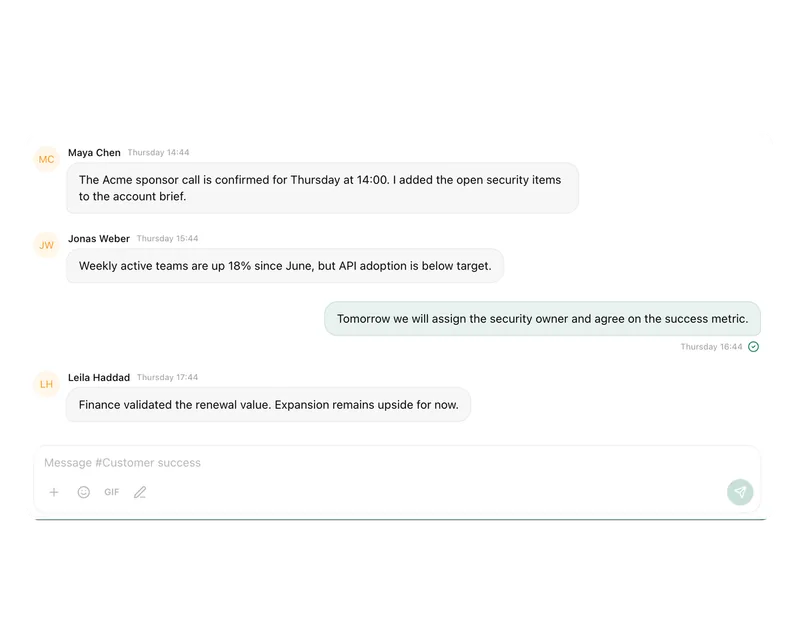
From team chat to approval, the work stays attached to the same item. Status and next step are visible at any time.
Chat
Answers from your docs, mail and projects, not from the open web.
Workflows
Invoice review or onboarding: every step has an approval.
Agents
An agent researches, a person approves. You set the boundaries.
Projects
Bring goals, tasks, decisions and progress together.
Lists
Orders, devices or applicants as a table, board or calendar.
Connect messages directly with the work they belong to.
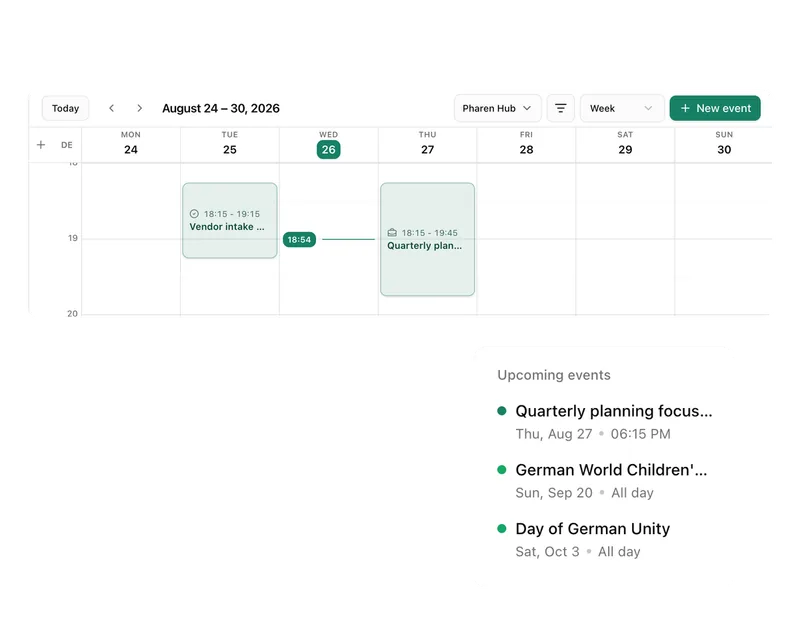
Calendar
Coordinate meetings, preparation and follow-ups.
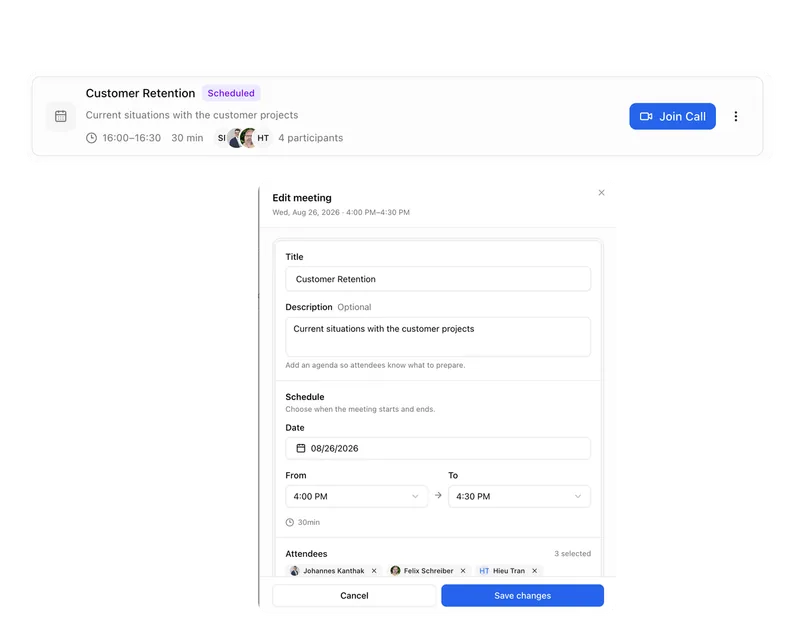
Meetings
Keep decisions and next steps attached to their context.
Channels
Keep team conversations close to projects and decisions.
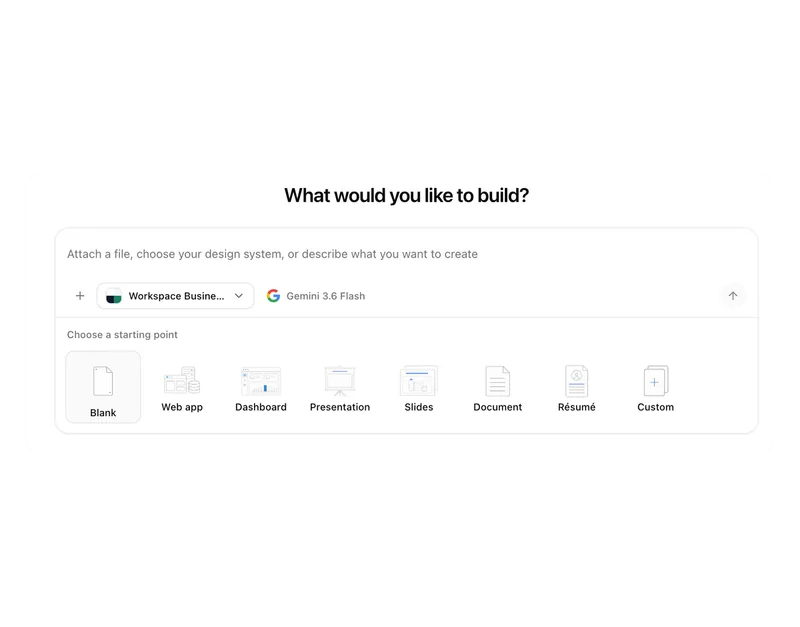
Studio
Build apps, tools, pages and prototypes in the workspace.
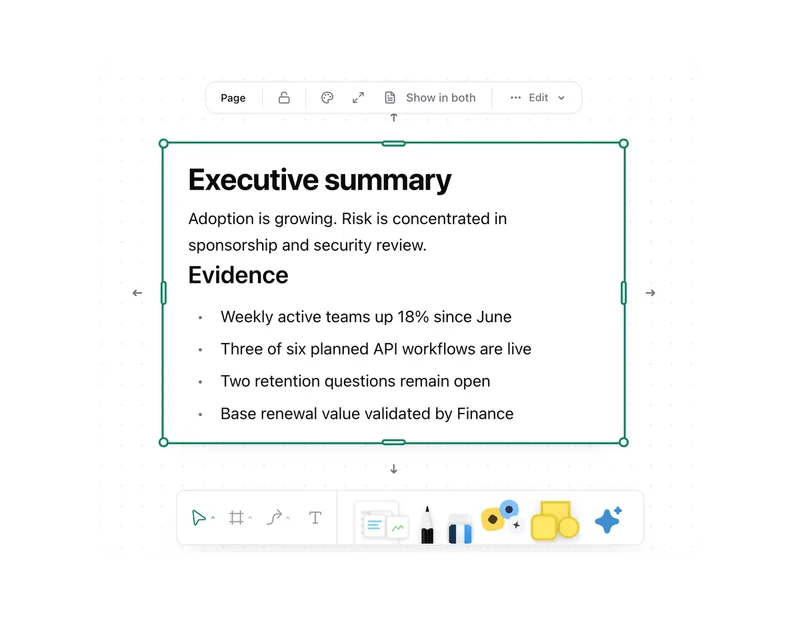
Docs
Create documents where knowledge and decisions already live.
Integrations
Connect existing systems and data with Pharen.
API
Bring data, actions and Agent runs into your own apps.
Current module: 1 / 13
Agents
Delegate the next real piece of work.
Bring a task that keeps getting delayed or repeated. We will identify what an Agent can prepare and where your team should decide.