

For recurring processes.
Pharen Workflows
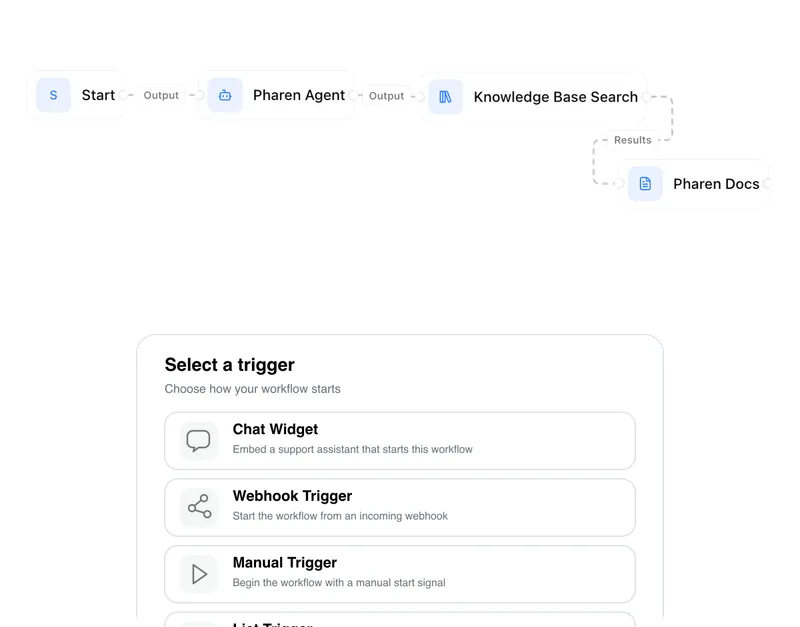
Workflows guide requests, reviews and approvals through a clear process. People and Agents see the same status and know who acts next.
Pharen IT GmbH · Updated:
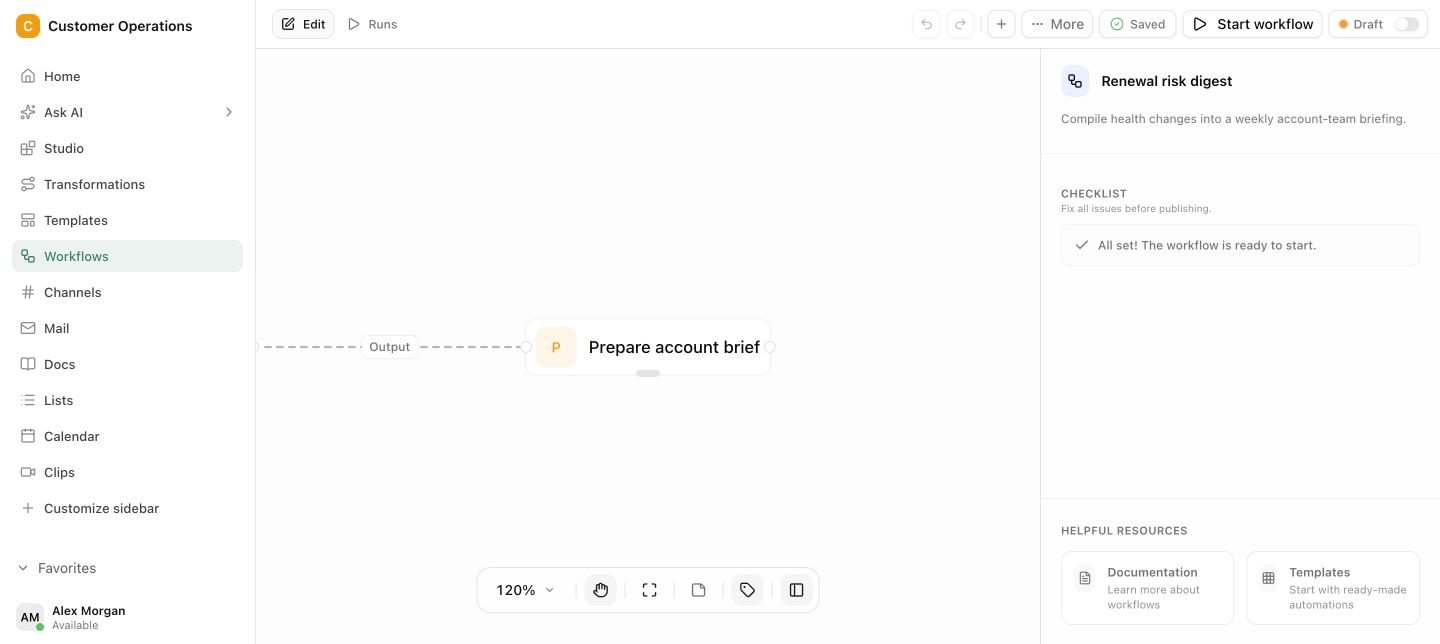
From first input to approval.
Workflows distribute preparatory work between rules, Agents and people. Critical steps remain blocked until the intended person has reviewed them.
Map the process
Define the input, statuses, owners and outcome around the way the case really runs in your team.
Distribute the work
Let Agents handle preparation and routine work, then send decisions to the right person.
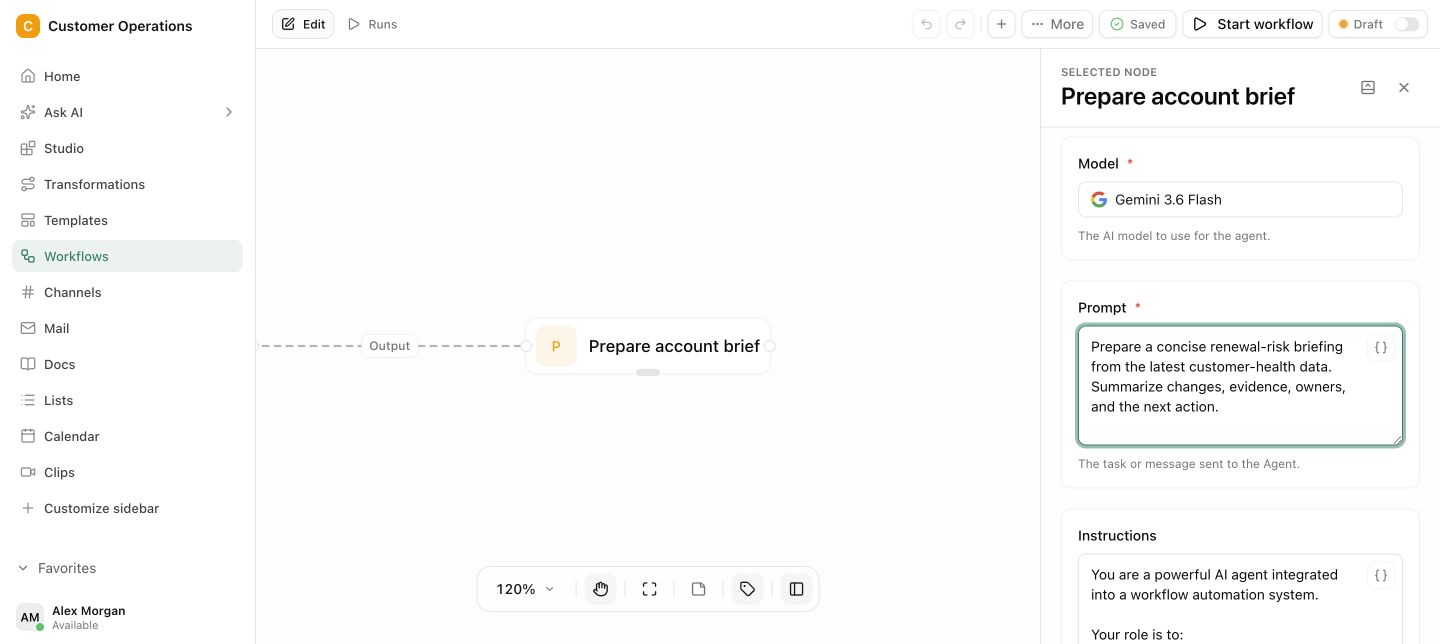
Review the outcome
Record the result, collect the required approval and automatically start the next step.
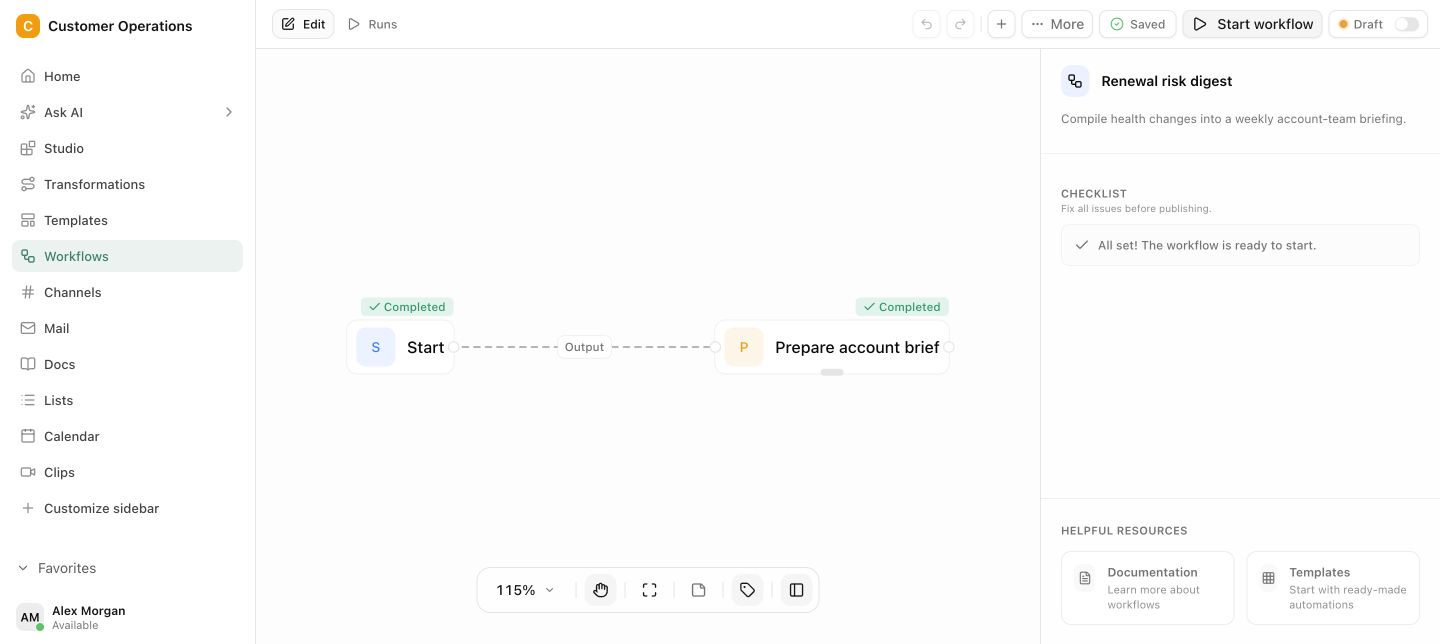
A visible status for every case
Clear ownership at every step · Approval before critical actions
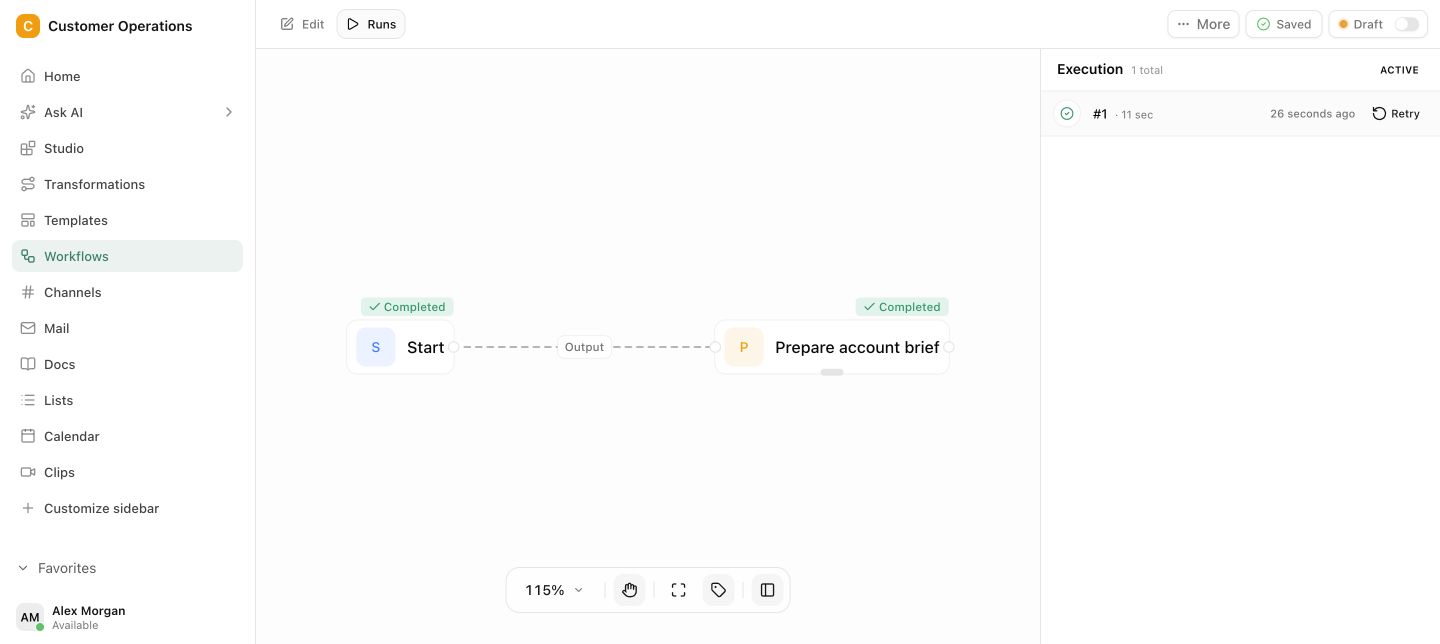
Routine continues. Decisions wait.
Workflows distribute preparatory work between rules, Agents and people. Critical steps remain blocked until the intended person has reviewed them.
If a process only works in someone's head, it does not work reliably.
Repeatable work depends on reminders, inboxes and individual people. When information is missing or someone is away, the case stops without a visible reason.
Questions and answers
What a concrete workflow looks like
Leave request with cover and approval.
A manufacturing company with 80 employees in two shifts handles leave requests by form and email. The shift lead checks staffing, HR checks remaining leave, and regularly a request gets lost between the two.
- An employee submits the request in the workspace: period, shift, proposed cover. The workflow creates a case with the status Received.
- The first step checks automatically against the Absences list: if two people in that shift are already absent, the request is flagged as a staffing conflict.
- The proposed cover receives a task and confirms or declines. Without confirmation the case stays at this step, visible to everyone involved.
- The shift lead sees request, staffing check and cover confirmation side by side and approves or sends a query.
- HR receives the approved request with the remaining leave from the list and gives the final confirmation. Both approvals are documented with person and timestamp.
- The workflow enters the absence in the list and the calendar and informs the applicant. If declined, the case goes back with a reason.
Every request has a visible status and a responsible person. Nobody has to ask where the request currently sits, and the staffing check happens before a person has to decide.
What belongs with it
A workflow is the bracket around data, agents and communication. These modules are involved in almost every process.
Modules in Pharen Hub
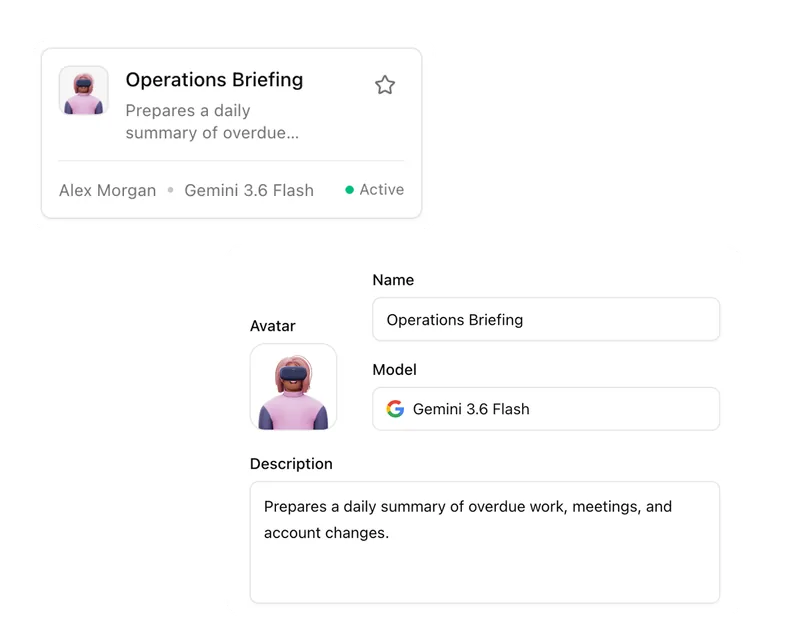
- Agents Agents take over individual steps in the process, such as pre-checks or summaries, with approval afterwards.
- Lists Workflows read records as their basis and write status and result back.
- Mail & Calendar Inputs often come from the mailbox, and results go back as an appointment or message.
External systems
- Webhooks Events from other systems can start a workflow or complete a step.
- REST API Existing applications start workflow runs with validated input and query the status.
- Microsoft Teams and Slack Approvals and status messages can arrive where the team already reads, depending on the setup.
Frequently asked questions
Do we need developers to build a workflow?
Not for most processes. Steps, owners, conditions and approvals are configured in the workspace. Development comes into play when a step needs to talk to an external system through the API that is not yet connected.
What happens when an approval is left waiting?
The case stays visibly at that step, with person and waiting time. You can set deadlines and reminders and assign a deputy. What does not happen: the workflow skips the approval because someone is on holiday.
Can we change a running workflow?
Yes. Changes to the definition apply to new runs. Cases already in progress are completed under the previous definition so a half-finished request does not suddenly get different rules. The history shows which version a case ran under.
When a workflow alone is not enough
A workflow maps a process you already know. If the process itself is still unclear in the company, has many exceptions, or you first need to decide which processes are suitable for automation at all, a tool alone will not help. Our guide to AI workflow automation shows how to select and prepare processes.
Guide to AI workflow automationThe AI platform for businesses, in 13 modules.
From team chat to approval, the work stays attached to the same item. Status and next step are visible at any time.
Chat
Answers from your docs, mail and projects, not from the open web.
Workflows
Invoice review or onboarding: every step has an approval.
Agents
An agent researches, a person approves. You set the boundaries.
Projects
Bring goals, tasks, decisions and progress together.
Lists
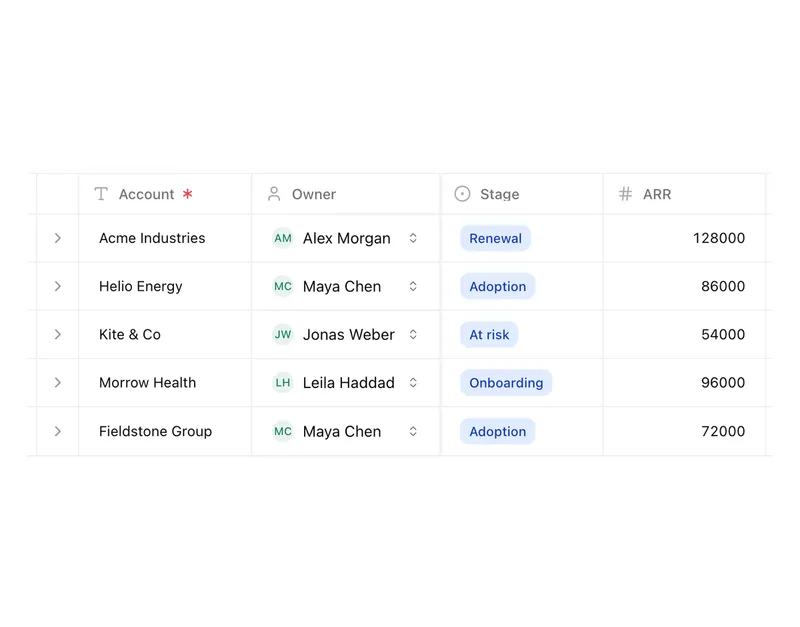
Orders, devices or applicants as a table, board or calendar.
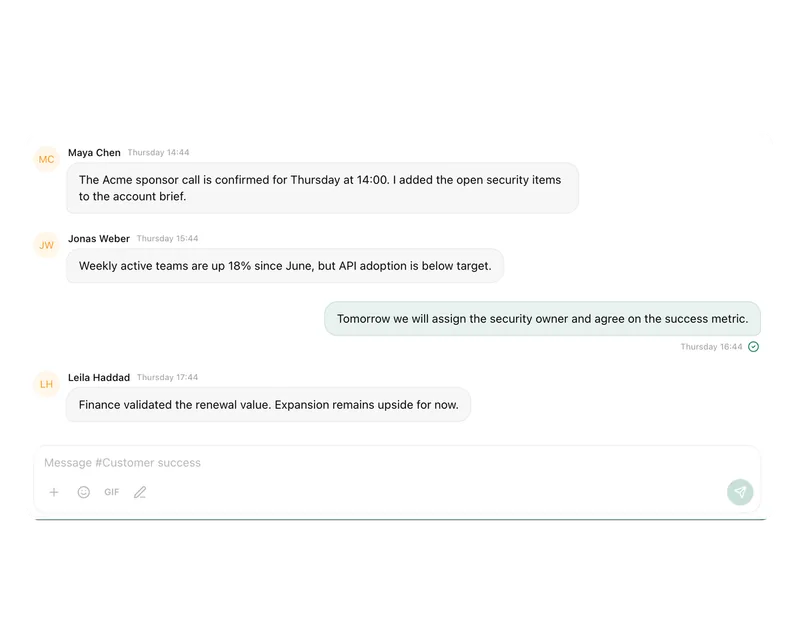
Connect messages directly with the work they belong to.

Calendar
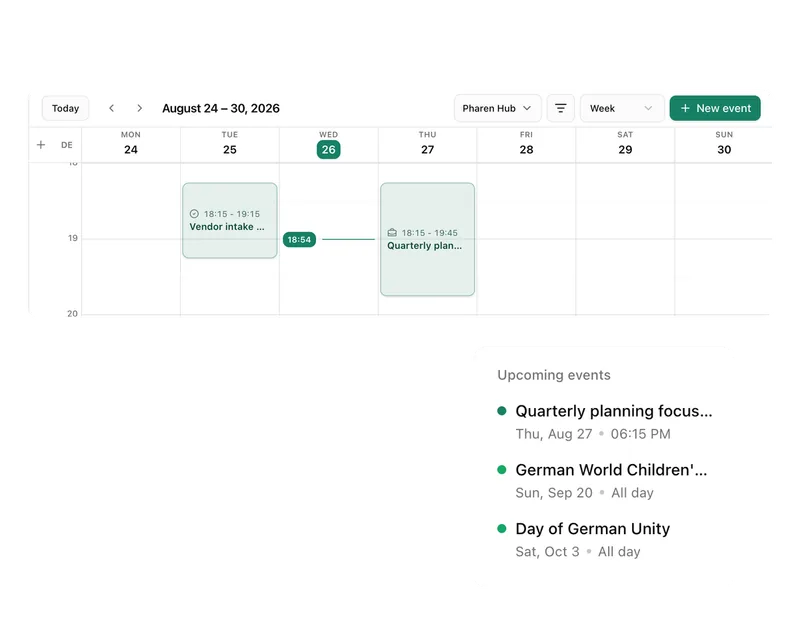
Coordinate meetings, preparation and follow-ups.
Meetings
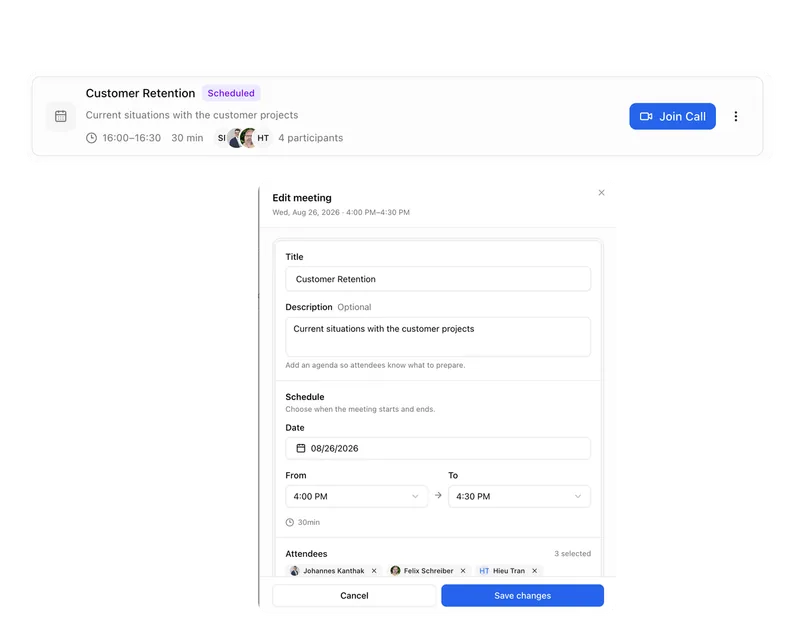
Keep decisions and next steps attached to their context.
Channels
Keep team conversations close to projects and decisions.
Studio
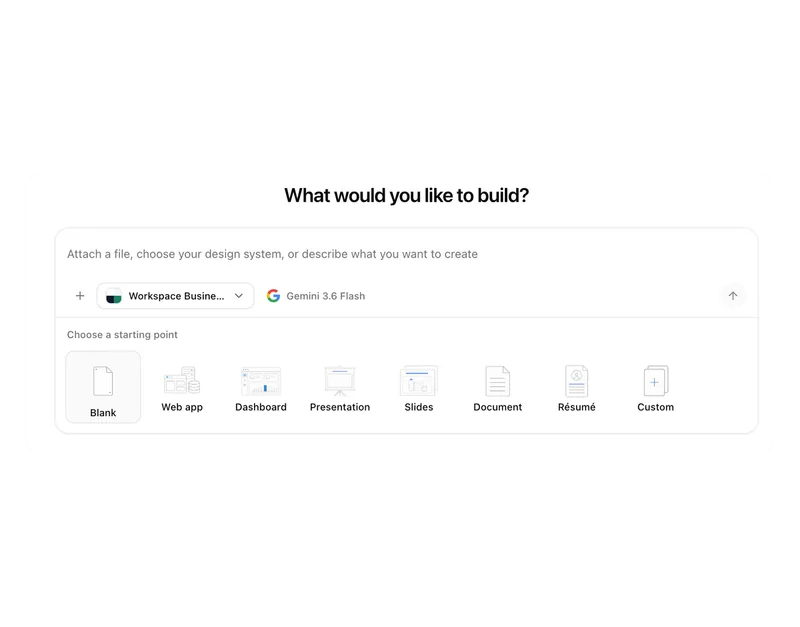
Build apps, tools, pages and prototypes in the workspace.
Docs
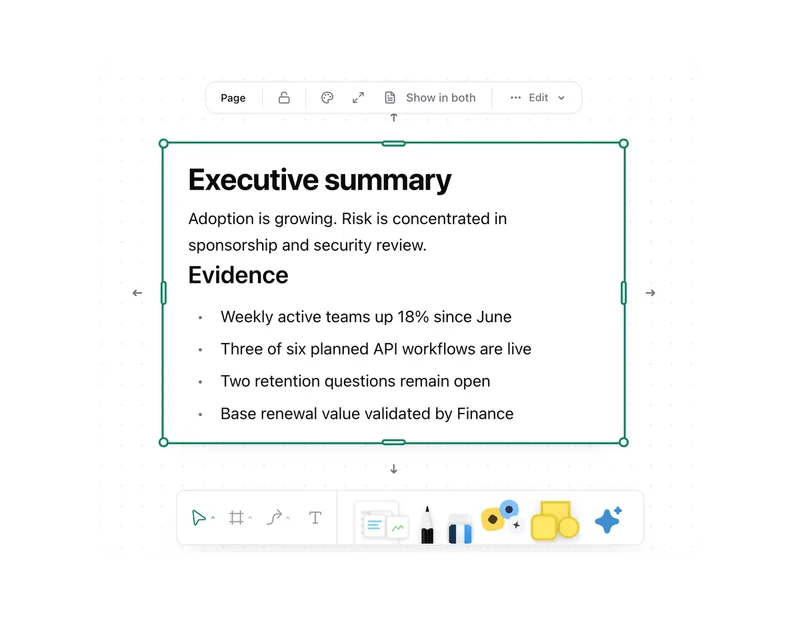
Create documents where knowledge and decisions already live.
Integrations
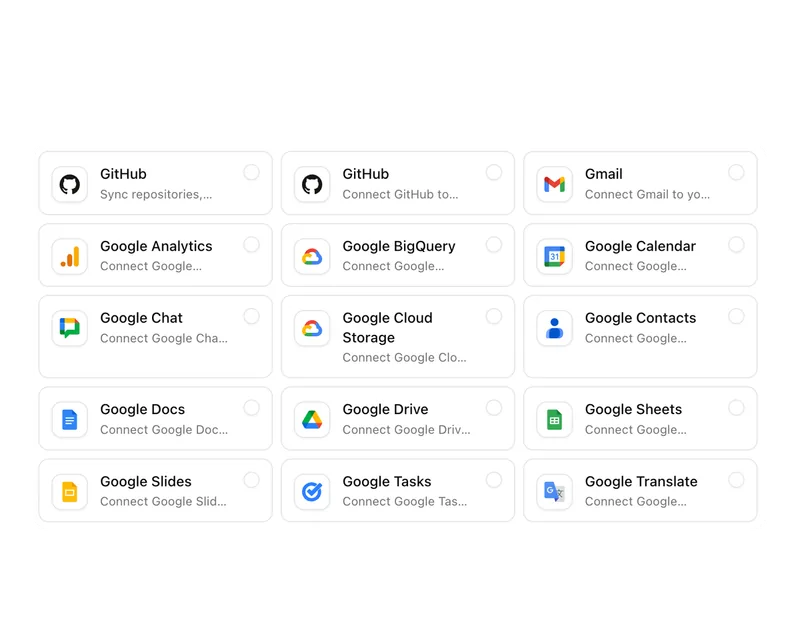
Connect existing systems and data with Pharen.
API
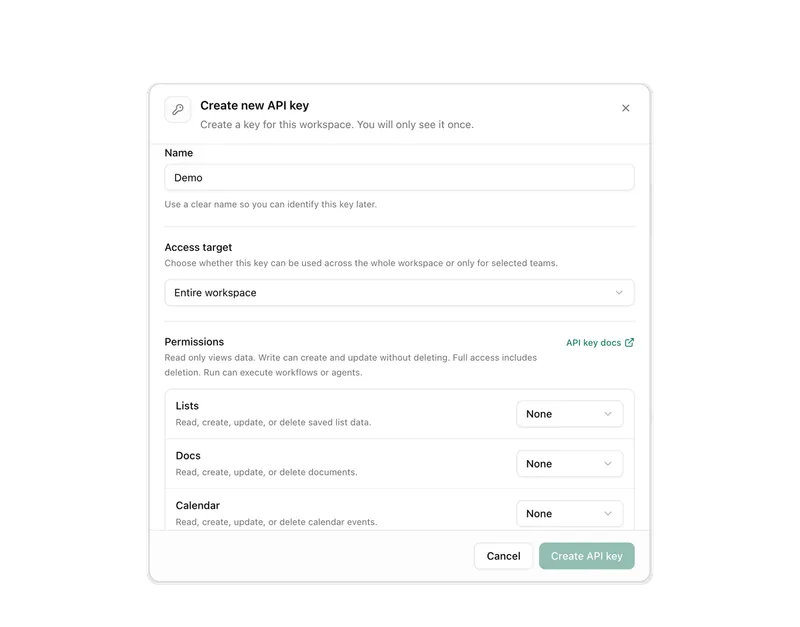
Bring data, actions and Agent runs into your own apps.
Current module: 1 / 13
Build the process everyone is chasing today.
Bring a repeatable process. We will clarify the statuses, ownership and most useful first Workflow.