

One interface. A clear scope.
Pharen API
Embed defined workspace data, workflows and agent steps into existing applications. Endpoints, permissions and deployment follow your Pharen setup.
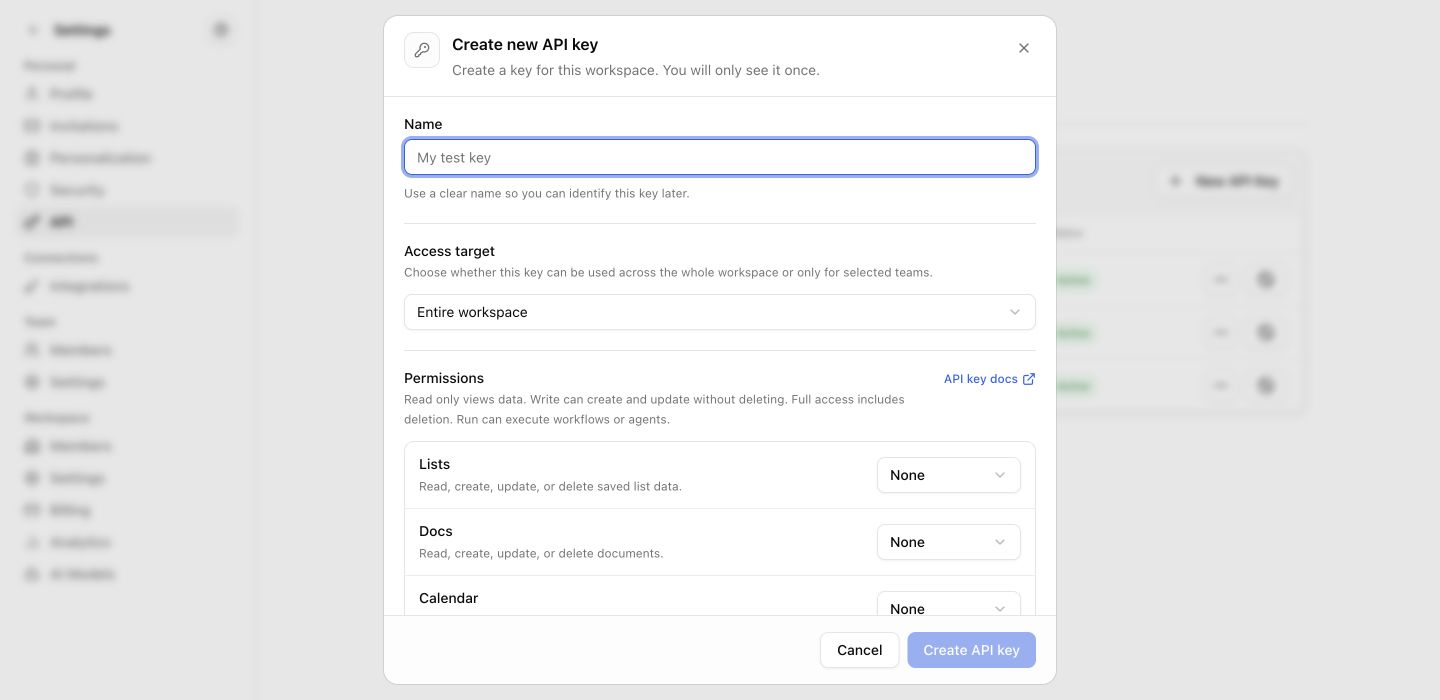
The API follows your Pharen setup.
Cloud or self-hosted, authentication, data areas and limits are agreed before production use.
| Deployment and control | API building blocks | API |
|---|---|---|
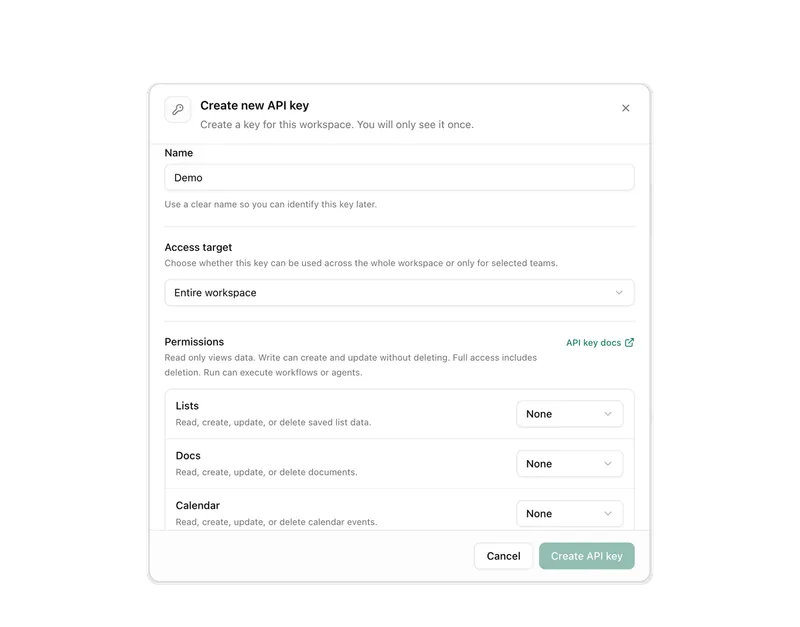
| Authentication | Tokens, roles and validity constrain access to the agreed use case. | |
| Data scope | Endpoints return only the fields and workspace areas the integration needs. | |
| Observability | Requests, workflow status and failure paths remain traceable in operations. | |
| Support and limits | Rate limits, availability and support scope are documented for the chosen operation. |
What a concrete workflow looks like
Synchronising customer data from the ERP without double maintenance.
A wholesaler with 90 employees keeps customers and orders in its ERP. Sales wants to handle enquiries and cases in Pharen Hub without maintaining or retyping customer data a second time.
- The setup defines which fields from the ERP may enter the Customers list: customer number, name, contact person, payment terms. Everything else stays in the ERP.
- An integration service on your side fetches changed customers overnight and creates or updates them as records through the Workspace Context endpoint.
- Access runs through a token with a role that may only write to this list. Other areas of the workspace are invisible to the integration.
- When a customer's payment terms change in the ERP, the ERP sends a webhook. The record in Pharen Hub is updated, and open cases for that customer receive a notice.
- When an order is marked as approved in Pharen Hub, a workflow run started through the API returns the reviewed order data to the ERP.
- Requests, status codes and error paths remain traceable in technical operations, so a failed synchronisation is noticed before anyone works with stale data.
Sales works with current customer data in the workspace while accounting keeps the ERP as the system of record. The integration reads and writes exactly the fields agreed beforehand, and nothing beyond that.
What belongs with it
The API is a data path, not a module of its own. These modules are involved on the Pharen side, and these systems typically sit on the other side.
Modules in Pharen Hub
External systems
- CRM and ERP Customer, order and master data from existing systems, after a technical review of the data path.
- Webhooks Events from other systems that should update a record or trigger a step in Pharen Hub.
- MCP server When an agent only needs read access to a system, MCP is often the simpler path than a custom integration.
Frequently asked questions
How is access authenticated?
Through tokens bound to a role in the workspace. A token sees and writes only the areas that role shares. Validity, rotation and revocation are defined in the setup so a lost token does not mean full access.
Are there rate limits, and what happens when they are exceeded?
Yes, rate limits are documented to match the deployment. When exceeded, the API responds with a clear status code instead of silently dropping data. For bulk synchronisation we recommend batch runs outside working hours.
Does the integration stay stable across Pharen updates?
Endpoints are versioned. Changes that would break existing calls arrive as a new version and are announced so your integration service has time to migrate. Self-hosted setups additionally control the update timing themselves.
When the API is not the right path
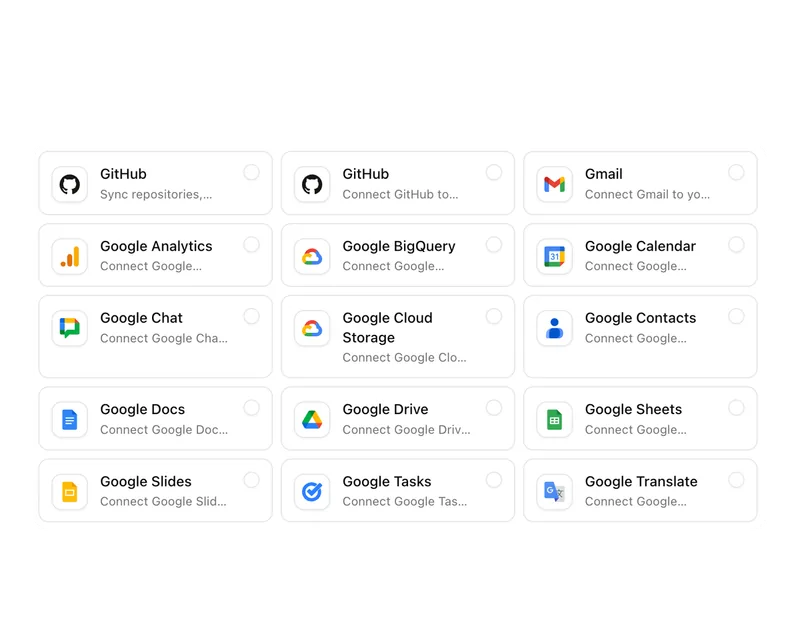
A custom integration pays off when a system needs to read or write specific fields and trigger workflows. For Microsoft 365, Google Workspace or a mailbox there is already a path in the workspace, and for read access by agents an MCP server is often enough. Check the existing integrations before you write code.
View integrationsThe exact contract follows the setup.
The AI platform for businesses, in 13 modules.
From team chat to approval, the work stays attached to the same item. Status and next step are visible at any time.
Chat
Answers from your docs, mail and projects, not from the open web.
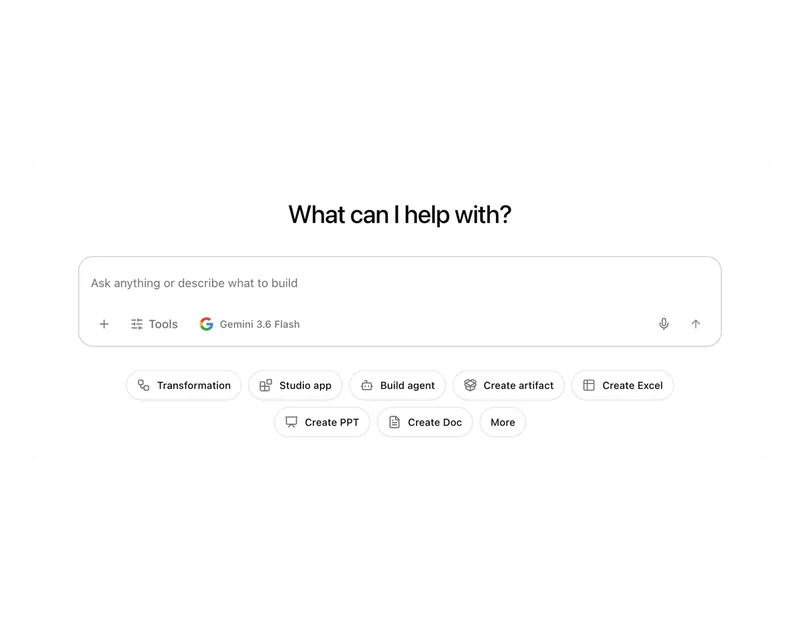
Workflows
Invoice review or onboarding: every step has an approval.
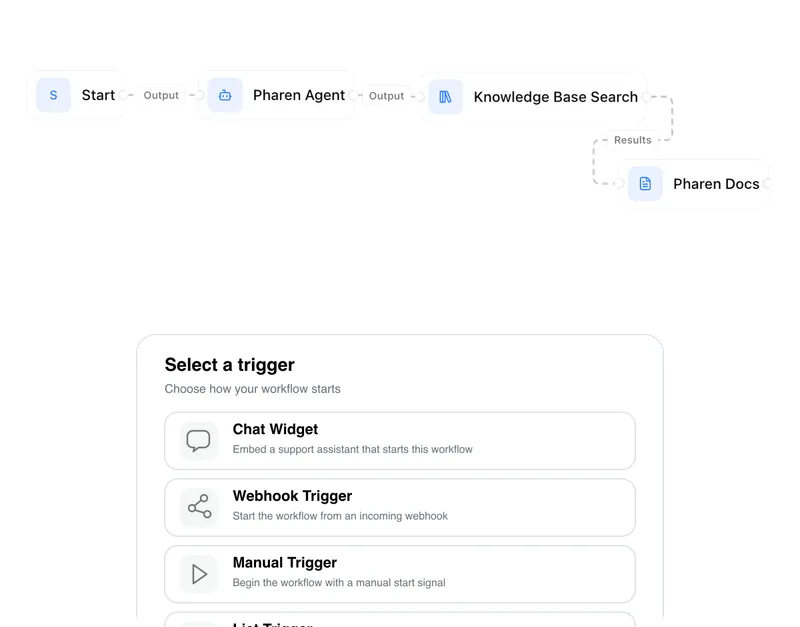
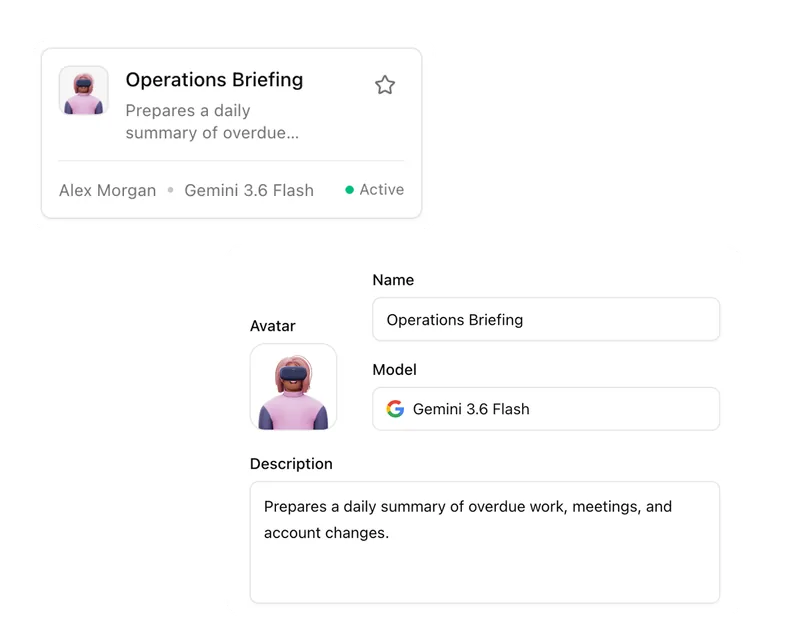
Agents
An agent researches, a person approves. You set the boundaries.
Projects
Bring goals, tasks, decisions and progress together.
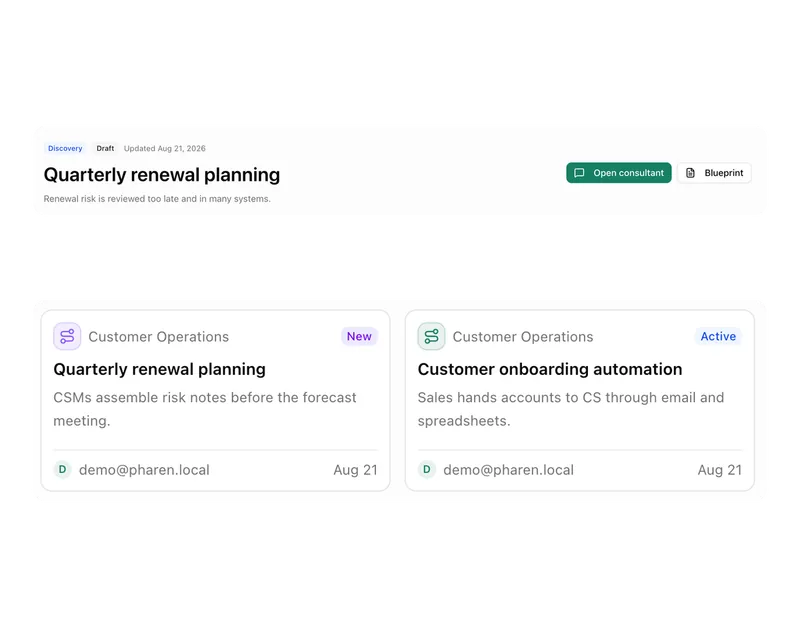
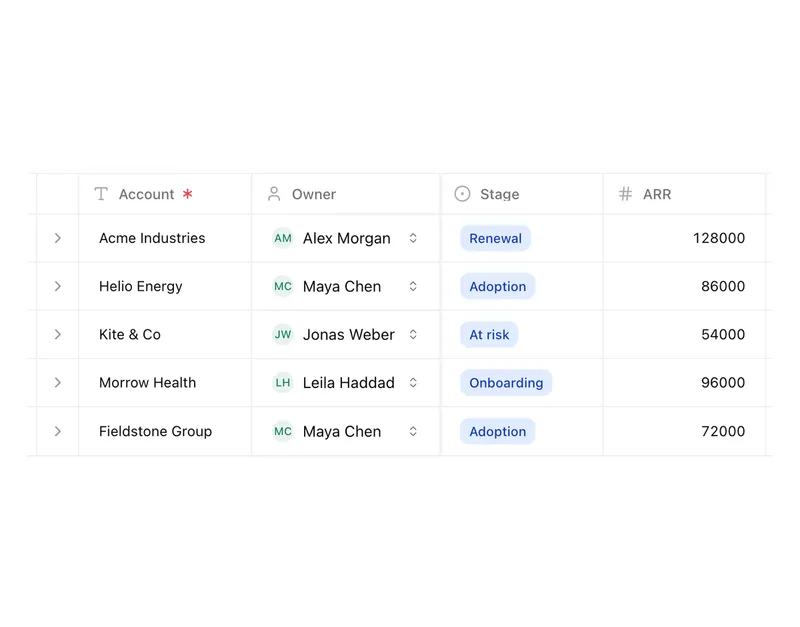
Lists
Orders, devices or applicants as a table, board or calendar.
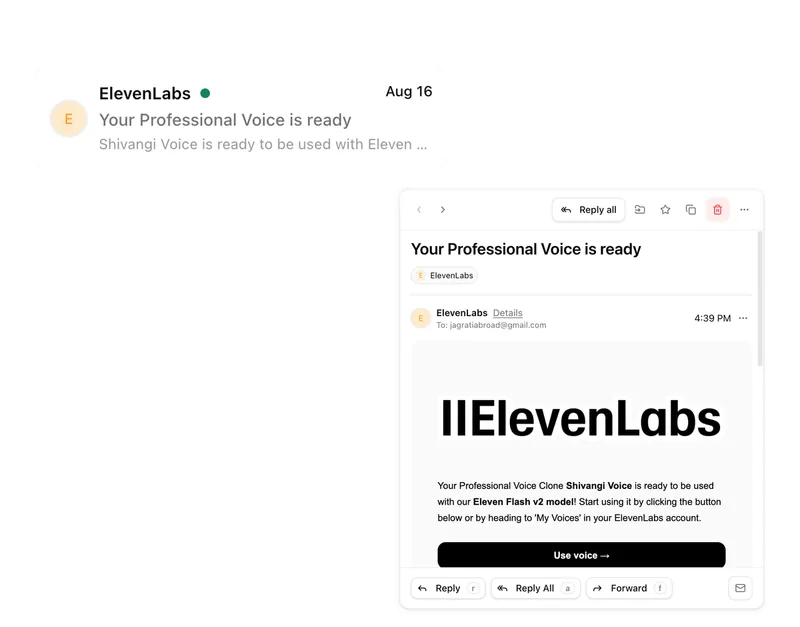
Connect messages directly with the work they belong to.
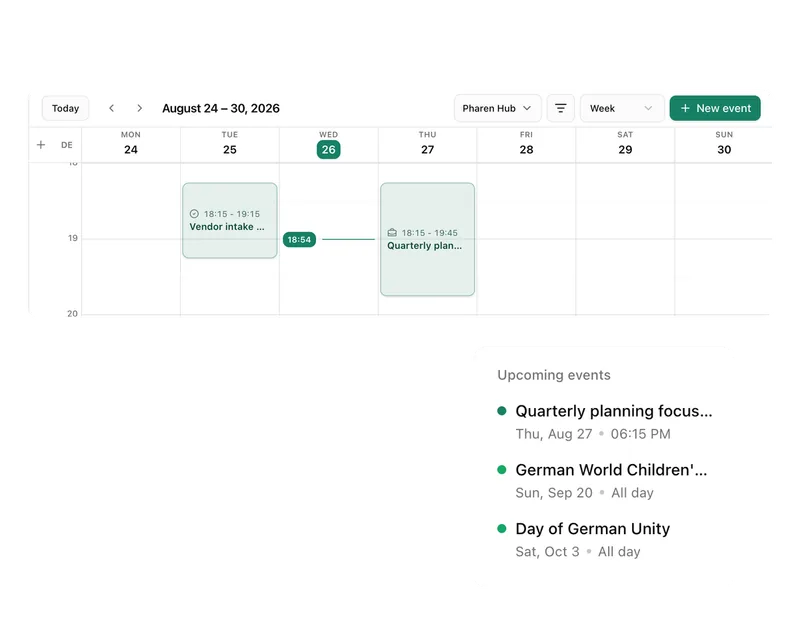
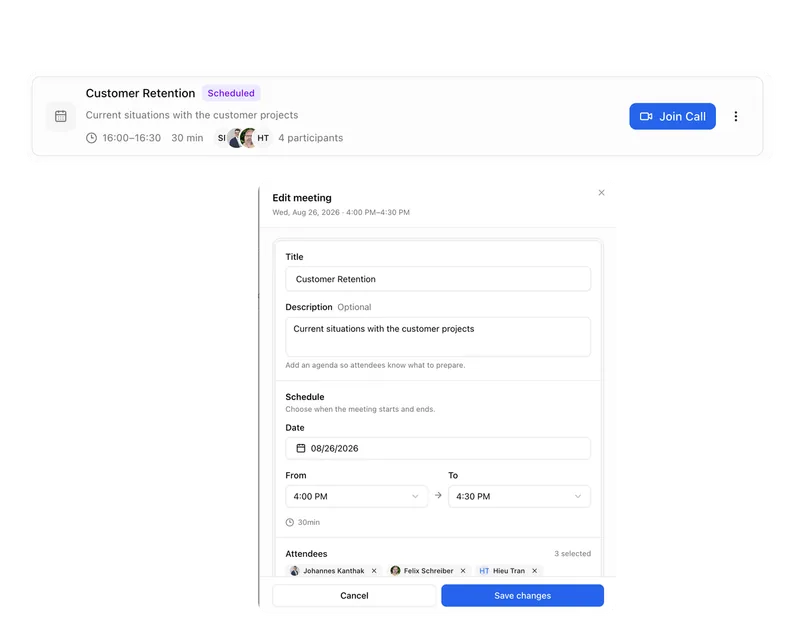
Calendar
Coordinate meetings, preparation and follow-ups.
Meetings
Keep decisions and next steps attached to their context.
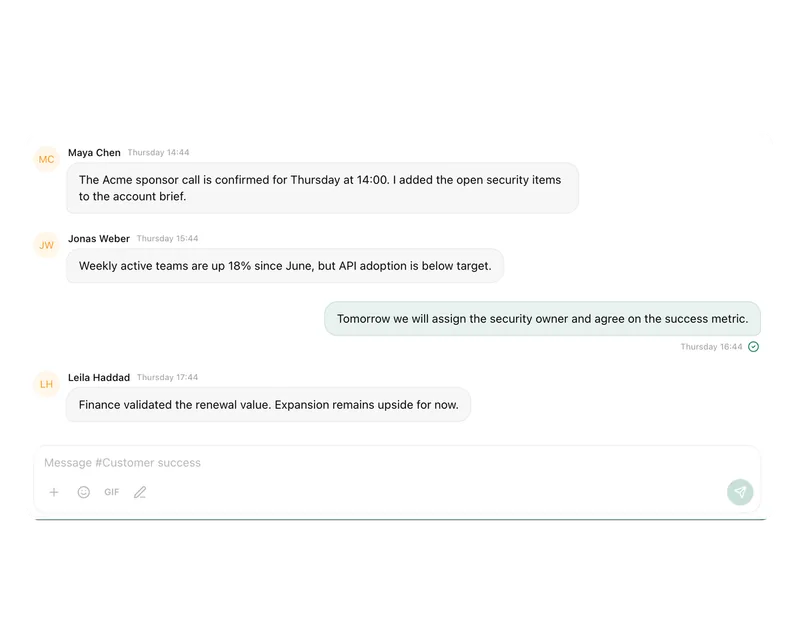
Channels
Keep team conversations close to projects and decisions.
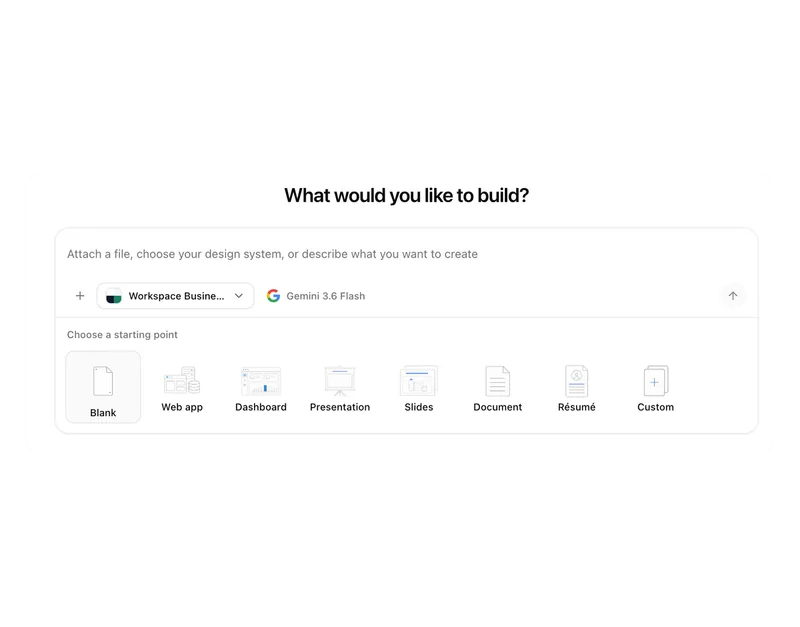
Studio
Build apps, tools, pages and prototypes in the workspace.
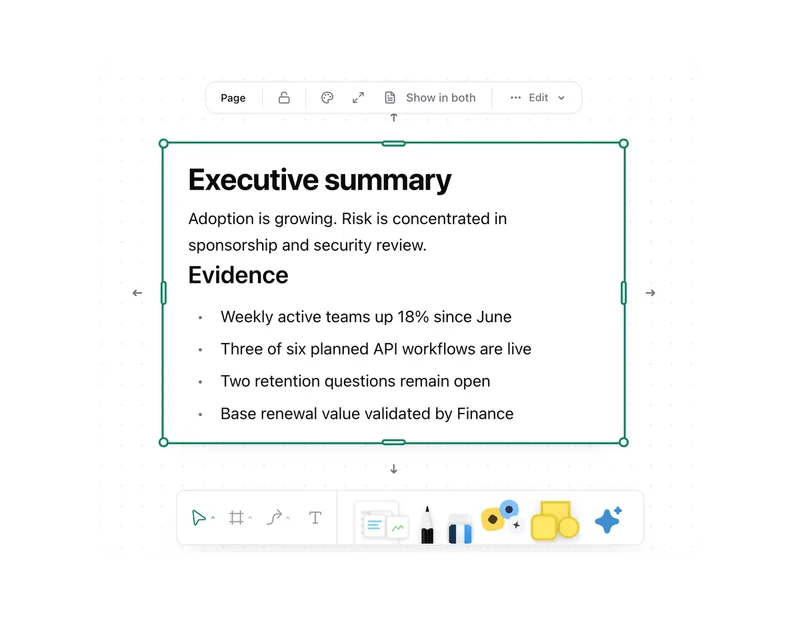
Docs
Create documents where knowledge and decisions already live.
Integrations
Connect existing systems and data with Pharen.
API
Bring data, actions and Agent runs into your own apps.
Current module: 1 / 13
Bring the application that needs Pharen context.
We will clarify data, actions, authentication and deployment and turn them into the smallest useful API contract.