

Integrations
Connect existing systems, data, and actions to extend your agents and workflows with the context they need.
Data and actions from existing systems arrive where teams and agents need them. Decide what runs inside the Hub, what connects through MCP and where a custom integration makes sense.
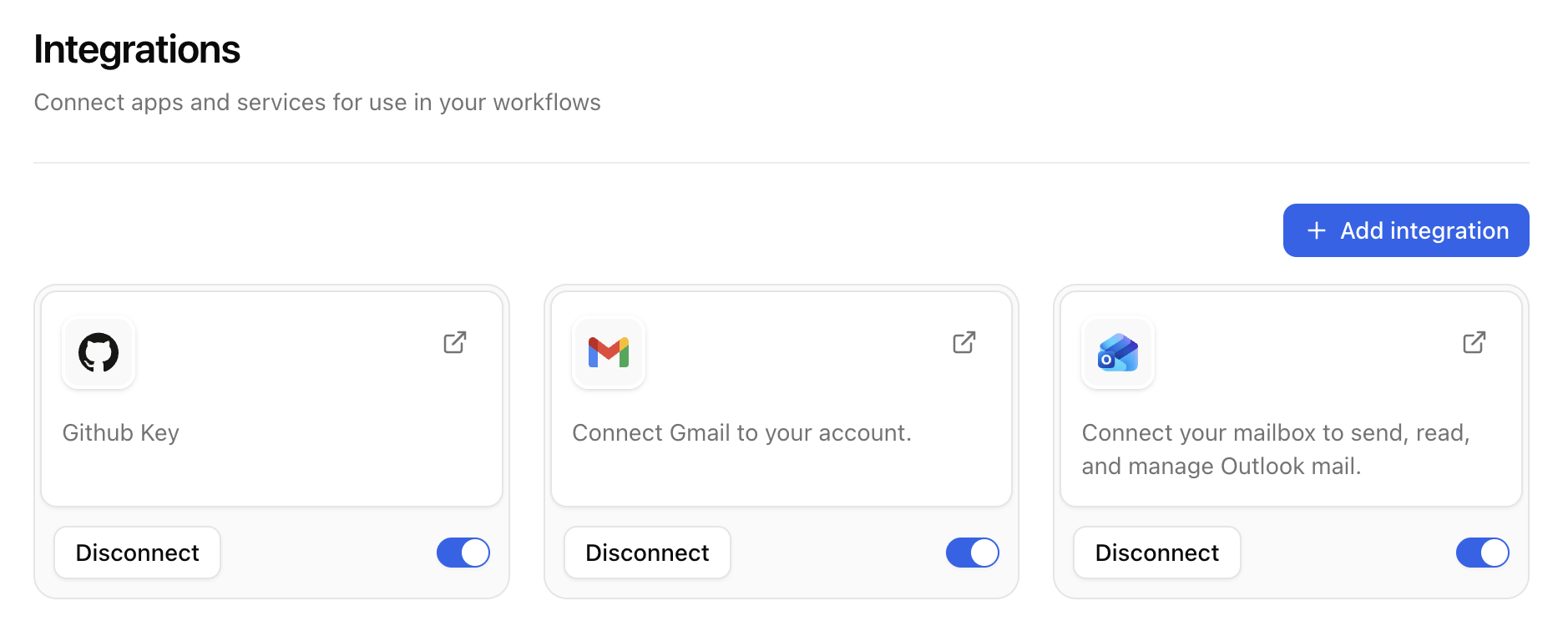
Connected inside the workspace
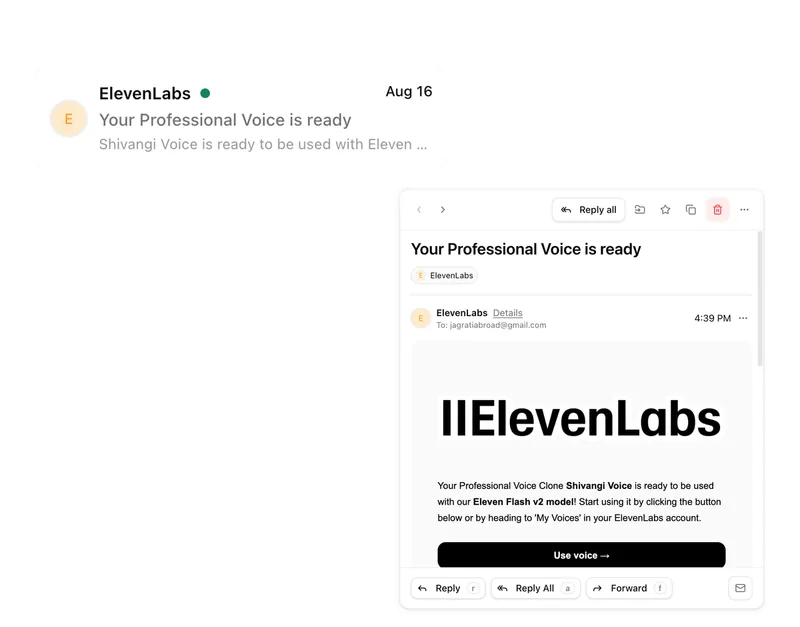
Mail, Calendar and Pharen modules work directly with tasks, lists, projects and workflows.
Built as a custom integration
Internal systems and specific processes connect through a clearly scoped API or webhook.
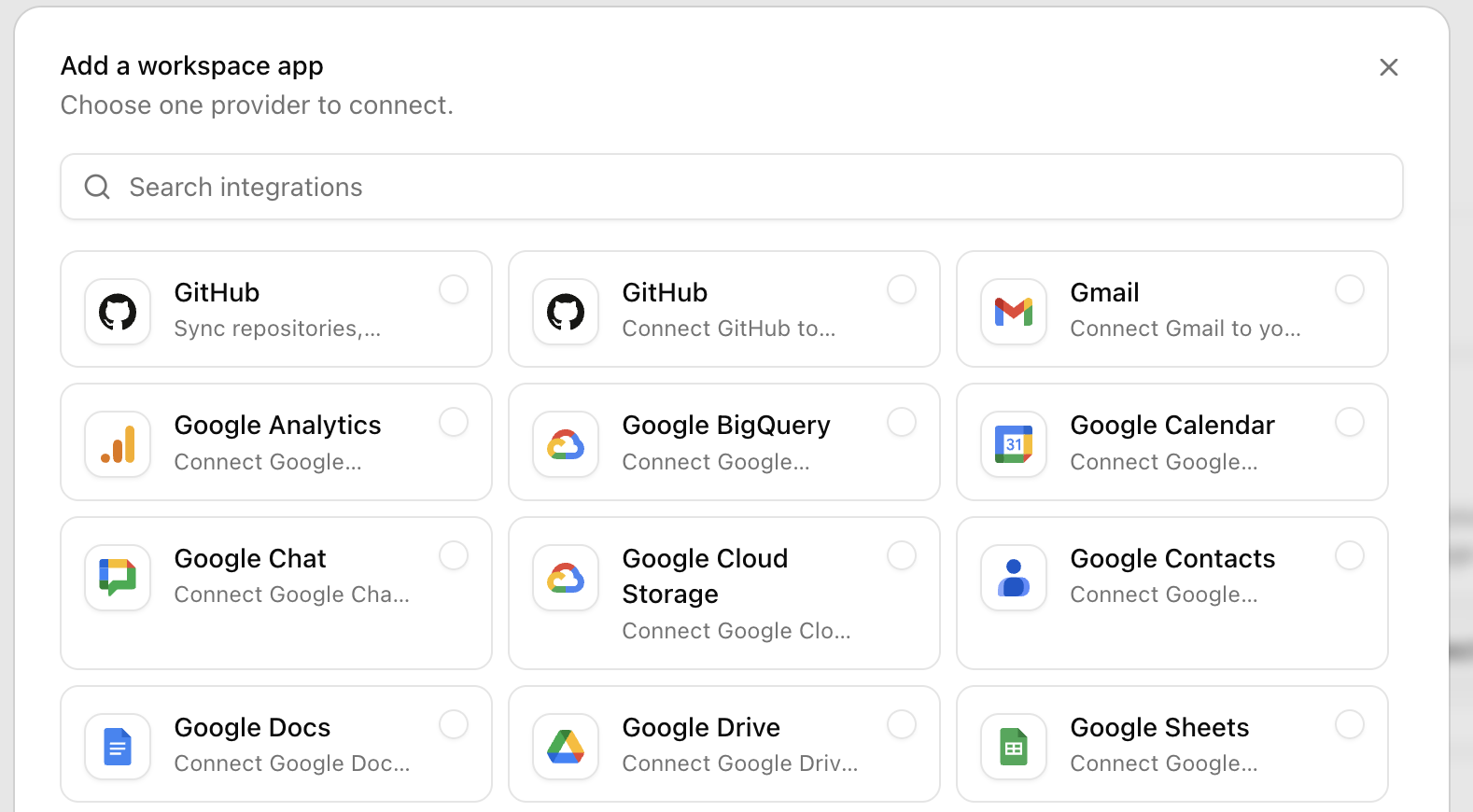
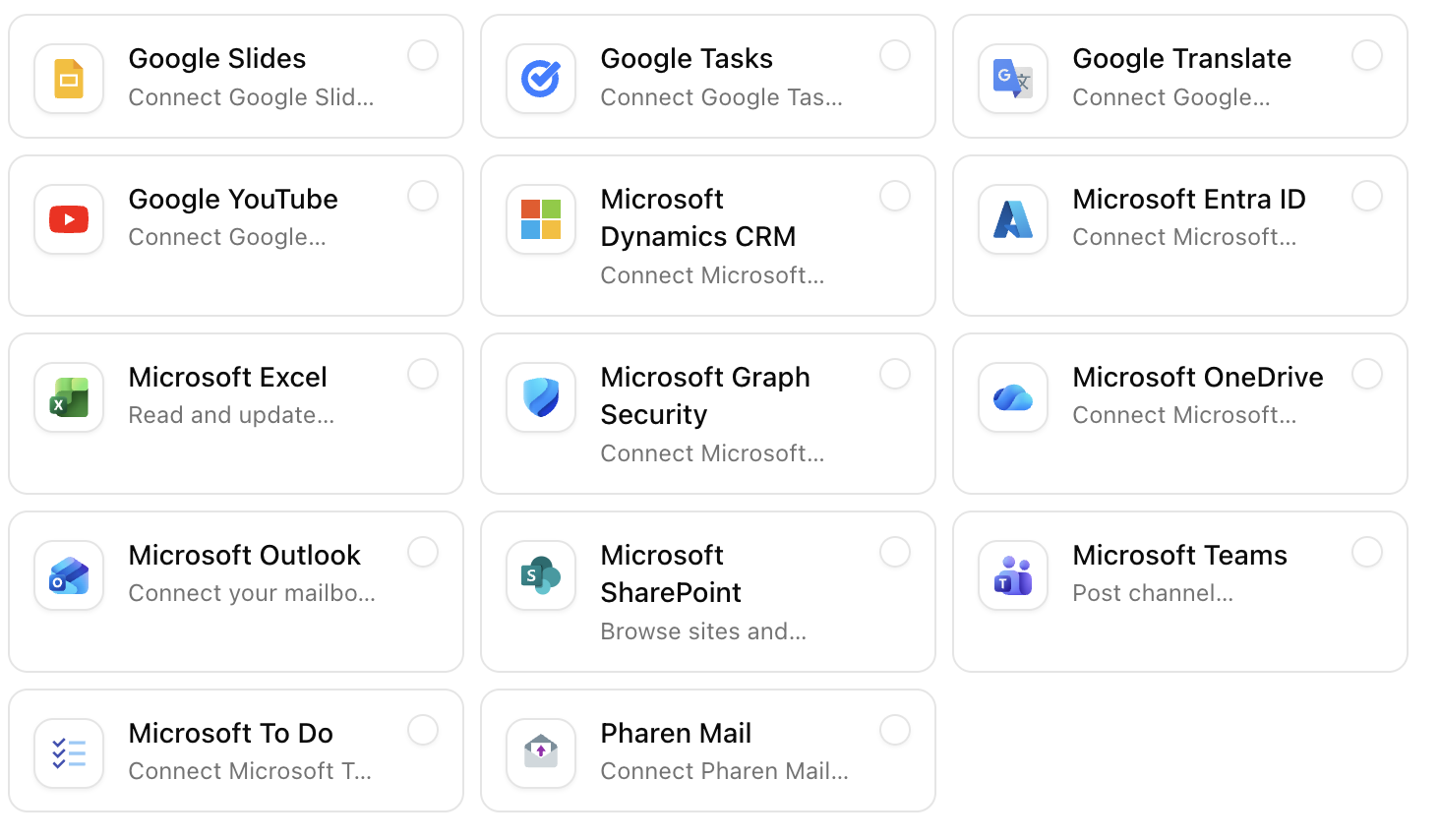
Extended through MCP
MCP servers expose selected tools and actions to agents or workflows with explicit limits.
What a concrete workflow looks like
Connecting CRM and mail so enquiries run as cases.
A consulting firm with 25 employees has contacts in its CRM, communication in Microsoft 365 and proposals as files in SharePoint. New enquiries should run as cases in Pharen Hub without anyone retyping data.
- The setup first clarifies the data path: which enquiries come from where, who is responsible, which fields the case needs. Only then is anything connected.
- The enquiries@ mailbox is connected as a shared mailbox through Microsoft 365 and shared with the sales team. Personal mailboxes remain untouched.
- For the CRM, a technical review decides whether contacts are synchronised through the REST API or only read through an MCP server.
- A new enquiry email creates a record in the Enquiries list. An agent checks whether the contact is already known in the CRM and adds company and contact person.
- The responsible person receives the case with email, CRM context and the latest proposal file from SharePoint in one place instead of searching three windows.
- After the initial conversation the status is set on the case. The workflow writes the result back to the CRM, provided the setup agreed on that.
The team maintains no data twice, and every enquiry has a visible status with an owner. The flow follows the pattern from our lead generation use case.
What belongs with it
An integration is only as useful as the module that receives the data. These modules are almost always involved, and these systems are the most common counterparts.
Modules in Pharen Hub
- Mail & Calendar Connected mailboxes and calendars are the most direct way to bring communication into the workspace.
- Lists Synchronised contacts, orders or assets land as records with status and ownership.
- Workflows Events from connected systems start workflow steps, and results go back.
External systems
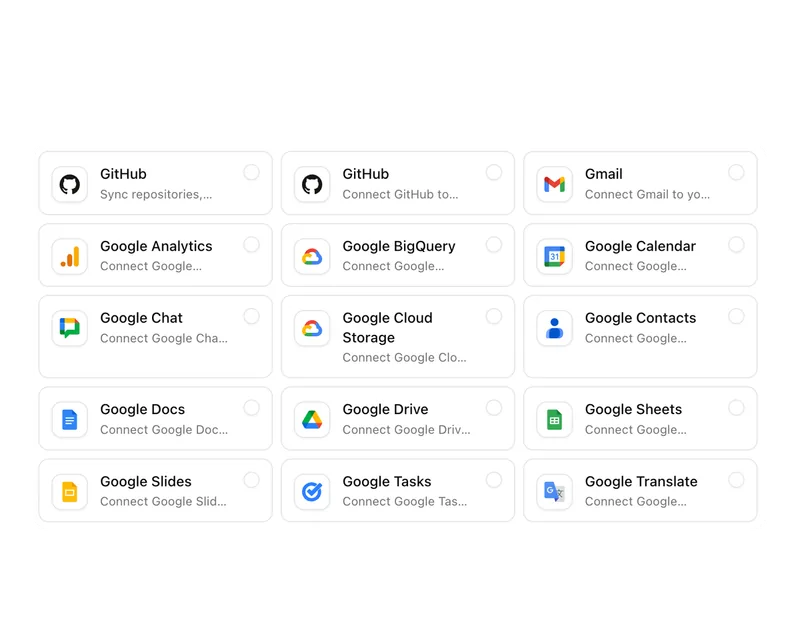
- Microsoft 365 and Google Workspace Mailbox, calendar and file storage such as SharePoint or OneDrive, connected in the workspace depending on the setup.
- CRM and ERP Contacts, orders and master data, connected through API or MCP after a technical review.
- Slack and Microsoft Teams Status messages and approvals can arrive where the team already reads today.
Frequently asked questions
What is the difference between workspace integration, MCP and a custom integration?
Connected in the workspace means the system, such as a mailbox, is part of the working context and used directly by the modules. Through MCP an agent gets bounded access to a system's tools and data. You need a custom integration through API and webhooks when data flows in both directions and workflows should be triggered.
Can we start with one integration and extend later?
Yes, that is the usual path. Most teams begin with the mailbox or a file storage because the benefit is visible immediately. CRM or ERP follow once the first process runs stably and it is clear which fields are really needed.
What happens when a connected system goes down?
The workspace keeps working with the last known state and flags records that could not be updated. Workflows waiting on the system stay visibly at their step. What does not happen: a step is skipped because the counterpart does not respond.
When an existing integration is not enough
The connections in the workspace cover communication, file storage and read access. But if a system needs to exchange specific fields in both directions, trigger workflows and receive the status back, it needs a defined API contract. The API page describes what that data path looks like and what has to be clarified first.
View the Pharen APIClarify the data path before connecting it.
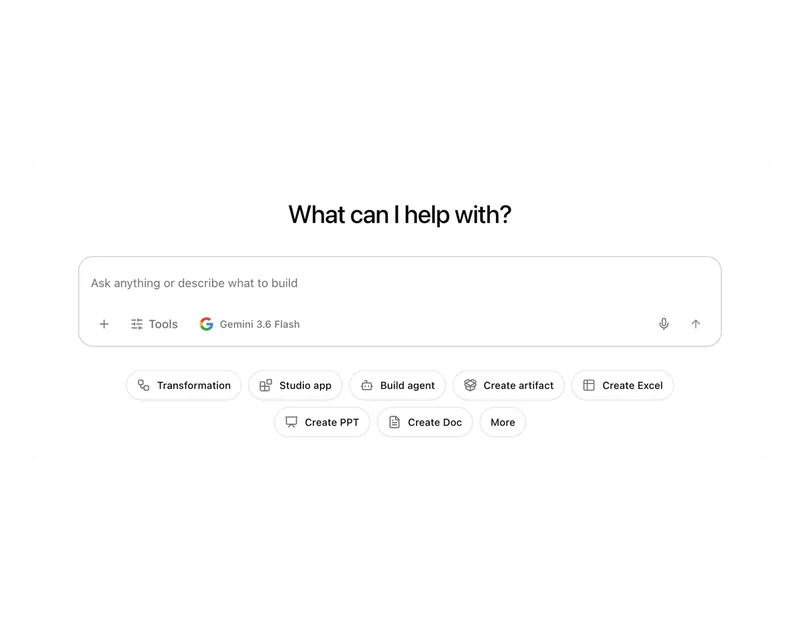
The AI platform for businesses, in 13 modules.
From team chat to approval, the work stays attached to the same item. Status and next step are visible at any time.
Chat
Answers from your docs, mail and projects, not from the open web.
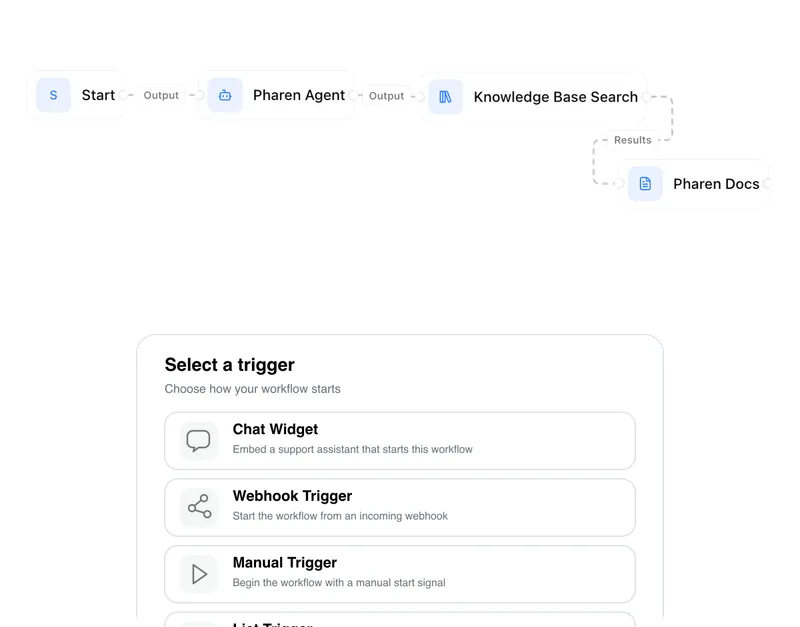
Workflows
Invoice review or onboarding: every step has an approval.
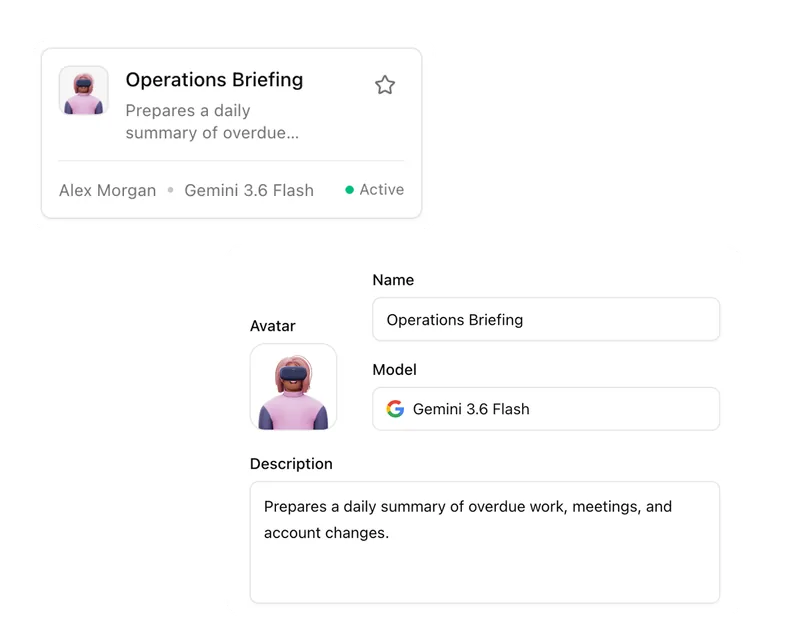
Agents
An agent researches, a person approves. You set the boundaries.
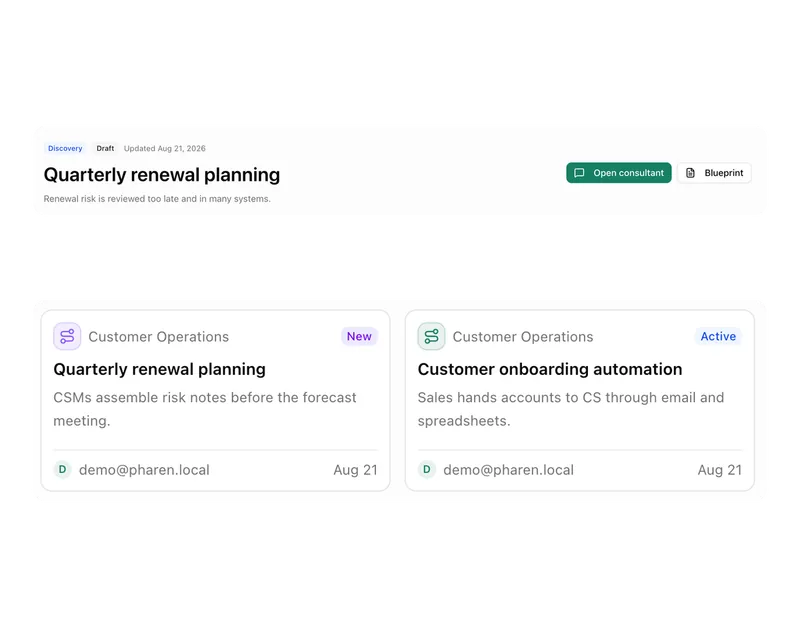
Projects
Bring goals, tasks, decisions and progress together.
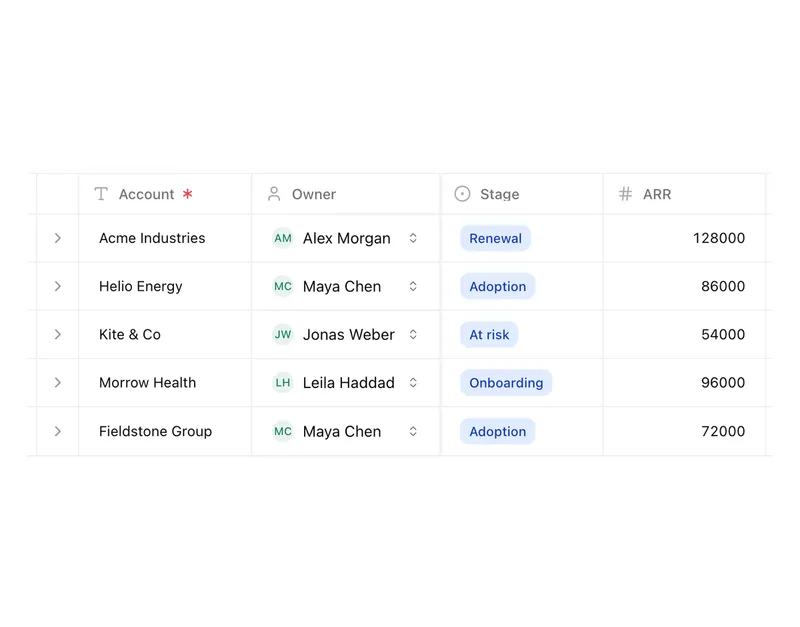
Lists
Orders, devices or applicants as a table, board or calendar.
Connect messages directly with the work they belong to.
Calendar
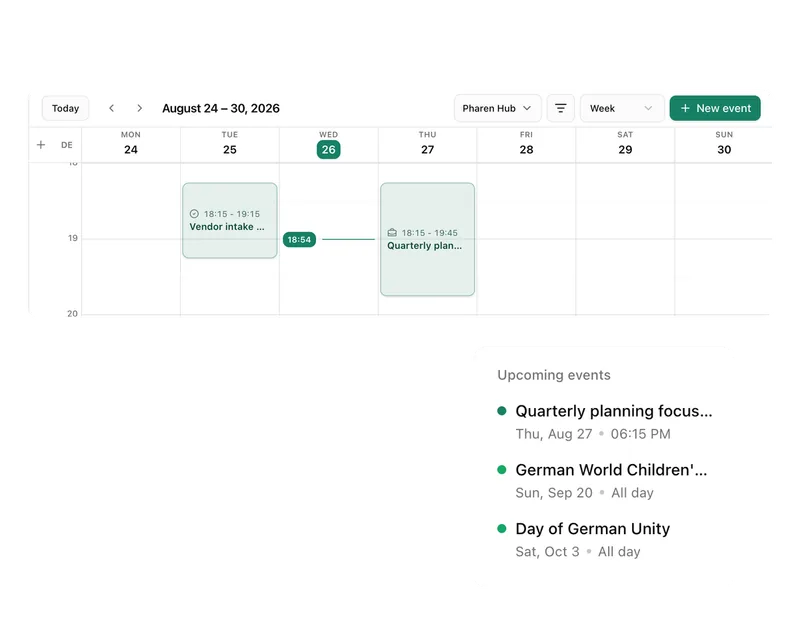
Coordinate meetings, preparation and follow-ups.
Meetings
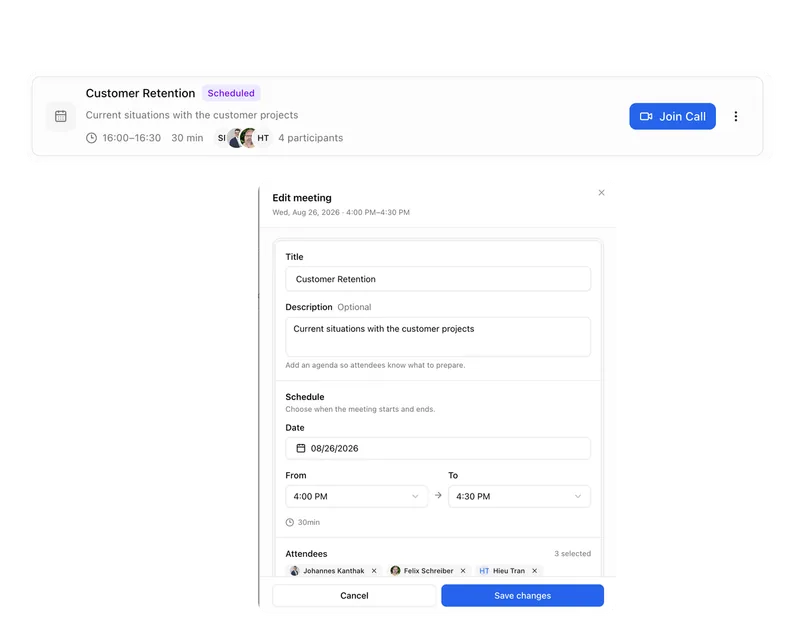
Keep decisions and next steps attached to their context.
Channels
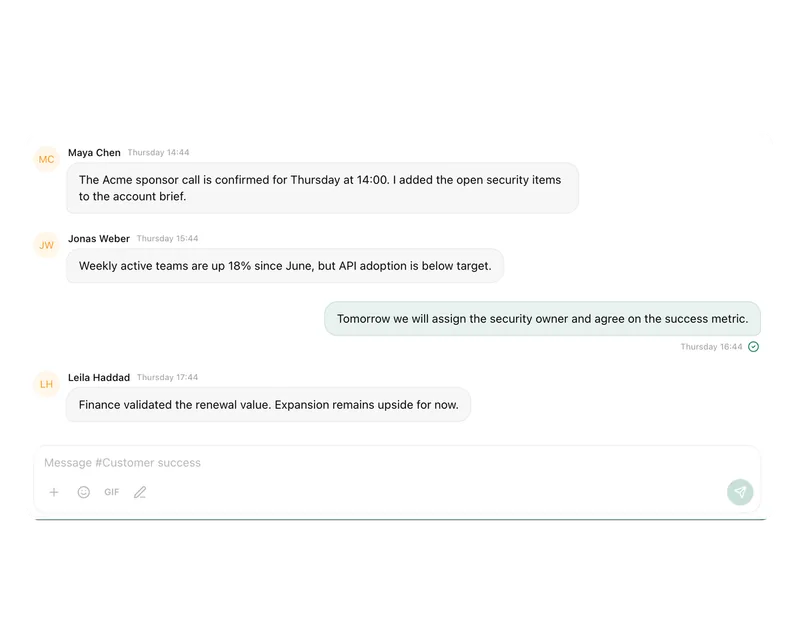
Keep team conversations close to projects and decisions.
Studio
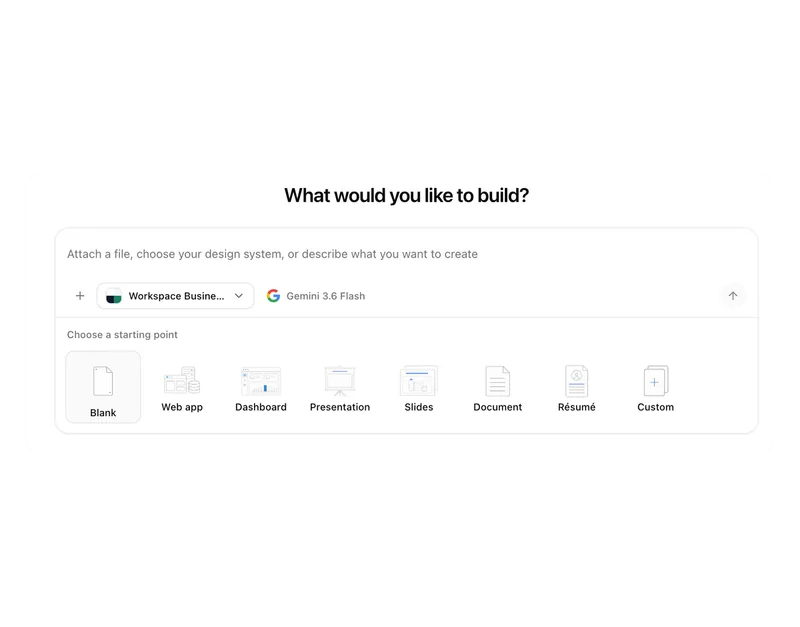
Build apps, tools, pages and prototypes in the workspace.
Docs
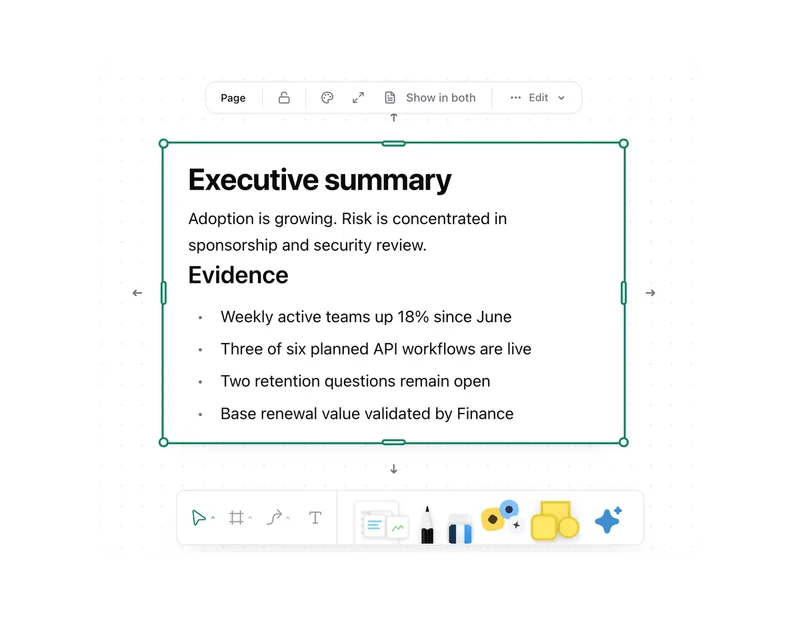
Create documents where knowledge and decisions already live.
Integrations
Connect existing systems and data with Pharen.
API
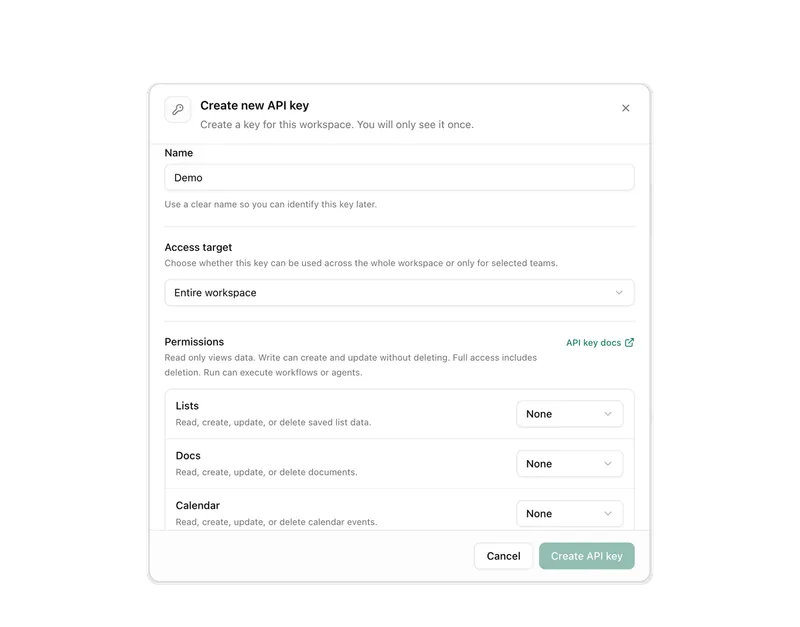
Bring data, actions and Agent runs into your own apps.
Current module: 1 / 13
Bring the handoff that still runs manually.
We will review source, destination, permissions and approvals and choose the smallest reliable integration path.