

For communication in context.
Pharen Mail & Calendar
Emails, meetings, tasks and decisions work together in Pharen Hub instead of living in separate tabs.
Pharen IT GmbH · Updated:
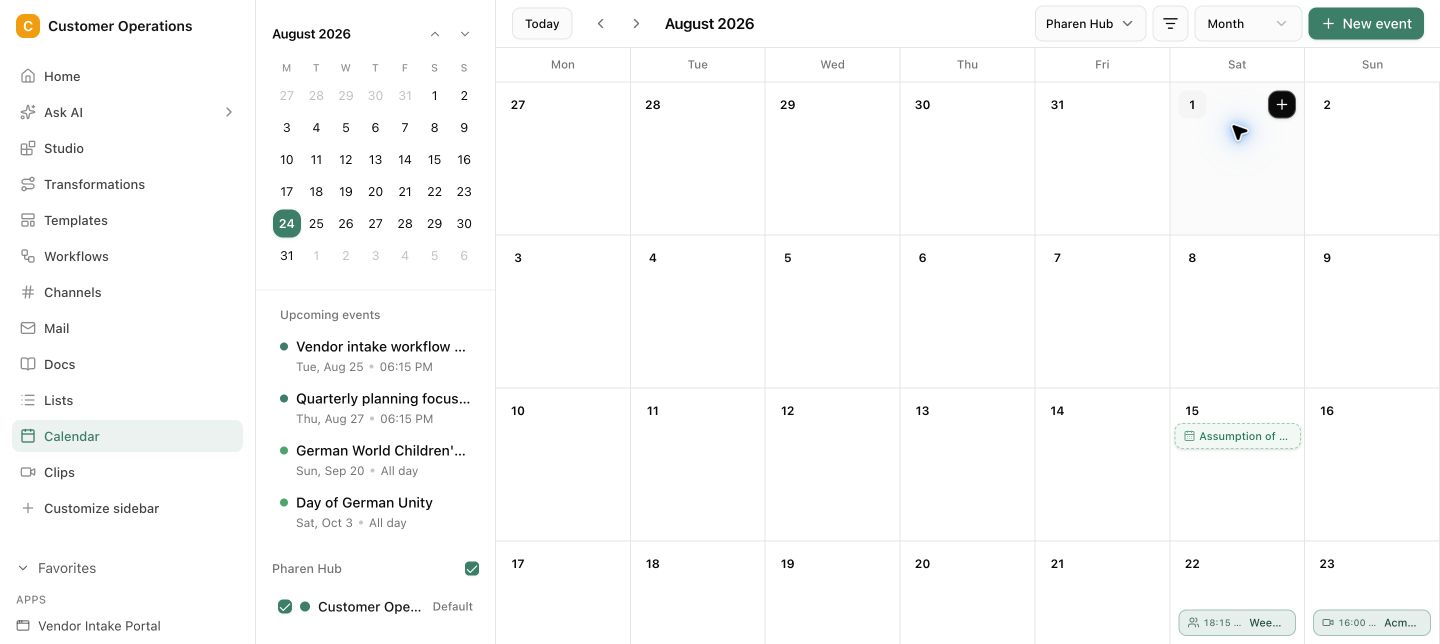
From inbox to completed task.
An email, meeting, decision and task do not become four separate versions of the truth. The team sees the relationship and can review every next step.
Connect inbox and calendar
Bring relevant messages and meetings into the workspace where the team manages projects and tasks.
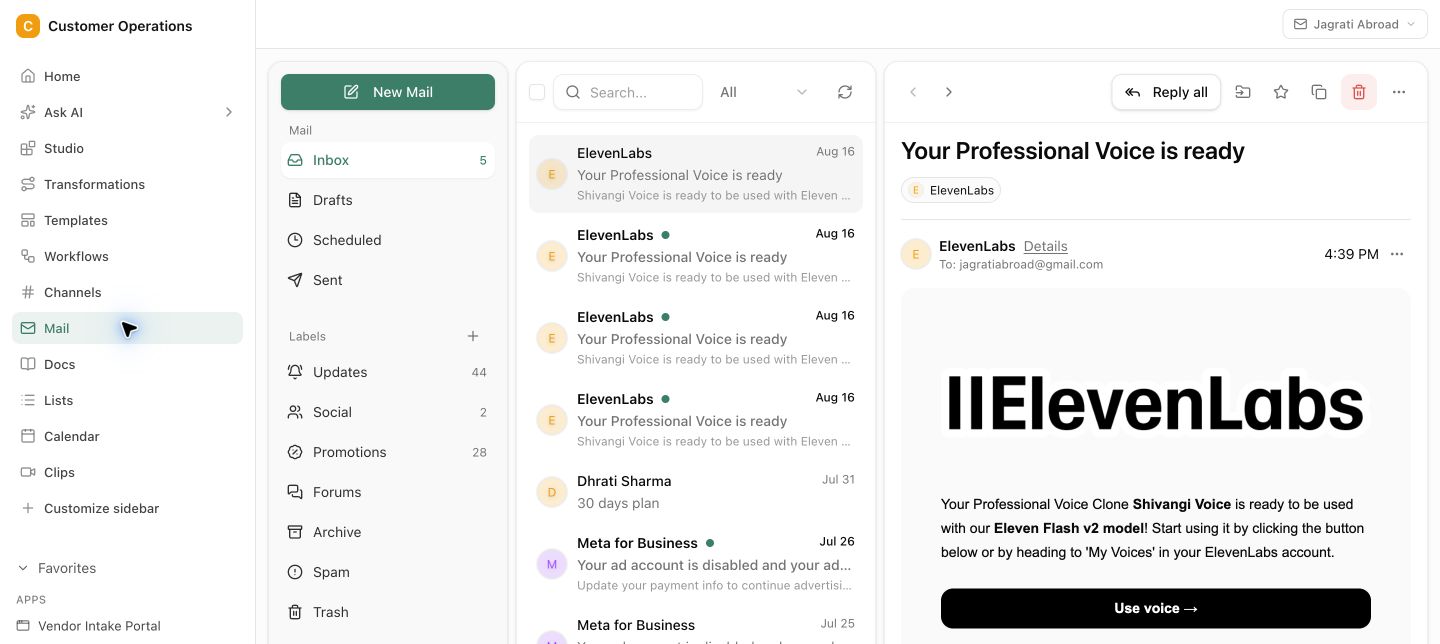
Prepare and capture
Bring the right context into the meeting and keep every decision attached to the project afterwards.
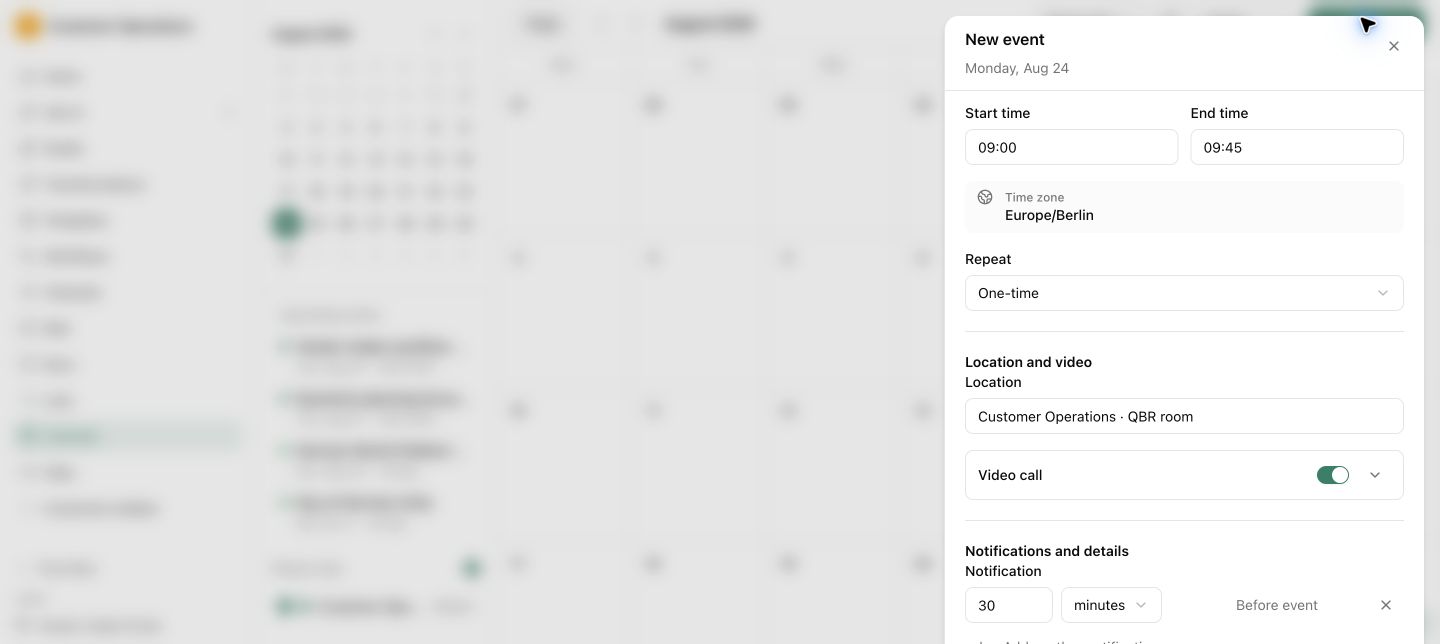
Turn commitments into work
Move next steps and deadlines into tasks, Lists or Workflows with a clear owner.
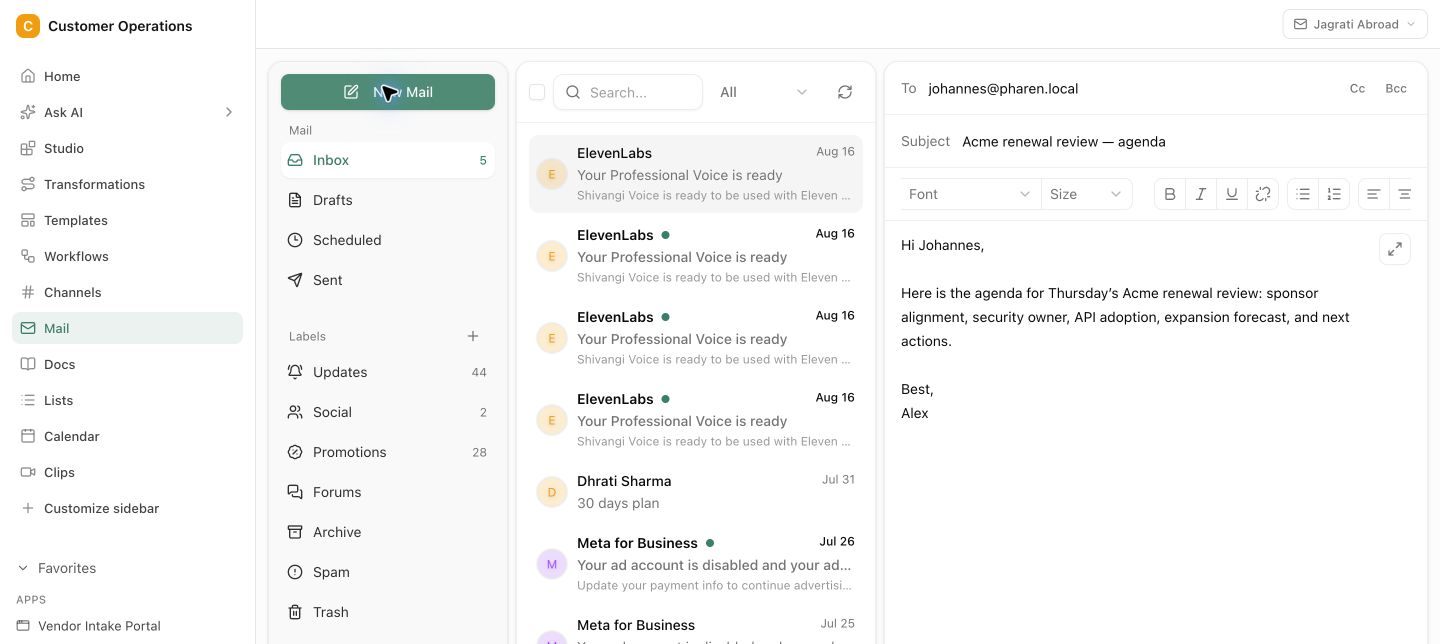
Messages attached to the right project or case
Decisions and commitments in the history · Visible ownership for follow-ups
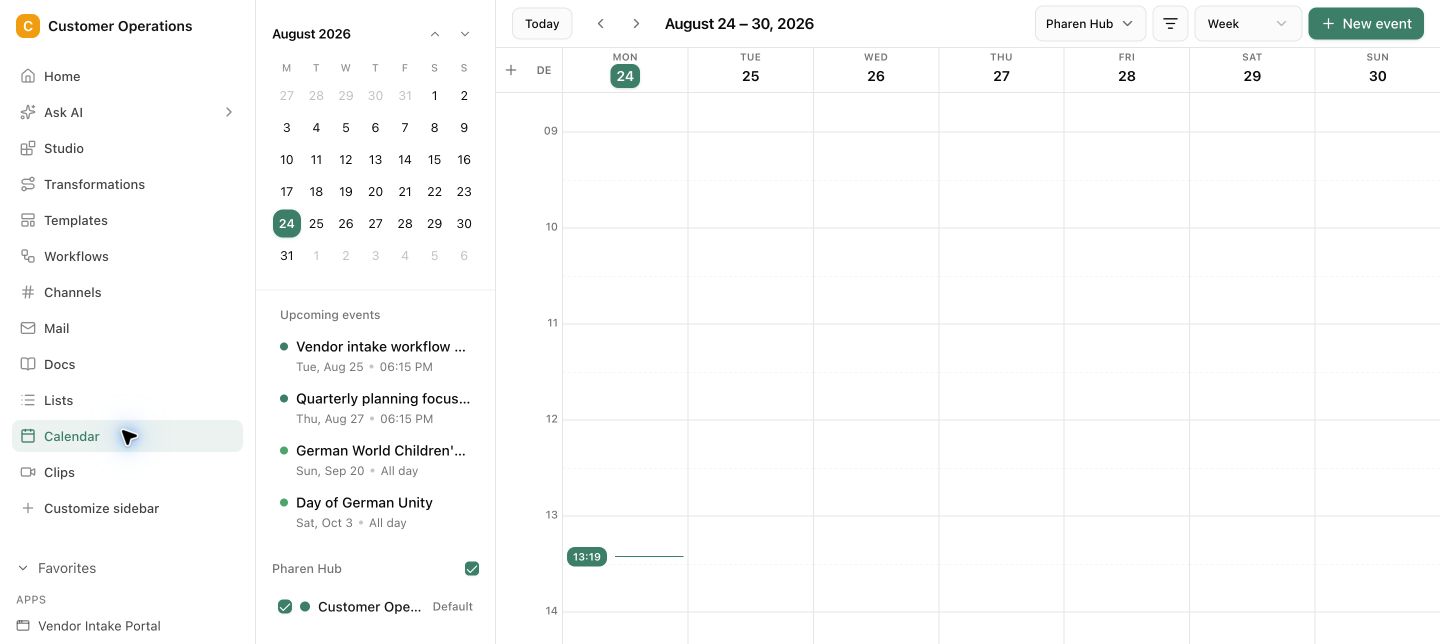
Communication stays attached to the work.
An email, meeting, decision and task do not become four separate versions of the truth. The team sees the relationship and can review every next step.
The inbox knows plenty. The process sees none of it.
Requests, commitments and meetings live in communication tools while tasks and statuses sit somewhere else. The team copies information by hand and loses deadlines, decisions or ownership along the way.
Questions and answers
What a concrete workflow looks like
Meeting follow-up that does not get lost in the inbox.
A tax advisory firm with twelve employees holds initial consultations with prospects every week. After the meeting, documents must be requested, a proposal sent and a follow-up appointment set. Until now this depended on the advisor remembering.
- The initial consultation sits in the connected calendar and is linked to the prospect as a record in Lists.
- Before the meeting, Mail & Calendar gathers the previous email thread, the website enquiry and open questions in one place.
- After the conversation the advisor records three commitments directly on the appointment: send document checklist, proposal by Friday, follow-up in two weeks.
- Each commitment becomes a task with an owner and a deadline. The document checklist goes out as a prepared email draft that she only reviews.
- If the prospect does not reply within five days, the follow-up appears as an open task for the advisor, with the entire thread beside it.
- The follow-up appointment is created with reference to the first one. Whoever opens the file later sees meeting, commitments, emails and status in sequence.
No prospect is lost any more because an email sits under other emails. The advisor keeps working in her inbox, but every commitment now has a place, a deadline and a responsible person.
What belongs with it
Mail & Calendar connects communication with work. These modules carry it forward, and these systems supply messages and appointments.
Modules in Pharen Hub
- Workflows Recurring follow-up chains with several stages become a workflow with status and checkpoints.
- Projects Emails and appointments are attached to the project so decisions from conversations remain findable.
- Channels What needs internal discussion from a customer email lands in the right channel instead of in forwards.
External systems
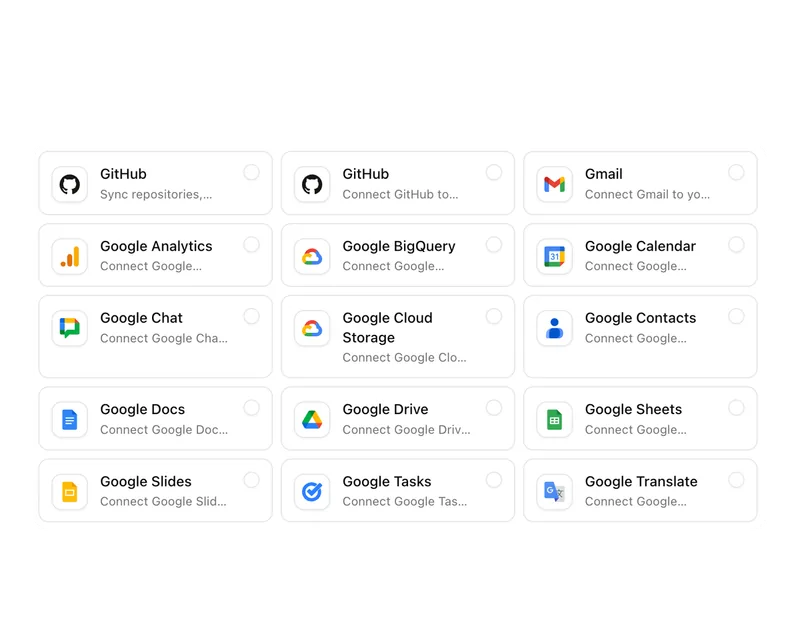
- Outlook and Microsoft 365 Mailbox and calendar from Microsoft 365 can be connected depending on the setup.
- Gmail and Google Workspace The same path applies to Google environments: messages and appointments in workspace context.
- IMAP Other mailboxes can be connected through IMAP when the setup provides for it.
Frequently asked questions
Do we have to switch mailboxes?
No. Pharen Hub connects existing mailboxes and calendars rather than replacing them. You can keep working in Outlook or Gmail. The difference is that relevant messages and appointments also sit in the workspace next to project, task and owner.
Does the whole team see all emails?
No. Which mailboxes are connected and who sees which messages follows the roles and permissions in the workspace. Personal mailboxes stay personal; shared mailboxes such as info@ or invoices@ can be shared with a team.
Can an agent answer emails automatically?
An agent can prepare replies and draft follow-ups. Whether an email goes out without human review is your decision per process. In most setups, sending remains an approval step, because a wrong email at the customer costs more than a minute of review.
When Mail & Calendar is not enough
Mail & Calendar makes sure communication turns into tasks. But if a case has several review stages, different owners and fixed sequences, such as an order approval involving purchasing and management, it belongs in a workflow. There, status, checkpoints and handovers are explicitly defined.
View WorkflowsThe AI platform for businesses, in 13 modules.
From team chat to approval, the work stays attached to the same item. Status and next step are visible at any time.
Chat
Answers from your docs, mail and projects, not from the open web.
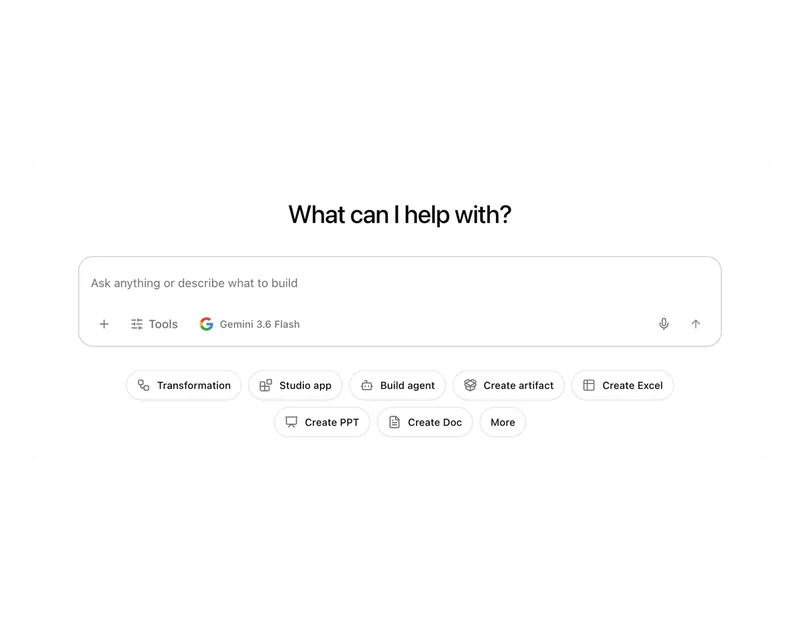
Workflows
Invoice review or onboarding: every step has an approval.
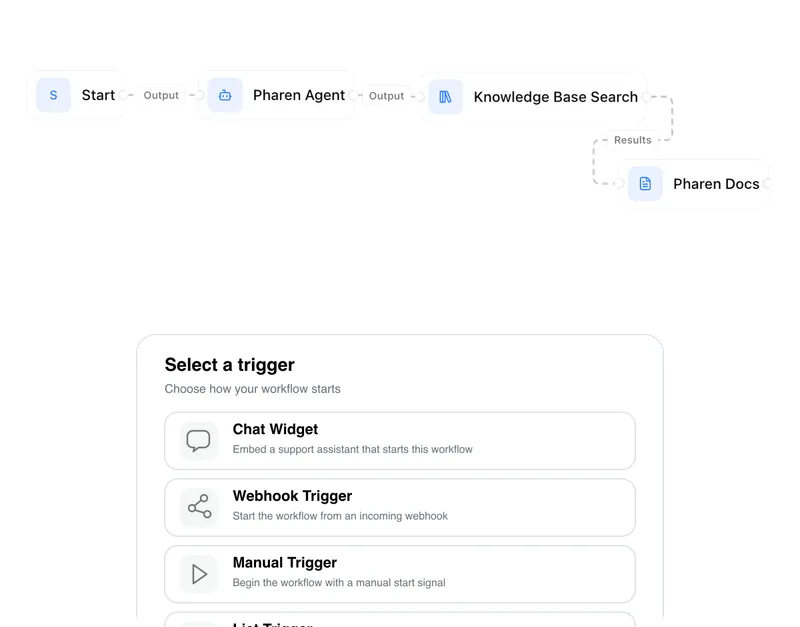
Agents
An agent researches, a person approves. You set the boundaries.
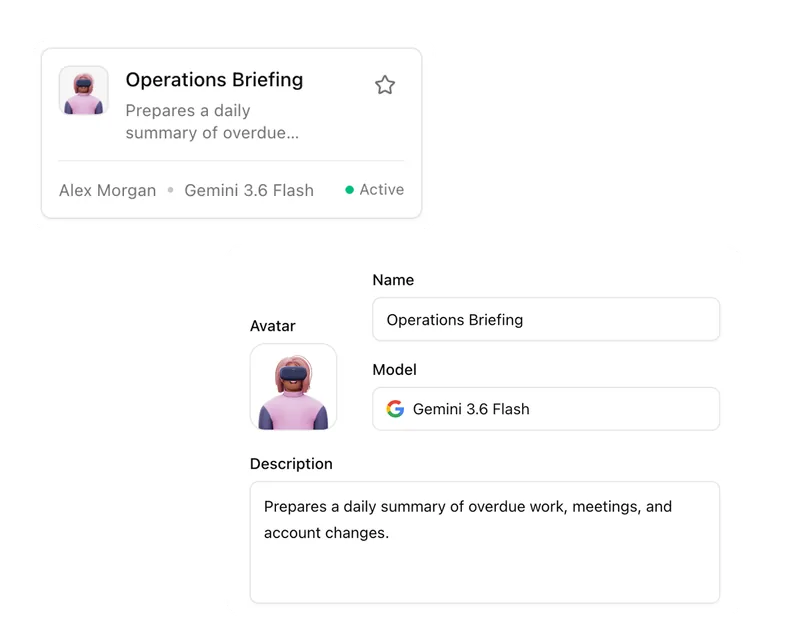
Projects
Bring goals, tasks, decisions and progress together.
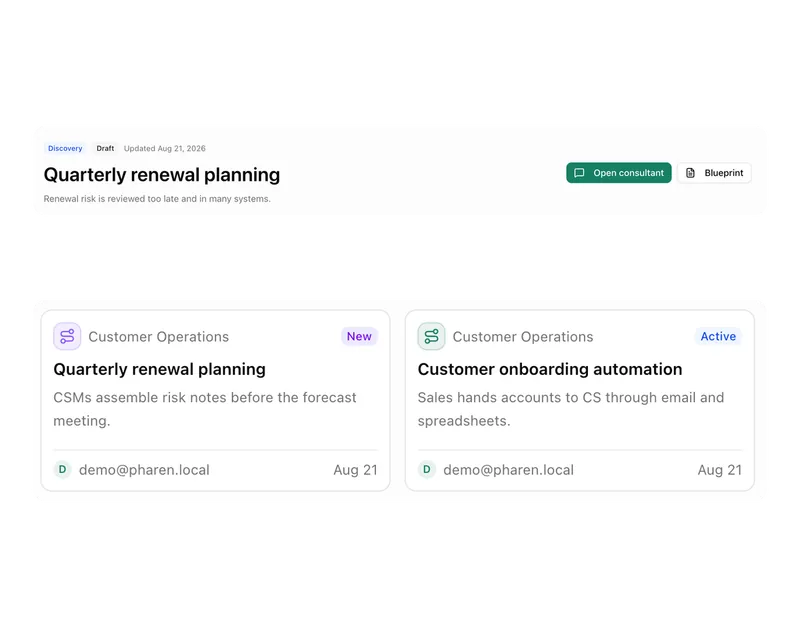
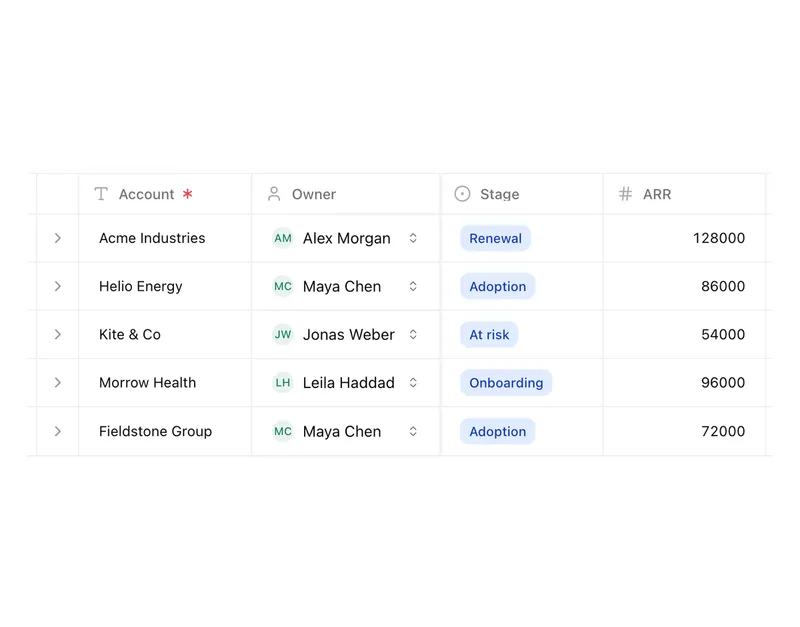
Lists
Orders, devices or applicants as a table, board or calendar.
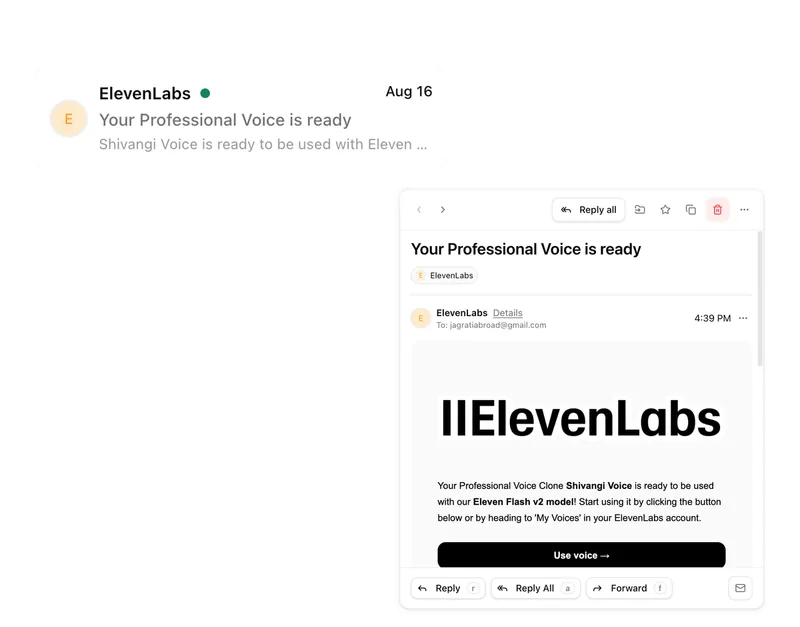
Connect messages directly with the work they belong to.
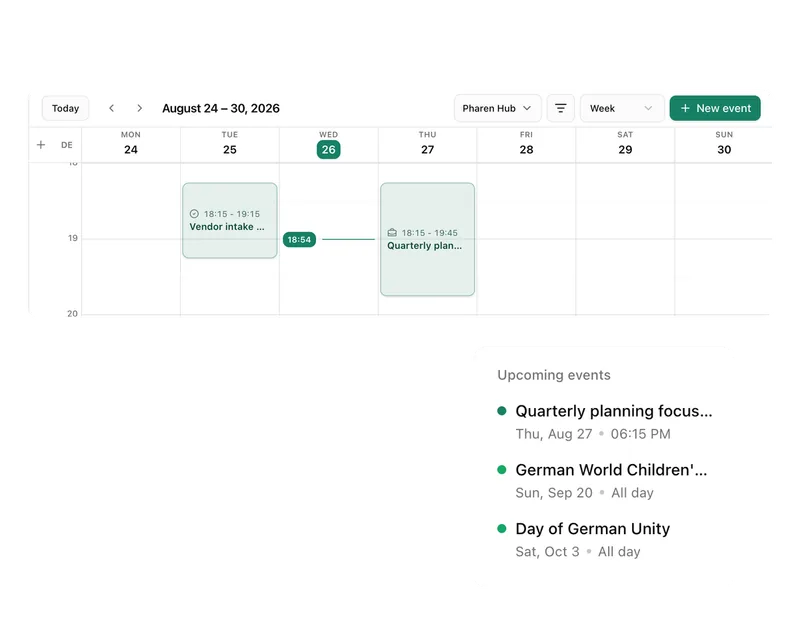
Calendar
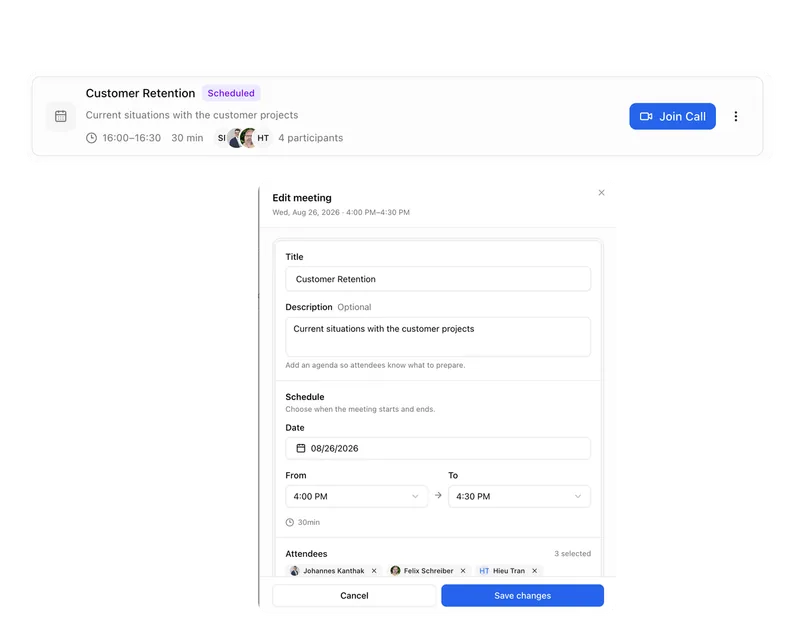
Coordinate meetings, preparation and follow-ups.
Meetings
Keep decisions and next steps attached to their context.
Channels
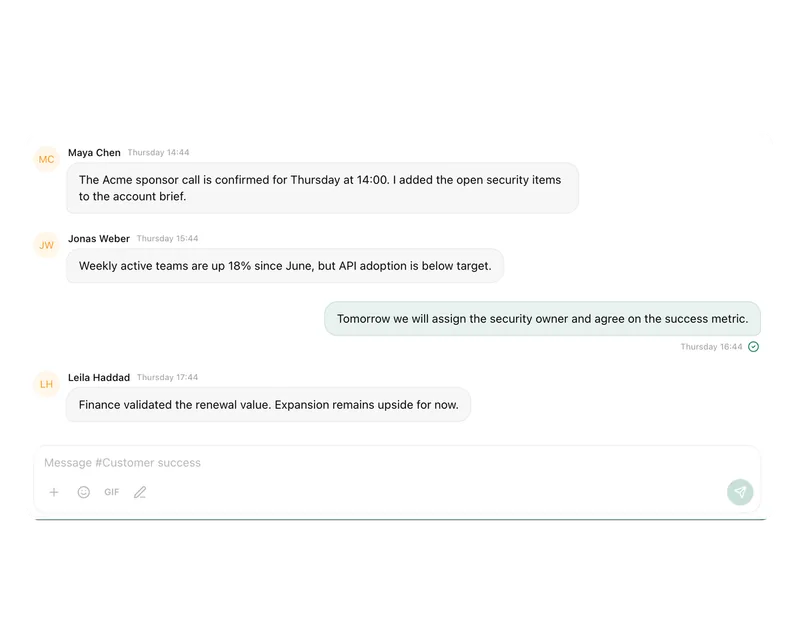
Keep team conversations close to projects and decisions.
Studio
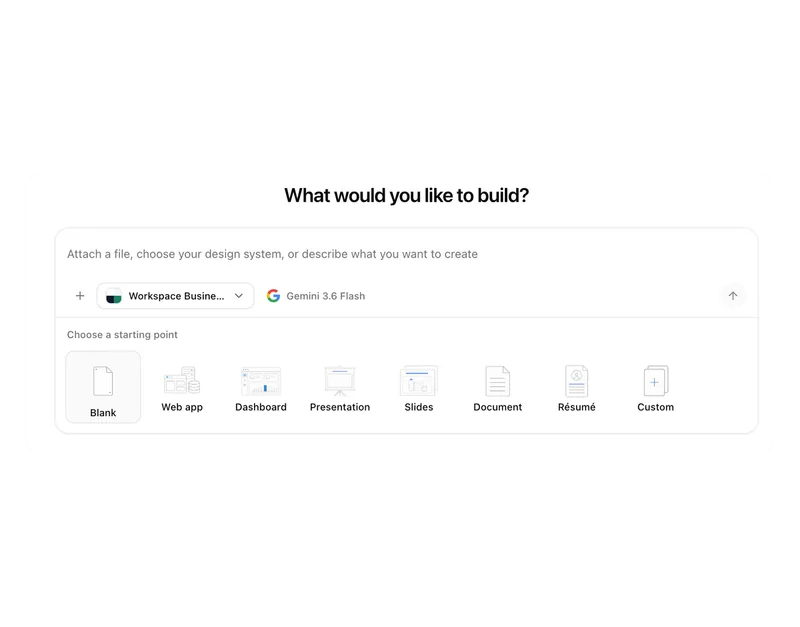
Build apps, tools, pages and prototypes in the workspace.
Docs
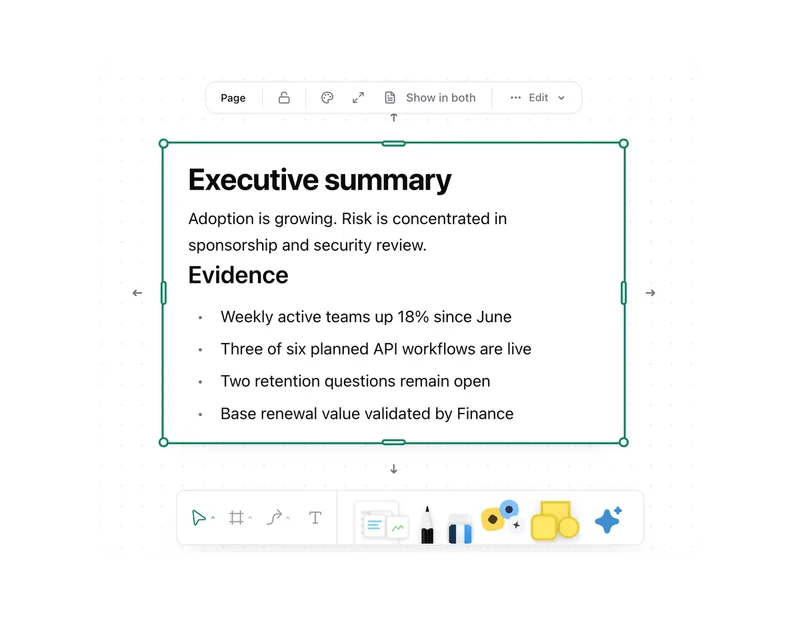
Create documents where knowledge and decisions already live.
Integrations
Connect existing systems and data with Pharen.
API
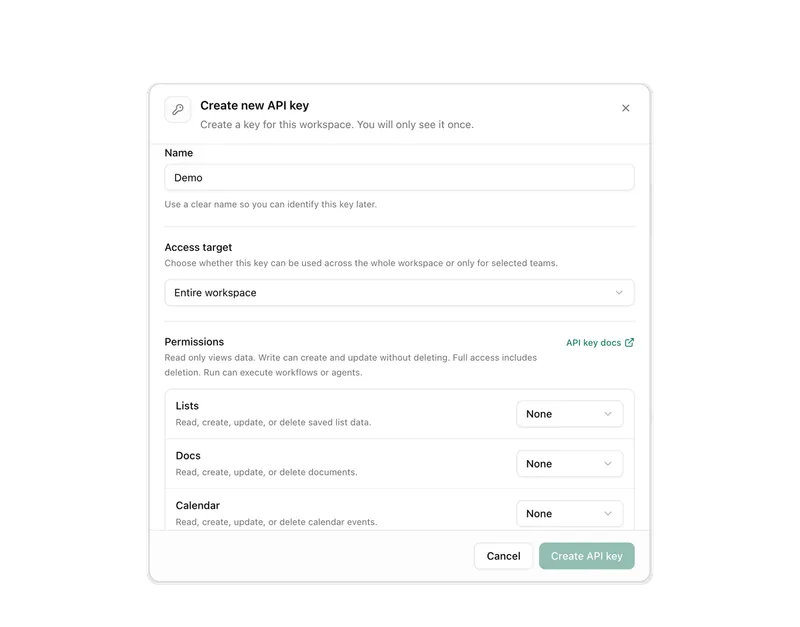
Bring data, actions and Agent runs into your own apps.
Current module: 1 / 13
Turn messages into dependable next steps.
Show us a process that currently sits between the inbox, calendar and task list. We will map it into one workspace.