

For outputs built from your workspace.
Pharen Studio
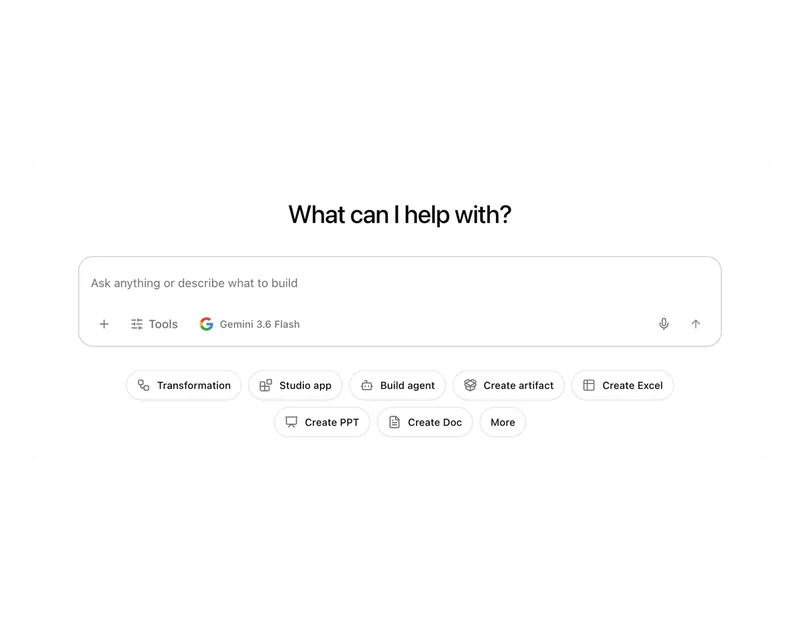
Studio turns requirements, data and knowledge into small apps, pages, documents and internal tools. The workspace provides the context.
Pharen IT GmbH · Updated:
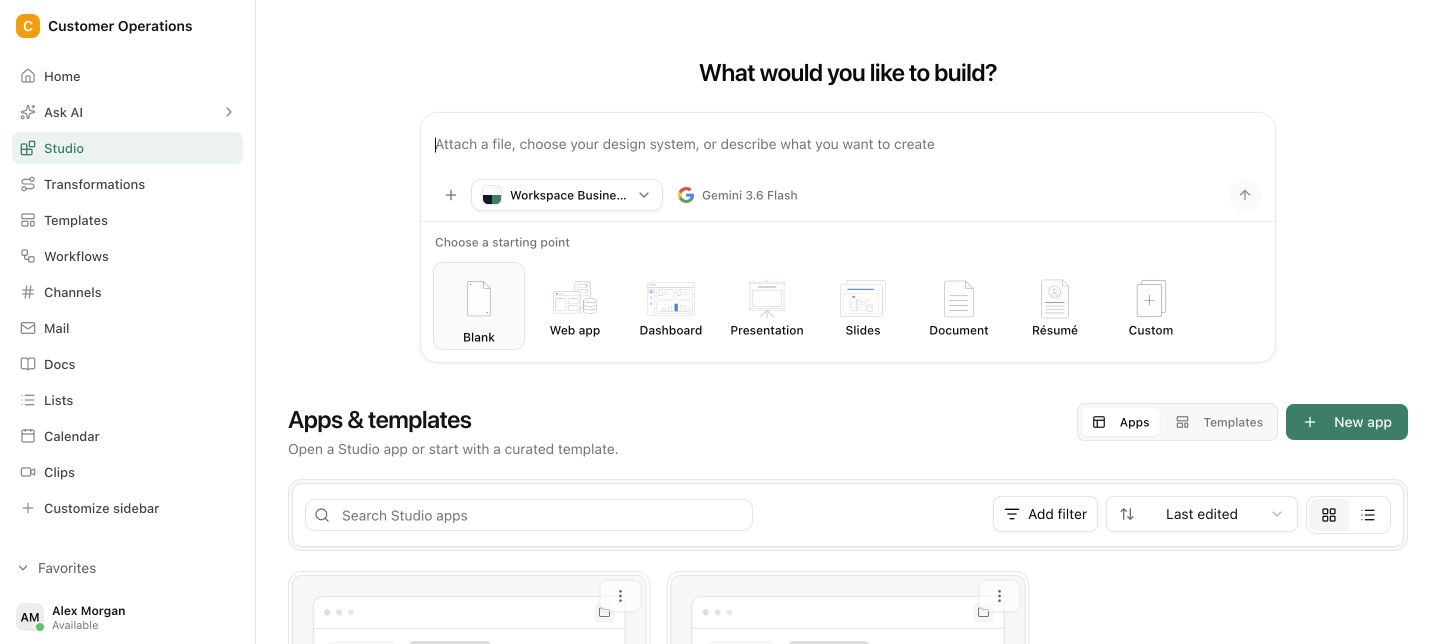
From sketch to published outcome.
The goal, users, sources and requirements are clarified before delivery. The result stays connected to the project and data it came from.
Sharpen the idea
Clarify the goal, users, content and intended outcome before Studio starts building.
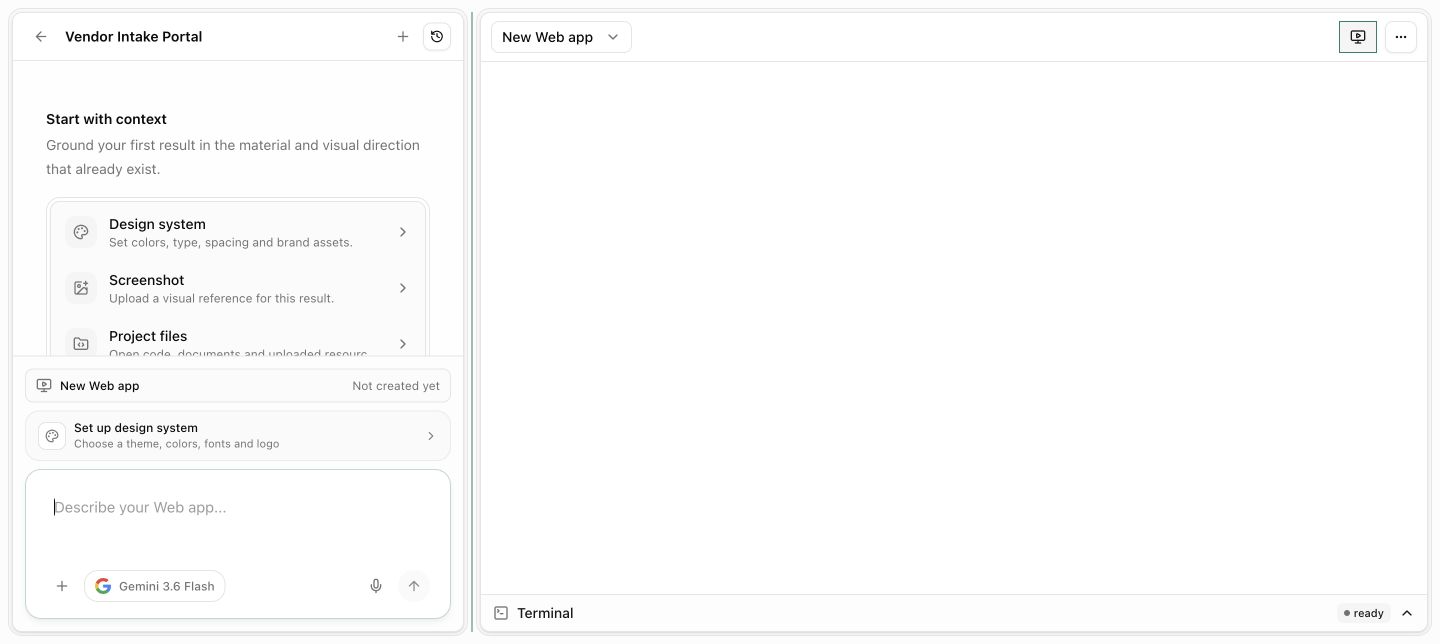
Build with real context
Use existing knowledge, structured data and project decisions as a reliable foundation.
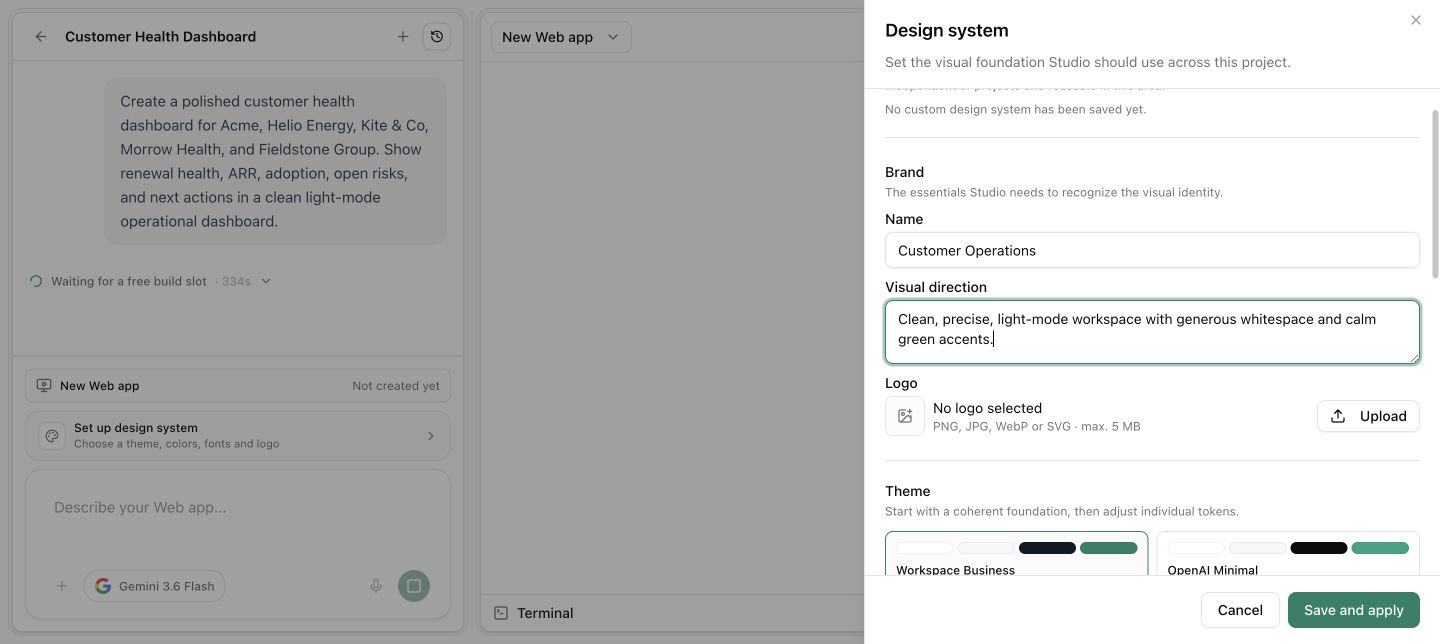
Publish and hand over
Make internal tools, pages and documents useful to the team and hand them straight into the next stage of work.
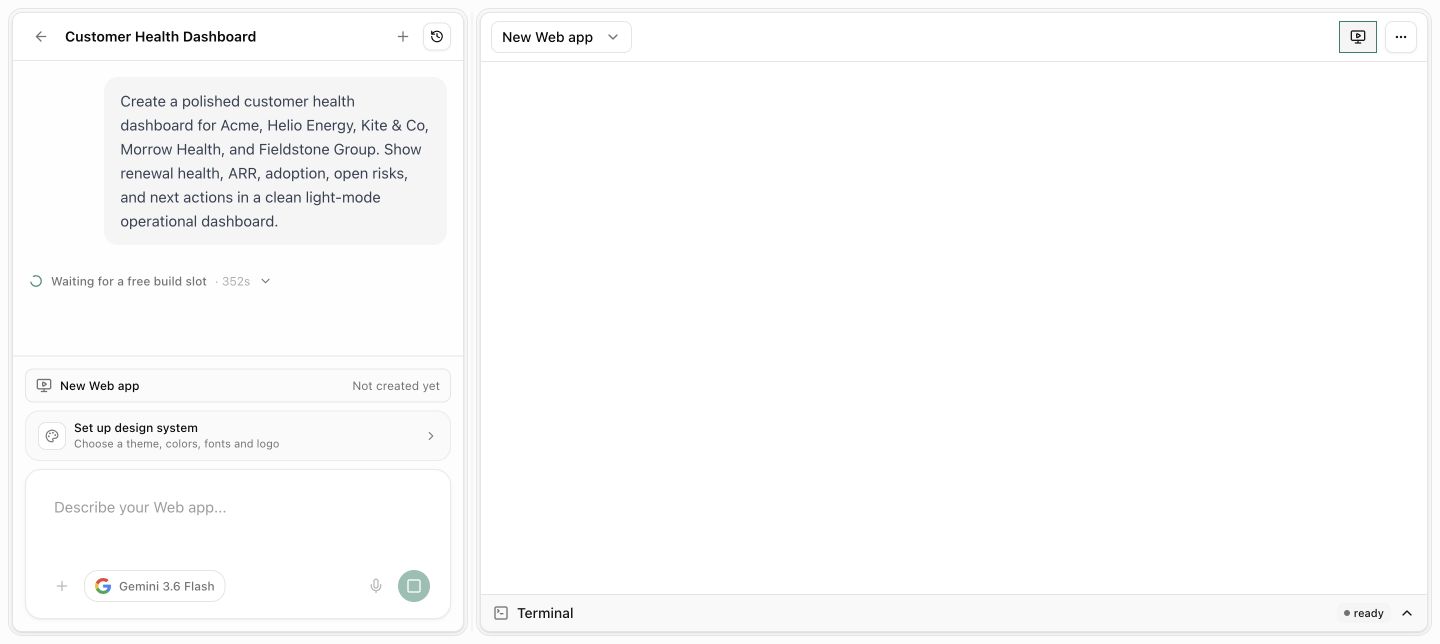
A clear goal and defined users
Approved data and workspace sources · Review before publishing and handoff
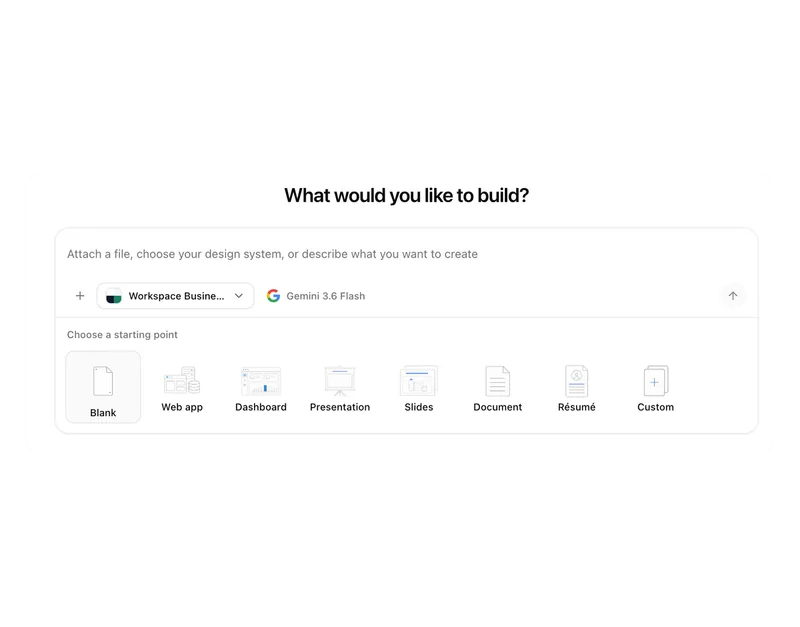
Studio does not start with an empty prompt.
The goal, users, sources and requirements are clarified before delivery. The result stays connected to the project and data it came from.
A good draft only helps once it becomes useful.
Ideas often stay in documents, decks or isolated AI chats. Delivery is still missing the requirements, real data and connection to everyday work.
Questions and answers
What a concrete workflow looks like
Building an internal assistant for inside sales.
A wholesaler with 90 employees receives daily questions about lead times, minimum quantities and terms. Inside sales looks up answers in price lists, old emails and with colleagues. An internal assistant should speed this up without anyone starting a software project.
- The inside sales lead describes in Studio what the assistant should do: answer questions on lead time, minimum quantity and terms, with a source, and refer special prices to a person.
- Studio asks questions before anything is built: Who uses the assistant, which price lists apply, what must it not answer?
- The Item master list, the current terms overview and the lead time table from the workspace are linked as sources.
- The first draft appears as an internal app with a search field and answer area. Two colleagues test it for a week with real enquiries.
- The test yields two adjustments: answers should state the validity of the terms, and for customers with a framework agreement the contract number should appear.
- The assistant is published for the entire inside sales team. Changes to the sources take effect immediately without rebuilding the app.
Within a few days an idea becomes a tool that inside sales actually uses. The answers come from maintained lists, not from a model that has to guess.
What belongs with it
Studio builds on the workspace. These modules supply data and context, and these systems remain the source where they are today.
Modules in Pharen Hub
External systems
- REST API Studio outputs can include data from connected applications through the Pharen API.
- MCP server External tools and data sources can be embedded in an assistant through MCP, depending on the setup.
- File storage Documents from SharePoint, OneDrive or Google Workspace serve as a source without being copied.
Frequently asked questions
Do we need to know how to code?
No. Studio starts with a description and follow-up questions, not with code. Those who want to go deeper technically can, but the usual path is: describe the goal, link sources, test, publish.
Where does an app from Studio run?
In the workspace, with the same roles and permissions as everything else. An app is visible to the people you share it with and reads only the sources those people can access anyway.
What happens when the data changes?
Studio outputs work with the live sources in the workspace. If a record in Lists or a document changes, the new version applies immediately. You do not have to regenerate the app, only maintain the source.
When Studio is not enough
Studio is intended for internal tools, pages and prototypes that build on your workspace. If you need software for customers, a product with its own operations or an integration with complex logic, that is a development project. For that there is our AI consulting team, which plans and delivers such projects with you.
View servicesThe AI platform for businesses, in 13 modules.
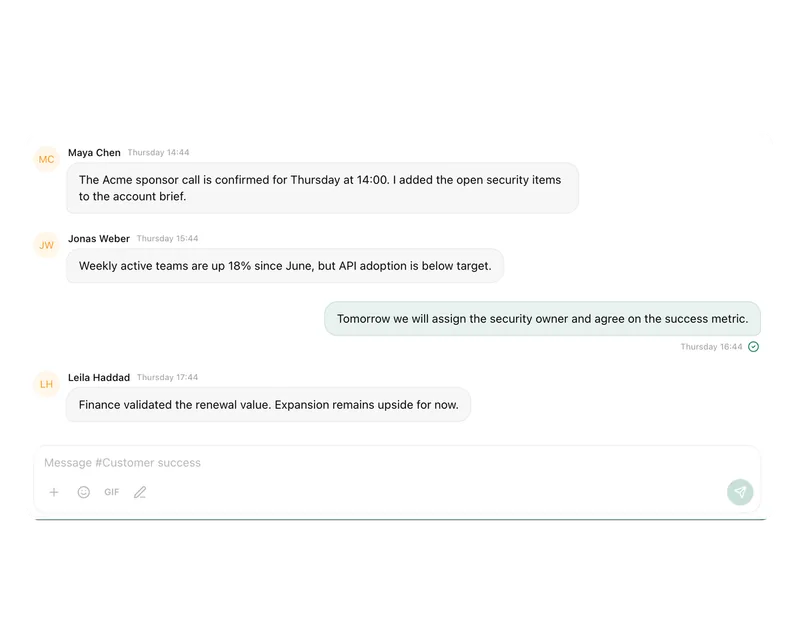
From team chat to approval, the work stays attached to the same item. Status and next step are visible at any time.
Chat
Answers from your docs, mail and projects, not from the open web.
Workflows
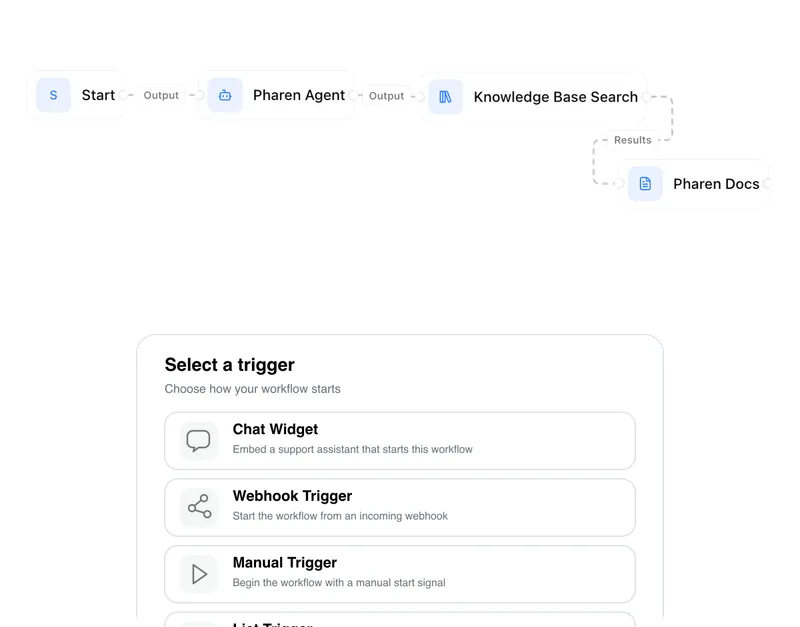
Invoice review or onboarding: every step has an approval.
Agents
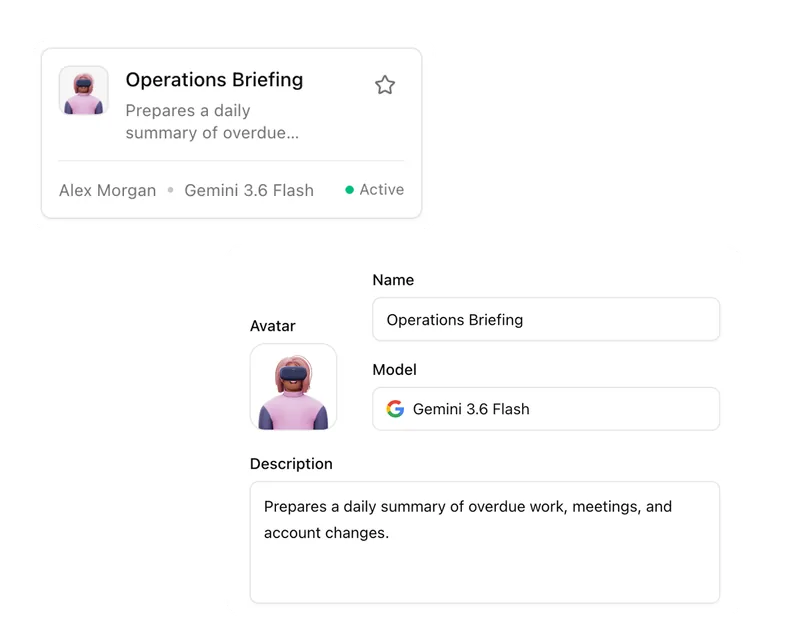
An agent researches, a person approves. You set the boundaries.
Projects
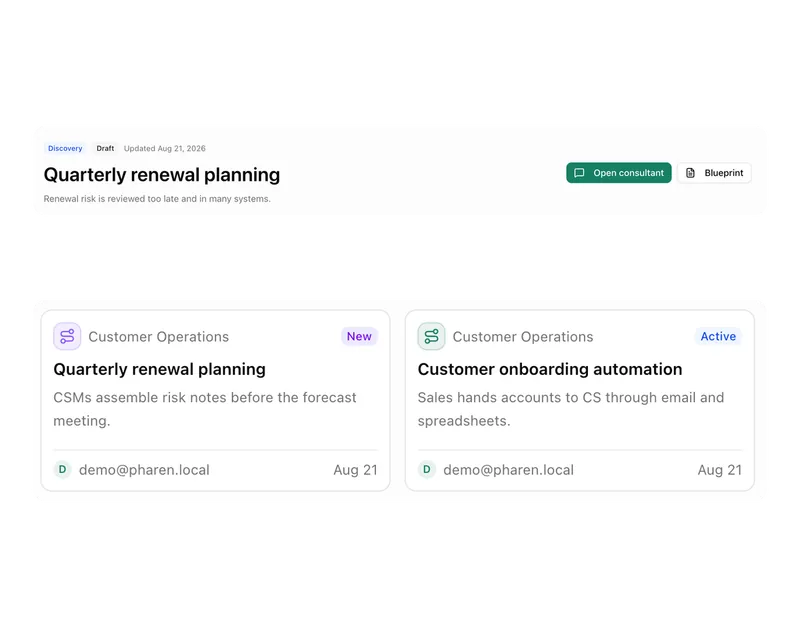
Bring goals, tasks, decisions and progress together.
Lists
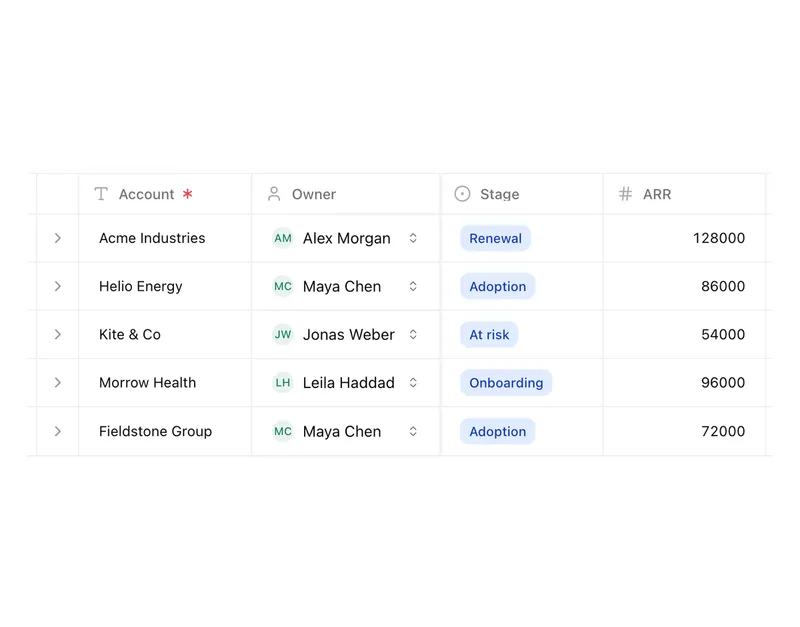
Orders, devices or applicants as a table, board or calendar.
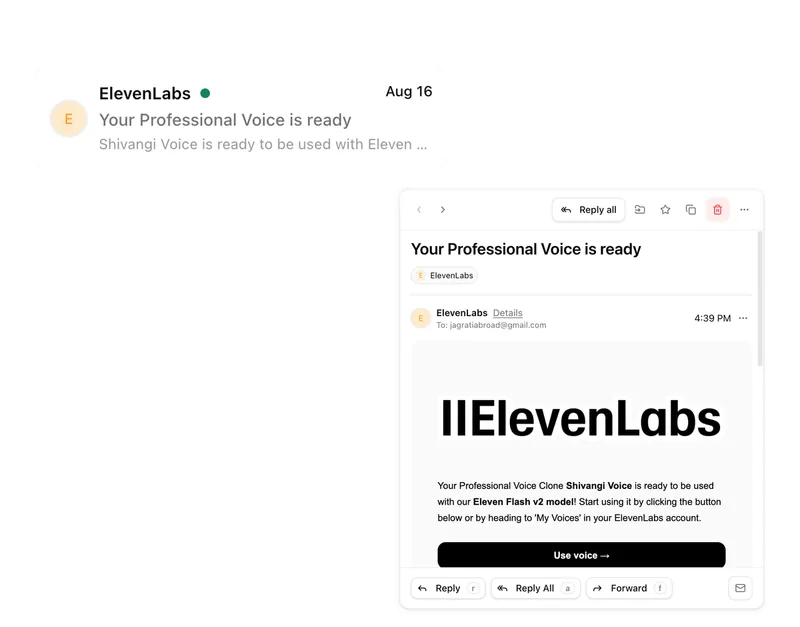
Connect messages directly with the work they belong to.
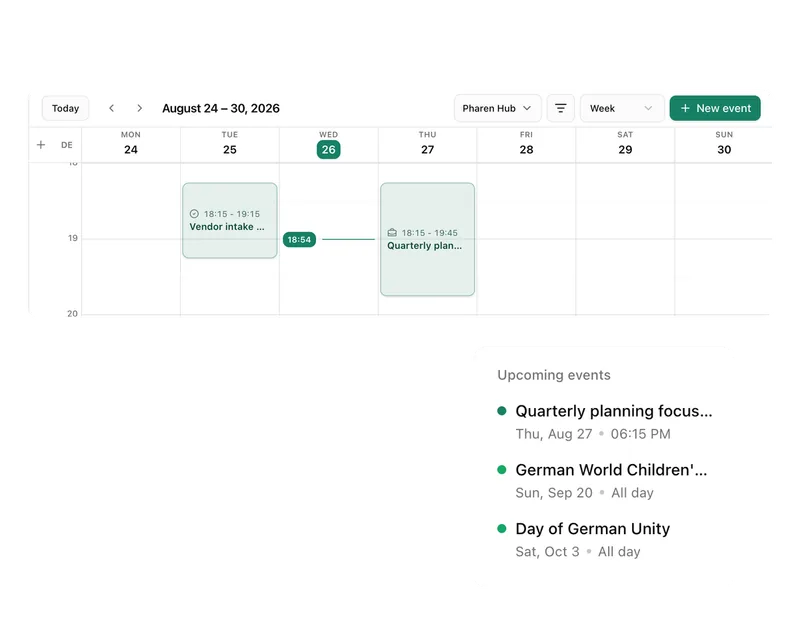
Calendar
Coordinate meetings, preparation and follow-ups.
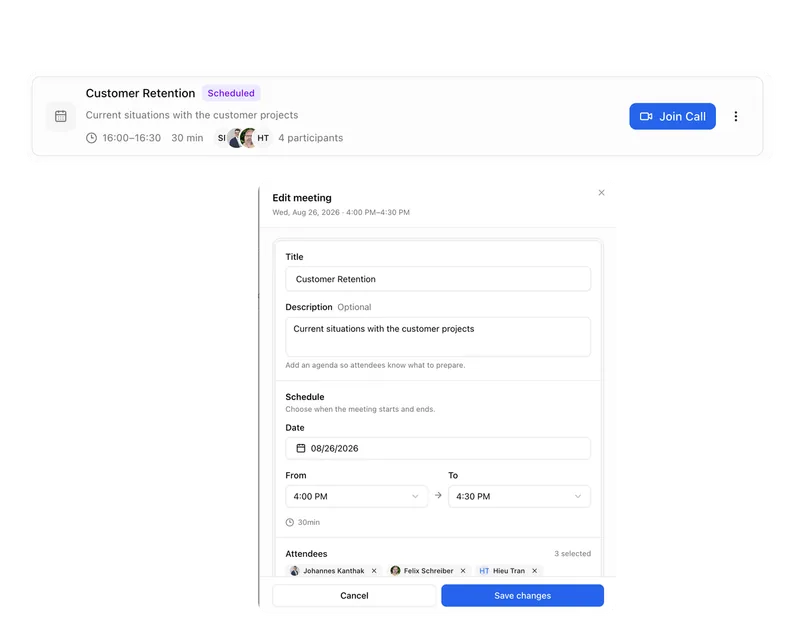
Meetings
Keep decisions and next steps attached to their context.
Channels
Keep team conversations close to projects and decisions.
Studio
Build apps, tools, pages and prototypes in the workspace.
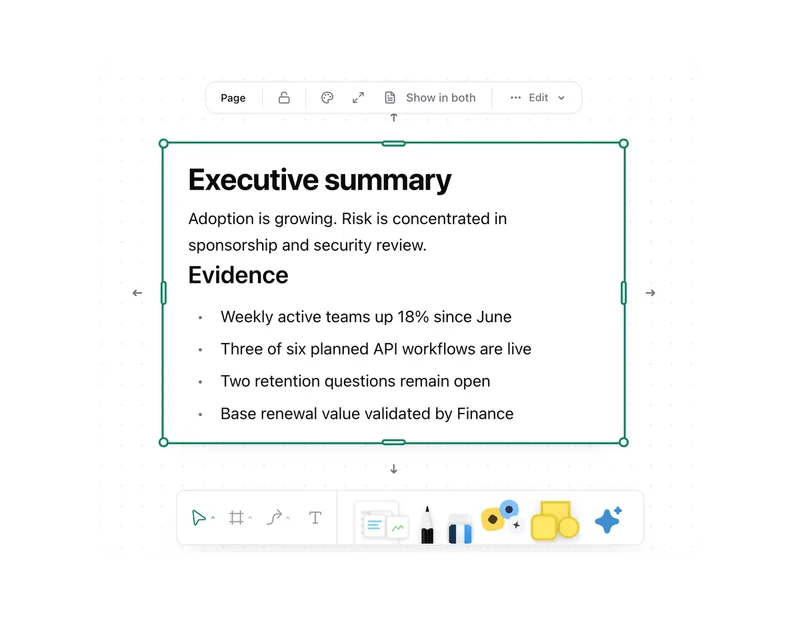
Docs
Create documents where knowledge and decisions already live.
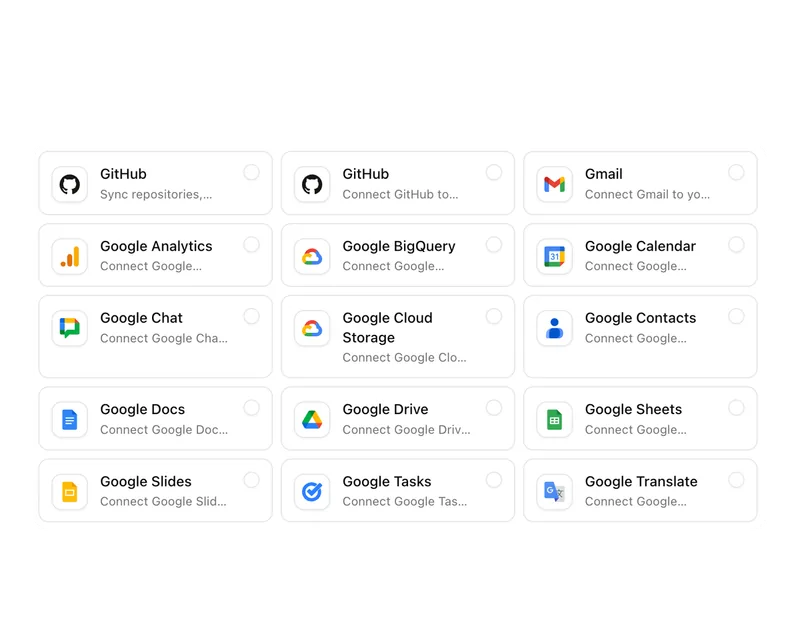
Integrations
Connect existing systems and data with Pharen.
API
Bring data, actions and Agent runs into your own apps.
Current module: 1 / 13
Turn the next idea into a testable working version.
Bring an internal tool, page or process that currently only exists on paper. We will discuss the smallest useful pilot.