

For collaboration in context.
Pharen Channels
Channels keeps messages and meetings with the topic, project or process. Decisions and next steps move straight into the work without copy and paste.
Pharen IT GmbH · Updated:
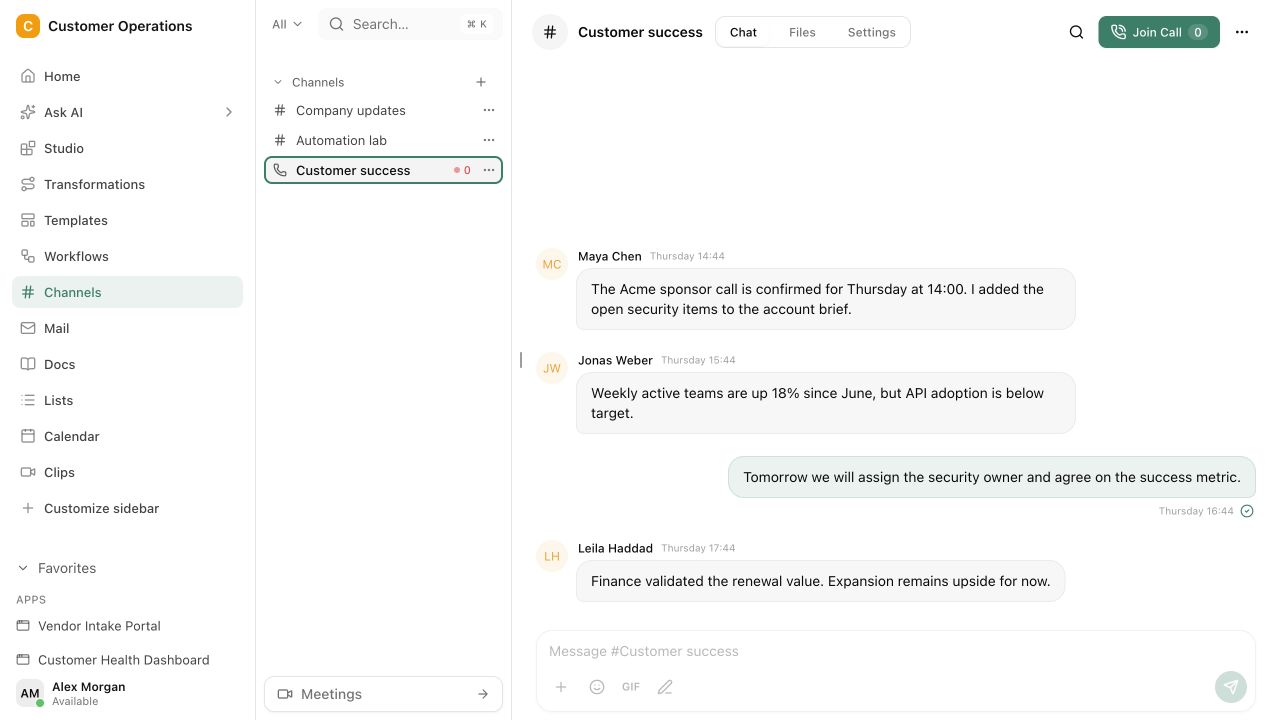
From discussion to visible action.
Messages, meetings and decisions stay attached to the right project or process. The next action has an owner and remains visible after the mention is gone.
Create a space for the topic
Give a team, project or process a Channel where the conversation and working context stay together.
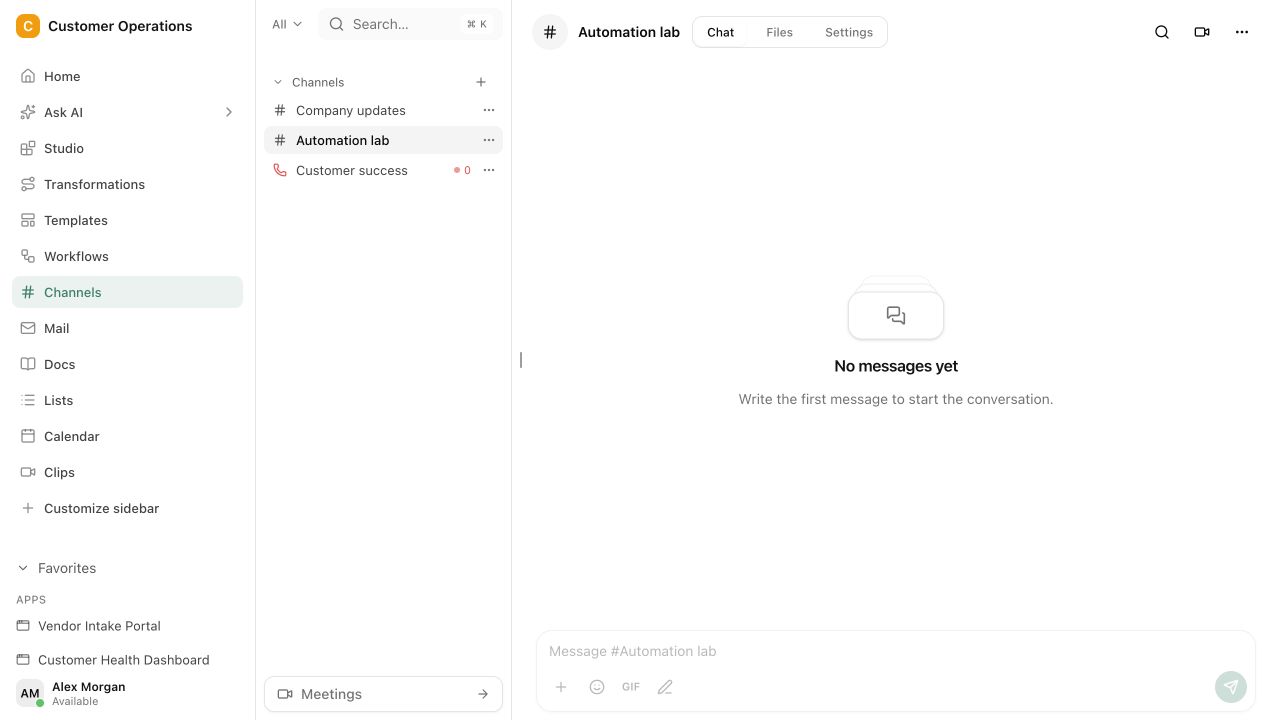
Discuss and decide
Write asynchronously or meet live while keeping the same material and decisions in view.
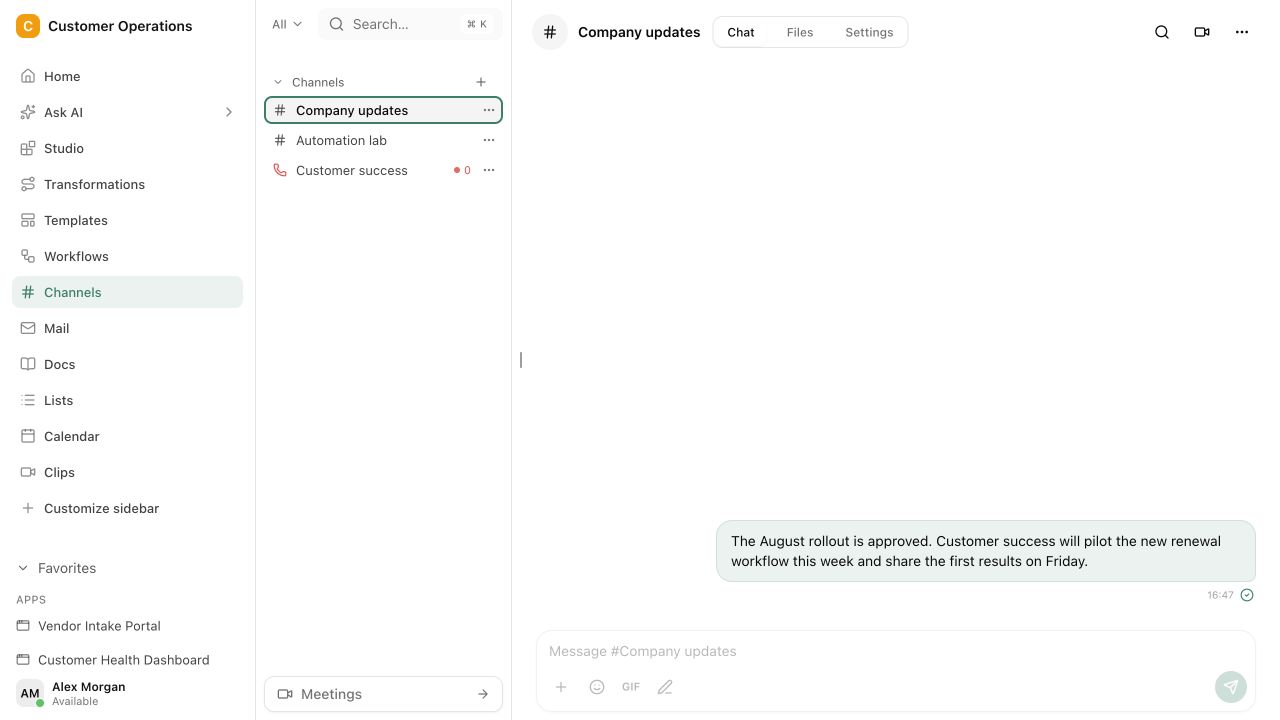
Continue the work directly
Move decisions and next steps into Tasks, Projects or Workflows without rebuilding the context.
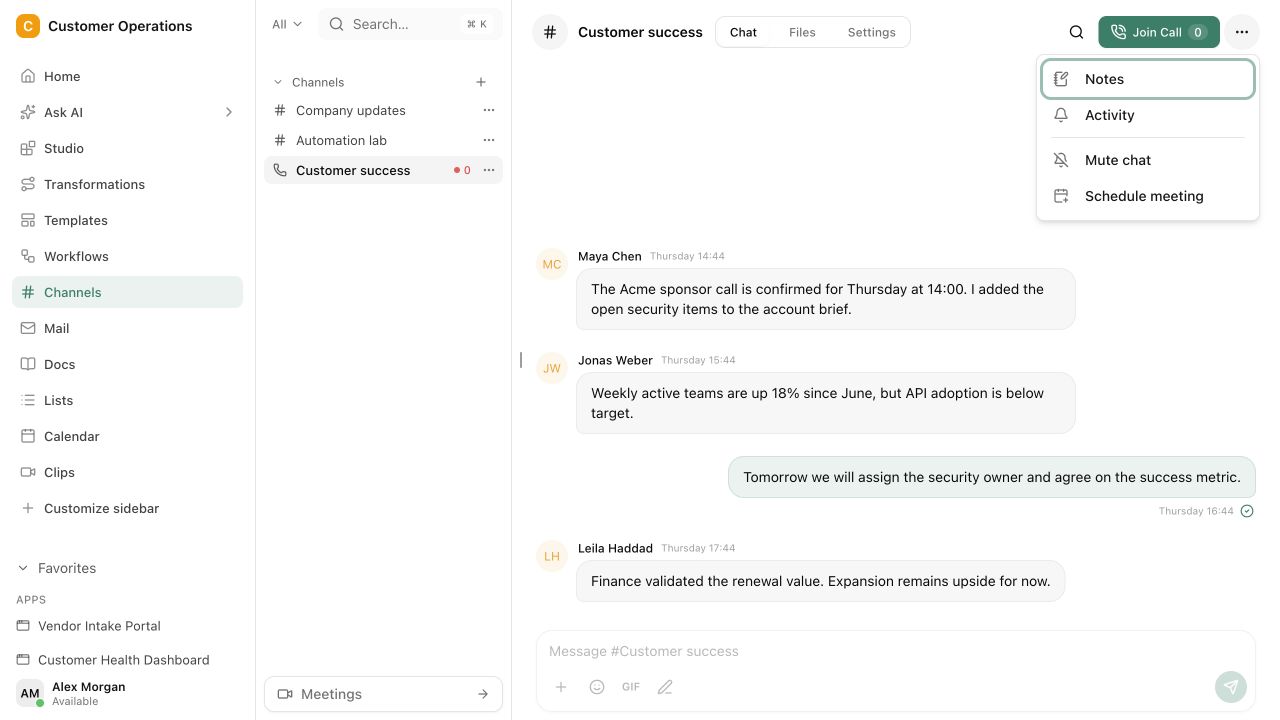
Topic-based conversation spaces
Decisions attached to working context · Direct handoff to tasks and Workflows
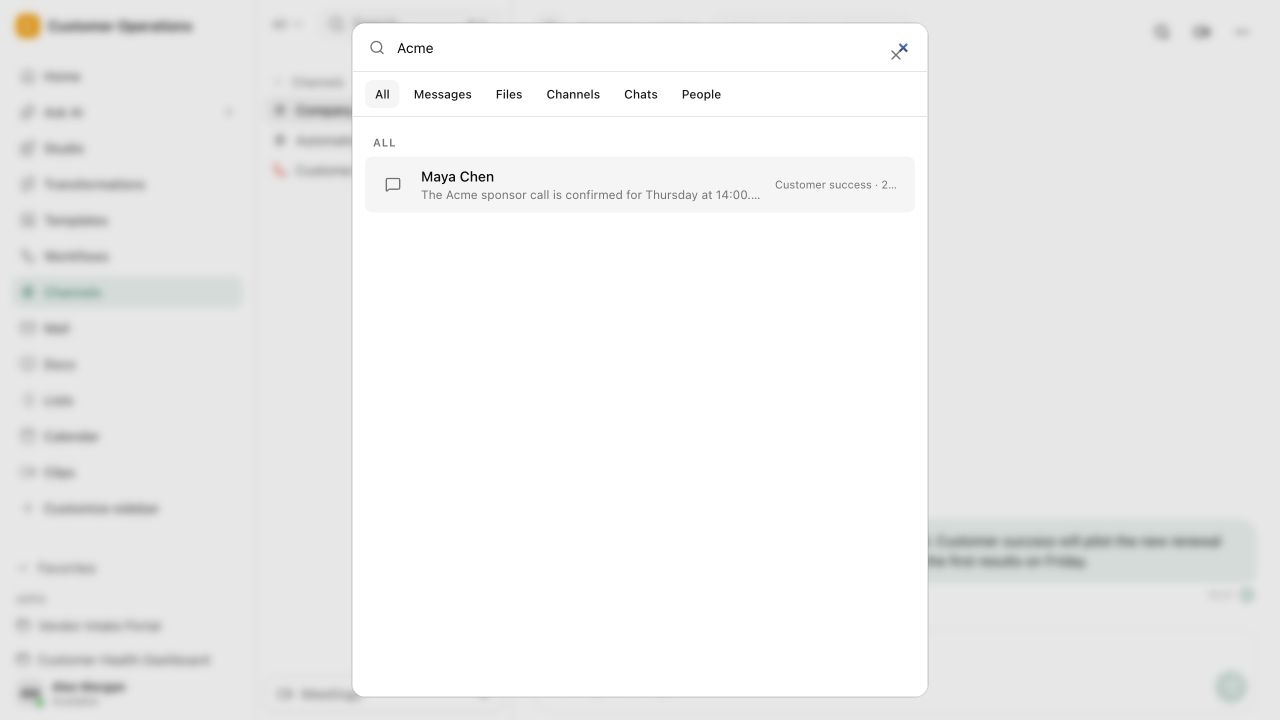
The conversation becomes a traceable working state.
Messages, meetings and decisions stay attached to the right project or process. The next action has an owner and remains visible after the mention is gone.
The most important line in chat is the one nobody can find later.
Conversations move work forward until the decision, task and reasoning disappear into the timeline. Then the search begins or the same discussion starts again.
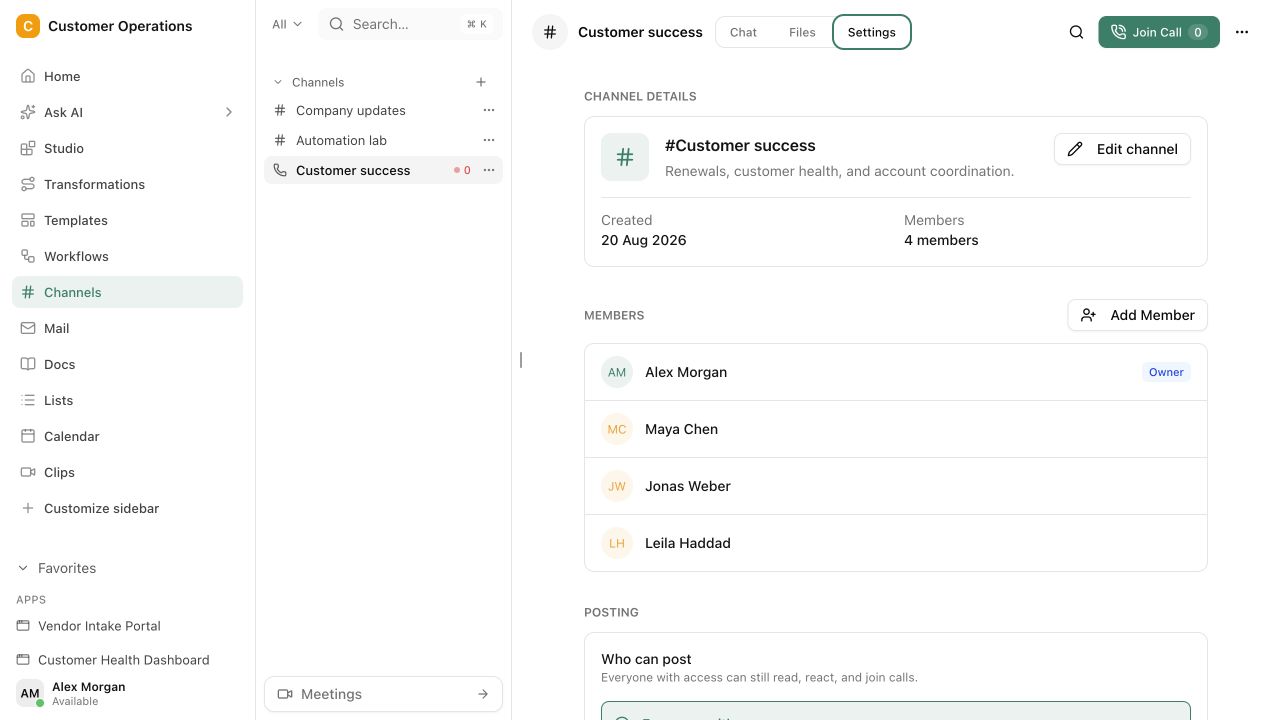
Questions and answers
What a concrete workflow looks like
Customer project channel instead of a mailing list.
An engineering firm with 35 employees supports a construction project over eight months. Coordination used to run through a mailing list with twelve people, and decisions sat somewhere in the third reply thread.
- At project start a channel is created that belongs to the project. Anyone with a role in the project is automatically in the channel.
- The site manager asks a question about the execution plan. Because the channel is attached to the project, everyone sees the related drawings and open tasks beside it.
- After a short discussion the team decides to change the routing. The message is marked as a decision and lands in the project's decision log.
- From the same message a task for the planner is created with a deadline, without anyone copying the content into another tool.
- For the weekly meeting an agent compiles agenda and open points from the channel history. The minutes are recorded directly in the channel.
- When the question comes up three months later why the routing was changed, the team finds decision, discussion and task in one place.
The mailing list is gone, the discussion remains. Decisions are marked, tasks emerge from the conversation, and new project members can read the history instead of asking for old emails.
What belongs with it
Channels is the conversation space in the workspace. These modules pick up the result, and these systems stay connected depending on the setup.
Modules in Pharen Hub
- Projects A channel belongs to the project. Decisions and tasks from the conversation land there.
- Mail & Calendar Customer emails that need internal discussion can be brought into the channel instead of forwarded.
- Chat Questions to the workspace, such as the status of a task, are answered by Chat directly from the channel context.
External systems
- Slack and Microsoft Teams Teams using both in parallel decide in the setup which conversations happen where. A comparison helps with the decision.
- Outlook and Gmail External communication stays in the mailbox and is connected to the channel when needed.
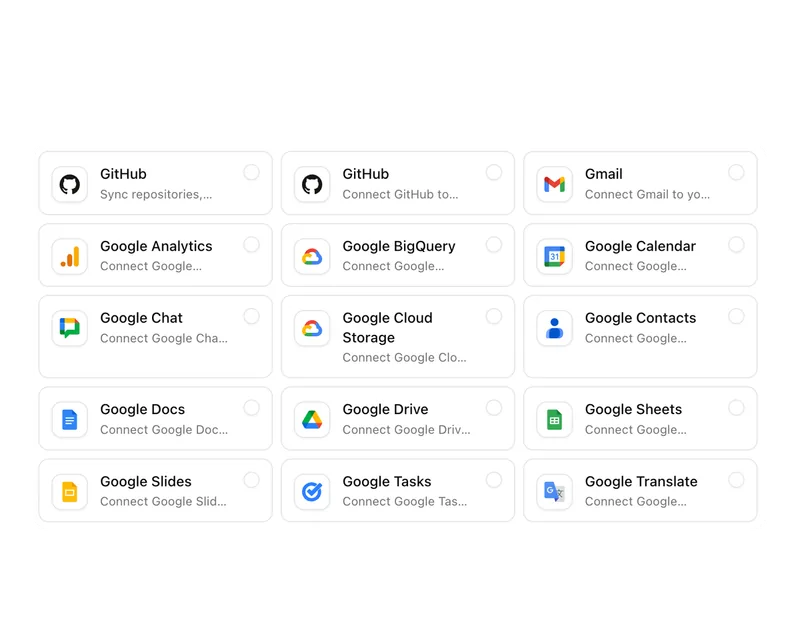
- File storage Drawings and documents from SharePoint, OneDrive or Google Workspace are linked in the channel, not copied.
Frequently asked questions
Does Channels replace our Slack or Teams?
That depends on what you use those tools for. Channels is built for conversations that belong to a project, team or process and need an outcome. For quick exchanges with no work reference, a messenger can keep running. Many teams reduce parallel tools step by step.
Can customers or external people be in the channel?
Yes, with a role that covers only this channel and the shared project context. Internal channels, lists or mailboxes remain invisible to external people. That removes the separate customer channel in another tool.
How are decisions recorded in the channel?
A message can be marked as a decision and then lands in the decision log of the related project, with person, timestamp and a link to the discussion. It stays findable even when the channel has long scrolled on.
When Channels is not enough
Channels is strong when conversations belong to work. If what you mainly need is a messenger for the whole company, including huddles, status updates and a thousand integrations, a pure chat provider is the more direct comparison. Our side-by-side shows where Pharen Hub stands against Slack and where it does not.
Compare Pharen Hub and SlackThe AI platform for businesses, in 13 modules.
From team chat to approval, the work stays attached to the same item. Status and next step are visible at any time.
Chat
Answers from your docs, mail and projects, not from the open web.
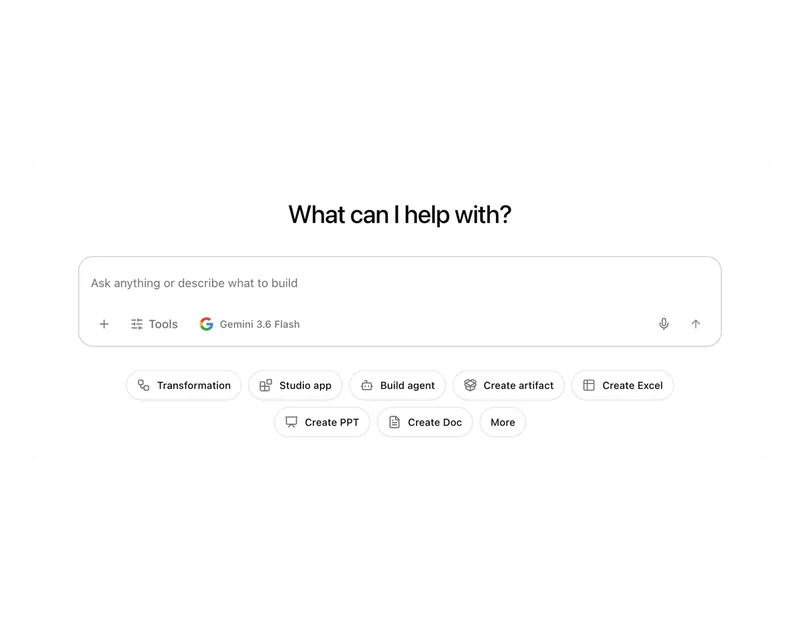
Workflows
Invoice review or onboarding: every step has an approval.
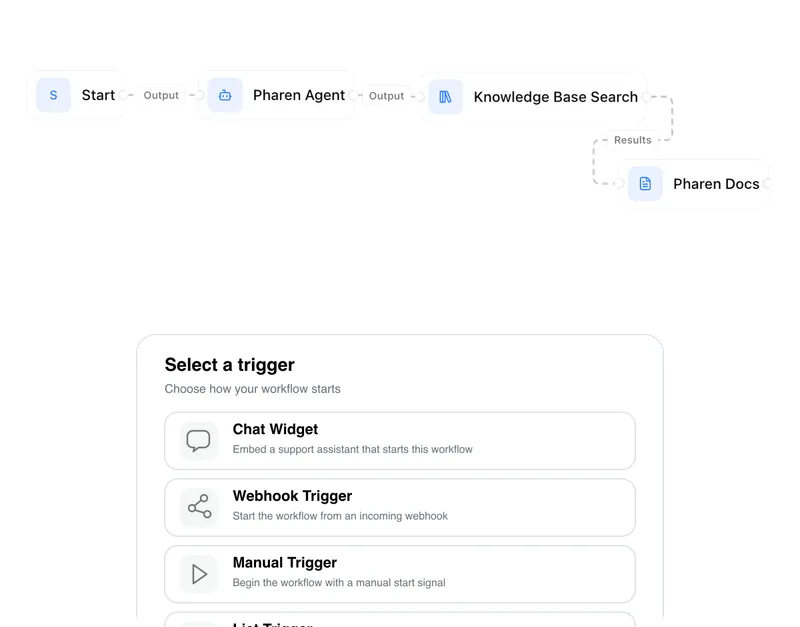
Agents
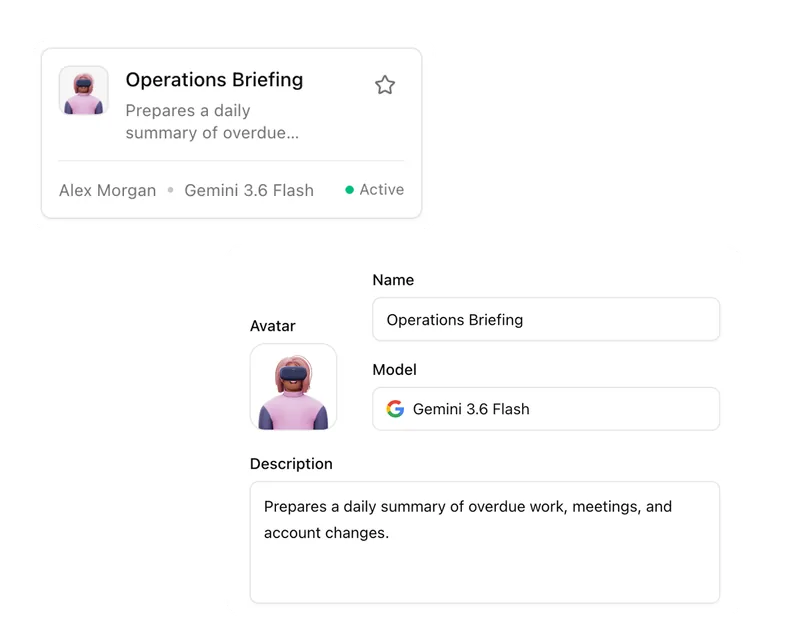
An agent researches, a person approves. You set the boundaries.
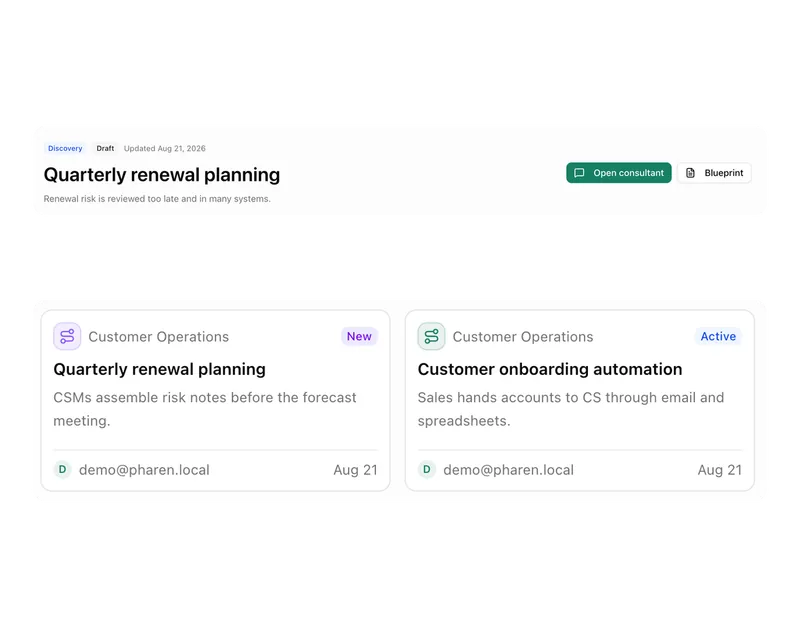
Projects
Bring goals, tasks, decisions and progress together.
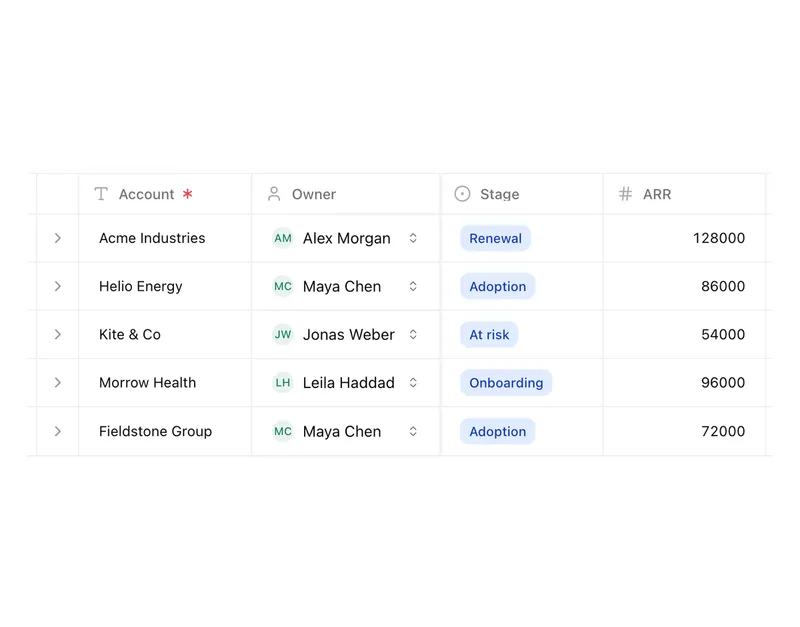
Lists
Orders, devices or applicants as a table, board or calendar.
Connect messages directly with the work they belong to.

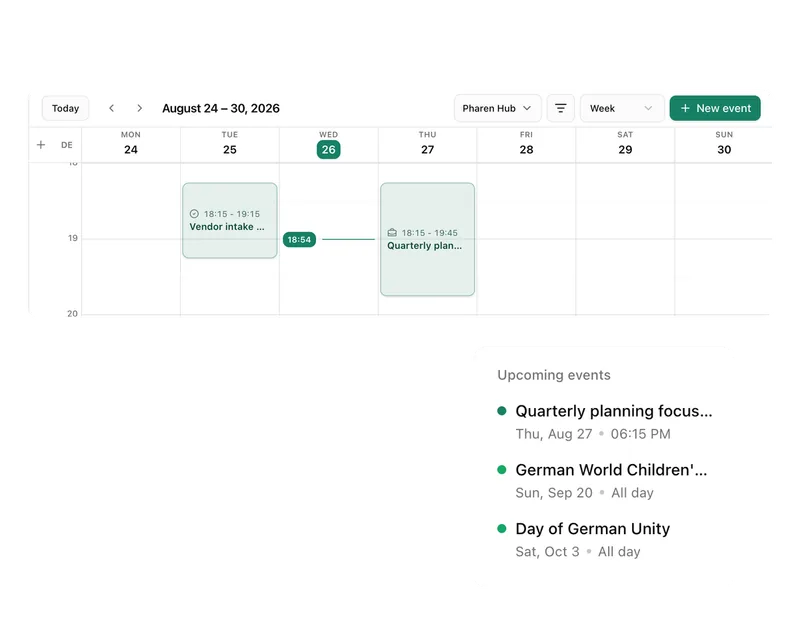
Calendar
Coordinate meetings, preparation and follow-ups.
Meetings
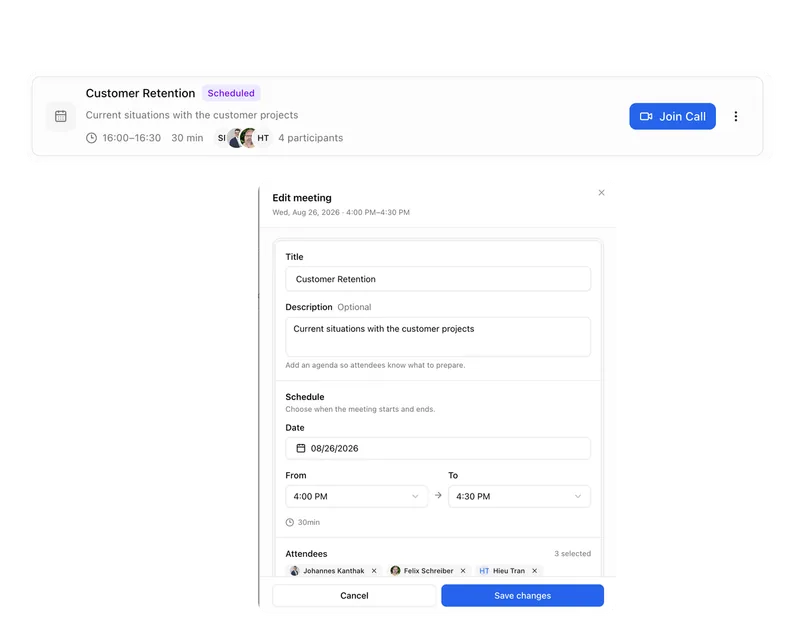
Keep decisions and next steps attached to their context.
Channels
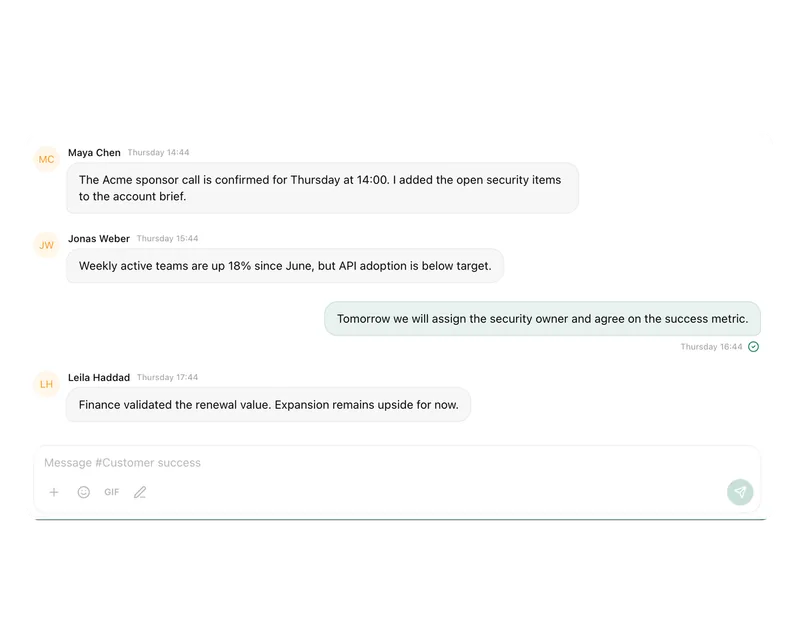
Keep team conversations close to projects and decisions.
Studio
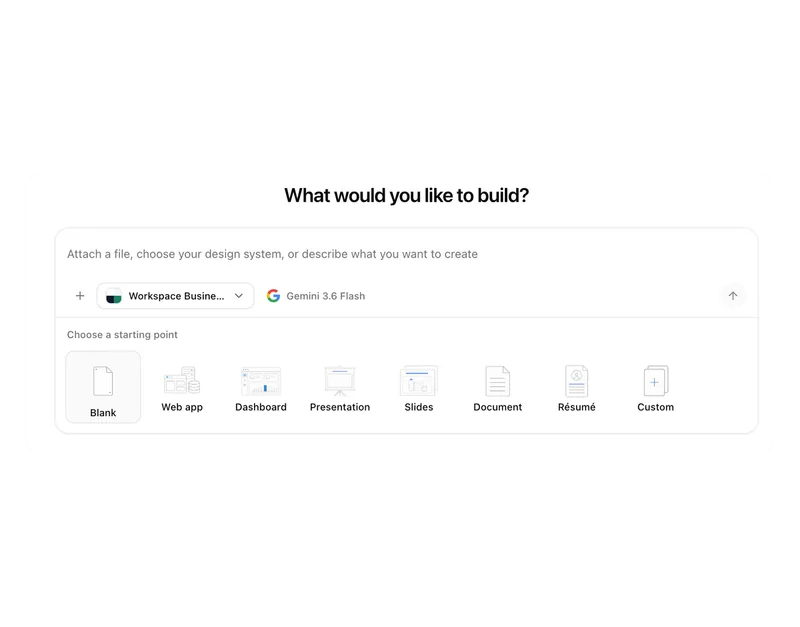
Build apps, tools, pages and prototypes in the workspace.
Docs
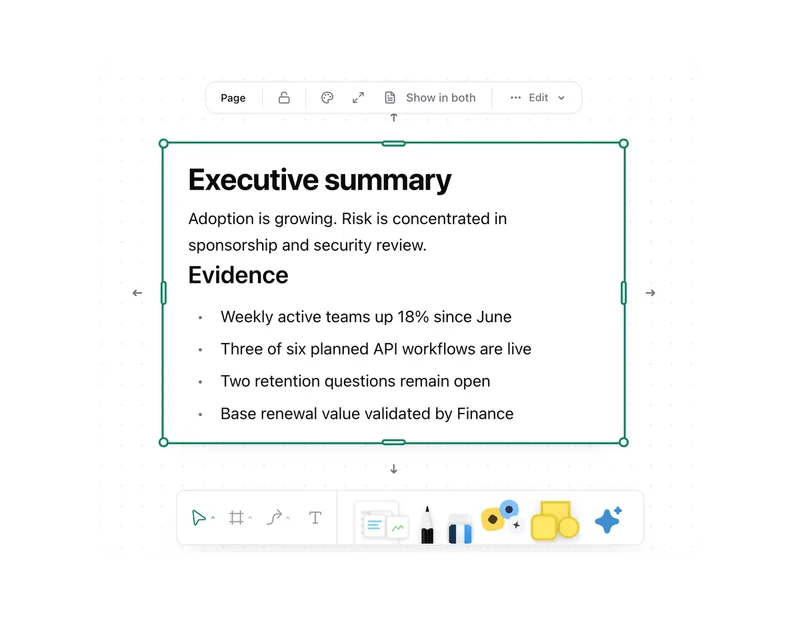
Create documents where knowledge and decisions already live.
Integrations
Connect existing systems and data with Pharen.
API
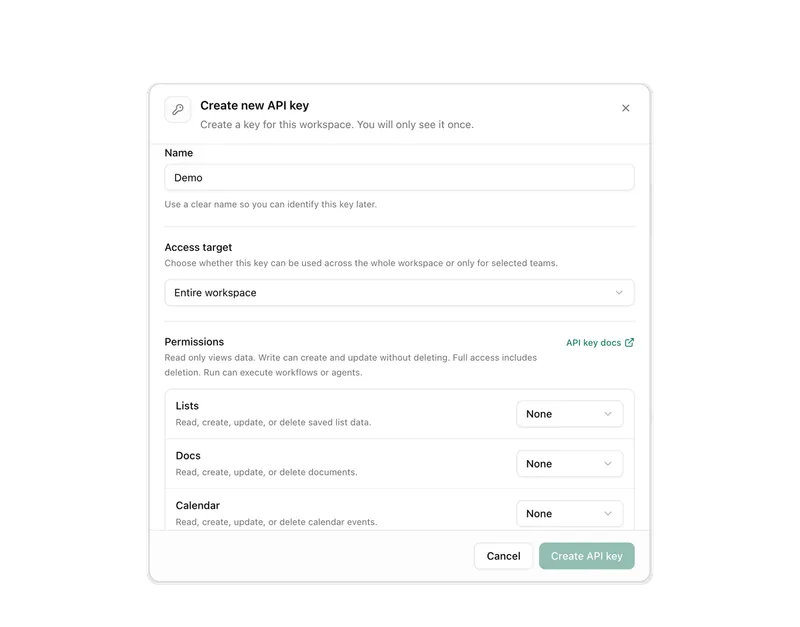
Bring data, actions and Agent runs into your own apps.
Current module: 1 / 13
Let conversations end where the work begins.
We will show you how a real team topic moves from discussion to a visible task or decision.