

For everyday work.
Pharen Chat
Chat answers with your documents, projects, lists and decisions in view. The answer is grounded in your team's work and leads directly to the next step.
Pharen IT GmbH · Updated:
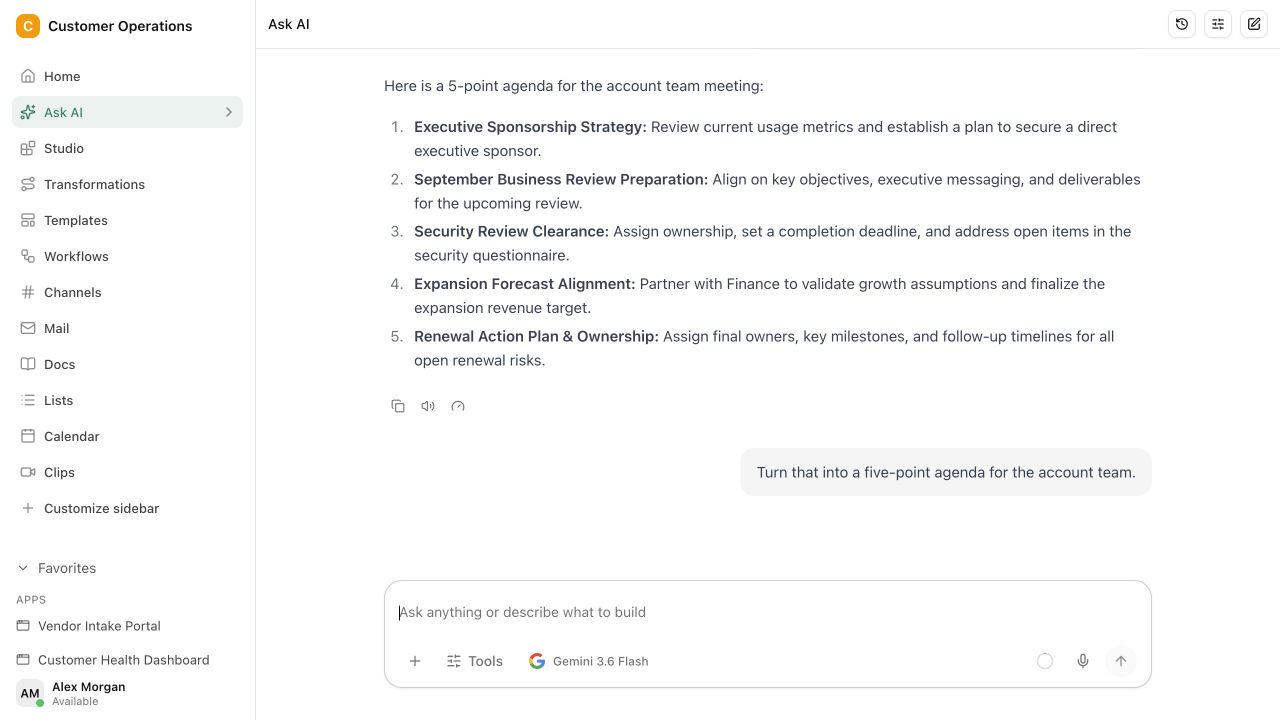
From a question to the next step.
Chat uses the approved workspace context. Sources and results remain traceable before anything moves into tasks, Lists or Workflows.
Ask the question
Ask about a project, draft a document or review a decision without explaining the full background again.
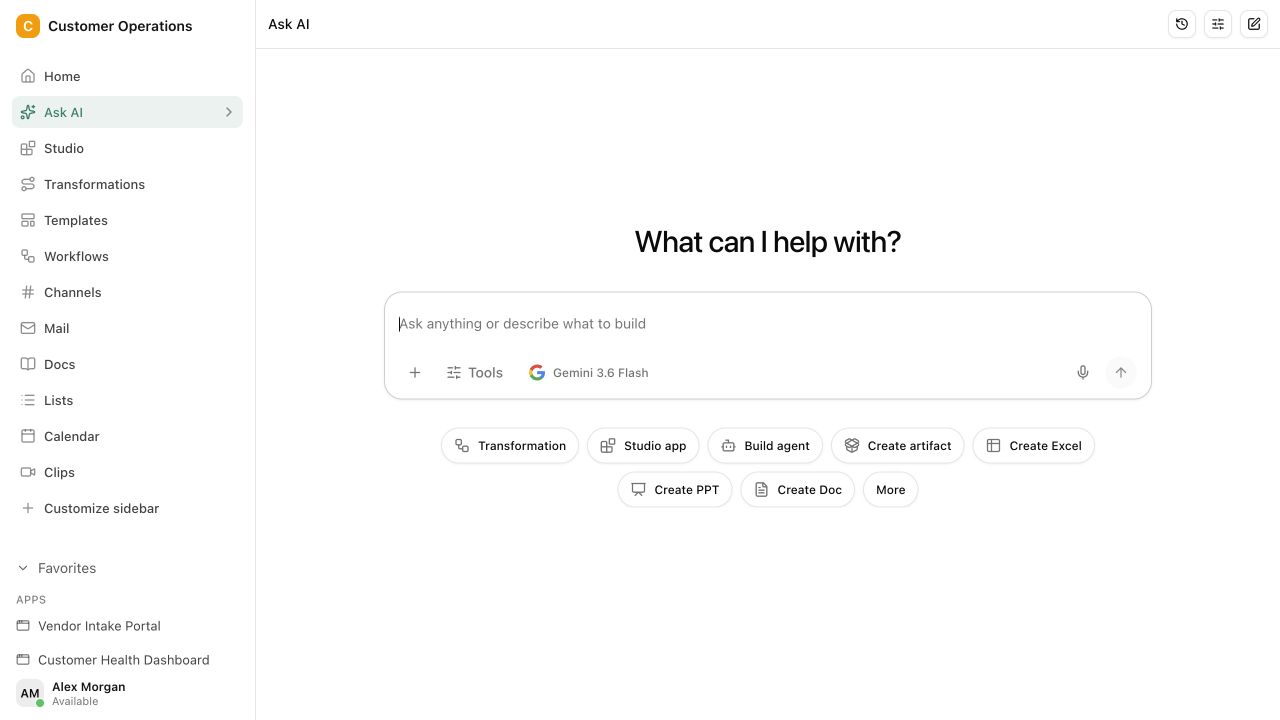
Work from real sources
Chat brings in the right documents, data and decisions and makes the basis of the result visible.
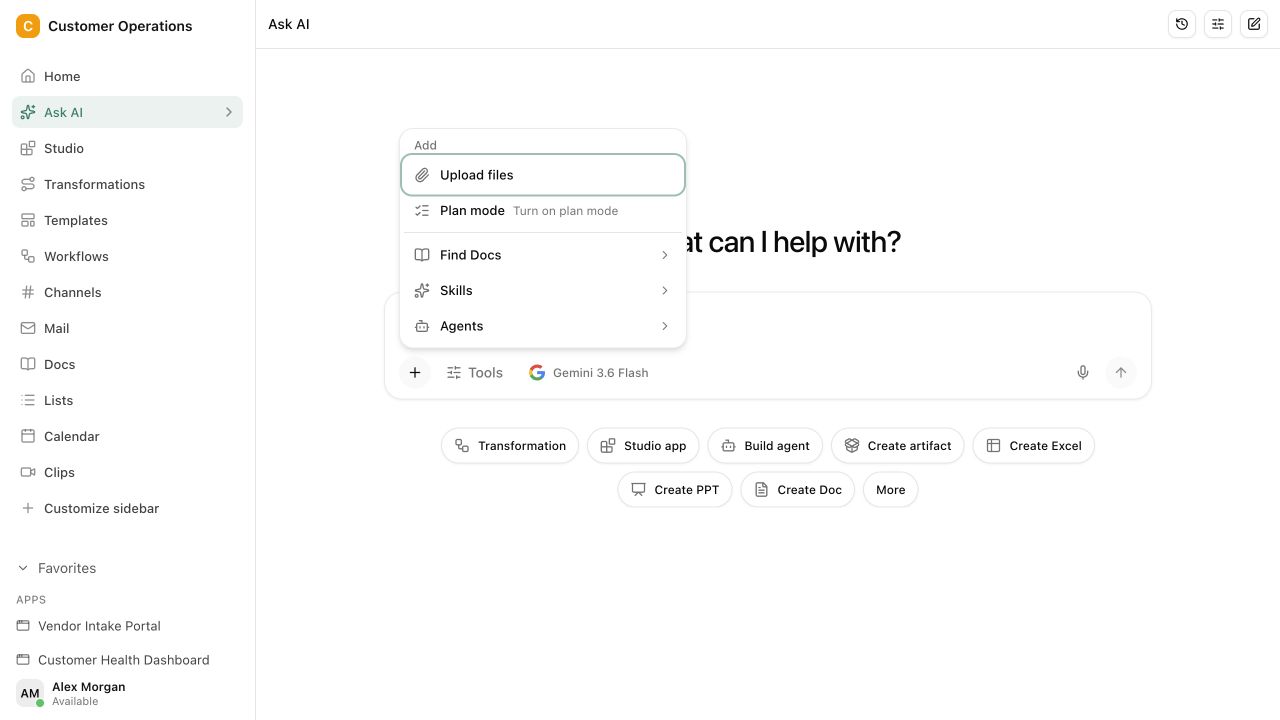
Move the result forward
Send the result straight to Projects, Lists or Workflows instead of copying it out of a chat window.
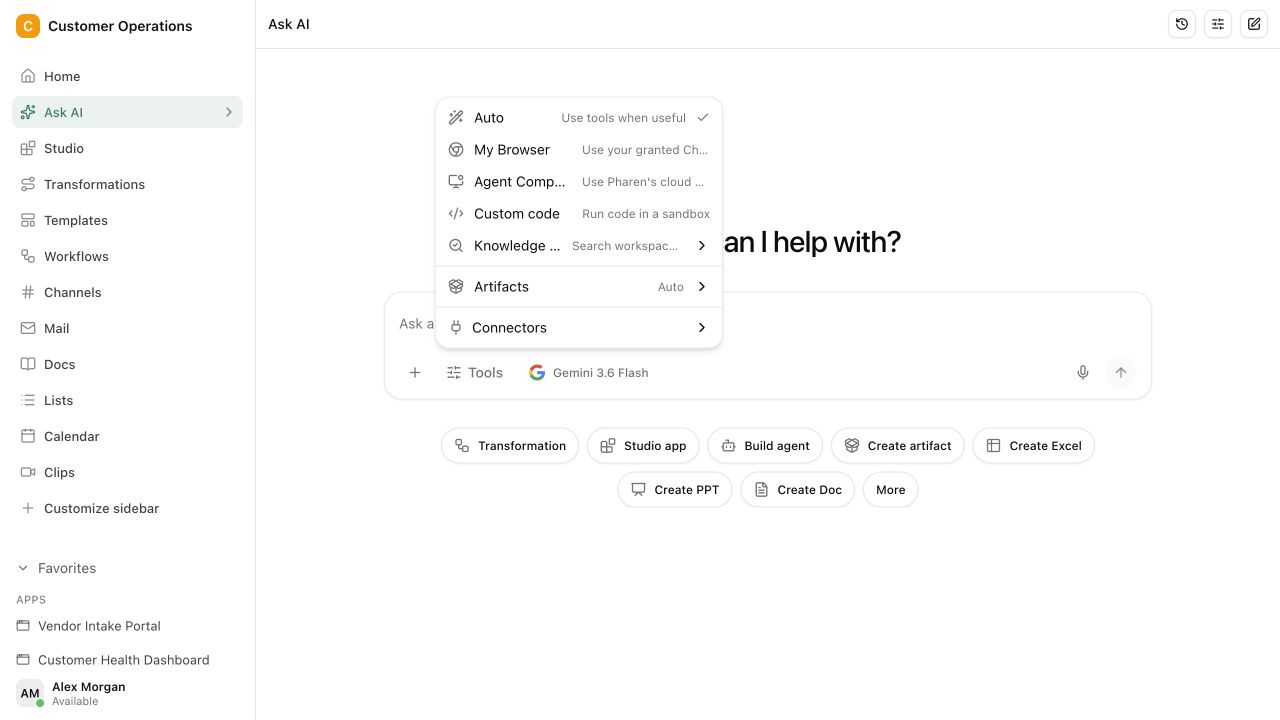
Approved workspace sources
A traceable basis for each result · Review before the work moves on
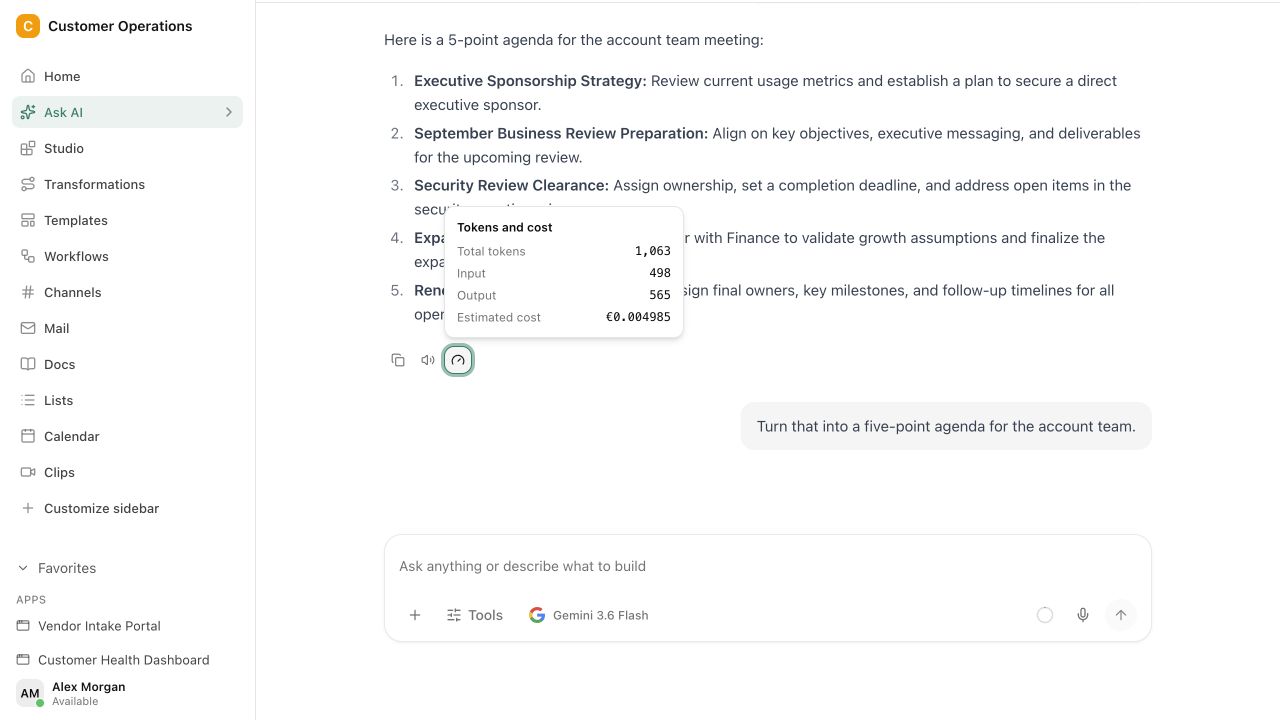
See what Chat worked from.
Chat uses the approved workspace context. Sources and results remain traceable before anything moves into tasks, Lists or Workflows.
A prompt is quick to write. The context lives in your work.
Separate AI chats do not know the project state, earlier decisions or internal sources. Your team keeps explaining the same background or reviewing answers that miss the work itself.
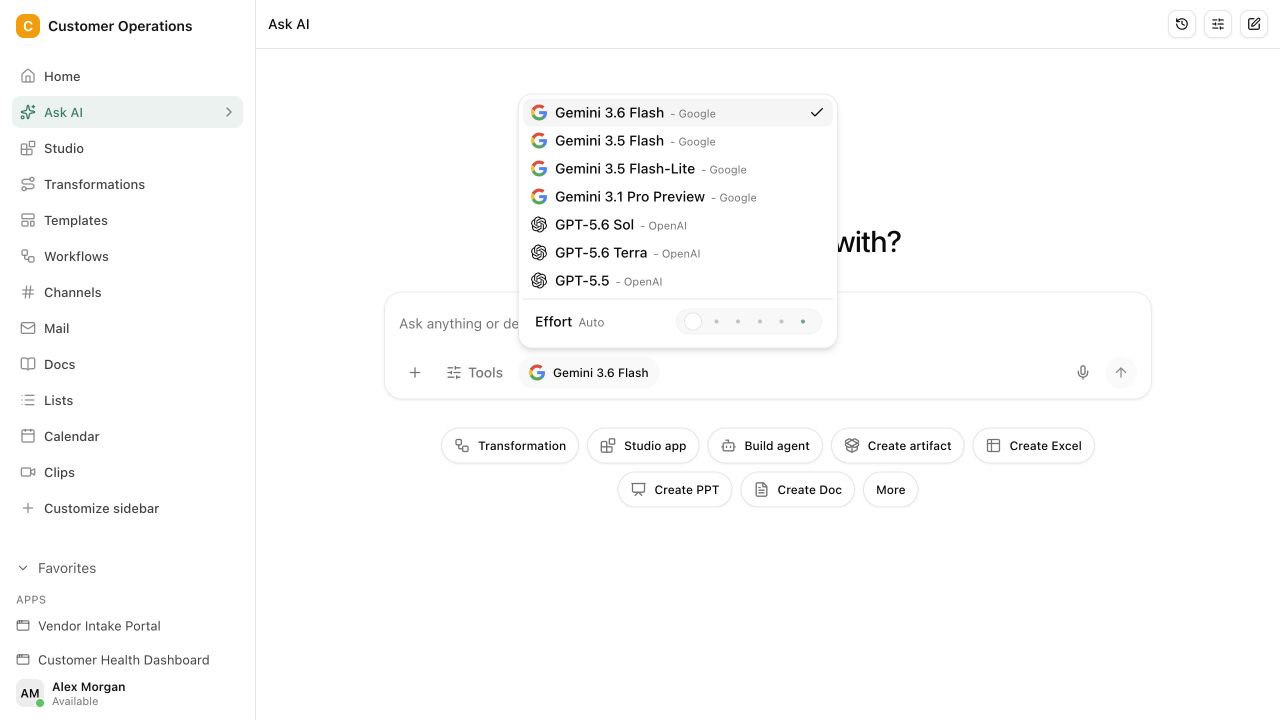
Questions and answers
What a concrete workflow looks like
Researching a quote request, with sources instead of gut feeling.
A machine builder with around 60 employees receives a request for a custom part. The sales representative needs a reliable assessment by the next day: can the team deliver, and on what terms?
- She asks in Chat: Which comparable orders have we completed in the past two years, and what were the critical points?
- Chat searches the shared projects, quotes and decision logs in the workspace and names three comparable cases, each with a link to its source.
- From those sources she has an overview compiled: lead time, extra costs, open risks and who was responsible internally at the time.
- For technical feasibility she asks specifically for the engineering notes from the last project. Chat shows the paragraph the answer comes from.
- The answer becomes a draft reply to the customer, written in the tone of your previous quotes.
- She hands the draft to engineering as a task in Projects, with the three reference cases as context. The chat thread stays linked to the case.
What used to take two follow-up questions and an hour of searching folders is now a traceable draft with sources. A person still makes the decision, but on a basis everyone in the team can check.
What belongs with it
Chat is the entry point, not the end. These modules pick up the result directly, and these systems supply the context.
Modules in Pharen Hub
- Agents When the same question returns every week, the chat assignment becomes an agent with a fixed goal and approval point.
- Lists Answers that concern data end up as a record or status change in the right list.
- Projects Drafts and decisions from Chat are recorded on the project instead of disappearing in the thread.
External systems
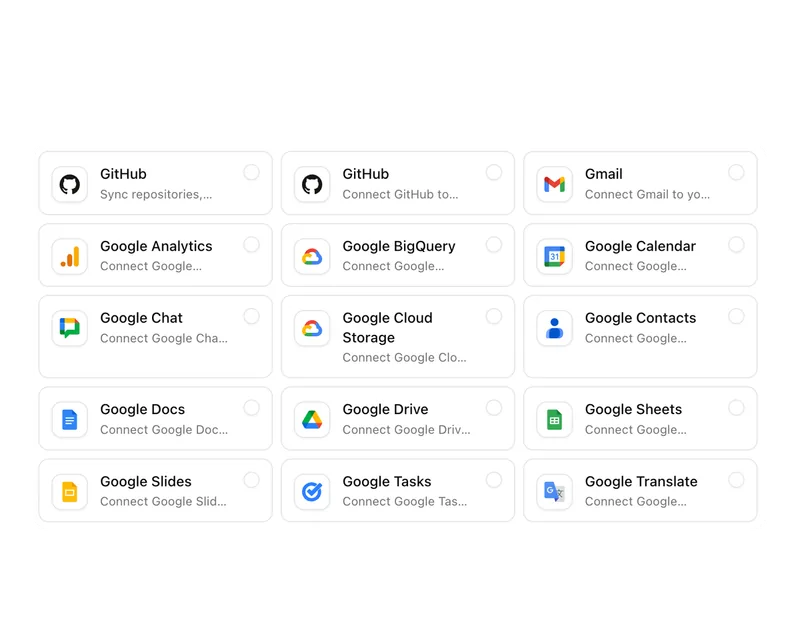
- Microsoft 365 and Google Workspace Documents from SharePoint, OneDrive or Google Workspace can, depending on the setup, be shared sources in the workspace.
- Outlook and Gmail Connected mailboxes provide requests and commitments as context for the next question.
- MCP server Your own data sources can be connected through MCP so Chat also takes existing systems into account.
Frequently asked questions
How does Chat know which sources it may use?
Chat works exclusively with the workspace context that is shared with the person asking. Roles and permissions from Projects, Lists and documents apply in Chat as well. What someone is not allowed to see does not appear in the answer.
Does Chat show what an answer is based on?
Yes. Every answer references the documents, records or decisions it used. You can open the source, check the passage and have the answer corrected before it becomes a task or a list entry.
Does Chat replace our knowledge base?
No, Chat builds on it. It reads the documents, lists and projects you maintain anyway and makes them queryable. The better the workspace is maintained, the more reliable the answers. An empty workspace produces only generic statements, in Chat as well.
When Chat is not enough
Chat answers questions and produces drafts that you then carry forward yourselves. If the same task returns every week, involves several steps and needs an approval at the end, an agent is the better tool. It receives goal, sources and stop point once and then works without a new prompt.
View AgentsThe AI platform for businesses, in 13 modules.
From team chat to approval, the work stays attached to the same item. Status and next step are visible at any time.
Chat
Answers from your docs, mail and projects, not from the open web.
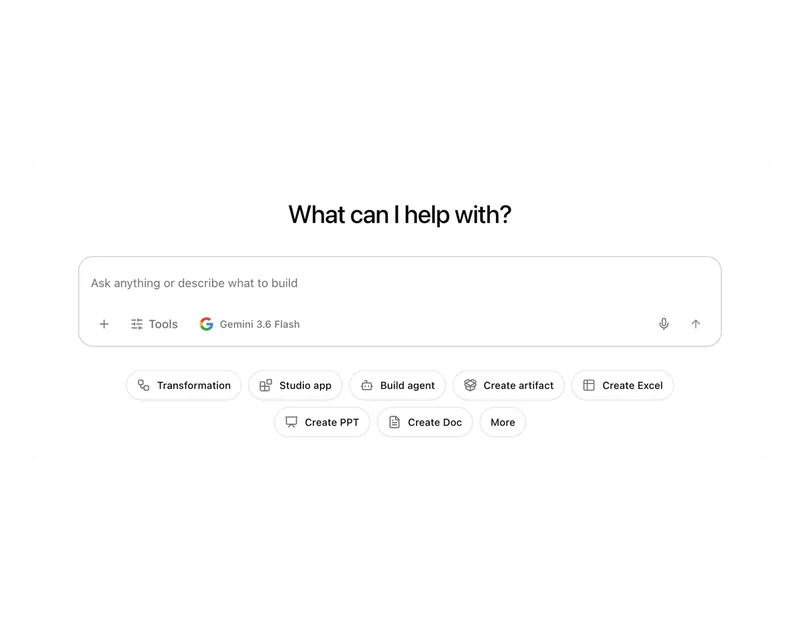
Workflows
Invoice review or onboarding: every step has an approval.
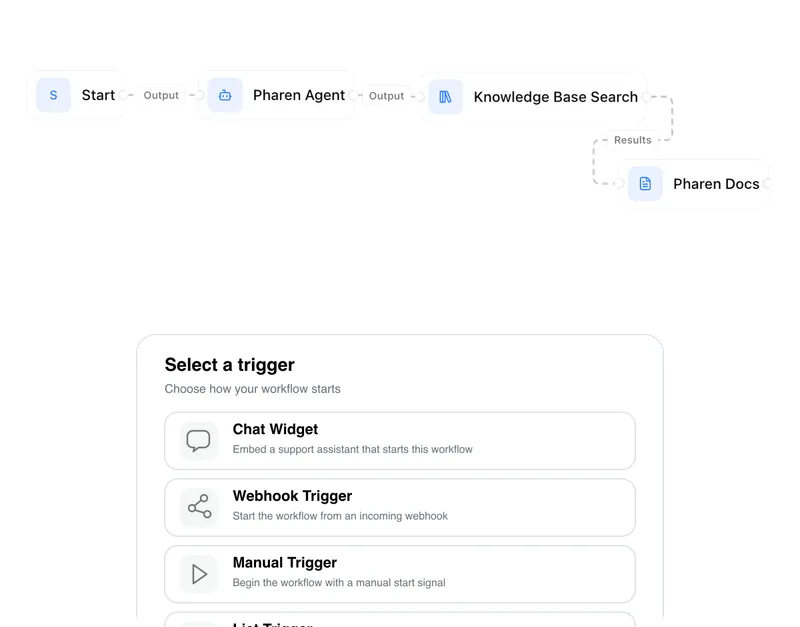
Agents
An agent researches, a person approves. You set the boundaries.
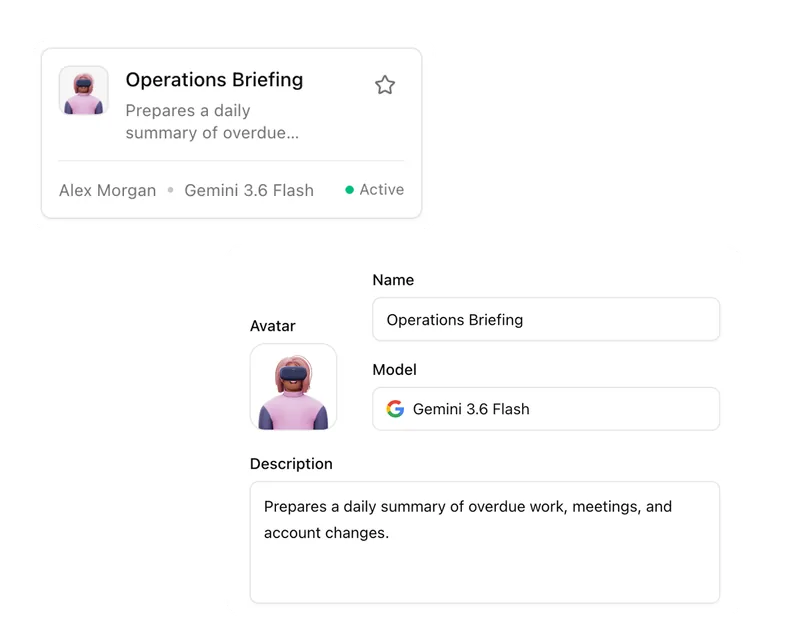
Projects
Bring goals, tasks, decisions and progress together.
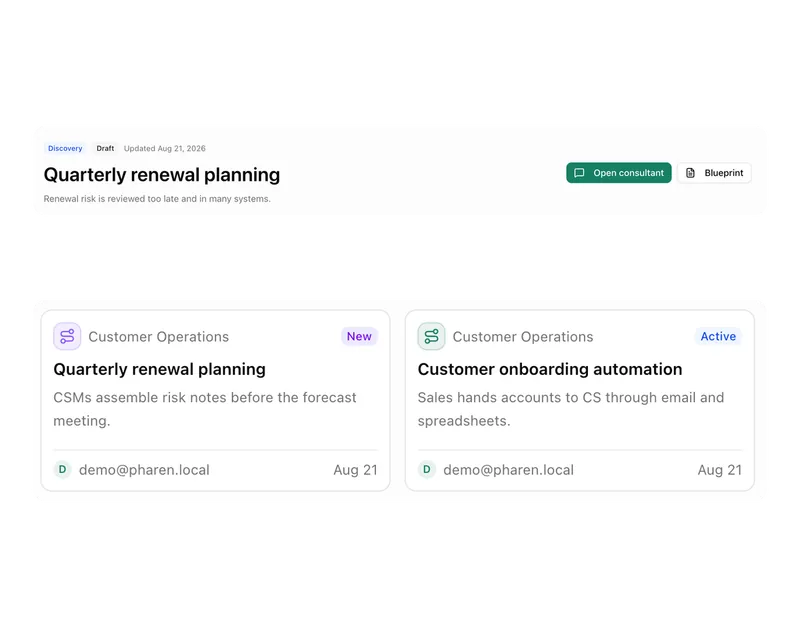
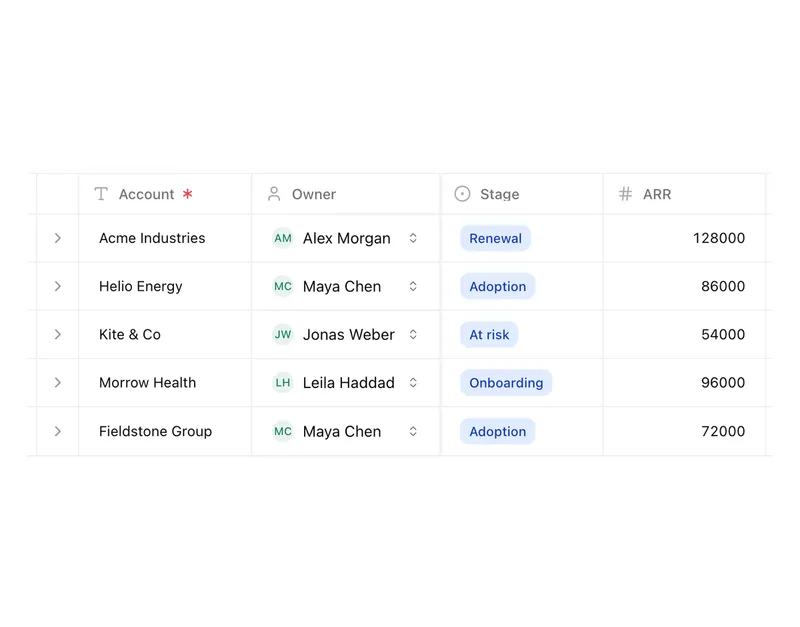
Lists
Orders, devices or applicants as a table, board or calendar.
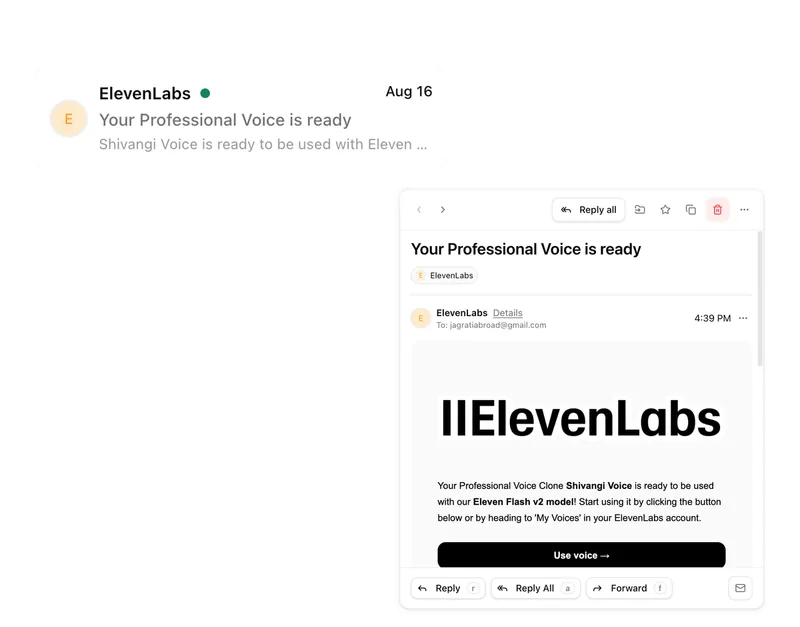
Connect messages directly with the work they belong to.
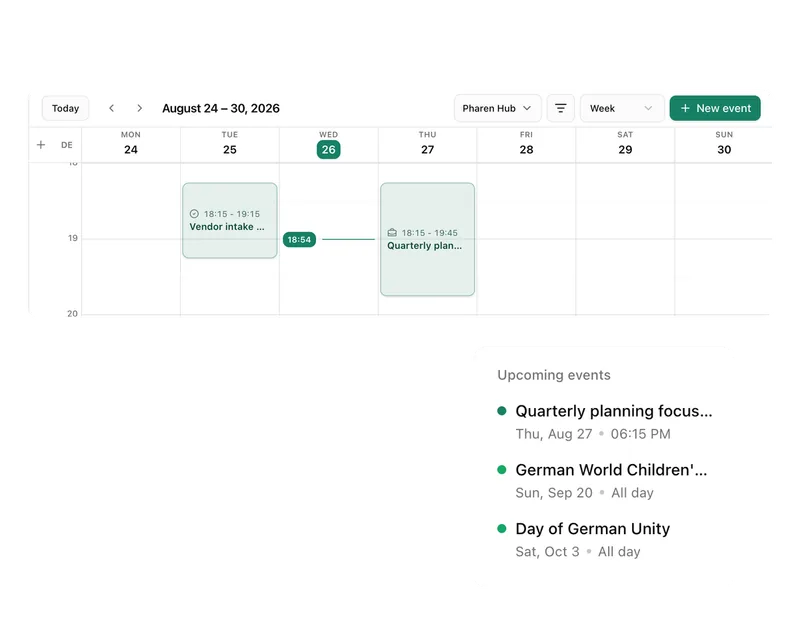
Calendar
Coordinate meetings, preparation and follow-ups.
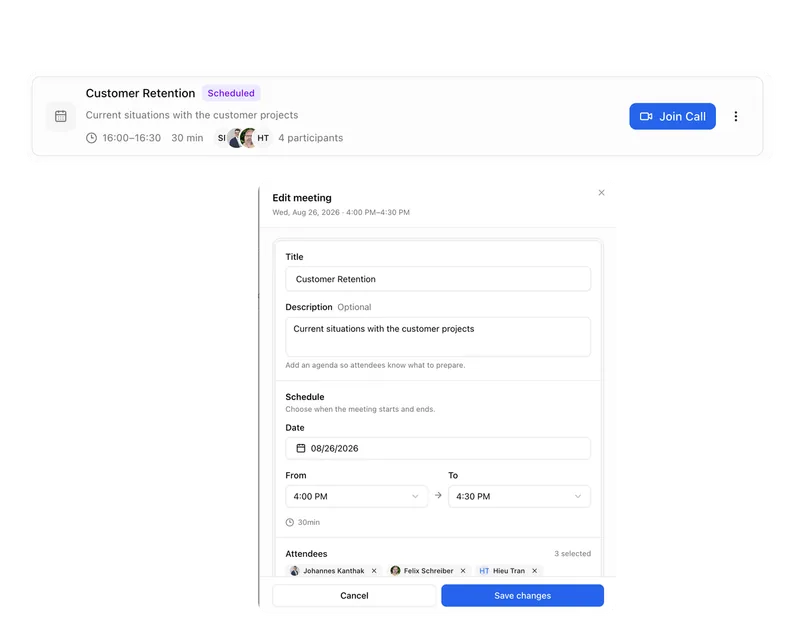
Meetings
Keep decisions and next steps attached to their context.
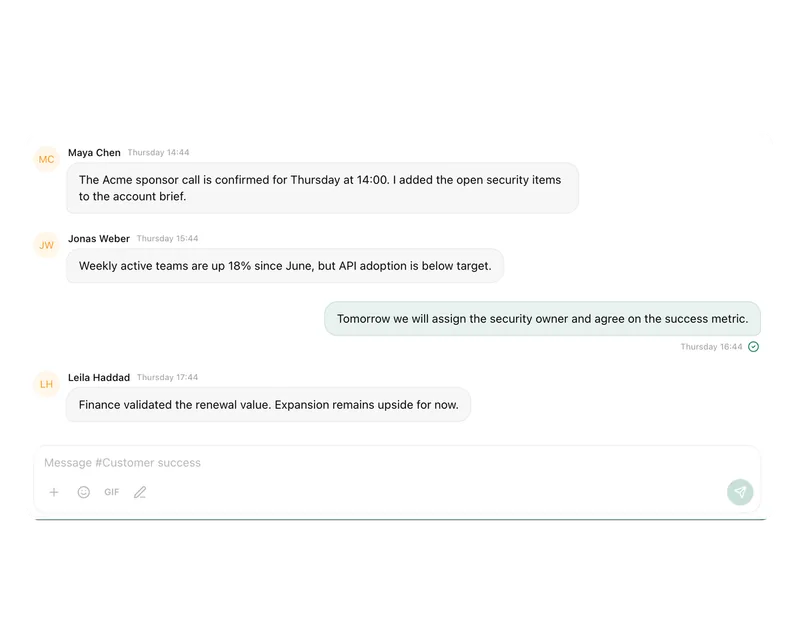
Channels
Keep team conversations close to projects and decisions.
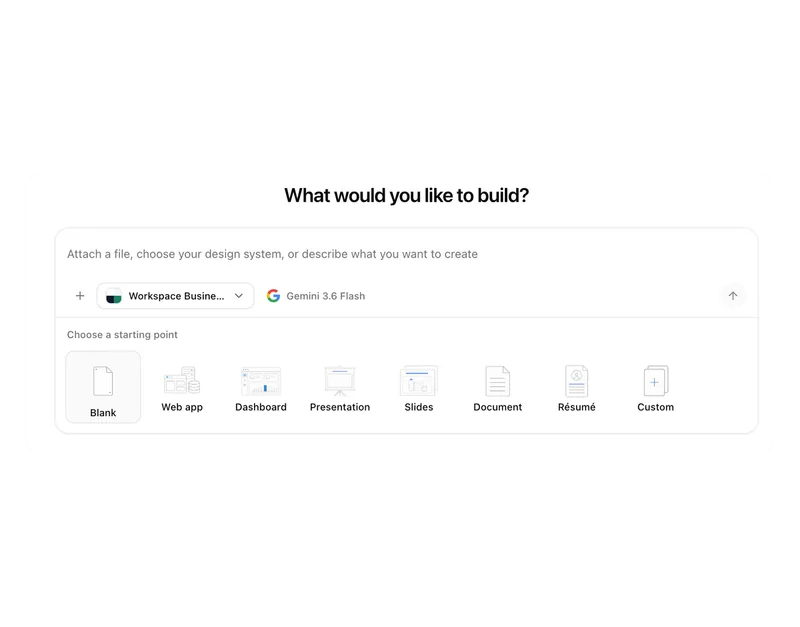
Studio
Build apps, tools, pages and prototypes in the workspace.
Docs
Create documents where knowledge and decisions already live.
Integrations
Connect existing systems and data with Pharen.
API
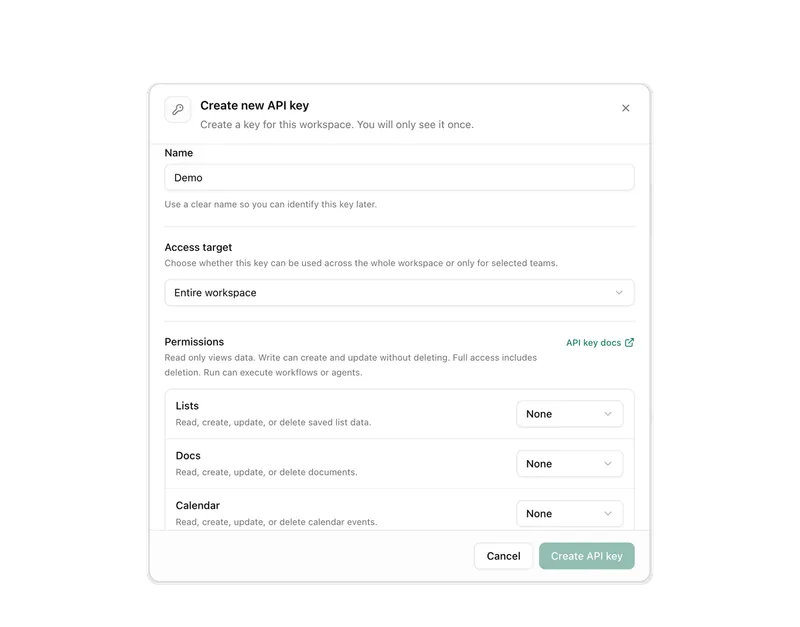
Bring data, actions and Agent runs into your own apps.
Current module: 1 / 13
Bring workspace context into every answer.
Bring a real question from your team's work. We will show you how Chat turns it into a useful next step.