

For work with a clear status.
Pharen Projects
Projects connects the goal, tasks, decisions and progress. Your team sees what is open, why it matters and what has already been decided.
Pharen IT GmbH · Updated:
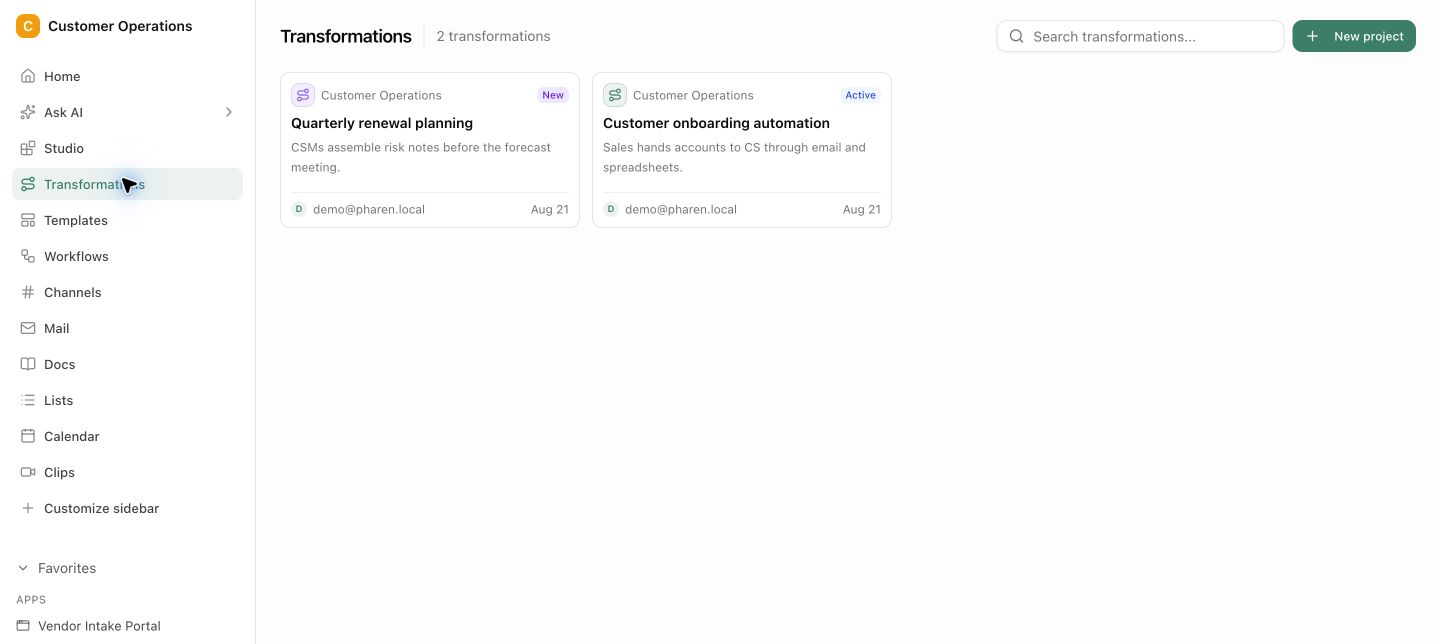
From goal to the next dependable stage.
Projects shows more than completed items. Sources, decisions and success criteria stay with the project so the team plans its next step from the same state.
Clarify the goal and success
Capture the problem, intended outcome and the signals that tell the team it has succeeded.
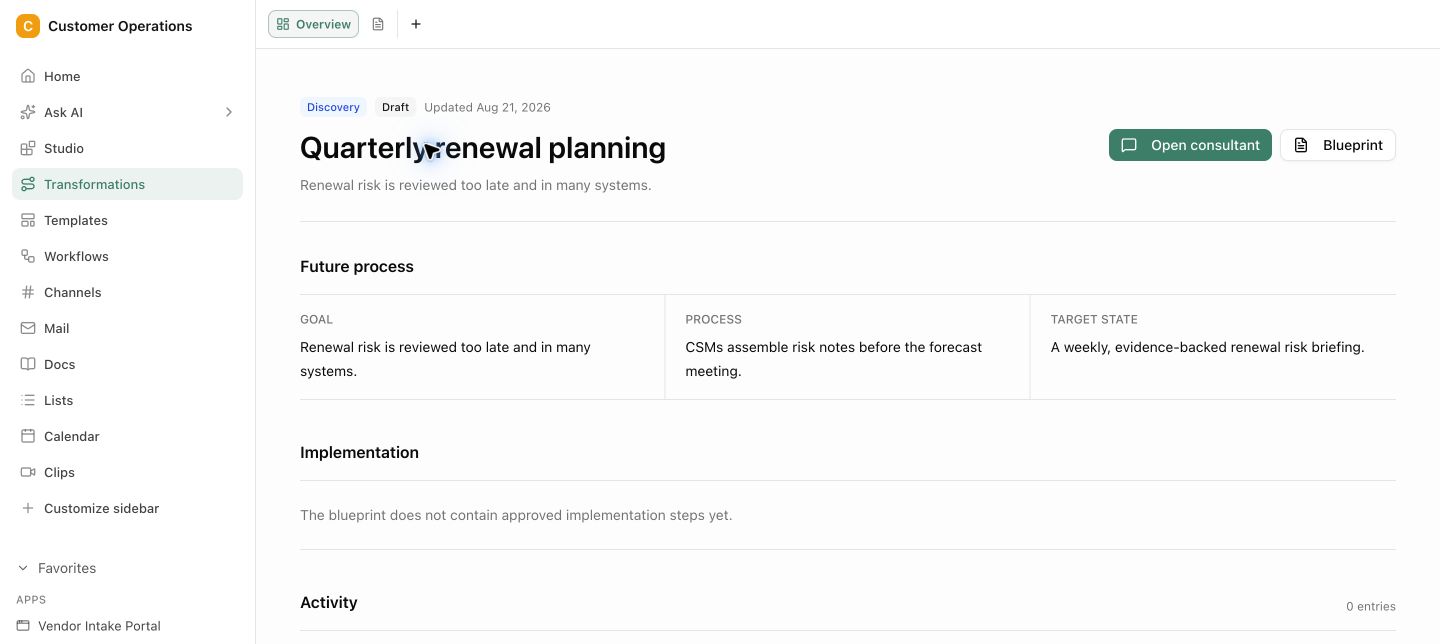
Connect work and context
Link tasks, knowledge, conversations and decisions so the bigger picture does not get lost.
Steer the next stage
Plan the next stage, spot blockers early and communicate progress from one shared project state.
Visible goals and success criteria
Decisions with their context · Progress built from tasks and outcomes
Goals, decisions and tasks remain connected.
Projects shows more than completed items. Sources, decisions and success criteria stay with the project so the team plans its next step from the same state.
Tasks show what needs doing. The reason often lives elsewhere.
When the goal, decisions and working state live apart, the project becomes a collection of open items. The team keeps moving, but the context and next dependable stage disappear.
Questions and answers
What a concrete workflow looks like
Website relaunch with agency, sales and management.
A building services provider with 120 employees is renewing its website. Marketing, sales, an external agency and management are involved. The last website is five years old, and nobody remembers why certain pages exist.
- The project starts with the goal, not the task list: more qualified enquiries from two product areas, measured through the contact form. That sits at the top of the project.
- Marketing links the existing context: analysis of the old pages, customer interviews as documents, the list of open enquiries from sales.
- The first stage is called Site structure. Tasks go to the agency and sales, each with an owner and a reference to the goal.
- In the project channel the team decides to drop the download area. The decision lands in the project's decision log with its reasoning.
- An agent summarises progress, completed tasks and blockers for management every week, from the real state of work instead of a hand-maintained status report.
- After launch, goal, decisions and results remain in the project. At the next relaunch the team understands why the structure is the way it is.
Tasks, decisions and the why sit in the same place. Management sees progress from real work, and the agency works from the same state as the internal team.
What belongs with it
A project is the frame where other modules come together. These connections keep goal and work side by side.
Modules in Pharen Hub
External systems
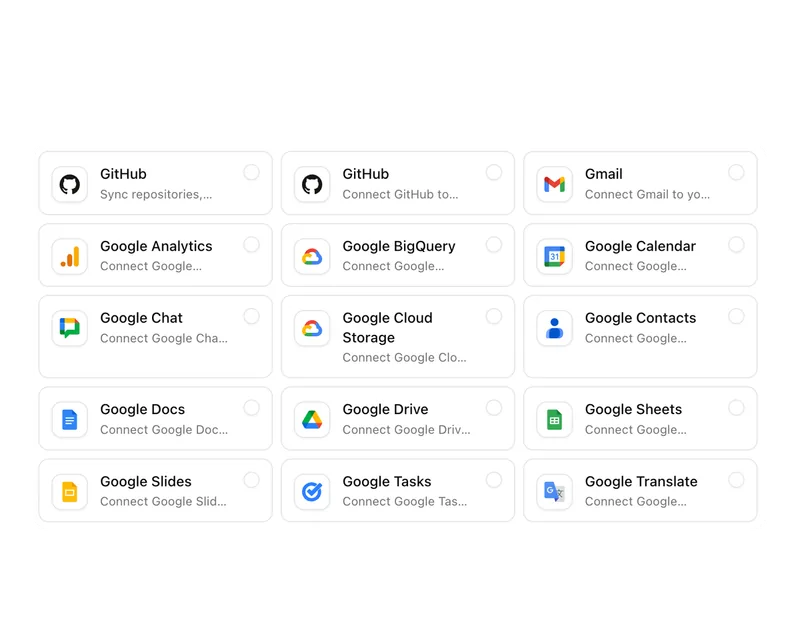
- File storage Documents from SharePoint, OneDrive or Google Workspace can stay linked on the project.
- Asana and Jira Teams already tracking tasks in other tools decide in the setup what gets migrated and what gets linked.
- Microsoft Teams and Slack External participants who work there can receive status and decisions, depending on the setup.
Frequently asked questions
Can external partners work in the project?
Yes, with a role that shares exactly the area they need. An agency sees its tasks, the relevant documents and the decisions that concern it, but no internal lists or mailboxes that do not belong to the project.
How is progress in the project calculated?
From tasks, stages and completed results, not from a manually maintained percentage. When a stage has finished its tasks, the roadmap shows it. Blockers become visible because tasks with deadlines remain open.
What distinguishes Projects from a task list?
A task list shows what needs doing. A project in Pharen Hub also shows why: goal, success criteria, decisions and the linked context. That is the difference between working through and steering.
When Projects is not enough
Projects gives an initiative structure and a clear status. But if the initiative is to introduce AI and automation in the company in the first place, and you do not yet know which processes are suitable, an empty project helps little. For that case there is our workshop, where we rank your processes by effort and benefit together.
See the workshopThe AI platform for businesses, in 13 modules.
From team chat to approval, the work stays attached to the same item. Status and next step are visible at any time.
Chat
Answers from your docs, mail and projects, not from the open web.
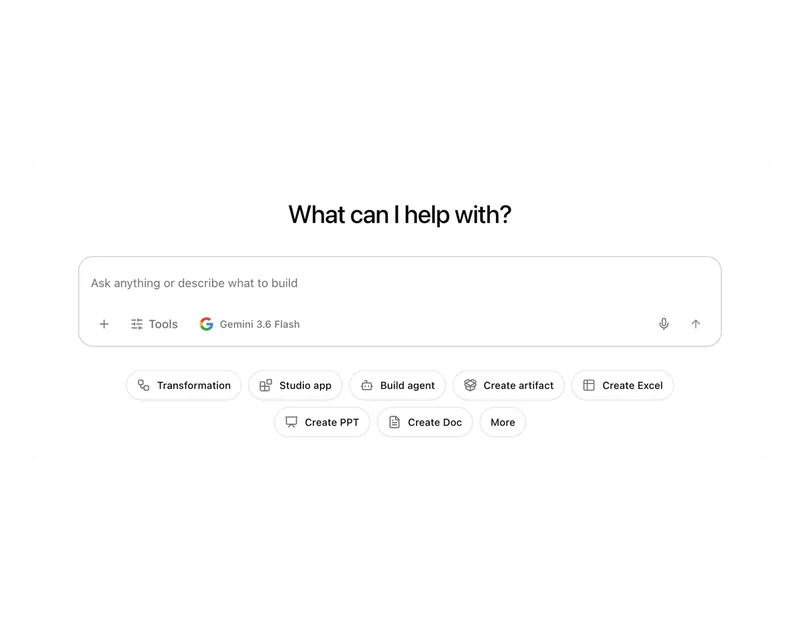
Workflows
Invoice review or onboarding: every step has an approval.
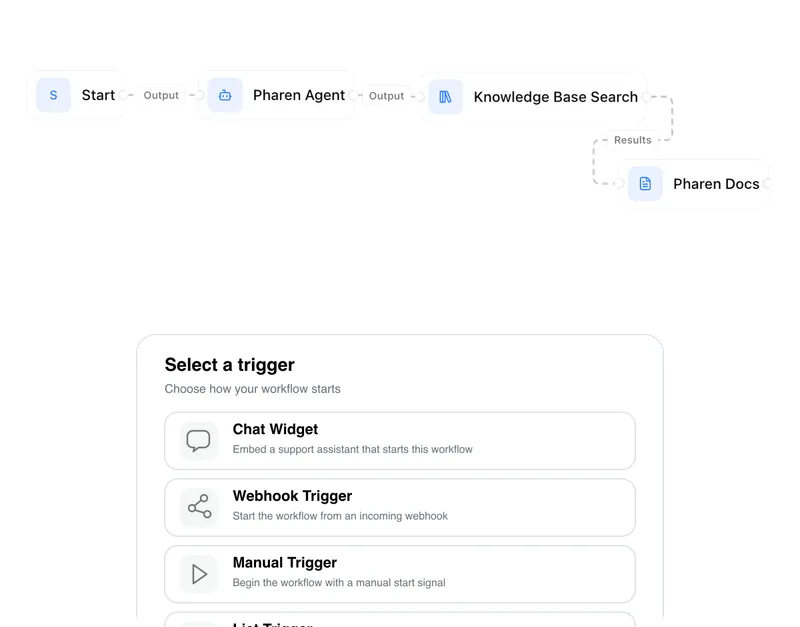
Agents
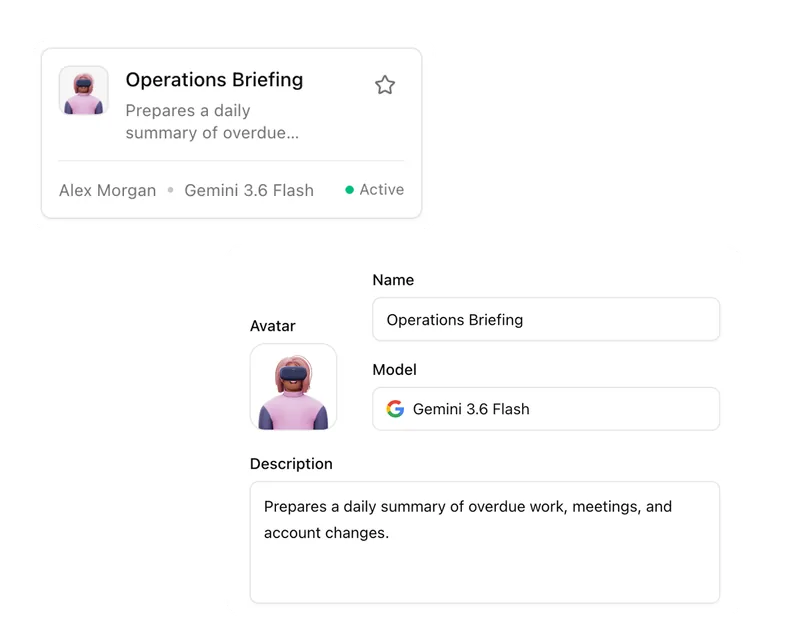
An agent researches, a person approves. You set the boundaries.
Projects
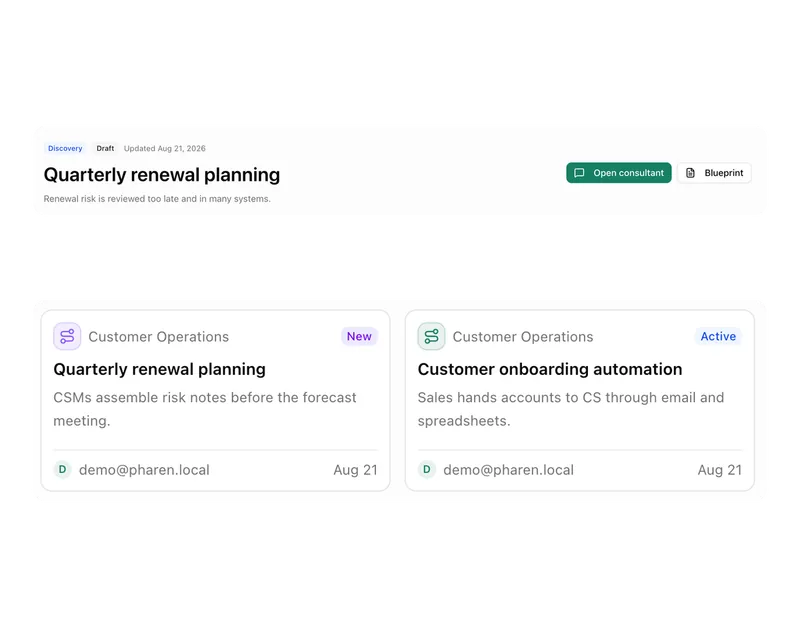
Bring goals, tasks, decisions and progress together.
Lists
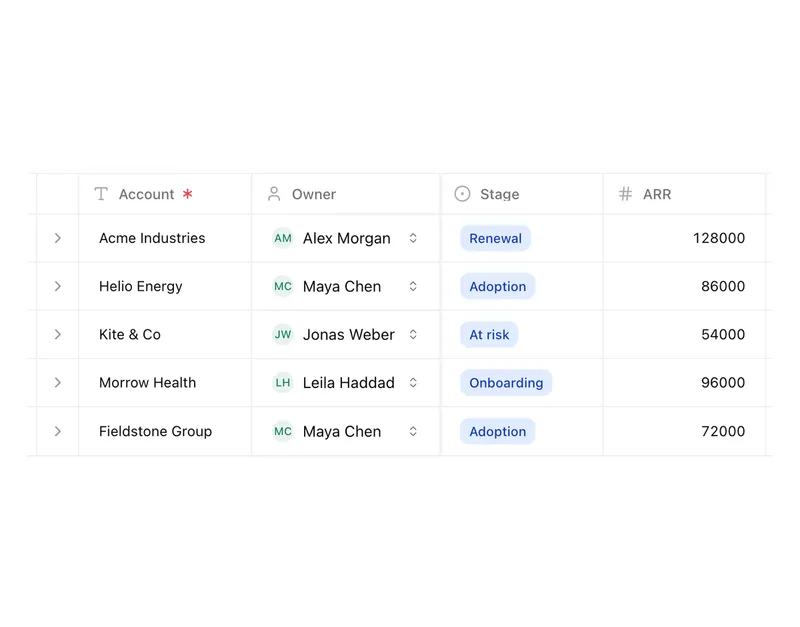
Orders, devices or applicants as a table, board or calendar.
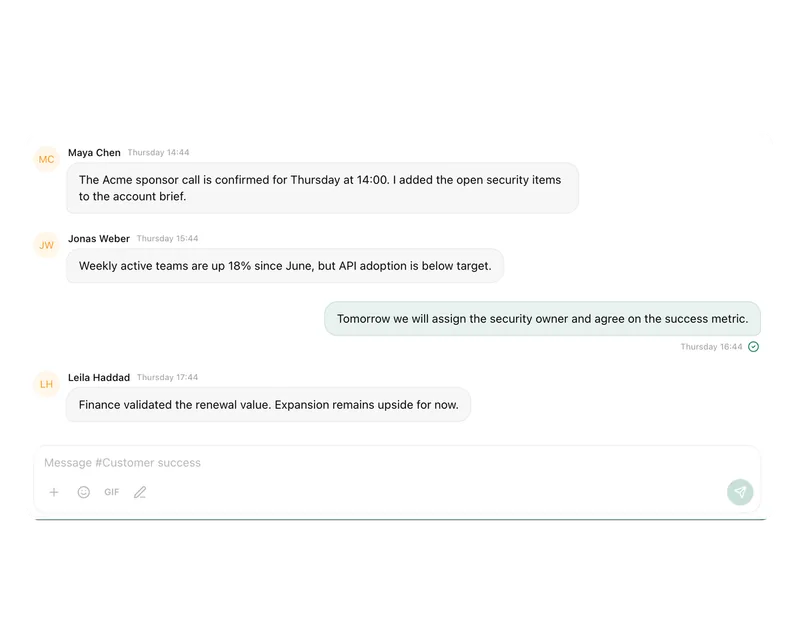
Connect messages directly with the work they belong to.

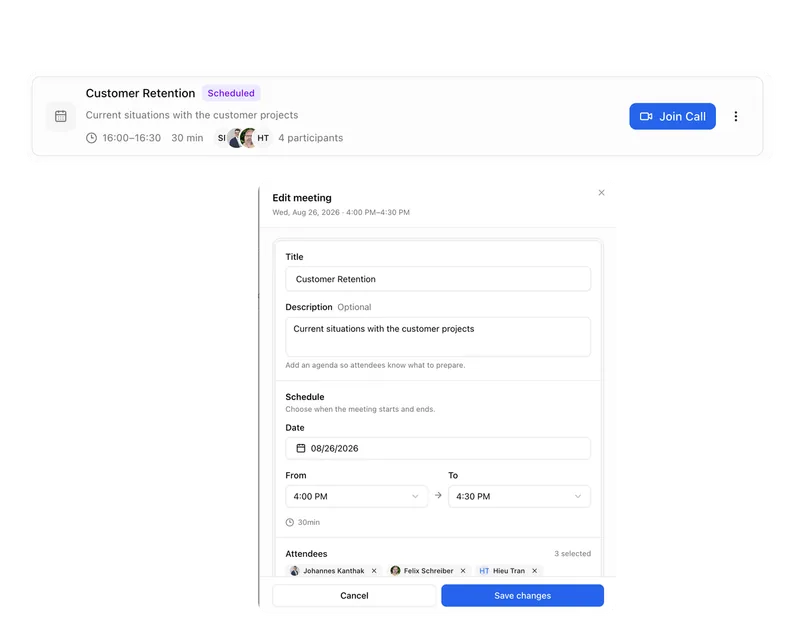
Calendar
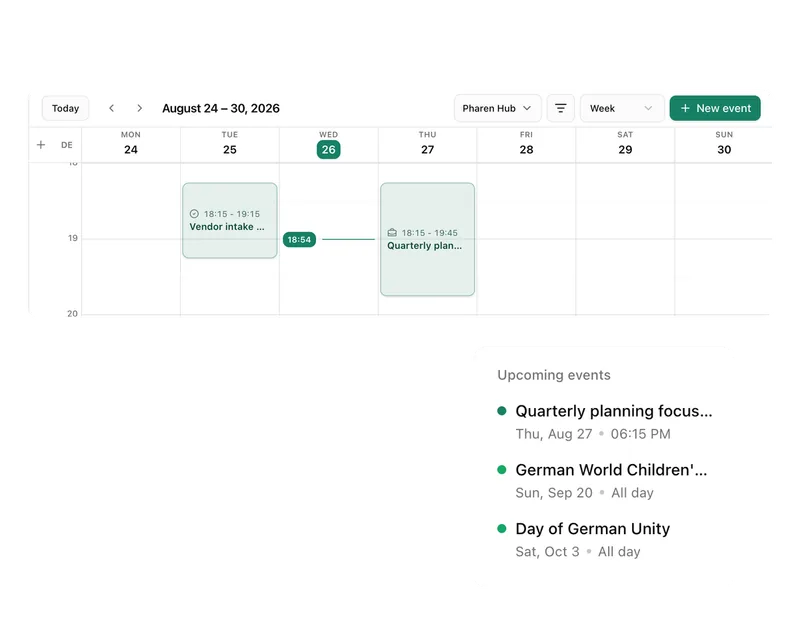
Coordinate meetings, preparation and follow-ups.
Meetings
Keep decisions and next steps attached to their context.
Channels
Keep team conversations close to projects and decisions.
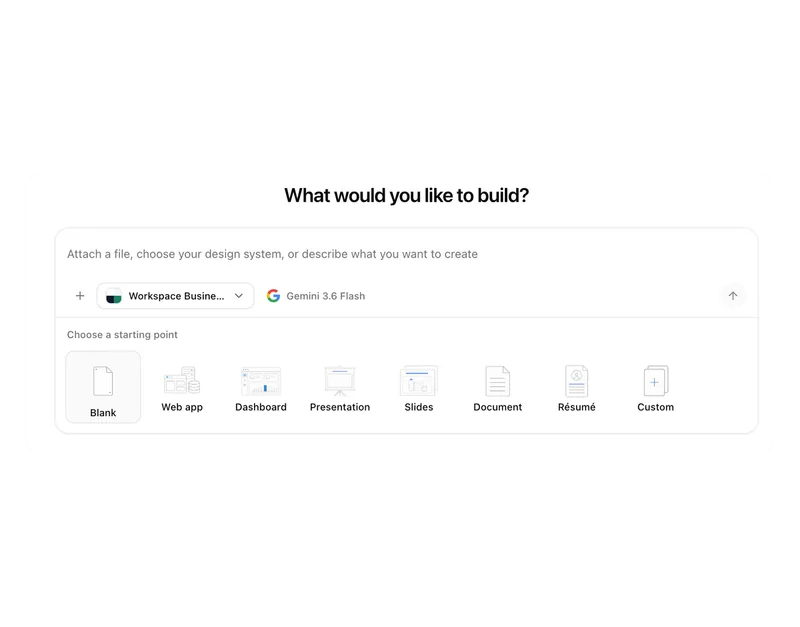
Studio
Build apps, tools, pages and prototypes in the workspace.
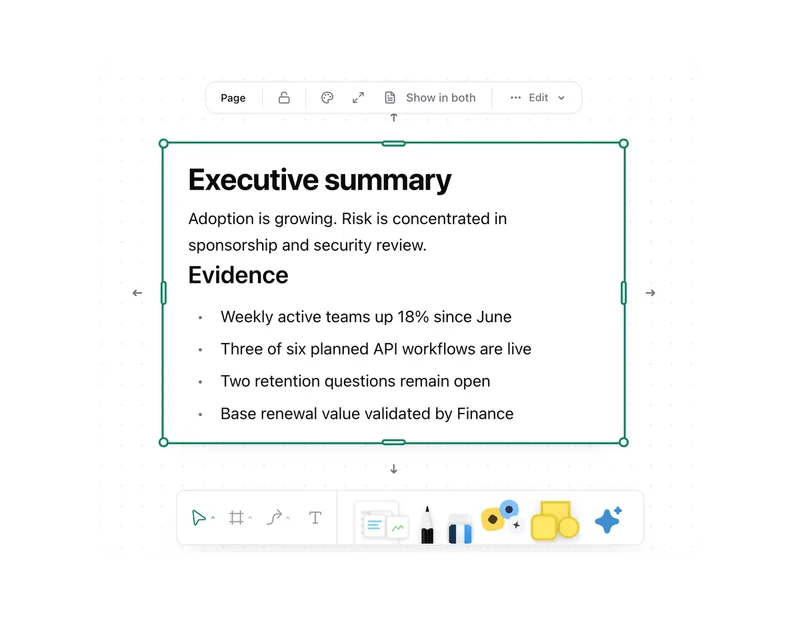
Docs
Create documents where knowledge and decisions already live.
Integrations
Connect existing systems and data with Pharen.
API
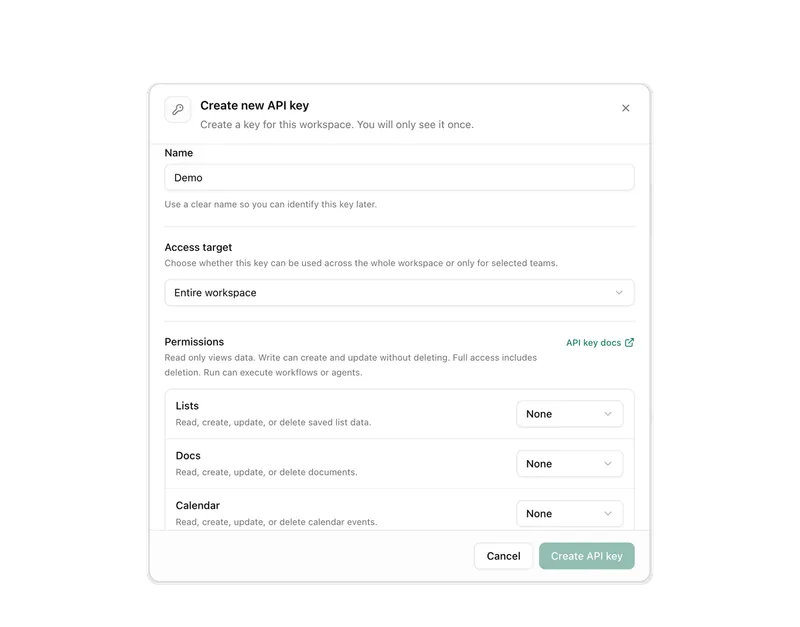
Bring data, actions and Agent runs into your own apps.
Current module: 1 / 13
Give your next project more than a task list.
Show us a project where context, decisions and progress are currently pulling apart.