

Use cases in Pharen Hub
Each use case shows one workflow in Pharen Hub step by step, with real screens from the Hub.
-
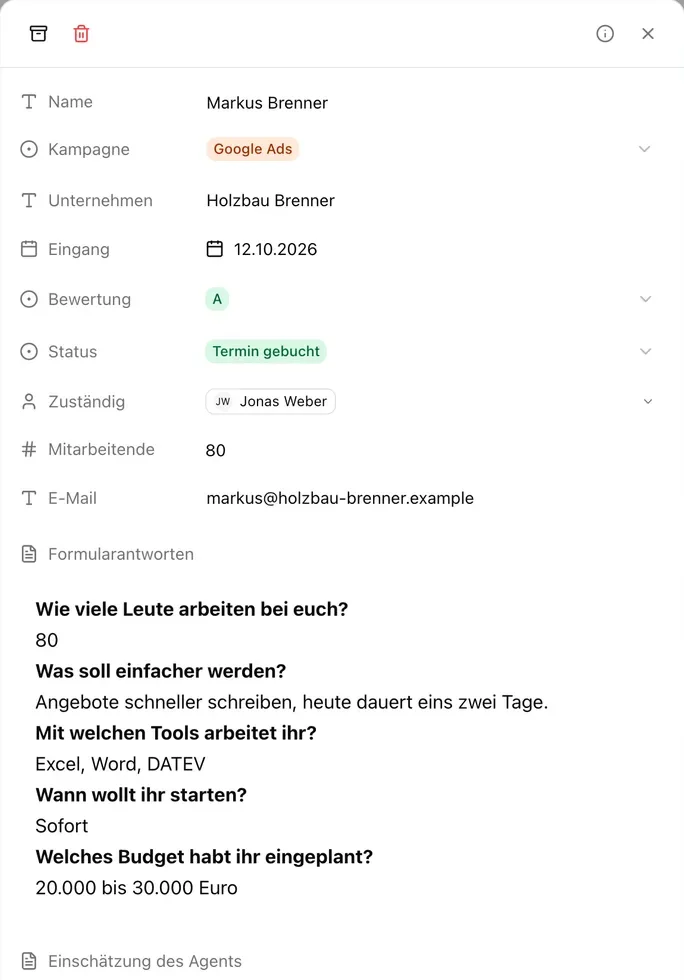 Sales 6 steps
Lead management
New enquiries land in one list. An agent grades them, and a workflow passes the good ones to sales with a booked call and a reply draft.
Lists · Agents · Workflows · Calendar View -
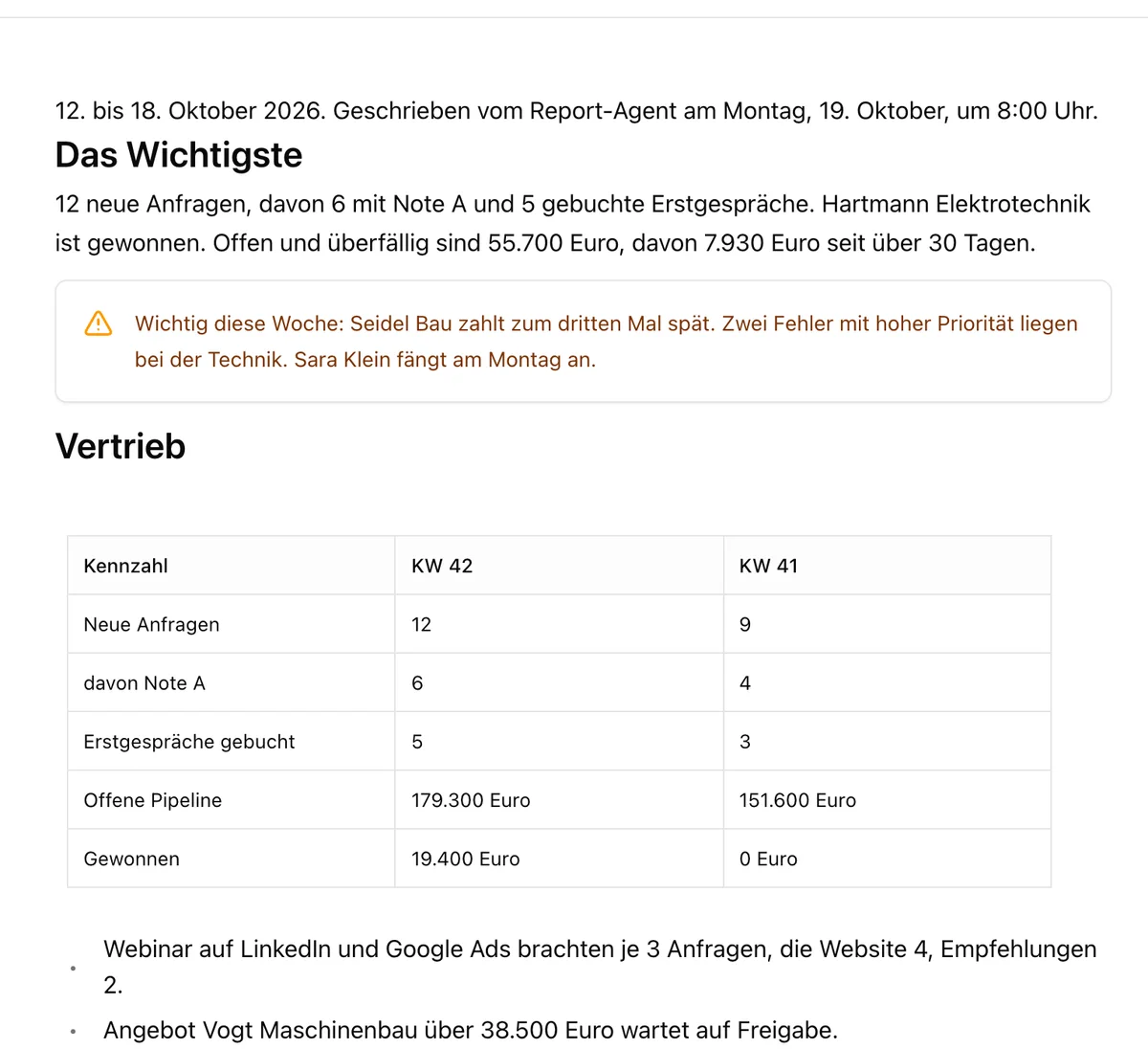 Leadership 4 steps
Management report
Every Monday at 8 am a workflow collects the numbers from four lists. An agent writes the report, and leadership gets it in their channel.
Workflows · Agents · Docs · Channels View -
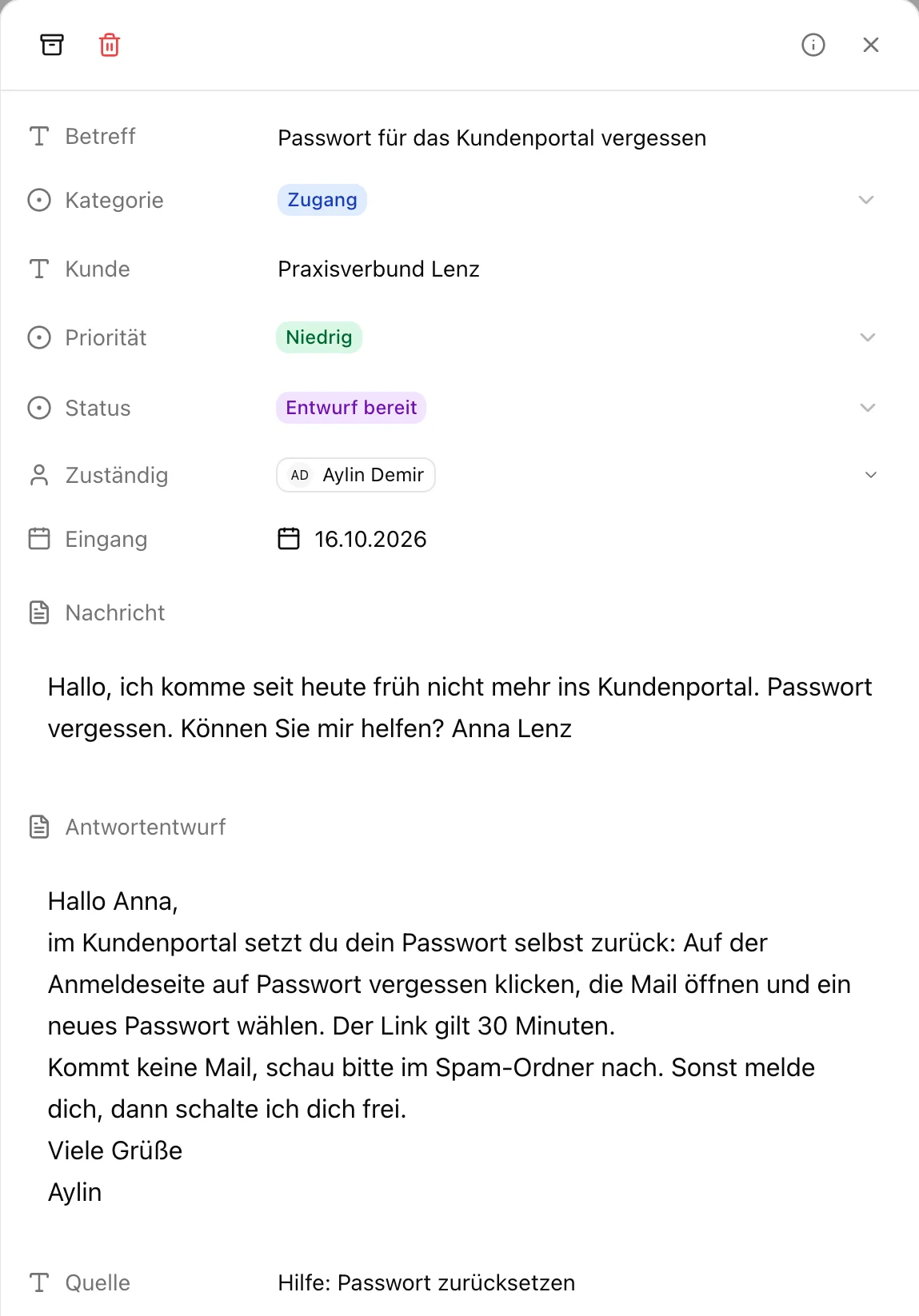 Service 5 steps
Customer support
New requests get sorted. An agent drafts replies from your help articles, bugs go to engineering and complaints to a person.
Lists · Agents · Knowledge · Channels View -
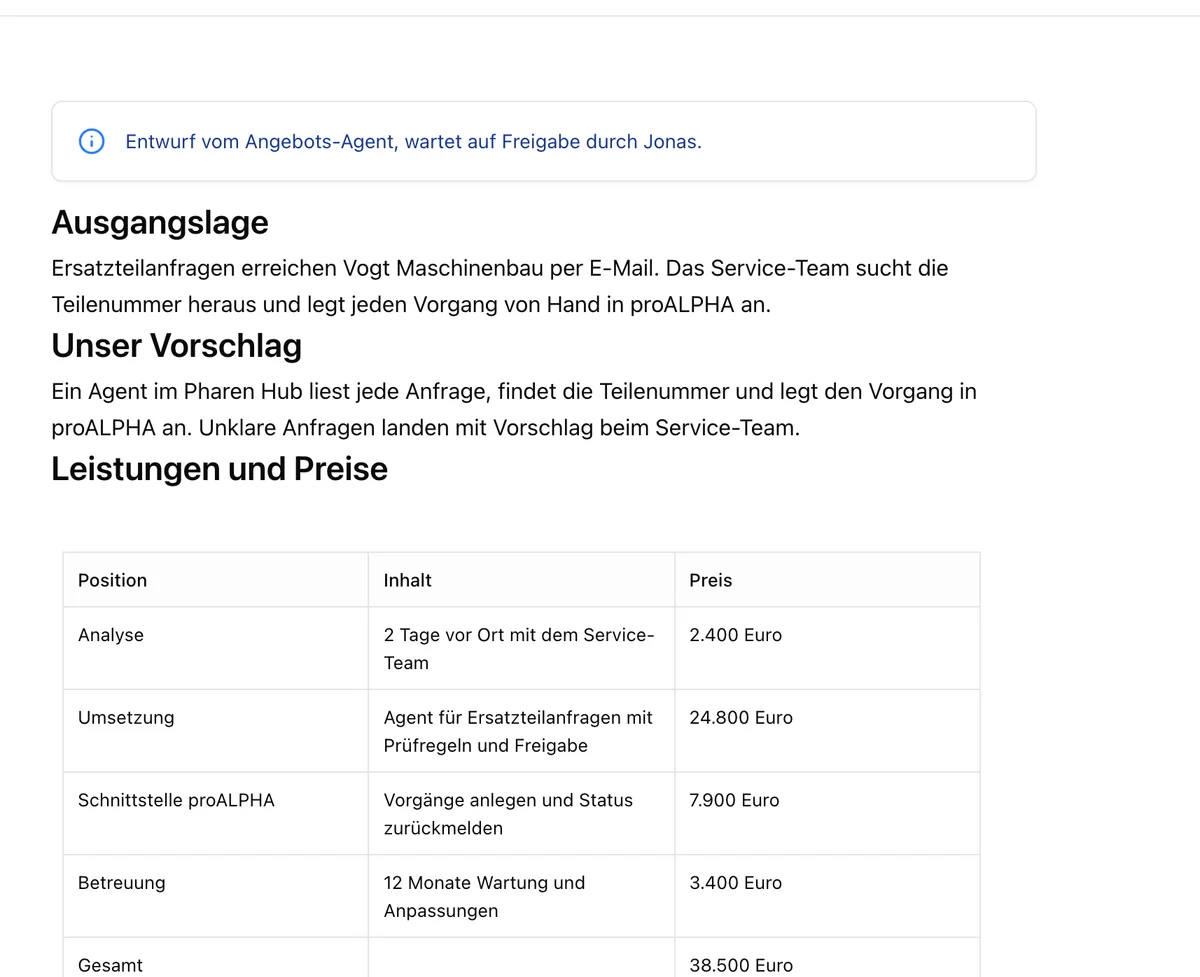 Sales 5 steps
Sales proposals
When a deal is qualified, one agent writes the company profile and another drafts the proposal from your template. Sales approves it in the channel.
Lists · Agents · Docs · Channels View -
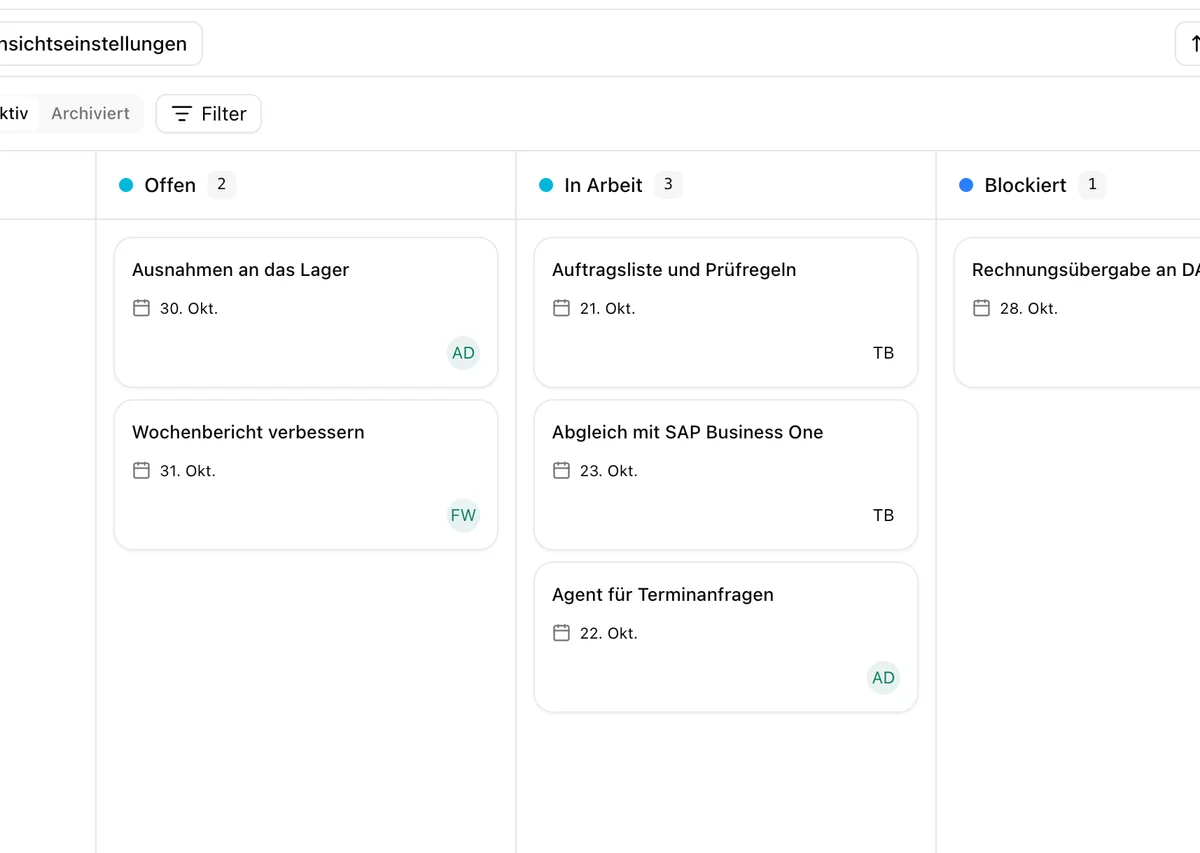 Projects 5 steps
Project time tracking
The team logs time against projects and tasks. A workflow reminds people about gaps, and the billing journal works out the hours per client at your rates.
Lists · Workflows · Studio · Templates View -
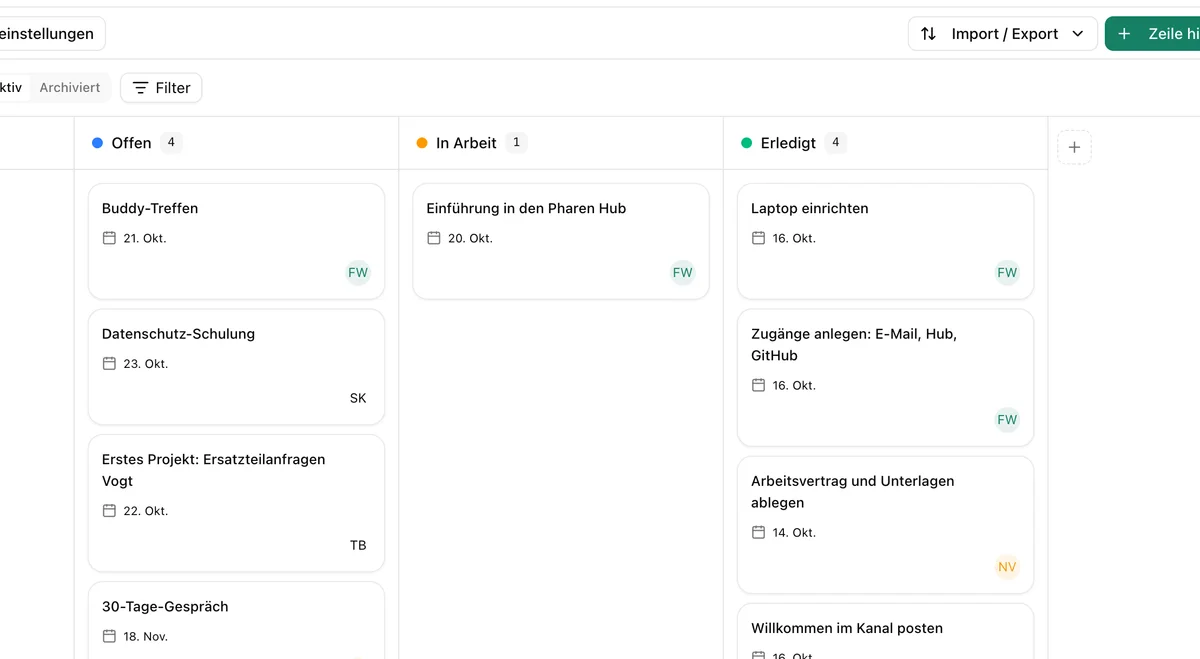 People 5 steps
Onboarding
A new person in the list starts the onboarding: tasks, the first week's meetings, a welcome in the channel and an agent that answers questions from the handbook.
Lists · Calendar · Channels · Agents View
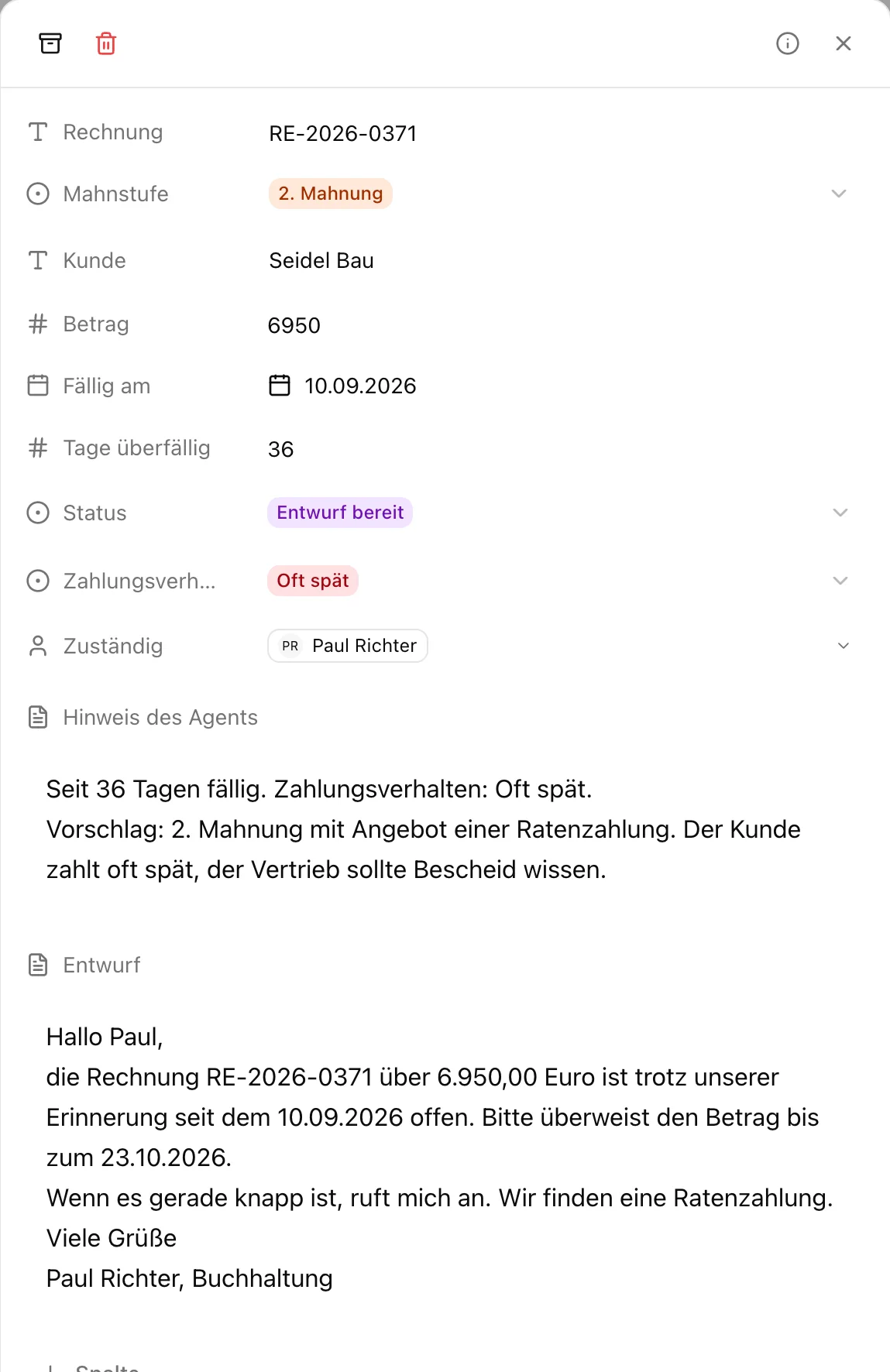
What are your plans for AI? Let's talk about it.
Whether it is strategy, training or delivery, you talk to our founder Johannes for 30 minutes. There is nothing to prepare.

We have already worked with more than 50 clients.
How the call works