

In short
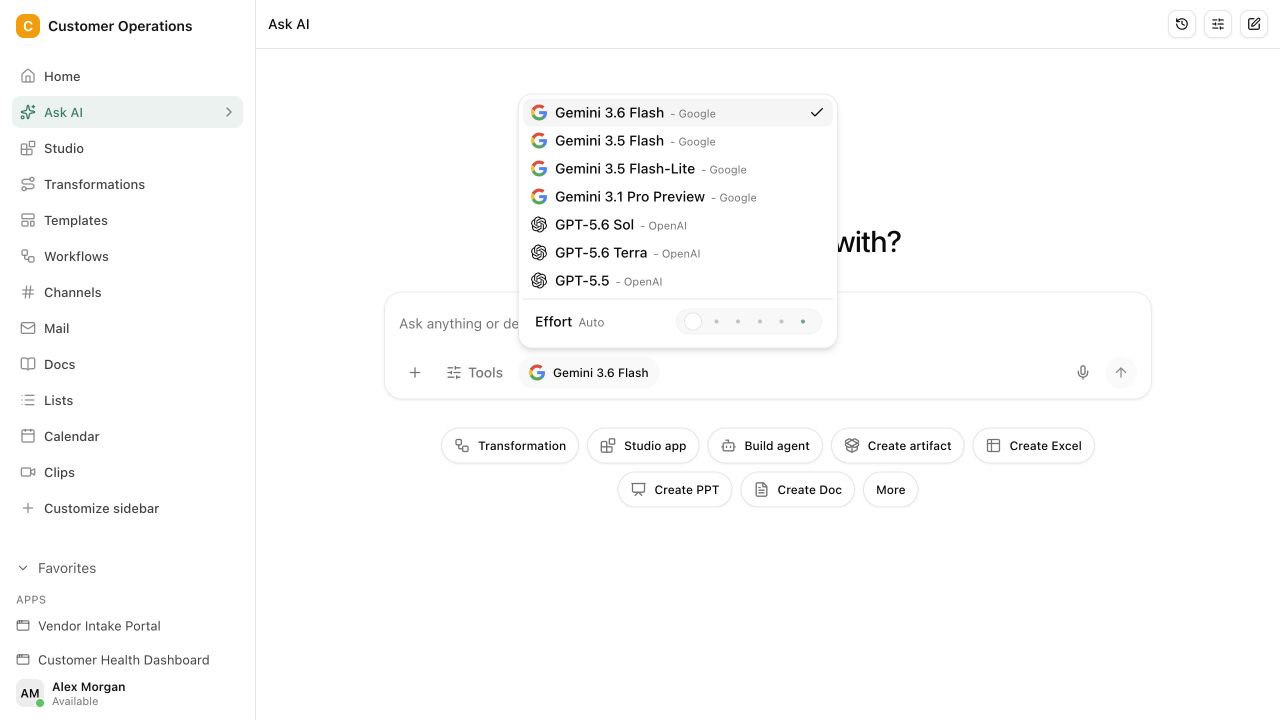
Companies look for a Microsoft Copilot alternative for three reasons: they want to choose the model themselves, run the platform outside a US cloud, or not pay €26 per user and month on top of the Microsoft 365 licence. Microsoft 365 Copilot runs in the EU Data Boundary, and Anthropic models are excluded from it. Copilot cannot be self hosted, and Microsoft decides the models.
Alternatives from Germany are Langdock (€25), DeutschlandGPT (€24, Open Telekom Cloud) and innoGPT. Pharen Hub is an Open Fair-Code AI workspace from Germany with team chat, projects, documents, workflows and AI agents, billed per workspace and self hostable with a licence from €20. All figures as of 19 September 2026.
€26 per user and month, on top of the Microsoft 365 licence. That is the list price of Microsoft 365 Copilot. For 30 people that is €780 a month before anyone has checked whether the AI helps with your own processes. If you are looking for a Microsoft Copilot alternative, you usually have a second reason: Microsoft decides model choice and operation.
We are a vendor ourselves, and Pharen Hub is in the list. Every statement about the others comes from their own pages, checked on 19 September 2026. And up front: if your company works entirely in Microsoft 365, Copilot is the obvious first test.
What does Microsoft 365 Copilot do, and where are the limits?
Copilot works where your documents and mail already live. That is its strength. Microsoft lists ISO 27001 and ISO 42001 and offers a Data Protection Addendum.
Three limits follow from the vendor’s own statements:
- Hosting. Copilot runs in the EU Data Boundary. According to Microsoft Learn, Anthropic models are excluded from it.
- Model choice. Microsoft provides the models. You cannot connect your own or self hosted models.
- Operation. Copilot cannot be self hosted. The contract partner is a US company.
Sources: Microsoft 365 Copilot pricing, Microsoft Learn on Copilot privacy.
Which Microsoft Copilot alternative fits companies in Germany?
| Vendor | Headquarters | Hosting | Self hosting | Models | Price |
|---|---|---|---|---|---|
| Microsoft 365 Copilot | USA | EU Data Boundary, Anthropic models excluded | No | Provided by Microsoft | €26 per user and month as an add-on |
| Langdock | Germany | EU on Microsoft Azure | Single tenant from 2,000 seats, on-premise from 5,000 | More than 40 models, own API keys possible | Business €25 per user and month |
| DeutschlandGPT | Germany | Open Telekom Cloud, Magdeburg and Biere | No | GPT, Claude, Gemini, Llama, Mistral | Business €24 per user and month |
| innoGPT | Germany (Vechta) | AWS Frankfurt | Not confirmed on the security page | More than 50 models | No public price list |
| Mistral Vibe | France | EU by default | Yes, on the Enterprise plan | Mistral models | Team $24.99 per user and month |
| Pharen Hub | Germany (Leipzig region) | Managed cloud or your own environment (Hetzner, Azure, AWS, Google Cloud, your own server) | Yes, licence from €20 | Selected, customer-owned, self-hosted or OpenAI-compatible models | Free, Starter €25, Team €79, Pro €199 per workspace and month |
Sources: Langdock Security, Langdock pricing, DeutschlandGPT security, DeutschlandGPT pricing, innoGPT data protection and security, Mistral pricing, Pharen pricing.
One detail often gets lost. Langdock is a German company, but it hosts on Microsoft Azure in the EU. If you leave Copilot in order to leave the Microsoft cloud, Langdock does not get you there. DeutschlandGPT hosts in the Open Telekom Cloud, and Pharen Hub runs on Hetzner or your own server if you want.
Is a Copilot alternative hosted in Germany automatically GDPR compliant?
No. No platform is GDPR compliant by itself; your specific use becomes compliant. Models from OpenAI, Anthropic or Google run behind almost every platform. Even with hosting in Germany, the model provider then remains a US company. That applies just the same to a self hosted Pharen Hub with a US model behind it. If you want to rule that out, connect your own or a self hosted model.
Your own duties stay in every case: legal basis, processing agreement under Art. 28 GDPR, and a data protection impact assessment for sensitive uses. The steps to check are under GDPR compliant AI.
Replace Copilot or add to it?
Copilot is an assistant in Word, Outlook and Teams. The chat platforms Langdock, DeutschlandGPT and innoGPT replace that assistant with an interface of their own and several models. Office is not affected by that.
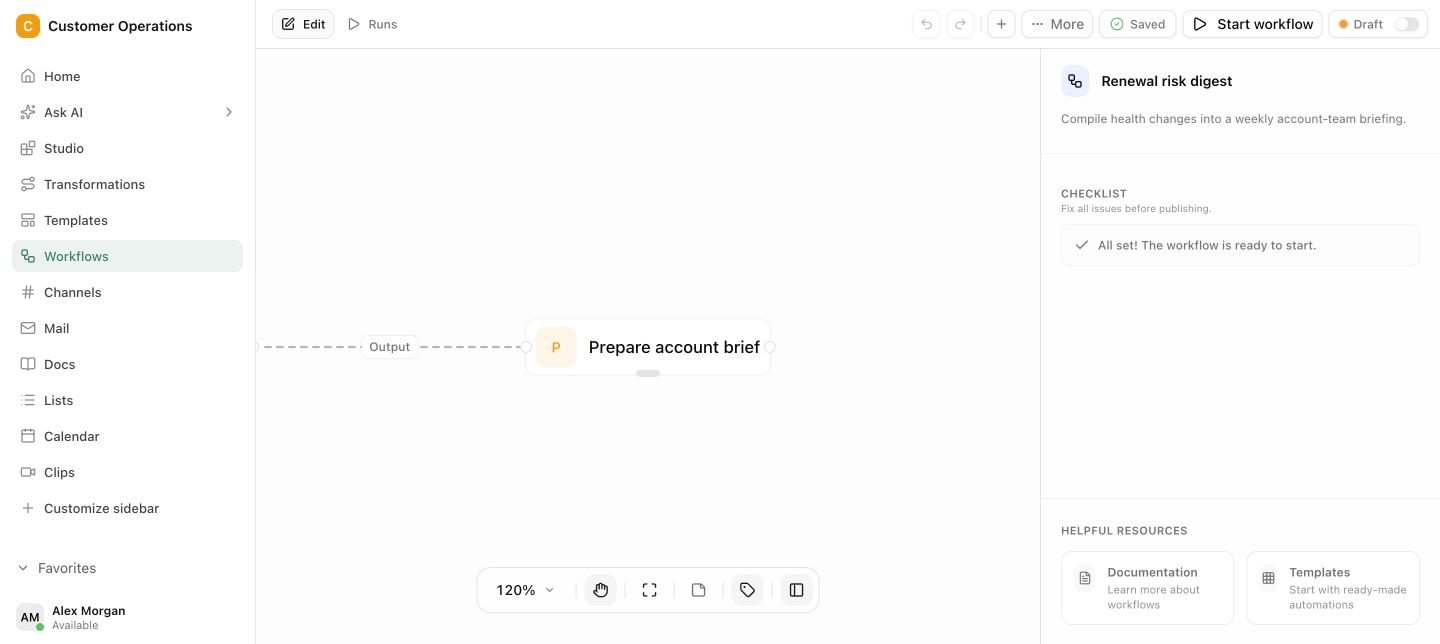
Pharen Hub starts in a different place. It does not replace Office. It replaces the side stack next to it: team chat, project management, wiki and automation. Channels, Docs, Lists, Workflows and AI agents sit in one workspace, and agents work with roles and approvals. The full comparison is under Pharen vs. Microsoft 365.
What does the alternative cost for 30 people?
Copilot comes to €780 a month for 30 people plus the Microsoft 365 licences. Langdock Business comes to €750, DeutschlandGPT Business to €720. Pharen Hub on the Pro plan costs €199 plus AI consumption, which depends on your usage. Whether that ends up cheaper depends on which other subscriptions you can cancel. The cost comparison runs it with your numbers.
When is Copilot still the right choice?
- Your company works entirely in Microsoft 365, and the AI should write and search exactly there.
- A vendor ISO certificate is a purchasing condition. Pharen Hub does not currently list an ISO 27001 certification.
- Model choice and self hosting do not matter to you.
The full comparison of nine platforms, with scope and certificates, is in the AI platform comparison 2026.
Frequently asked questions
Is there a GDPR-compliant alternative to Microsoft Copilot that is hosted in Germany?
DeutschlandGPT hosts in the Open Telekom Cloud in Magdeburg and Biere, innoGPT on AWS in Frankfurt. Pharen Hub runs in the managed cloud or in your own environment, for example at Hetzner or on your own server. Whether the use is GDPR compliant also depends on the connected model and your contracts.
Can I host Microsoft Copilot myself?
No. Microsoft 365 Copilot cannot be self hosted. Of the alternatives we checked, Pharen Hub (licence from €20), Mistral on the Enterprise plan and Langdock from 5,000 seats let you run the platform yourself. Details are in the guide to the on-premise AI platform.
Is Copilot unproblematic because of the EU Data Boundary?
The EU Data Boundary governs where data is stored and processed. According to Microsoft Learn, Anthropic models are excluded from it. It does not replace your own check of legal basis, data processing and types of data.
Can we keep Microsoft 365 and still use an alternative to Copilot?
Yes. All the alternatives named here run next to Microsoft 365. Office stays, only the Copilot add-on goes.
So the €780 for 30 people is not the only calculation. What matters is whether you want to decide model and operation yourself. If you want to test that with a process of your own, talk to us or start on the free plan.
